Radial Bar Chart PowerPoint And Google Slides Themes
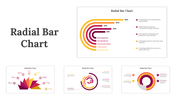
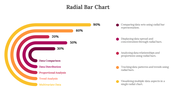
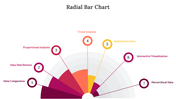
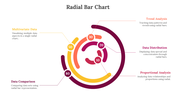

Creative Radial Bar Chart Template
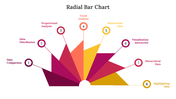
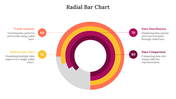
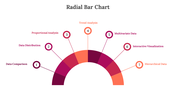
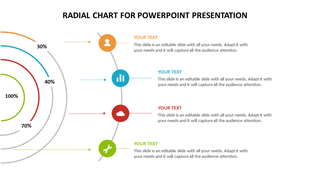
The Radial Bar Chart is a popular choice for visualizing complex data. Its flexibility allows you to present a range of different parameters or data over time. With the best customization options available, it is easy to convert it into an interactive learning tool.
About this template
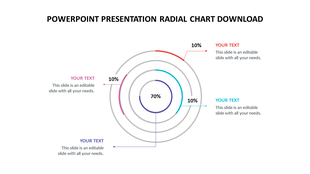
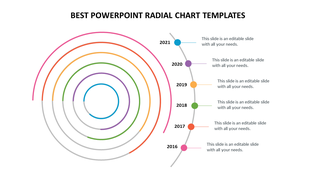
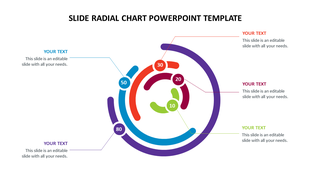
The Radial Bar Chart presentation template is a five noded slide. You can easily customize the graphic to add data and text to it, and your audience will be engaged in the presentation. The colors and designs used in the design are eye-catching. It allows you to edit the shape and color of the bars. Download Now!!
Features of this template
- It is 100 % customizable slides and easy to download.
- The Slides are available in different nodes & colors.
- The template is contained in 16:9 and 4:3 format.
- It is easy to change the slide colors quickly.
- It is a well-crafted template with an instant download facility.
- The best PowerPoint theme template.
More Collections for Radial Bar Chart PowerPoint
Recommended based on this template.









Similar Templates to Radial Bar Chart PowerPoint
Showing36 of69,218 templates