
What if your Presentations
could interact back?
Turn your presentation into a two-way conversation. Ask questions, and let your audience answer from their phones while you present.





What is SlideEgg Interactive?
SlideEgg Interactive turns traditional presentations into engaging experiences. Start with your existing PPT, create from scratch, use AI, or pick a template - then add interactive elements wherever you want your audience involved.
Normal Presentation
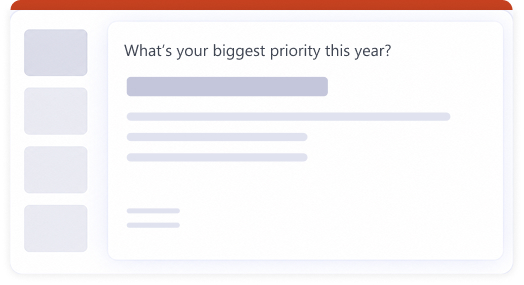
- Static slides
- One-way communication
- Audience watches
- Limited participation

SlideEgg Interactive
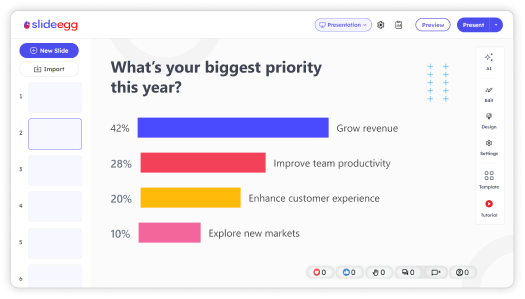
- Interactive slides
- Two-way communication
- Audience participates
- Real-time engagement


From PPT to interactive in a few simple steps.
Build your slides like you always do. Share a code with the room.
Get the results emailed to you when you're done.
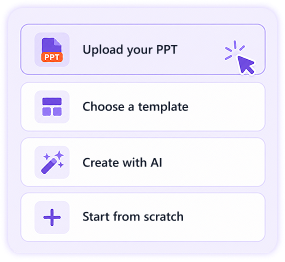
Import or create your deck
Bring in your existing PowerPoint, start a fresh deck with any content slide type, or let AI draft it from a prompt.
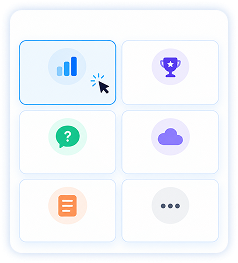
Pick your interactive slides
Drop in polls, quizzes, word clouds,or Q&A between your content slides as many as you like.
Share the QR with your audience
They scan the code on your slide to join instantly — no install, no login required.
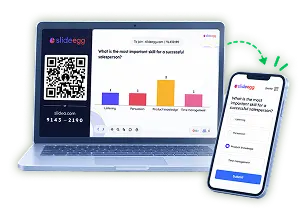
Present and see the room react
Watch answers, votes, and questions appear live on your slide as you present.

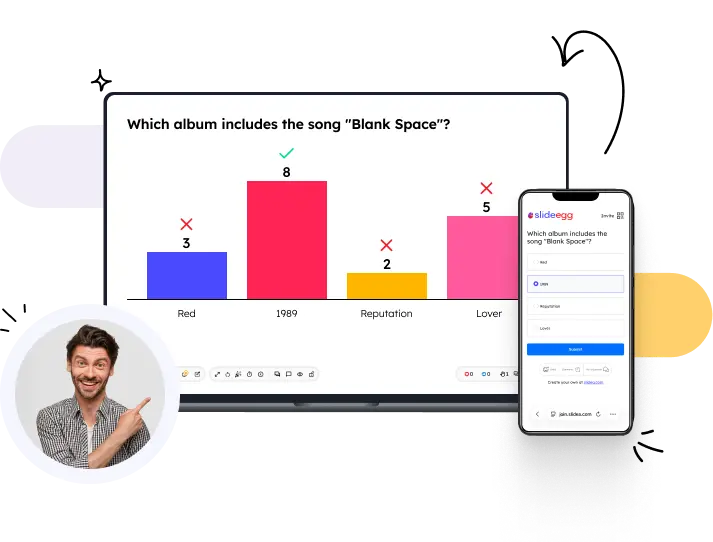
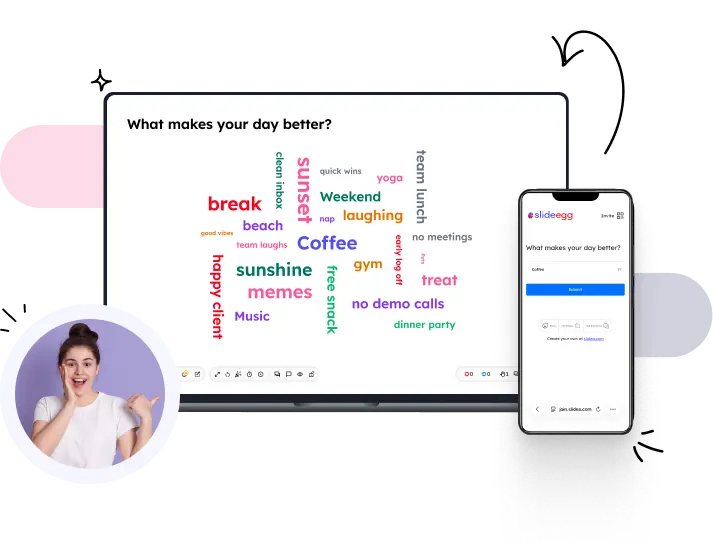
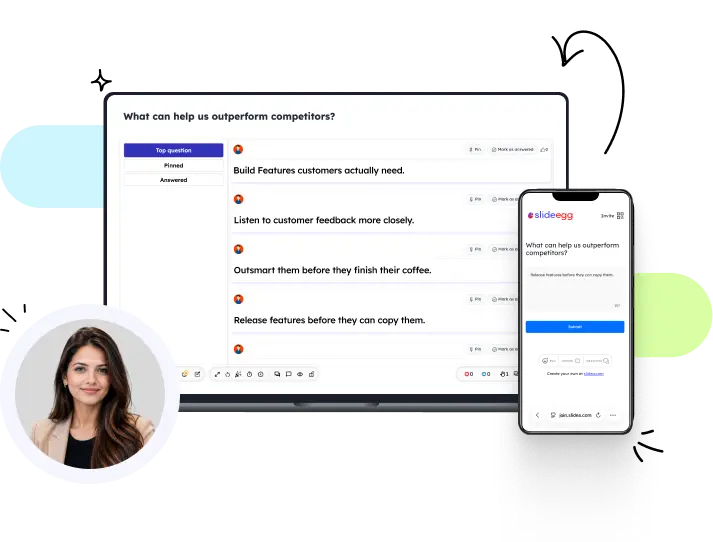
Five ways to hear from your audience.
Pick the one that fits what you want to know. Hover to see how each one looks live.


audience's own words.
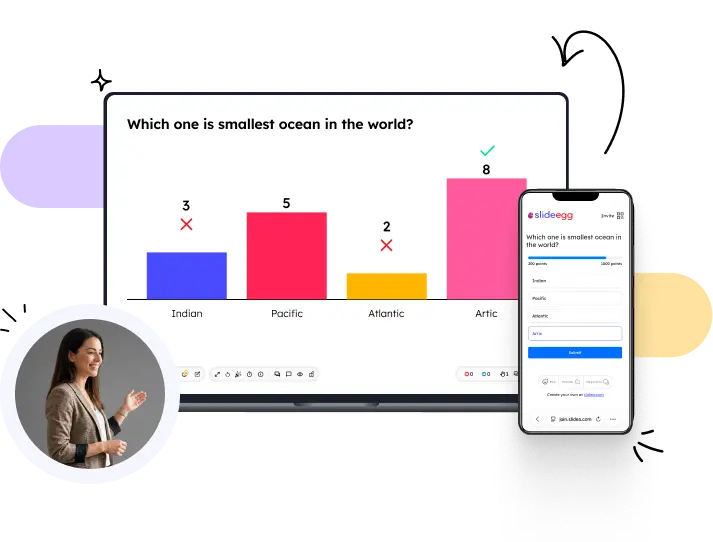
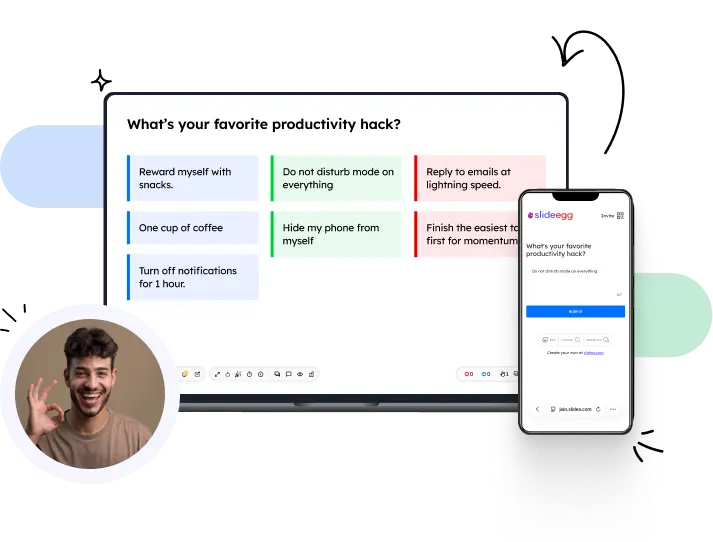
Powerful features. Simple to use.
From creating interactive slides to getting live responses, SlideEgg gives you the tools to keep your audience involved from start to finish.
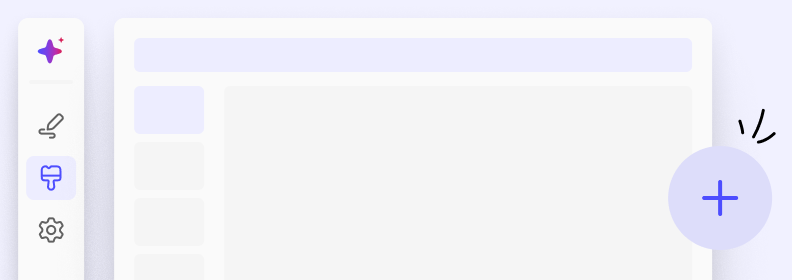
Create from scratch
Build a deck slide by slide using any content type - text, image, chart, or interactive.
Templates
Pick from 100,000+ ready-made decks with interactive slides already wired in.

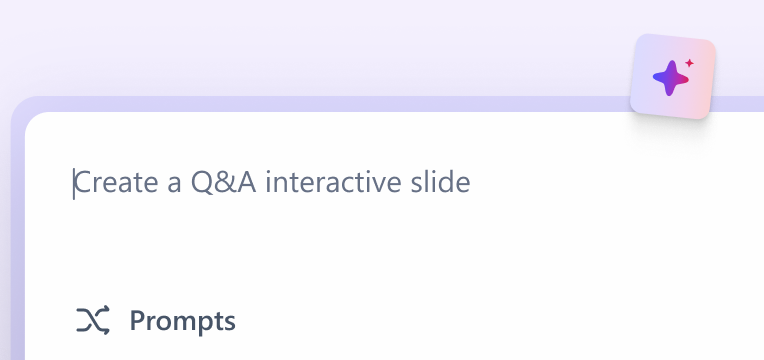
Create with AI
Describe your topic and get a full interactive deck drafted in seconds.
Share
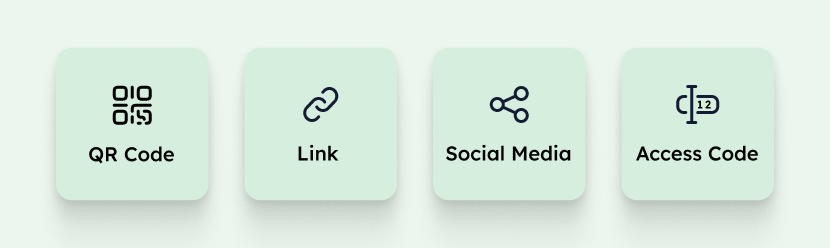
Send a link or QR code your audience joins from any browser, no install or login.
Analytics
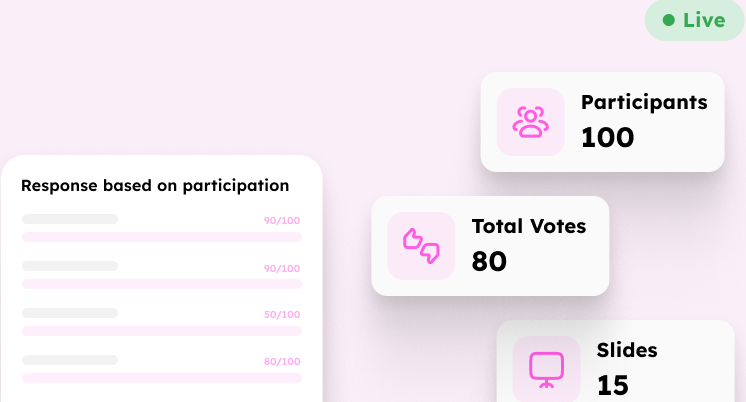
See exactly who answered what and how engaged the room was, slide by slide.
Export
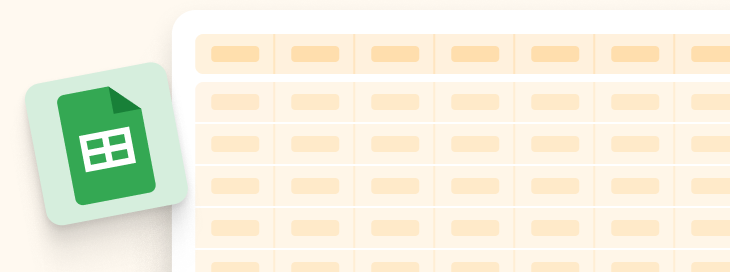
Download your deck as PowerPoint, Google Slides, or PDF with a full response report.
Built for anyone who presents to a real audience.
Use it in a meeting, a classroom, an event, or anywhere you want people to take part.
Business
Make meetings, training, sales talks, and team sessions more engaging
- Ask for quick feedback during a meeting.
- Let everyone vote instead of asking for hands.
- See answers and keep the results


See why people choose to present with Slideegg Interactive.
Real stories from teachers, trainers, and teams using interactive presentations in their day-to-day work.

Higher Participation — “Slideegg makes every lesson more engaging, helping us achieve a 92% quiz completion rate.”

More Engagement — “Assessment scores improved by 41%, and our training sessions became far more interactive.”
Yours tools stay where they are
Run the session from inside the app you're already presenting in.




Frequently Asked Questions
Three differences. Price: SlideEgg is $6 a month for unlimited participants, or $120 once for lifetime access, where Mentimeter and Slido bill per presenter. The free plan is usable for real work — 50 participants per session and 250 a month, against Mentimeter's 50 a month in total. And SlideEgg includes a library of ready-made presentation templates, so your interactive slides sit inside a deck you didn't have to build. Mentimeter and Slido are more established, with larger enterprise deployments — if that matters more to you than cost, they are worth looking at.
Yes, you can easily embed interactive polls, quizzes, and live Q&A into your existing PowerPoint and Google Slides decks, or present directly from the SlideEgg Interactive web platform without losing your animations or formatting.
Participants simply scan a QR code displayed on your presentation slide or enter a quick access code on their smartphone or laptop browser. No apps, downloads, or logins are required for your audience.
Yes, all participant responses, votes, quiz scores, and word clouds can be exported instantly to PowerPoint, Google Slides, Excel spreadsheets, or comprehensive PDF summary reports.
Yes, SlideEgg Interactive offers a generous free tier that lets you create interactive presentations with up to 50 live participants per session and 250 responses per month with full access to core interactive features.

Need help getting started?
Our support team is here to help you create amazing interactive experiences
Customer Support