Interactive Live Polls for Smarter Presentations
Engage every participant with real-time polls, instant feedback, and live results—all seamlessly integrated into your SlideEgg presentations.



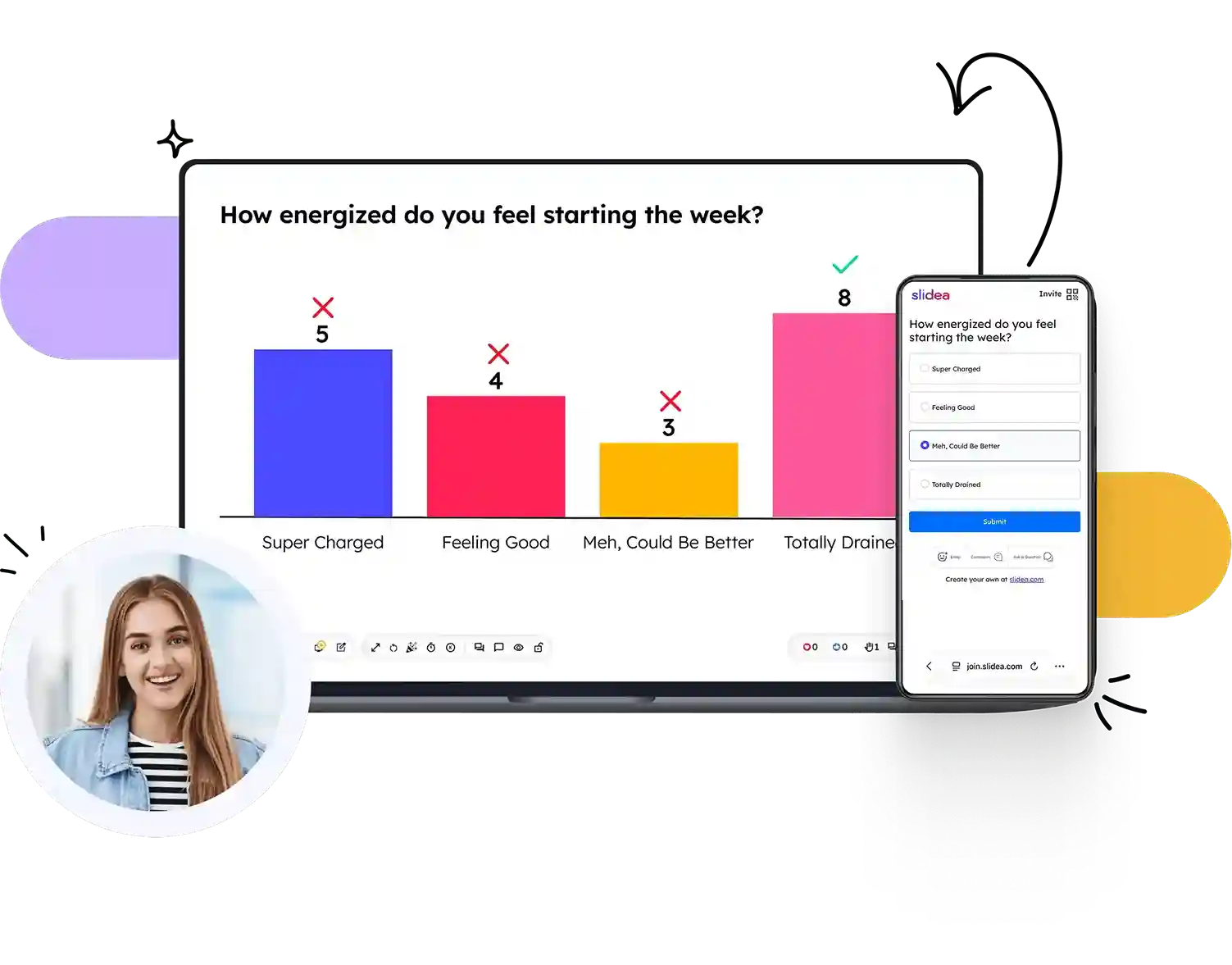
Designed for Every Question You Want to Ask
Explore powerful interactive poll formats designed to capture attention, encourage participation, and turn every presentation into a memorable experience.
Multiple Choice
Ask single or multiple-answer questions and instantly visualize audience responses with live charts.
Try a Multiple Choice poll →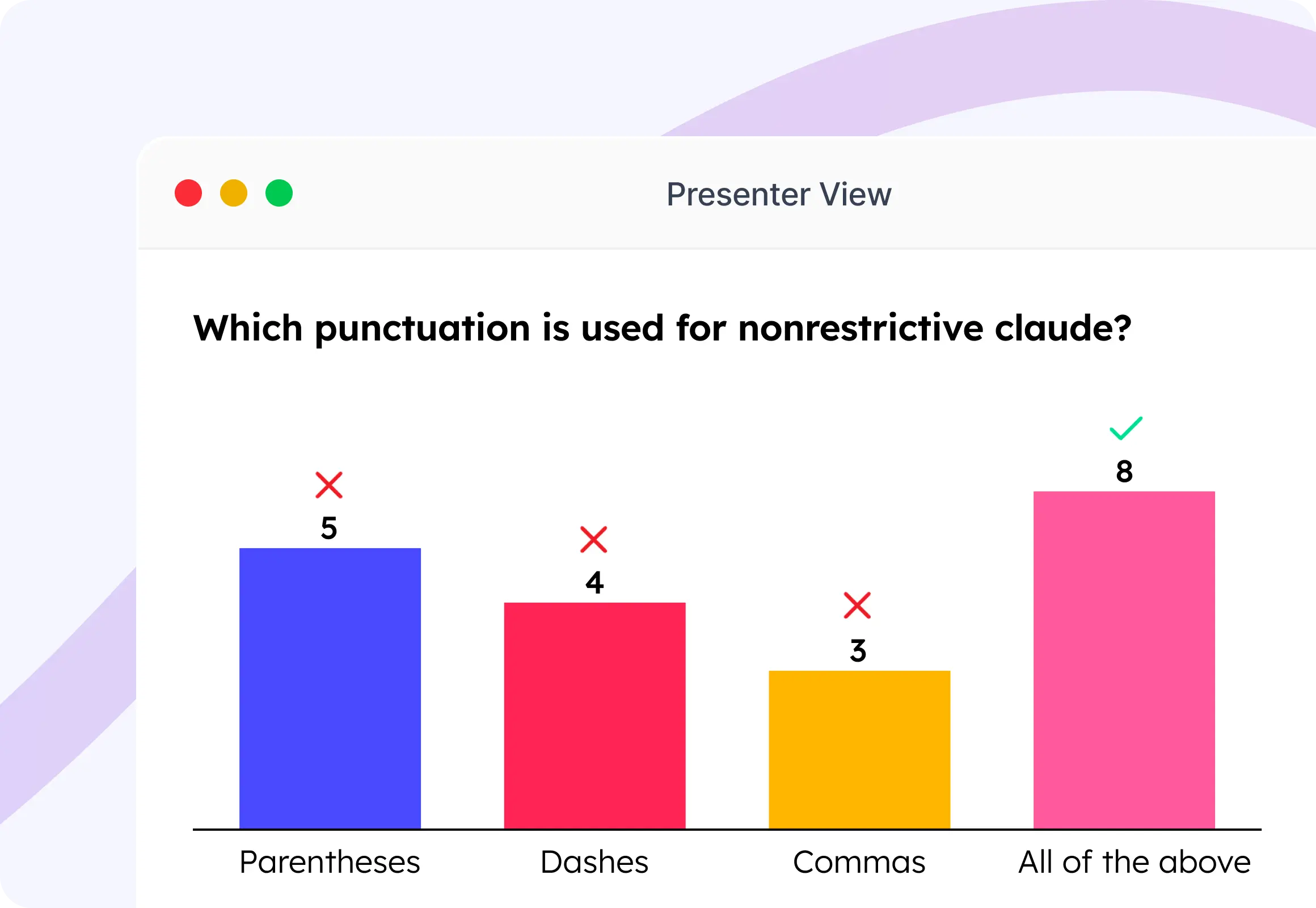
Word Cloud
Transform audience responses into a dynamic word cloud where the most popular ideas stand out instantly.
Try a Word Cloud poll →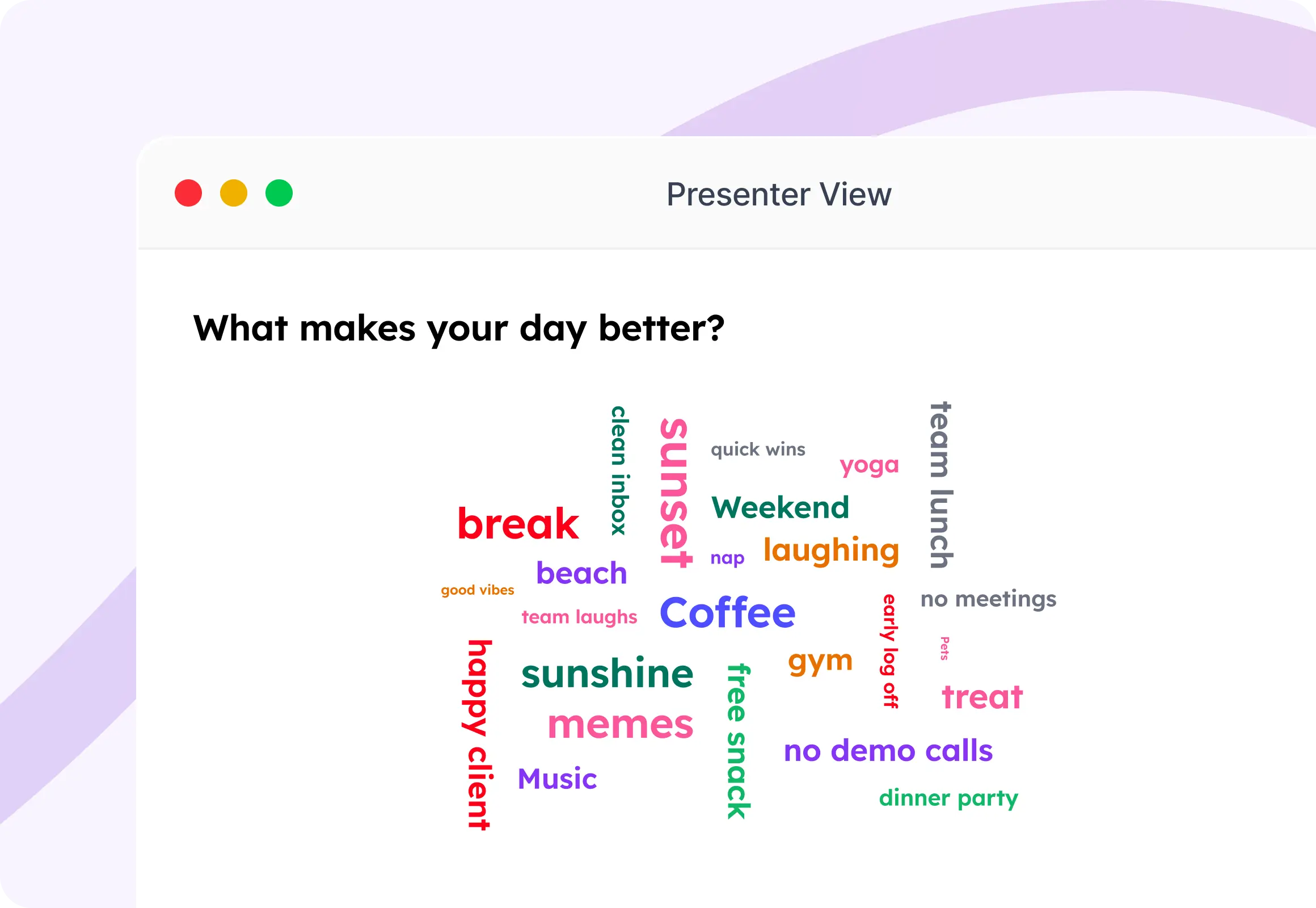
Open Ended
Collect thoughtful opinions, ideas, and detailed feedback with free-text responses from every participant.
Try a Open Ended poll →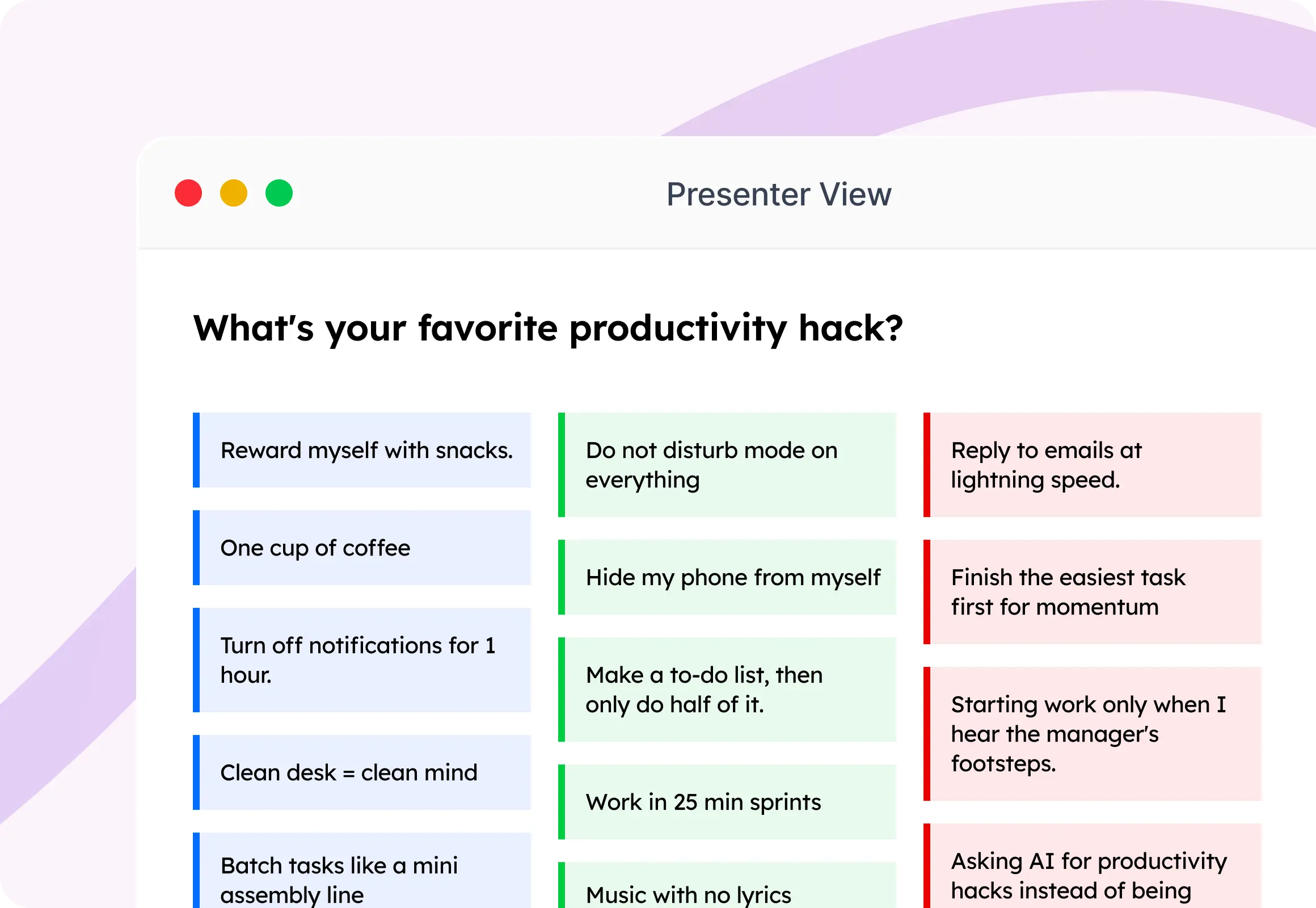
Scales
Measure opinions, satisfaction, or confidence using customizable rating scales with real-time results.
Try a Scales poll →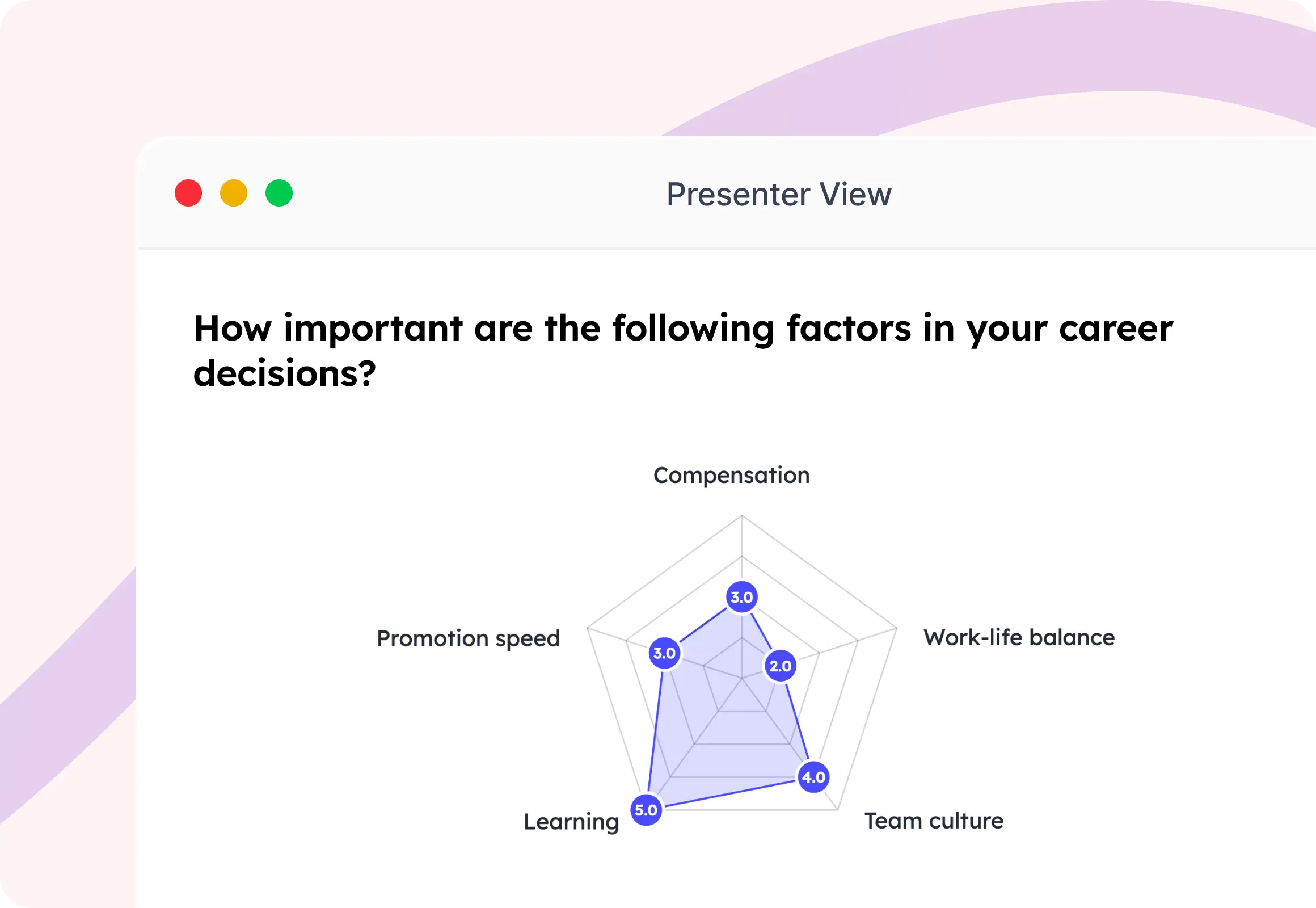
Ranking
Let participants prioritize options by arranging them in order of preference for clear decision-making.
Try a Ranking poll →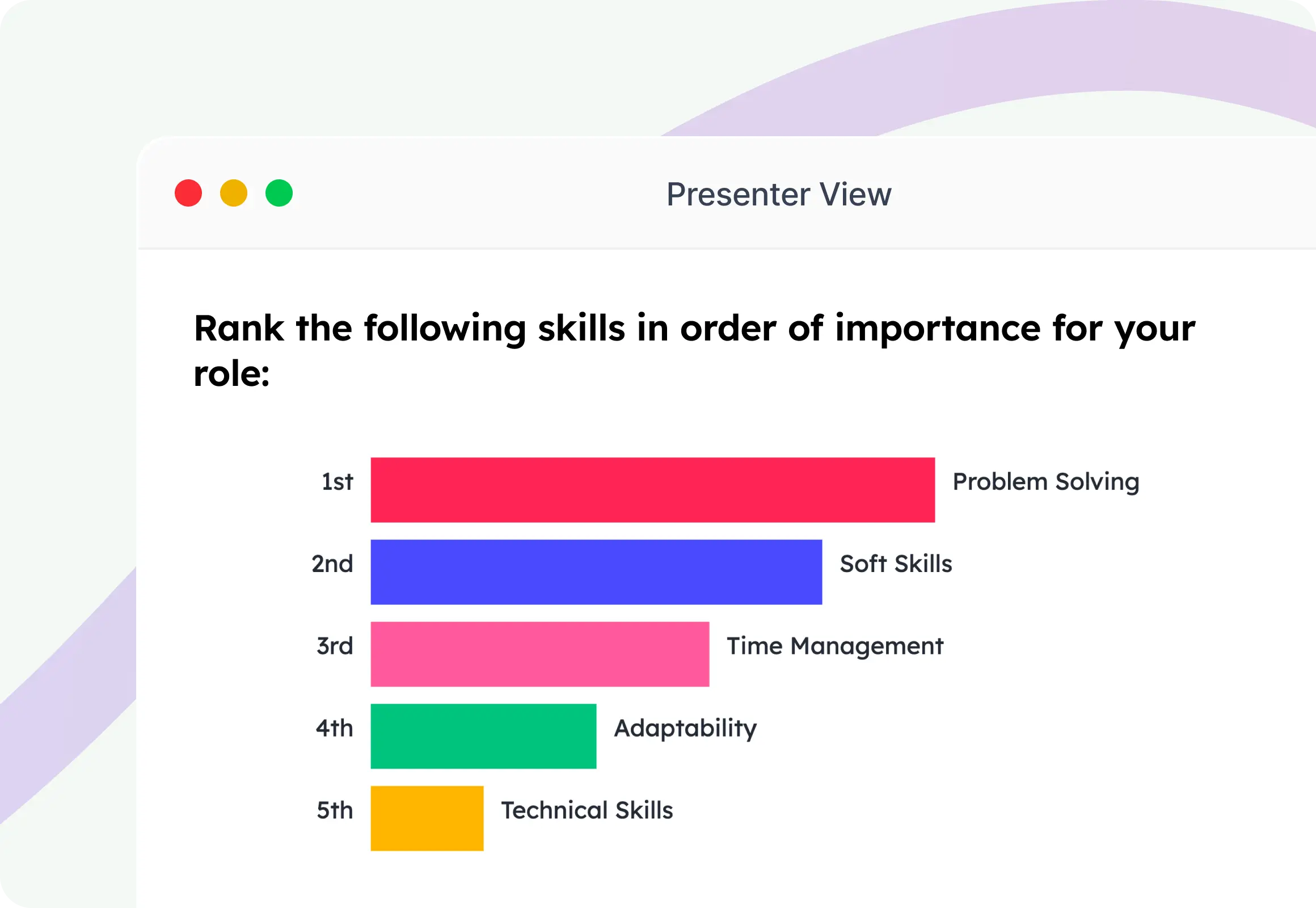
Guess the Number
Add excitement with a closest-guess challenge that's perfect for quizzes, icebreakers, and friendly competitions.
Try a Guess the Number poll →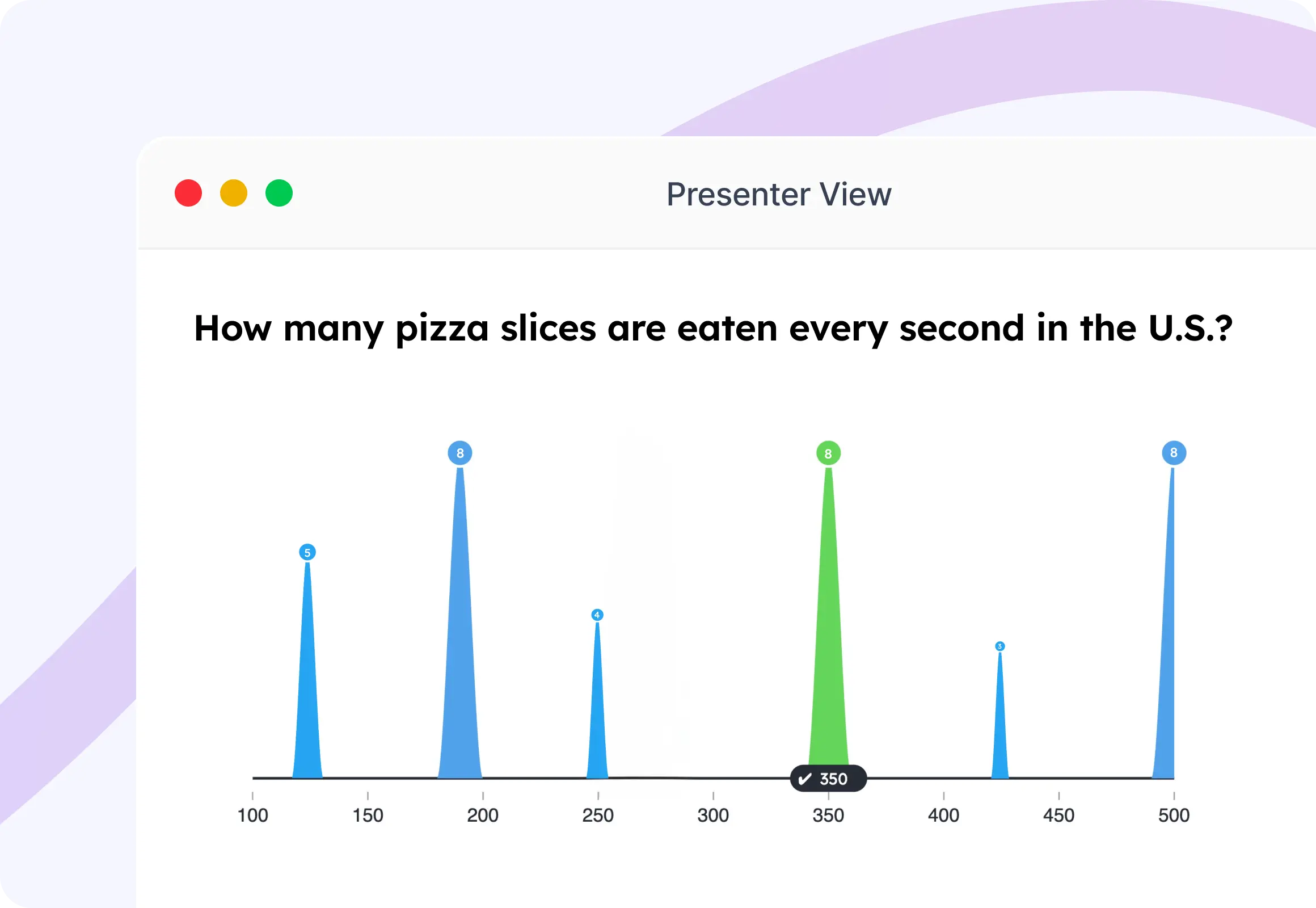
This or That
Present two choices and let your audience decide with a quick, engaging head-to-head vote.
Try a This or That poll →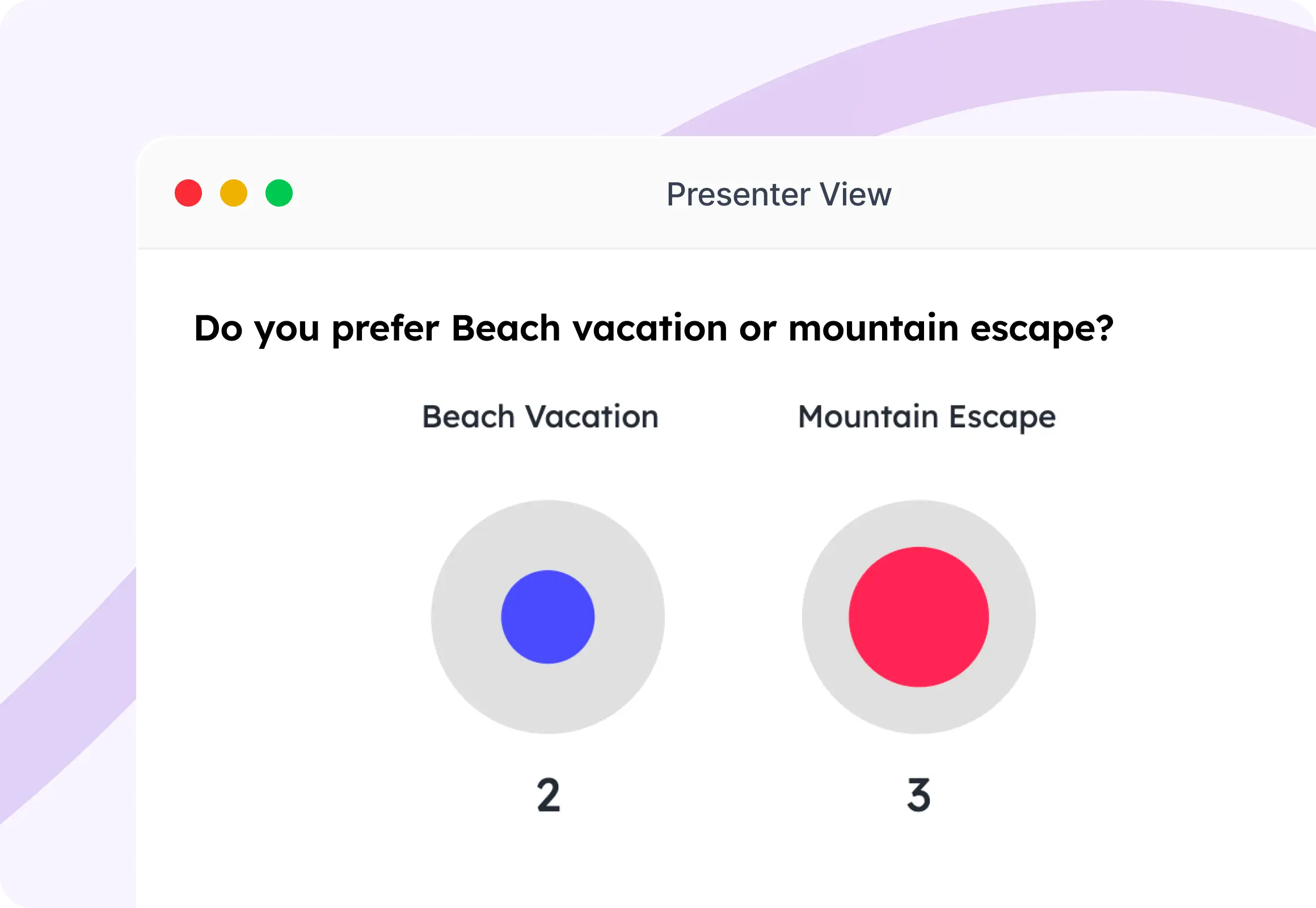
Truth or Lie
Challenge participants to identify whether a statement is true or false and reveal the answer live.
Try a Truth or Lie poll →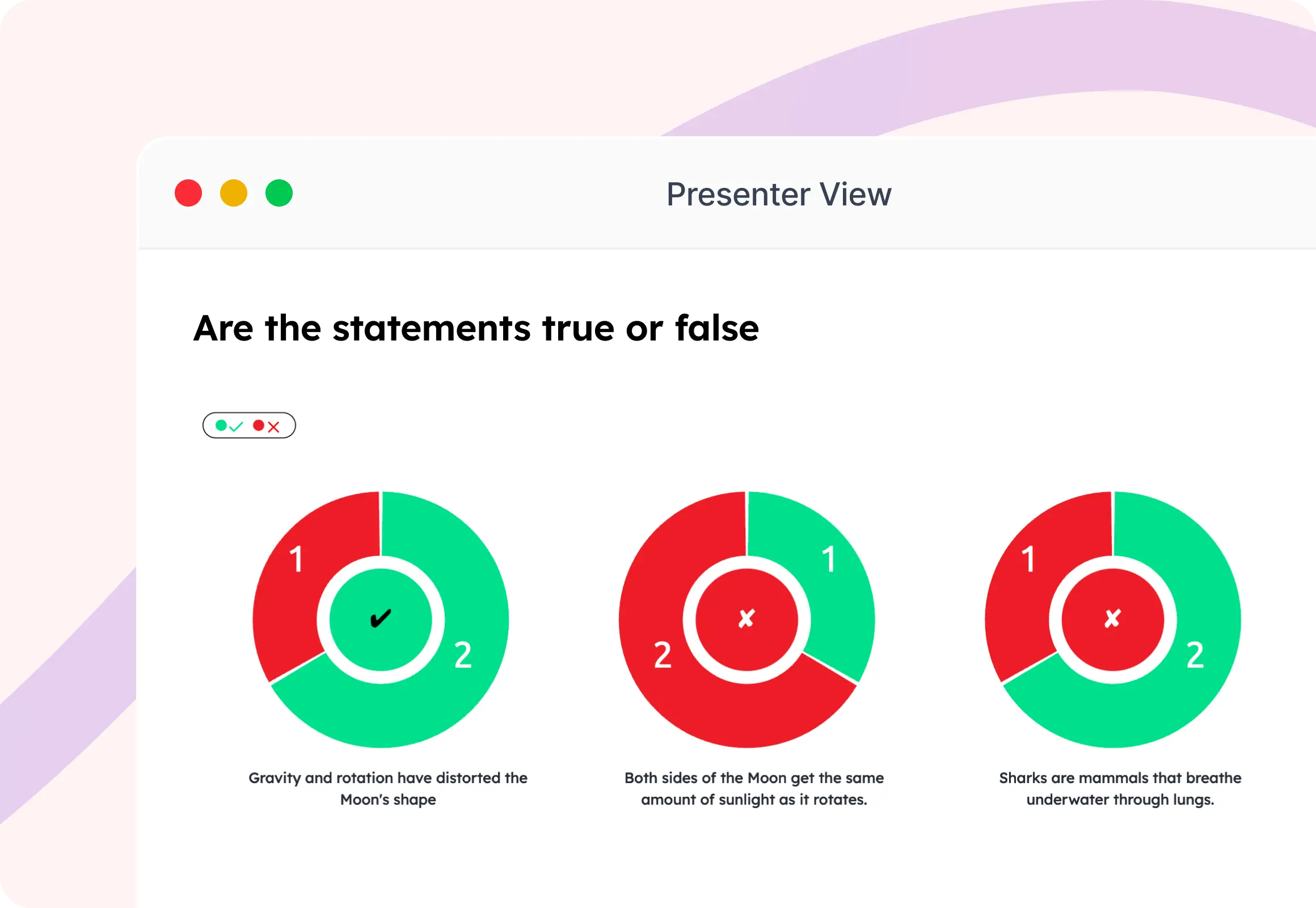
Traffic Light
Capture instant sentiment using Red, Yellow, and Green responses to gauge understanding, confidence, or progress.
Try a Traffic Light poll →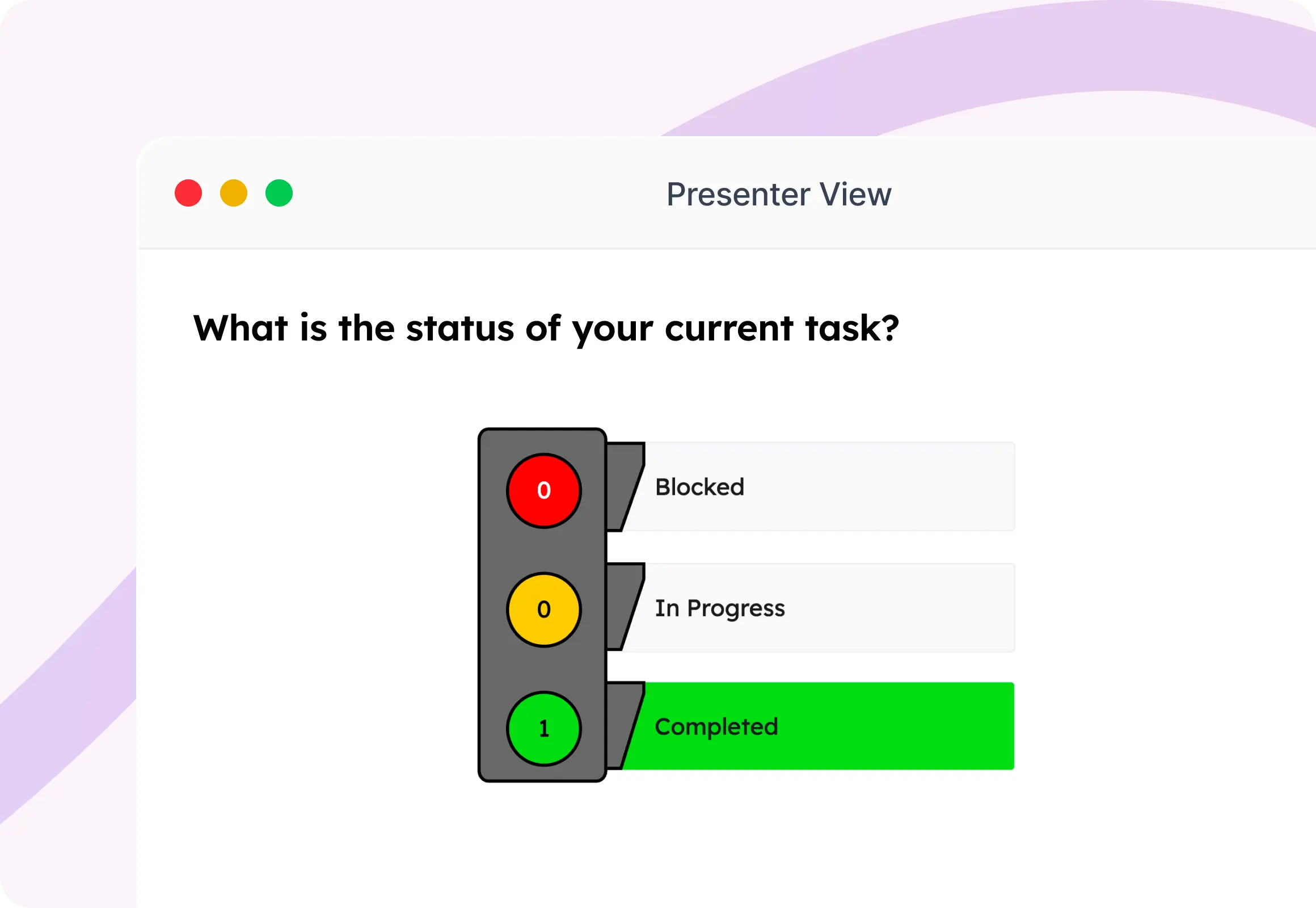
From Idea to Live Poll in Less Than a Minute
Create, share, and present interactive polls in just a few clicks. No complicated setup—just seamless audience participation.
Create Your First Poll-
Pick Your Poll Type
Choose from a variety of interactive formats like Multiple Choice, Word Cloud, Ranking, Scales, and more to match your presentation goals.
-
Add Your Question
Write your question, customize the answer options, and personalize the poll to fit your session or event.
-
Share the QR Code
Invite participants to join instantly by scanning a QR code or entering a session code—no app download required.
-
Show Results Live
Watch responses appear in real time with beautiful visualizations that spark discussions and keep your audience engaged.
One Platform. Every Audience.
Whether you're teaching a classroom, leading a meeting, or hosting a live event, SlideEgg Interactive Polls make every session more engaging, interactive, and memorable.
Education
Increase classroom participation, assess understanding instantly, and give every student a voice through interactive learning.
Corporate
Run more engaging meetings, gather instant feedback, and make workshops, training sessions, and presentations collaborative.
Events
Captivate audiences with live polls, audience voting, icebreakers, and interactive experiences that keep everyone involved.
Your Favorite Tools. One Interactive Experience.
Integrate seamlessly with your favorite collaboration, and productivity tools to deliver engaging interactive sessions.


Trusted by Presenters. Loved by Audiences.
See why educators, businesses, and event hosts choose SlideEgg to turn passive audiences into active participants.
"I love SlideEgg because it helps me create creative presentation templates quickly and easily."
"It is easy to understand, very useful in both professional and personal life, and truly impressive."
"A great selection of professional slide decks, along with some that are simply fun to use."
Ready to Turn Every Presentation into a Conversation?
Create interactive polls, collect live responses, and keep every audience engaged—from the first question to the final result.