Anonymous Questions
Allow participants to ask questions anonymously, creating a safe space for honest feedback and open discussions.
Collect audience questions in real time, let participants upvote the most relevant ones, and answer them with confidence during your presentation.
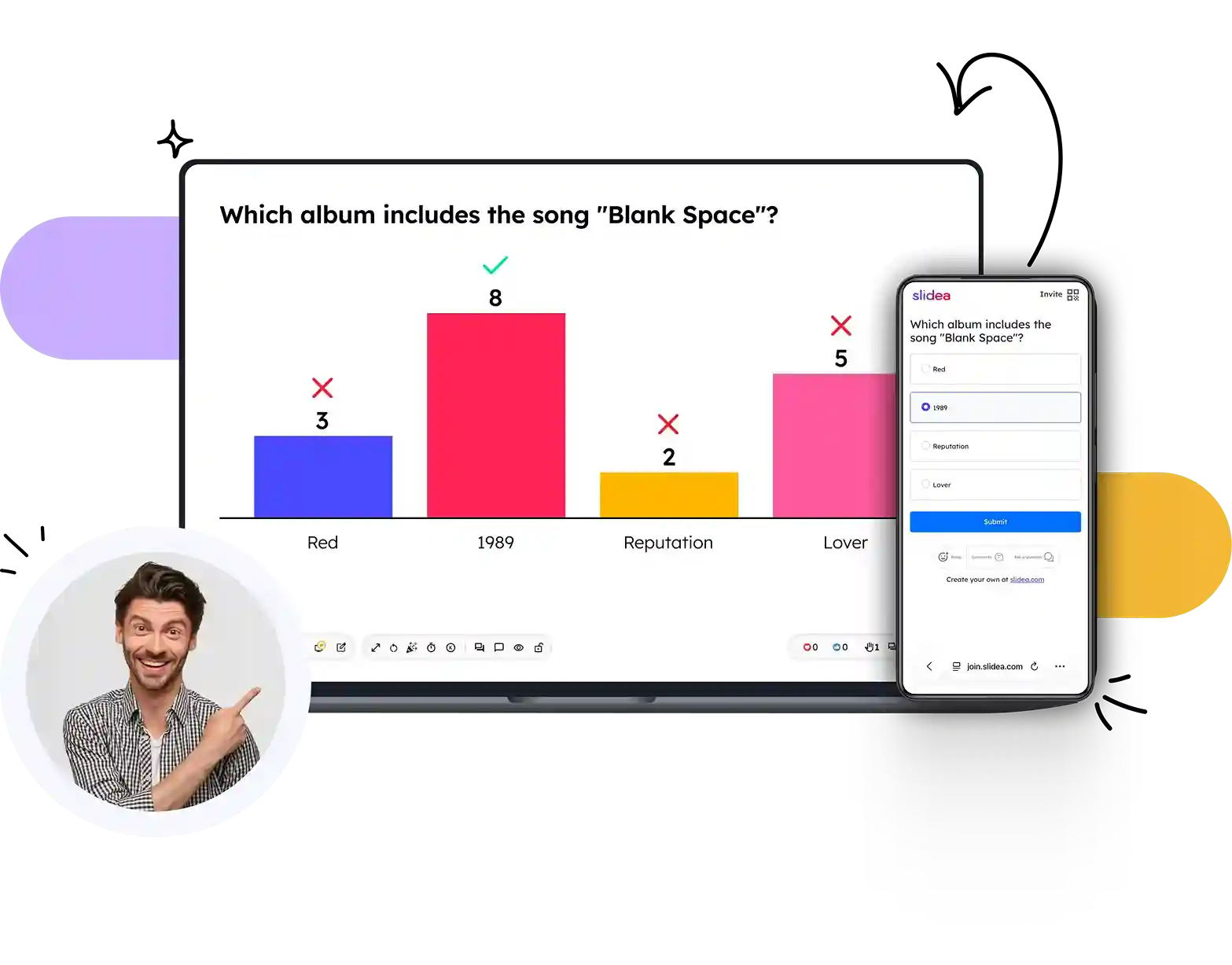
From creating your session to answering the most relevant questions, SlideEgg makes live audience interactions simple and engaging.
Set up your Live Q&A in seconds by creating a new session and customizing it for your presentation or event.
Invite participants instantly using a shareable link or QR code—no app download or sign-up required.
Participants submit questions in real time, either anonymously or with their names, from any device.
Attendees upvote the questions they want answered first, helping surface the topics that matter most.
Review, moderate, and answer the highest-priority questions live to create an engaging and interactive discussion.
Create engaging Q&A experiences with powerful tools that encourage participation, simplify moderation, and keep every conversation organized.
Allow participants to ask questions anonymously, creating a safe space for honest feedback and open discussions.
Let your audience upvote the questions they care about most, so you can focus on what matters first.
Review, approve, hide, or remove questions before they appear, ensuring every session stays relevant and on track.
Participants can join instantly by scanning a QR code or entering a session code—no app download required.
Get notified instantly as new questions arrive, so you never miss an opportunity to engage with your audience.
Track participation, question activity, and engagement metrics to understand how your audience interacted.
Join and participate seamlessly from smartphones, tablets, laptops, or desktops using any modern web browser.
Create, organize, schedule, and manage multiple Q&A sessions effortlessly from a single dashboard.
Watch how presenters collect questions, moderate discussions, and answer audience queries in real time.
(Video would open here in the live site.)
See how educators, business leaders, and event organizers use Live Q&A to create open, engaging, and meaningful conversations.
"SlideEgg streamlines the process of creating impactful and compelling slides with premade templates for every use case."
"Has made working in corporate so much easier!"
"The slide resources are really useful."
Live Q&A is just one way to interact. Explore more engagement formats designed to make every presentation interactive.
Everything you need to know about hosting engaging Live Q&A sessions with SlideEgg.
Yes, anonymous Q&A can be enabled for more open participation.
Yes, moderation lets you approve or reject submissions before display.
Yes, upvoting helps the most relevant questions rise to the top.
No. Participants join from any browser using a session code or QR code — no app, no sign-up.
Basic Q&A is available for free. Advanced moderation features are on premium plans.
Create Live Q&A sessions that encourage participation, answer the questions that matter most, and make every presentation more interactive.


