Step 1
Pick a Quiz Slide Type
Choose from Select Answer, Type Answer, Pick the Number, or Lineup to match your quiz style.
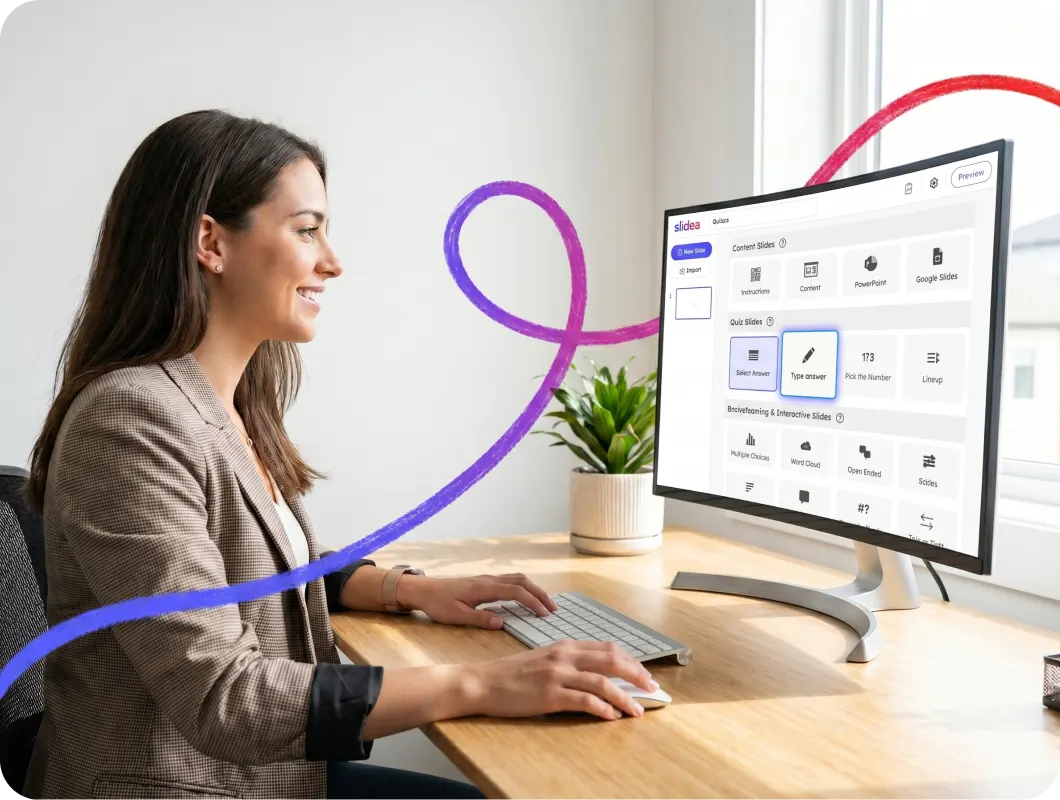
Create interactive quizzes with live leaderboards, instant scoring, and real-time participation that keep every audience engaged from start to finish.
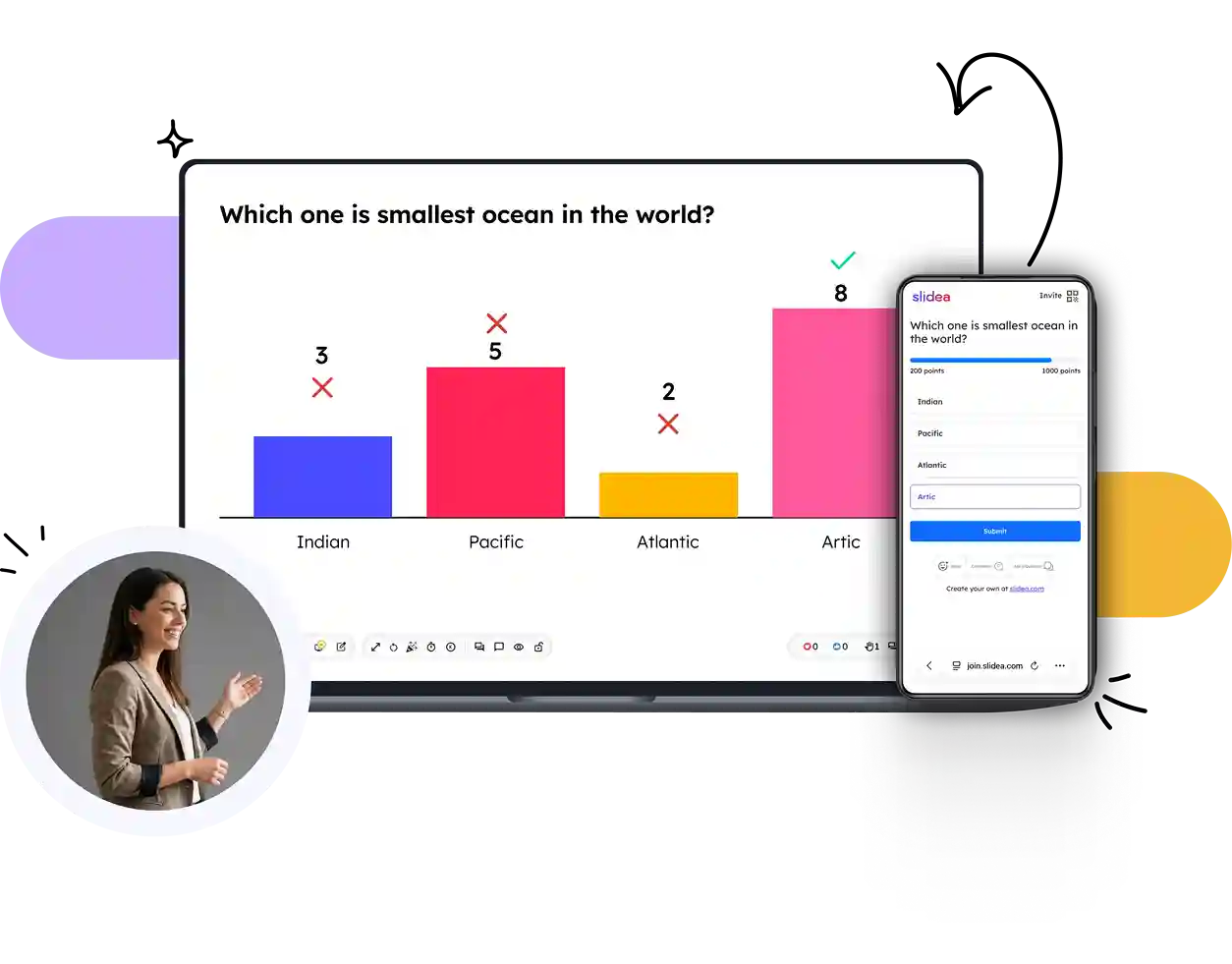
From quick knowledge checks to exciting challenges, choose the quiz format that best fits your audience and learning goals.
Choose the correct option from multiple answers and earn points for every right response.
Try Select Answer →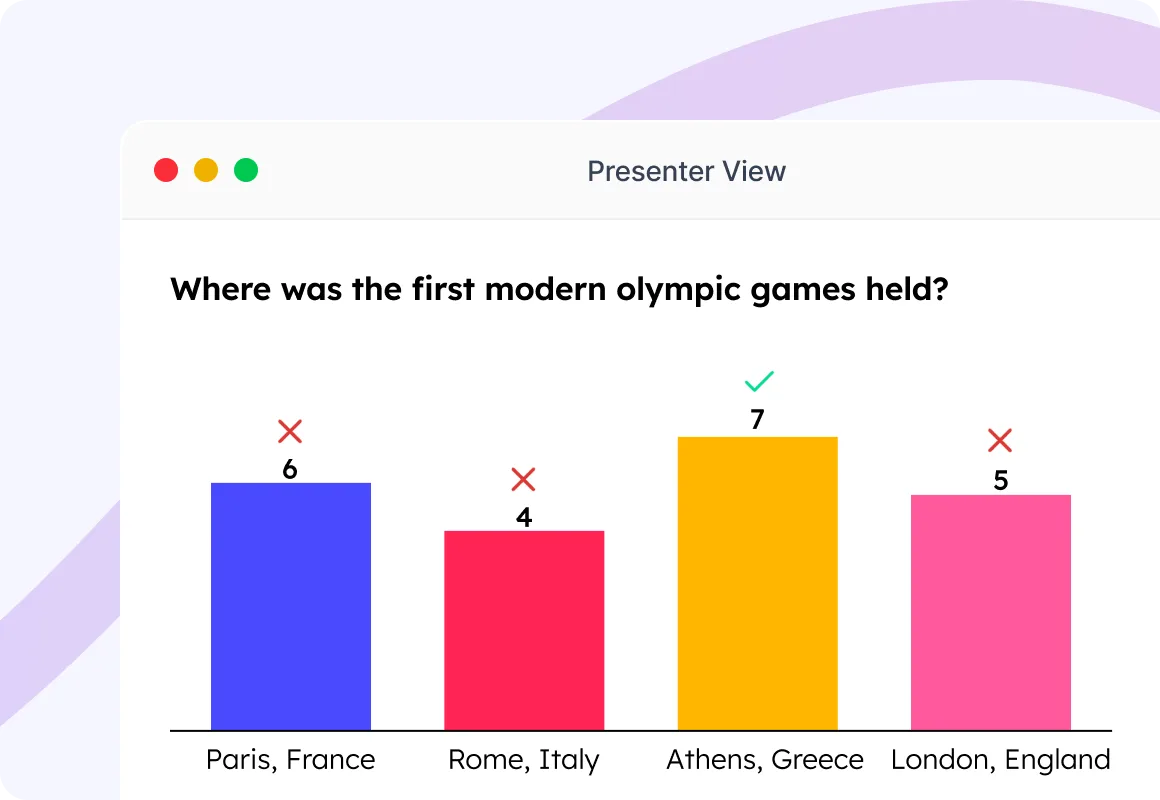
Challenge participants to type the correct answer without relying on multiple-choice hints.
Try Type Answer →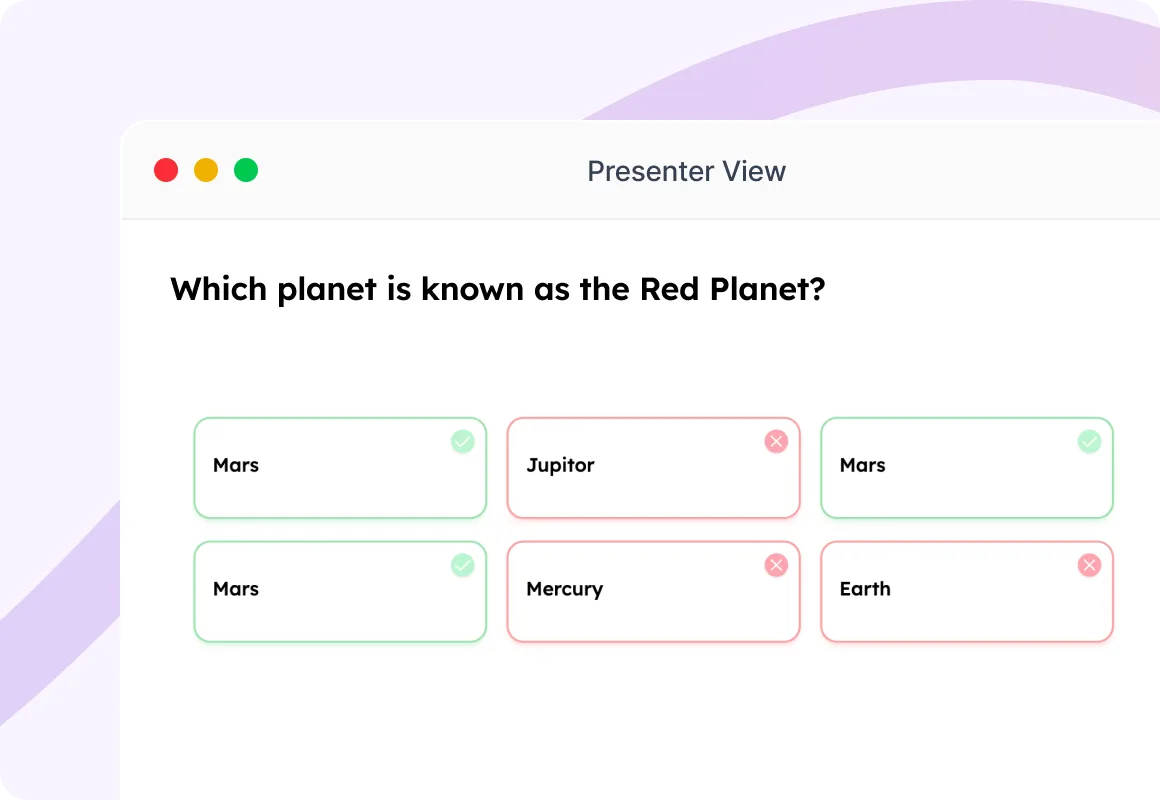
Guess the correct number or get the closest answer to score points and climb the leaderboard.
Try Pick the Number →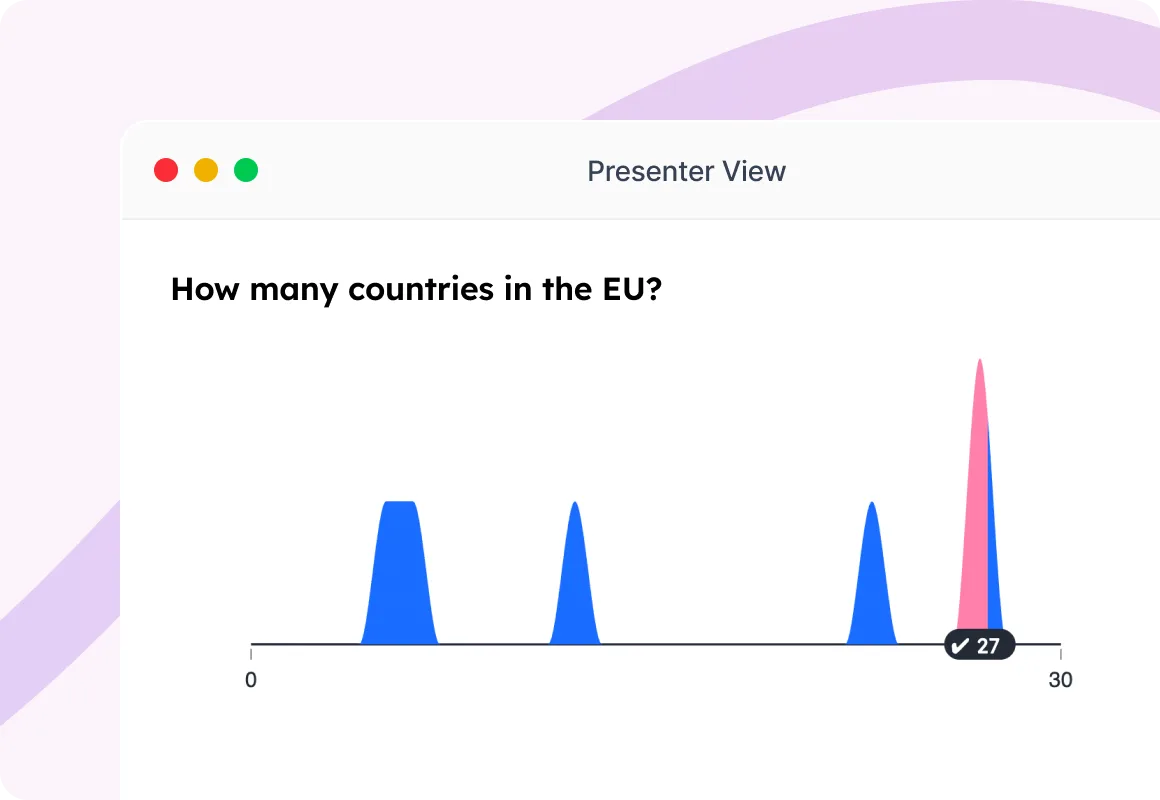
Arrange answers in the correct order and test your audience's knowledge in an interactive way.
Try Lineup →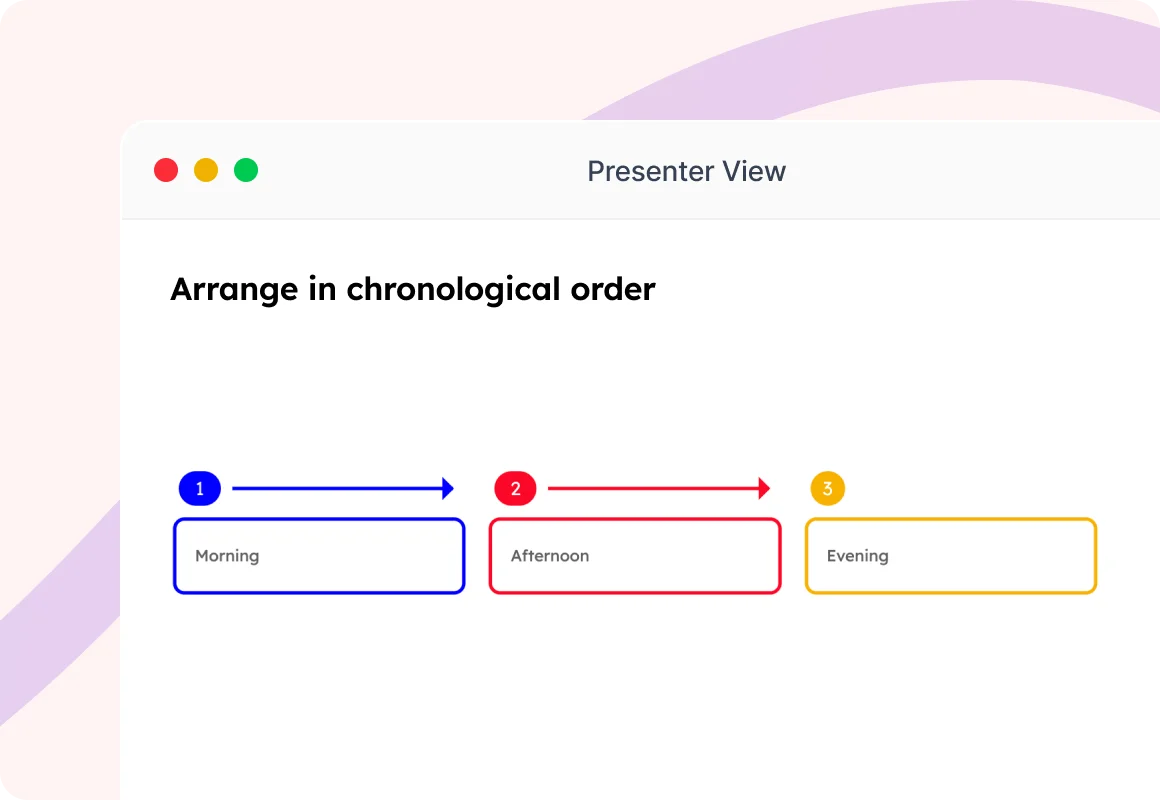
Build your quiz, invite participants, and turn learning into a fun competition with live scoring and leaderboards.
Choose from Select Answer, Type Answer, Pick the Number, or Lineup to match your quiz style.
Participants join instantly using a QR code or session code from any device.

Questions appear live while participants compete by answering quickly and accurately.

Display live rankings between questions to build excitement and keep everyone motivated.

Celebrate the winners with the final leaderboard and recognize the top performers.

See how organizations use SlideEgg Quizzes to make learning more engaging, increase participation, and create memorable experiences.
"I've been using SlideEgg for a while now, and it has quickly become one of my go-to resources for presentation templates. The variety and quality of the slides are impressive, and I love how easy it is to customize them to match any theme or style. What I appreciate most is how much time SlideEgg saves me, especially when I need to create something visually appealing on a tight deadline."
"SlideEgg offers a variety of slides that are useful and easy to use. There is a great selection of templates and presentation slides. Using these slides saves a lot of time and effort."
"Fantastic deck of slides! This really helps us and provides excellent guidance for presentations. Thanks to the SlideEgg team."
Everything you need to know about creating and hosting interactive quizzes with SlideEgg.
Four distinct formats keep sessions dynamic: Select Answer, Type Answer, Pick the Number, and Lineup. Mix and match any combination within a single session.
Yes. Set custom seconds for every question — more time for complex sorting or calculations, less for quick-fire trivia.
Award more points for quick responses to reward speed, or switch to equal points for all correct answers to prioritize accuracy.
Add or remove it anywhere in your flow — after every question to keep the energy high, or only at the very end.
The Leaderboard is a temporary standings tracker between rounds. The Championboard is a dedicated finale slide revealing the final winner and top finishers.
Not at all. They enter a name and join from their phone — no registration forms or passwords required.
Yes. Players can enter a nickname instead of their real name before joining the live lobby.
The free plan supports up to 250 simultaneous participants. Paid plans allow more, or unlimited, participants.
Each slide type has dedicated editor fields to type questions and options, set correct answers, reorder choices, or set numeric thresholds.
Yes. Remove the leaderboard slides to run a low-pressure quiz — responses are still collected without displaying rankings.