Live Results
Watch responses update instantly with real-time charts and visualizations that keep your audience engaged.
Ask questions, collect instant responses, and reveal live results that keep every audience engaged.
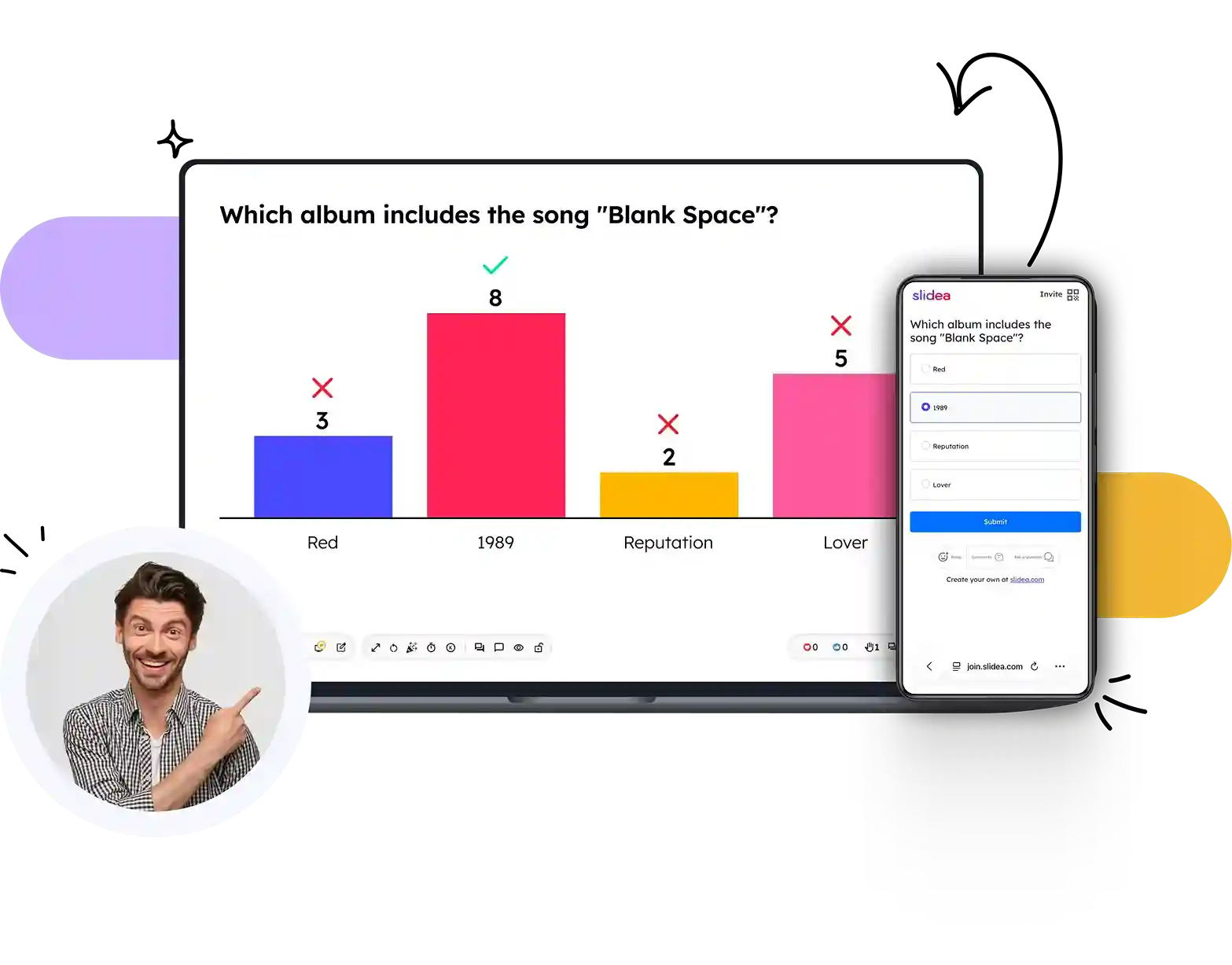
From creating your question to revealing live results, engaging your audience takes just a few clicks.
Create your question, add answer choices, and customize your poll to match your presentation.
Invite participants to join instantly using a QR code or session code from any smartphone, tablet, or laptop.
Watch responses appear in real time and present live results with dynamic charts and visualizations.
Create, manage, and present interactive multiple choice polls with powerful features designed to maximize participation and simplify every session.
Watch responses update instantly with real-time charts and visualizations that keep your audience engaged.
Personalize every poll with custom backgrounds that match your presentation style or event theme.
Maintain a consistent brand experience by applying your colors, fonts, and visual identity to every poll.
Measure participation, review response trends, and gain valuable insights after every session.
Present seamlessly alongside your favorite presentation and collaboration platforms without changing your workflow.
Control the pace of your session by managing voting, revealing answers, and guiding audience interactions with ease.
See how interactive multiple choice polls can transform presentations into engaging, real-time experiences.
(Video would open here in the live site.)
Hear from professionals who use SlideEgg to engage audiences, collect instant feedback, and deliver memorable presentations.
"The layout selection is great! With so many templates to choose from, it would be easy to just repeat the same layout in a different color, but that's not the case. There are endless options to choose from, and each one feels unique."
"SlideEgg is my go-to resource for polished business presentation slides. There's never a need to build a deck from scratch with so many professional-quality templates available. The ability to change slide colors to match brand guidelines is also a huge time-saver. The library continues to grow with frequent updates, making it even more valuable over time. The pricing is another major advantage."
"Thanks to SlideEgg, I was able to complete everything beautifully when I needed it most and deliver my presentation with confidence. Thank you."
Choose from a variety of poll formats to match your audience, presentation style, and engagement goals.
Find answers to common questions about creating, presenting, and managing Multiple Choice polls with SlideEgg.
Up to five answer choices per question, with one or more marked correct — or none, for opinion polls.
No. Participants join from any browser using a session code or QR code — no app, no sign-up.
Yes. Add as many poll slides as you like — each one collects its own independent set of responses.
Yes, all responses are anonymous by default, so your audience can answer honestly.
Yes — import an existing deck and add interactive polls directly inside the editor.
Build interactive multiple choice polls in minutes and make every presentation more dynamic with live audience participation.


