Best PowerPoint Radial Chart Templates Presentation
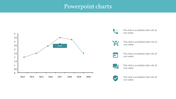
Creative Radial Chart Template For Presentation
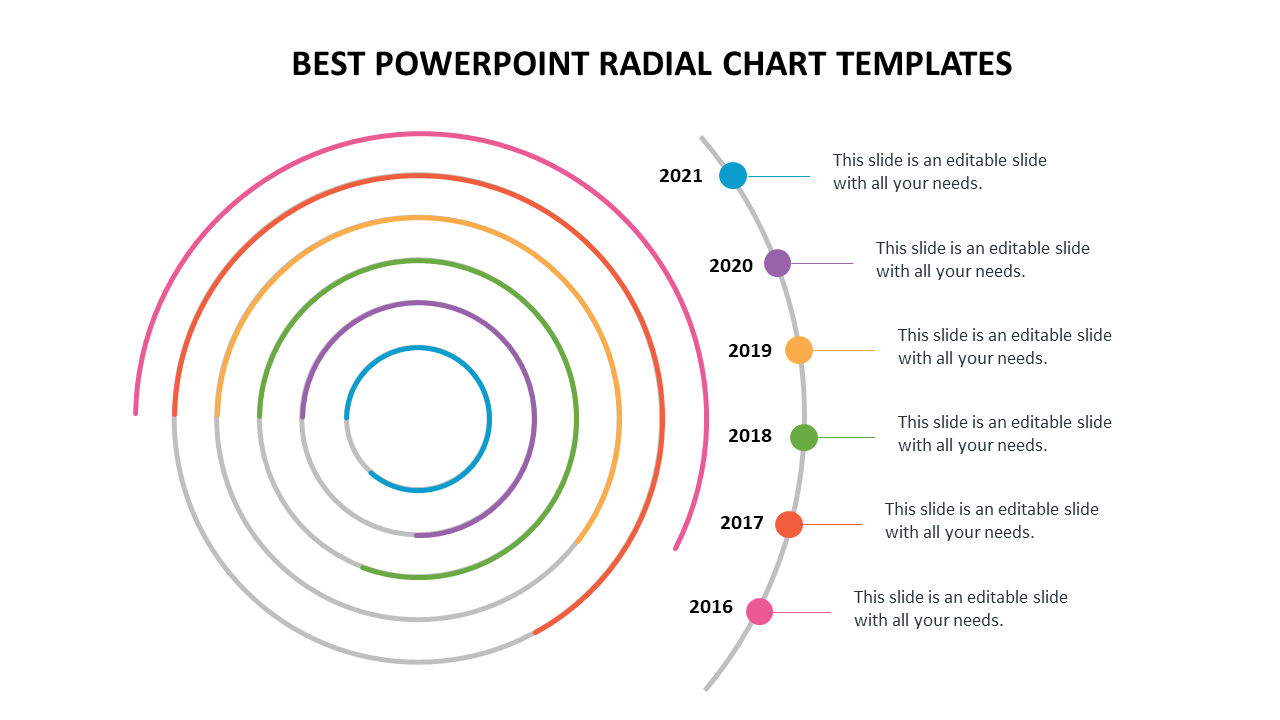
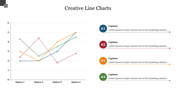
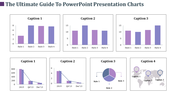
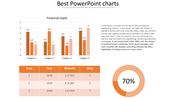
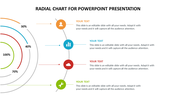
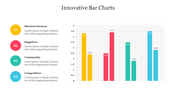
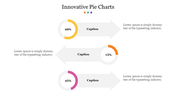
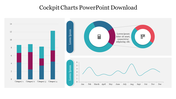
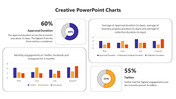
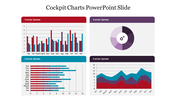
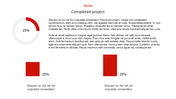
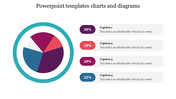
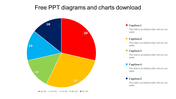
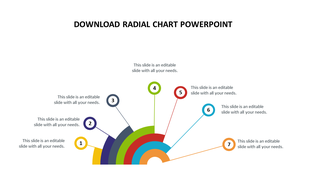
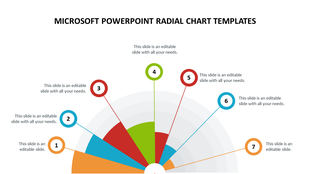
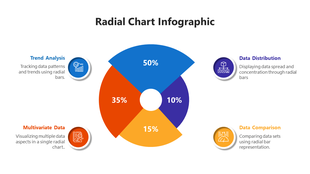
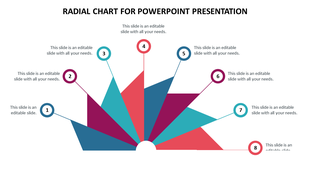
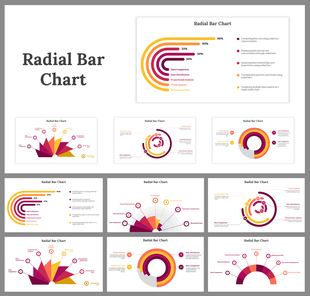
Radial charts are usually designed using circular shapes to analogize different categories of data. With this beautiful diagram, you can compare different business values in the form of timelines. These diagrams are designed using different color tones, six nodes, and icons to enhance your presentation style. At the same, they are free to customize. Try using this layout and boost your business values and data uniquely.
Features of the template
- 100 % customizable slides and easy to download.
- Slides are available in different nodes & colors.
- The slide contained 16:9 and 4:3 formats.
- Easy to change the slide colors quickly.
- It is a well-crafted template with an instant download facility.
- It is designed with a stunning theme design.
- Best template for PowerPoint presentations.









You May Also Like These PowerPoint Templates
Showing20 of69,218 templates