480+ Org Chart Presentation Templates
Build a clear org chart in minutes. Browse 480+ editable organizational chart templates for PowerPoint, Google Slides, and Canva. Choose from top-down hierarchy, matrix, circular, and team structure designs. Free downloads, fully editable, and no design skills needed. Add your names, roles, and colors, then present with confidence.

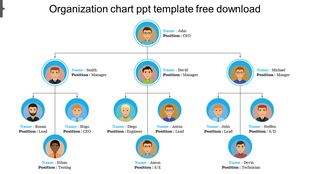







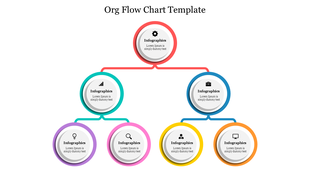



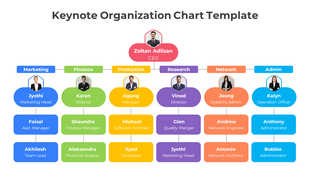

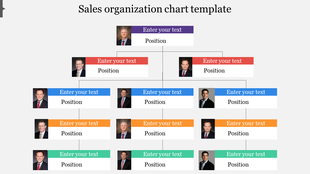
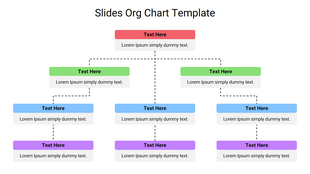
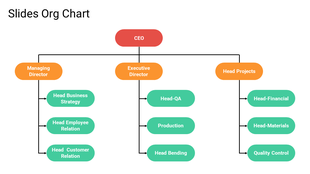
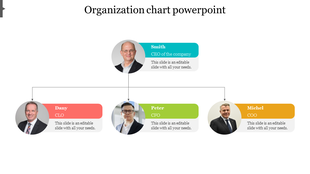
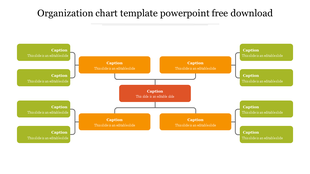
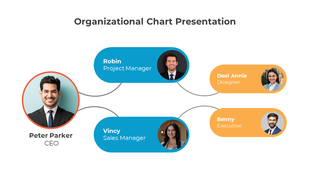
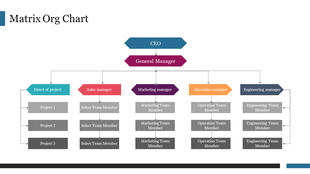
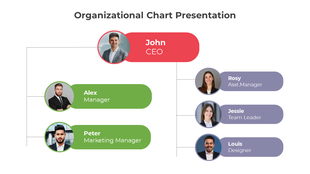
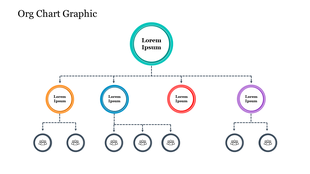
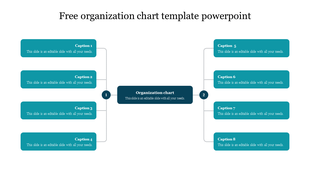
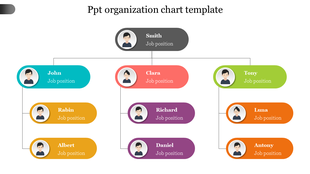
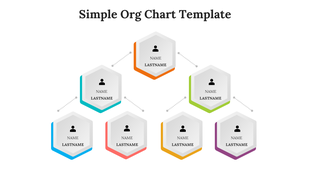
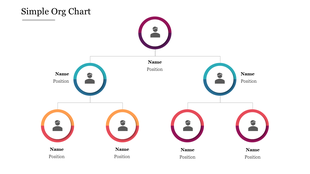

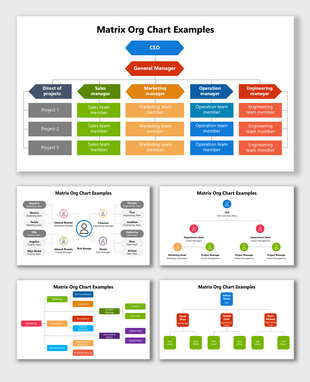
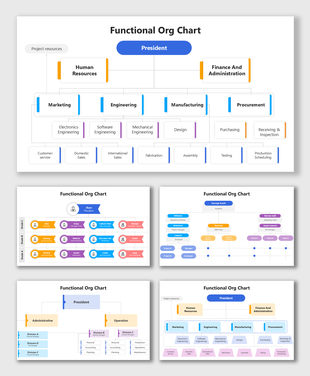

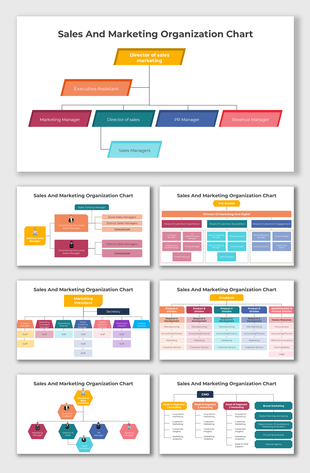
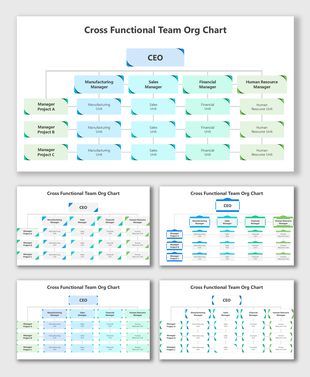
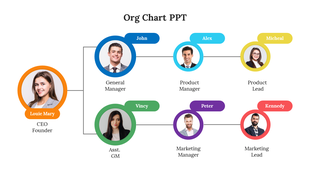
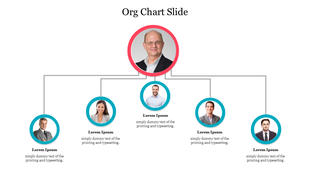
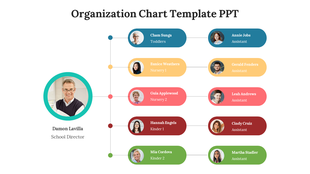
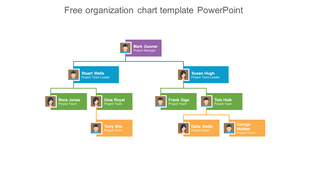
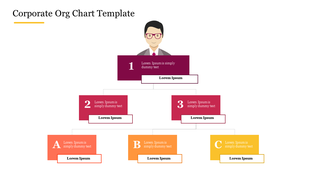
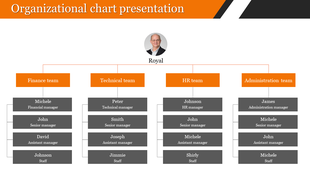
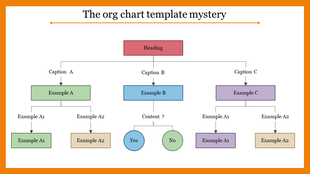
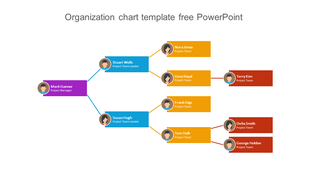
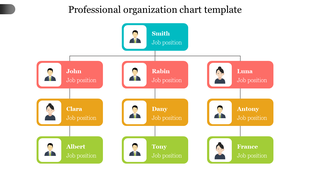
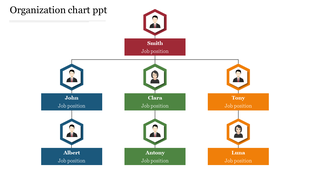
Showing48 of486


How to build organization charts that make your team structure instantly clear
A strong organizational chart turns a tangle of titles into a picture anyone can read in seconds. Whether you are mapping a top-down hierarchy, a cross-functional matrix, a functional structure, or a flat startup team, the right layout shows who leads, who reports to whom, and how every role connects.
This guide walks through building and presenting org charts with ready-made, fully editable organization chart PowerPoint templates — including free organizational chart templates for PowerPoint alongside premium options — each one works in PowerPoint, Google Slides, and Canva, so you can swap in your own names, roles, and brand colors in minutes.
Popular org chart templates
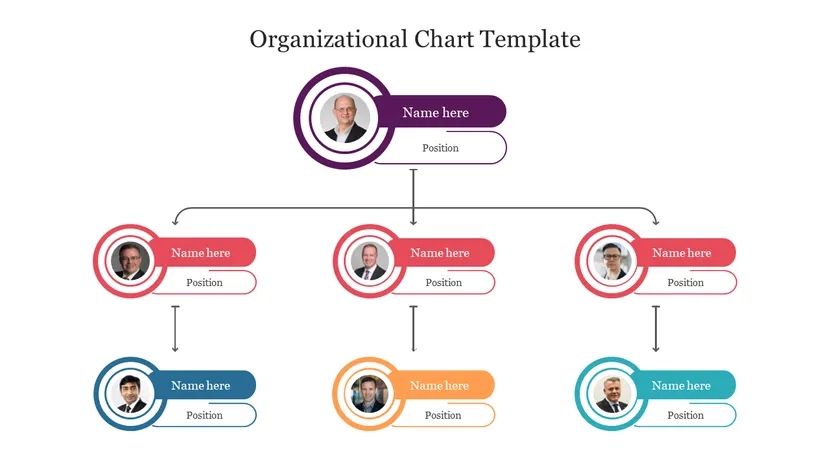
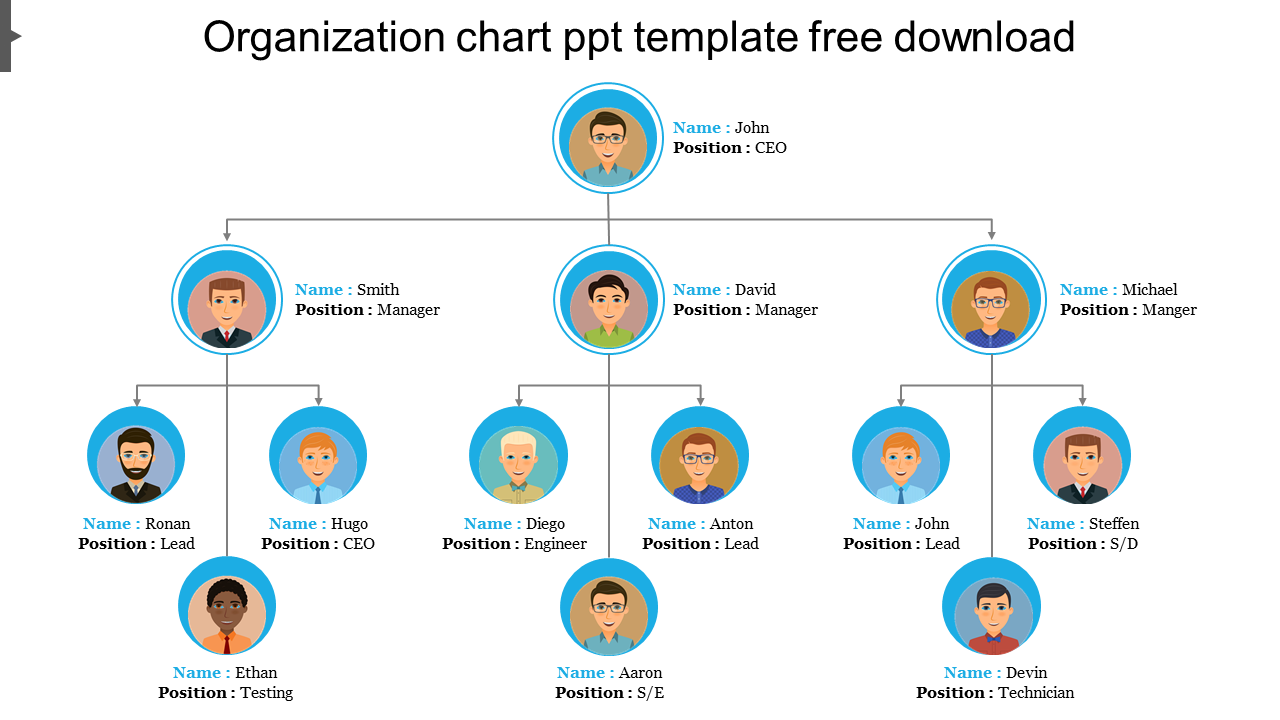
Three reader favorites, ready to download and edit.
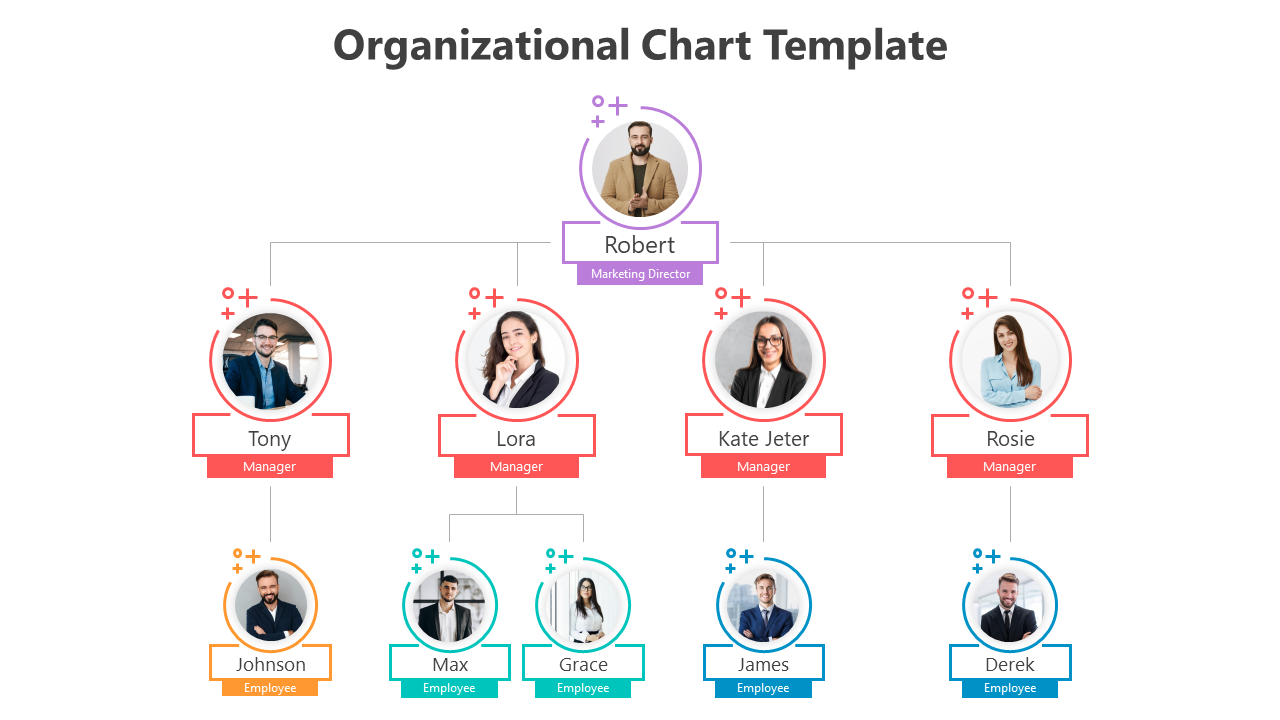
How to build an org chart slide in 6 steps
A repeatable process the design team uses to keep even large hierarchies readable — whether you start from a blank slide or an org structure PowerPoint template.
Map reporting lines first
List every role and who it reports to before you open PowerPoint. A quick outline prevents crossed lines and missing links later.
Choose a structure that matches reality
Hierarchical, matrix, functional, or flat — pick the model that reflects how decisions actually flow, not an idealized version.
Set a layout: top-down or radial
Top-down suits a clear chain of command; a circular or radial layout suits flat, collaborative teams. Match the layout to the number of levels.
Add roles, names, and photos
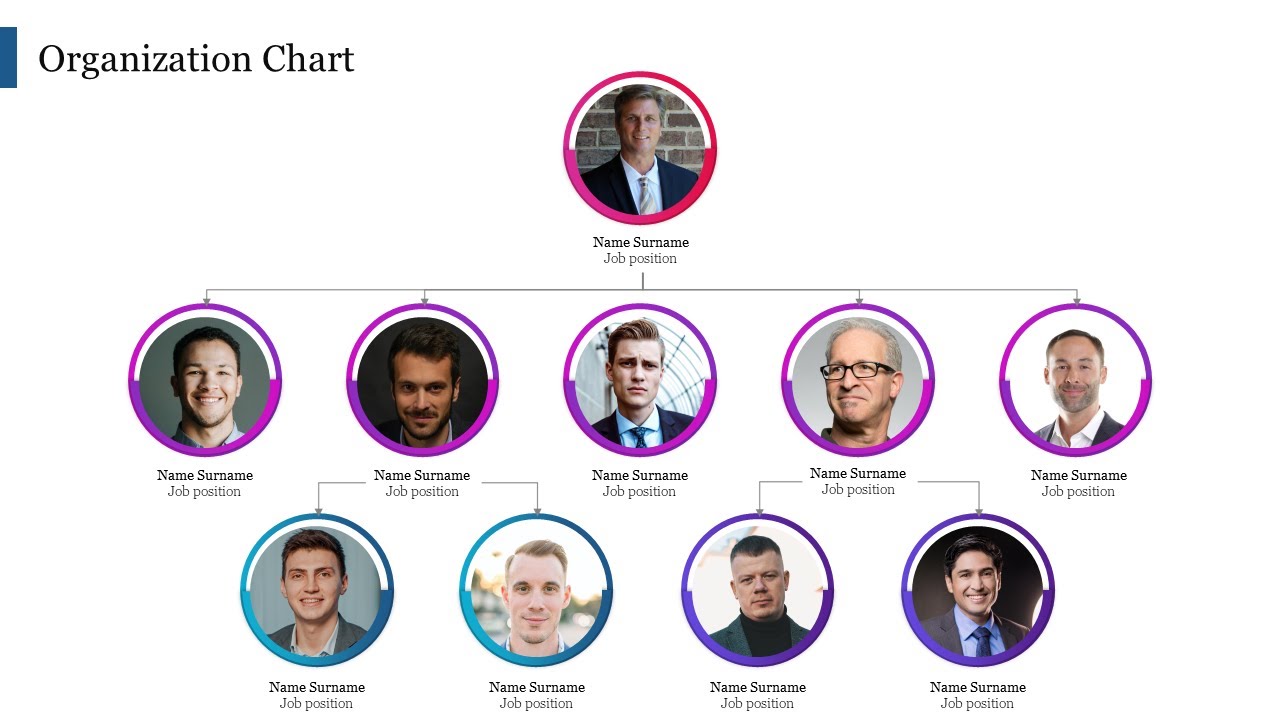
Lead with the title, then the person. Photo placeholders with a consistent headshot crop help audiences recognize people fast.
Color-code by department or level
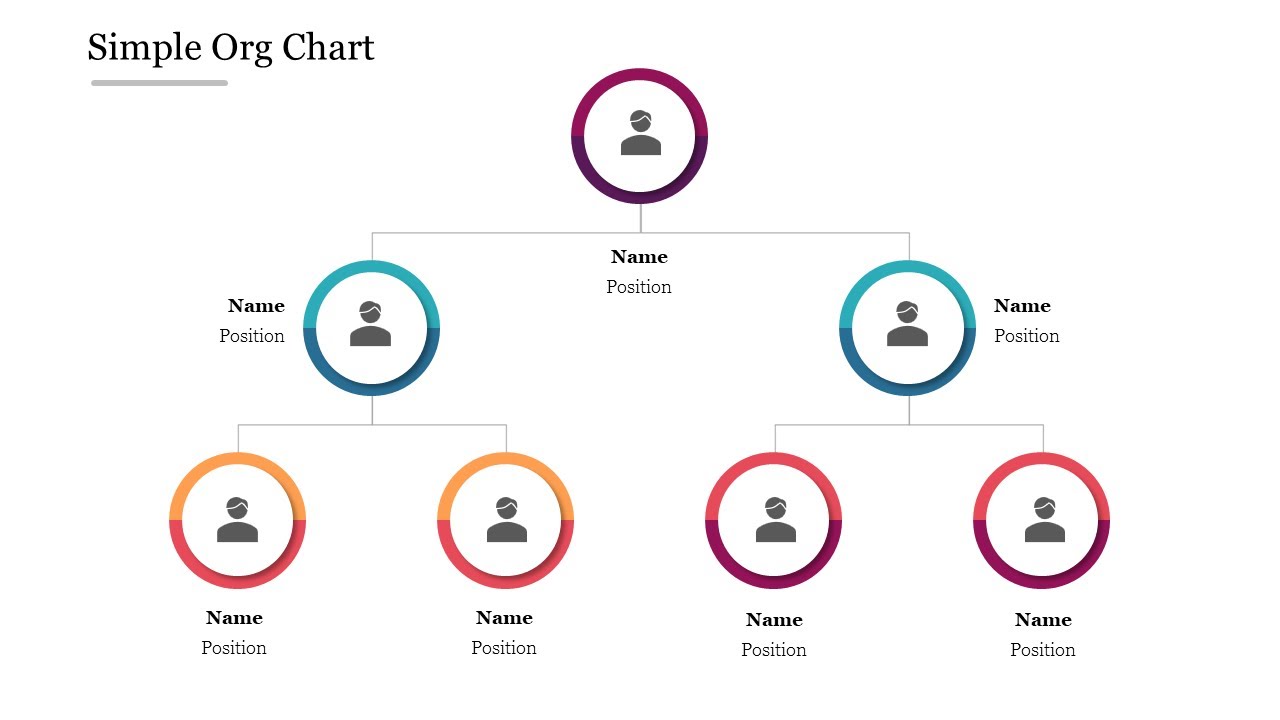
Assign one color per function or tier and keep it consistent across every slide so the eye groups roles automatically.
Simplify, then pressure-test
Cap each slide at three to four levels, remove redundant boxes, and ask someone unfamiliar to trace a reporting line in five seconds.
Best practices from org-design experts
Four rules that keep an org chart clear no matter how big the company gets.
Limit each slide to 3–4 levels
Deep hierarchies overflow a 16:9 frame. Split large orgs into a summary slide plus per-department detail slides.
Match the chart type to how people work
A matrix beats a tree when staff answer to both a function lead and a project lead. Draw the structure people actually operate in.
Use photos and color to speed recognition
Faces and consistent department colors let an audience parse a structure in seconds instead of reading every box.
Group by function when structure follows departments
Organize by marketing, finance, operations and HR to show how each function ladders up to leadership.
Which org chart structure should you use?
Pick the model that matches how authority and collaboration flow in your team. Not every company looks the same on paper, so this collection covers every common shape.
Company organizational charts
Show your full company setup from leaders to staff — departments, roles, and reporting lines — for business meetings, reports, and HR overviews.
Company org chart slides →Matrix organizational charts
Use these when a team member reports to more than one manager — ideal for project-based, consulting, and IT teams, and for showing cross-functional collaboration.
Matrix org chart slides →Team structure charts
A team structure PPT template is best for showing small groups and team collaboration — who does what in a project or department. Use them in team meetings, pitches, or planning sessions.
Team structure slides →Functional structure charts
Focus on company functions like marketing, HR, or operations, and show how each department supports the company's goals. Helpful for training, onboarding, and internal reports.
Functional structure slides →Who these org chart templates are for
Royalty-free for internal documents and client-facing or commercial presentations alike.
HR teams
Onboarding decks and headcount planning.
Managers
Explaining leadership and reporting lines in all-hands meetings.
Founders & finance leads
Leadership charts in pitch decks and board decks investors grasp instantly.
Project leaders
Mapping cross-functional squads and dependencies.
Trainers & teachers
Organizing groups and explaining structures in class.
Consultants
Building a client-specific org chart without starting from a blank slide.
Design an org chart with AI
Describe your team in plain language — who reports to whom, how many people — and the AI Presentation Maker builds a complete, editable deck in under a minute: a cover chart, an agenda, a slide per department, and a full reporting-line view.
Real-world use cases
A founder mapping team structure for an investor deck.
An HR lead documenting a reorg before an all-hands meeting.
A consultant building a client-specific org chart without starting from a blank slide.
A manager updating last quarter's chart after new hires.
Prefer to edit by hand? Four steps.
Replace the placeholder names, titles, and photos with your own.
Add or delete boxes so the chart matches your real team size.
Recolor the shapes to your brand.
Re-connect the reporting lines if your hierarchy differs from the sample.
Everything is 100% editable, so updating after a new hire, promotion, or reorg takes seconds instead of a rebuild.
Formatting checklist for a clean, readable chart
A technically accurate chart that is visually cluttered loses the room in ten seconds. These six habits keep it clear.
More org chart templates to explore
Three more designer-picked layouts, ready to download and edit.
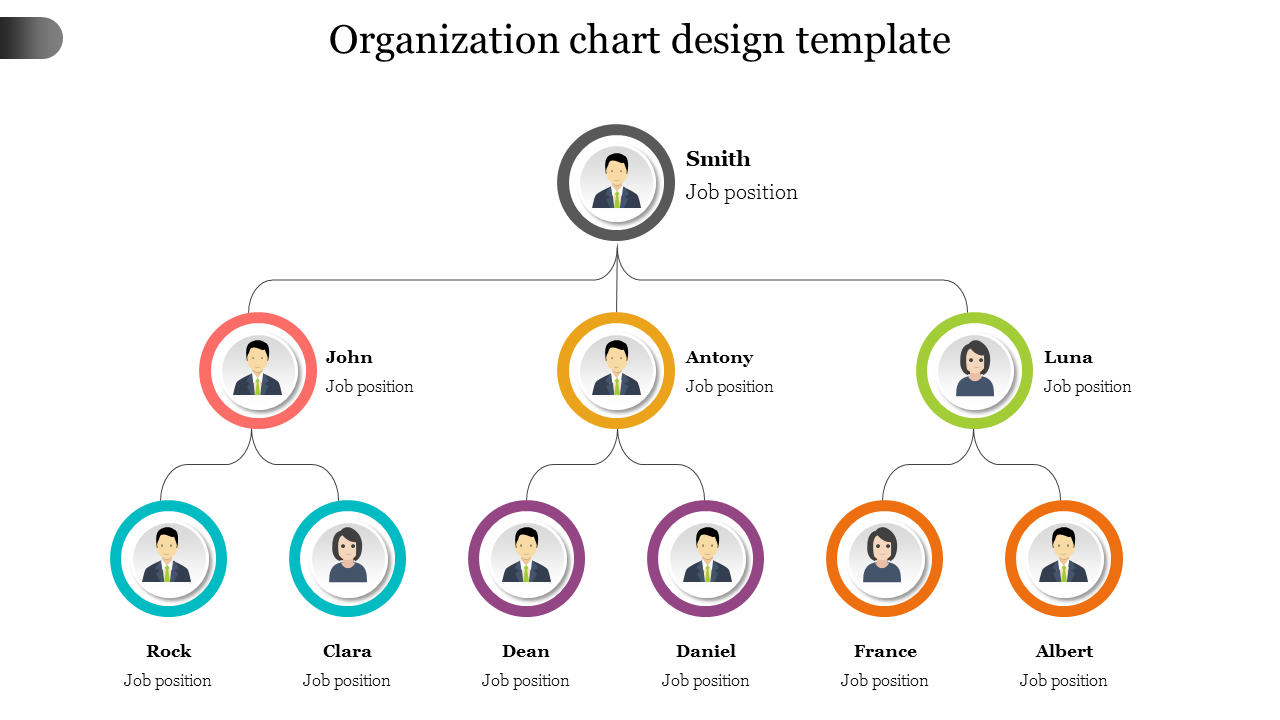
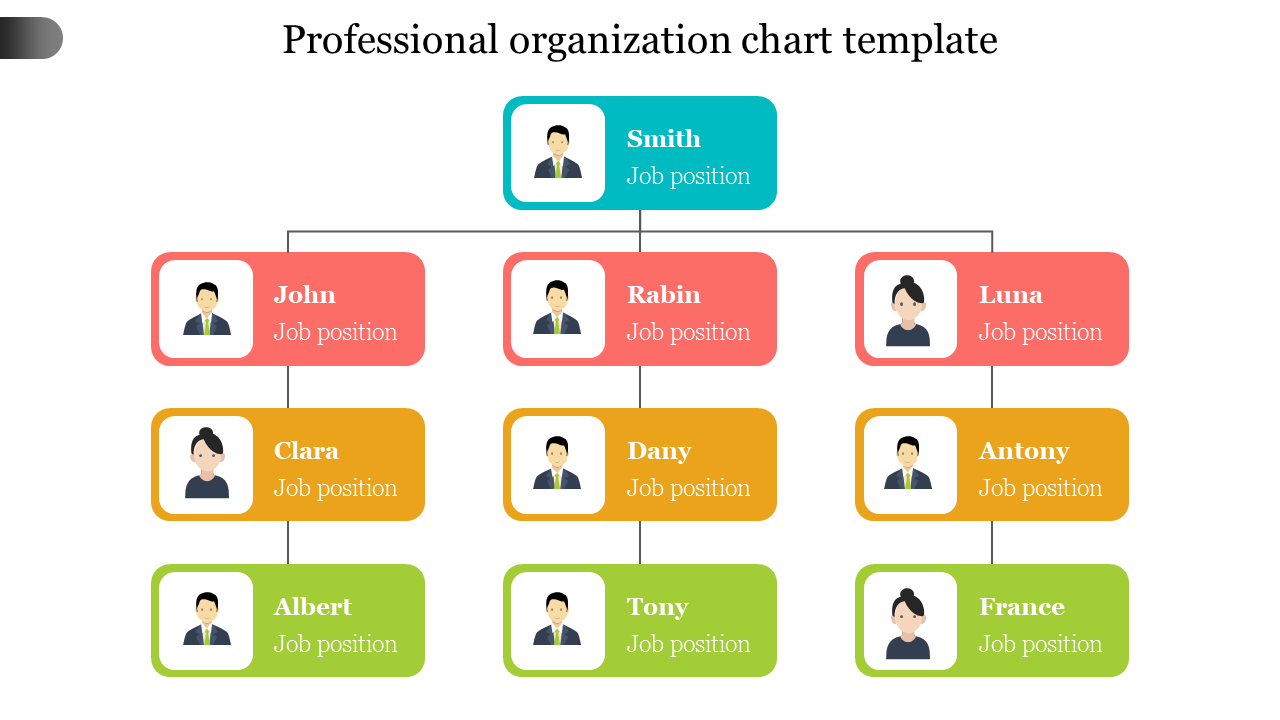
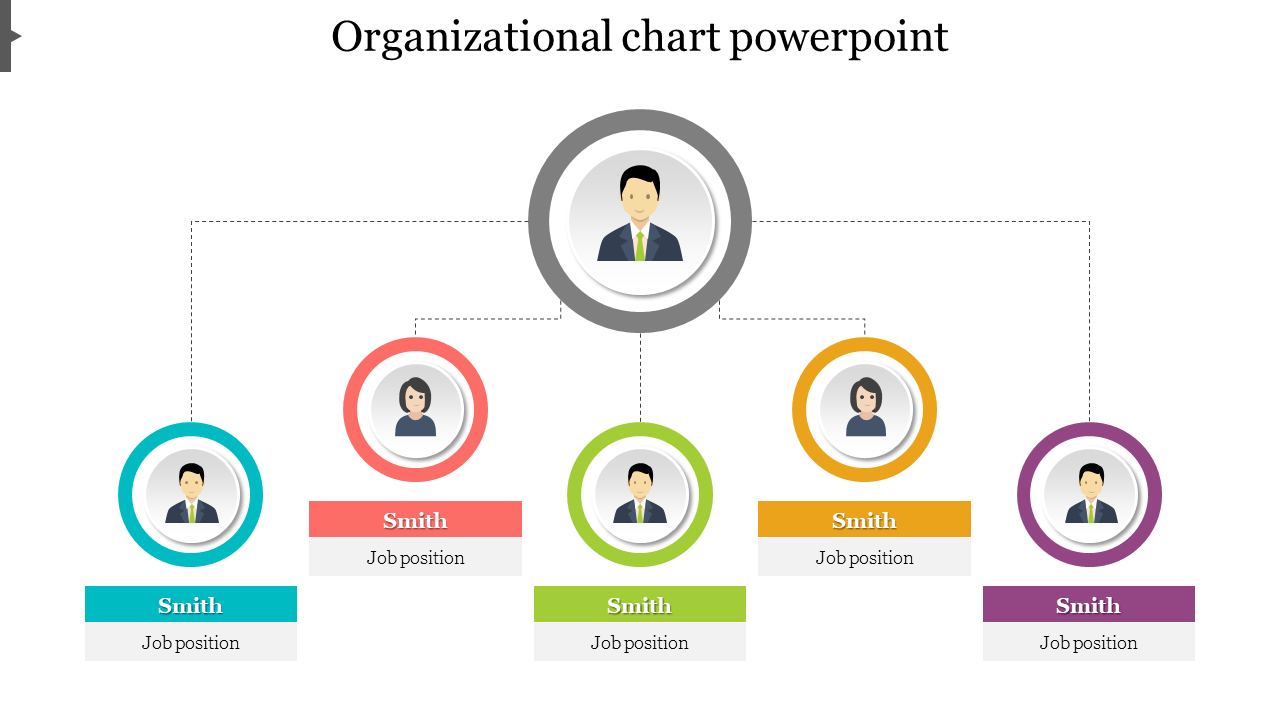
Key organization chart terms, defined
The vertical arrangement of roles from leadership down to individual contributors.
The connector showing who a person answers to — the backbone of any org chart.
The number of direct reports a single manager oversees.
A model where employees report to both a functional manager and a project manager.
An org design that groups people by specialized department such as HR or finance.
A secondary reporting link, drawn as a dashed line, that supplements the primary manager.
Why you can trust these templates
Ready to map your team structure?
Browse 480+ editable organization chart templates and have your slide ready today.
Become an expert with SlideEgg
Watch quick, practical walkthroughs and level up your presentation design skills in minutes.


Frequently Asked Questions
Can I customize these org charts to match my company structure?
Yes. Everything is editable. Add your own roles, titles, names, departments. Adjust the structure to match your organization. The template gives you the structure. You customize it with your specific people and roles.
What happens when my team changes? Can I update the org chart easily?
Yes. Updates are simple. Someone leaves? Remove them. New hire? Add them. Promotion? Update their position. No need to rebuild from scratch. Just edit the existing structure.
Can I show multiple departments or divisions in one chart?
Yes. Depending on the template, you can show the entire organization or focus on specific departments. Some templates are built for complex multi-level organizations. Find one that fits your structure.
Can I add photos or specific details for each person?
Yes. Most templates have photo placeholders. Add employee photos, titles, contact info, or whatever details you need. The structure stays intact while you customize the details.
Will this work for presenting to investors or at meetings?
Yes. That's exactly what these are designed for. Professional, clean org charts that communicate structure clearly. Use them in presentations, investor meetings, or onboarding sessions.
What if my organization structure is complex with many levels?
Templates come in different styles. Some handle complex hierarchies with many levels. Some are better for simpler structures. Find a template that matches your complexity level.
Can I export or share this org chart in different formats?
Yes. Export as PowerPoint, PDF, image, or Google Slides. Share however you need. Print it. Email it. Present it. The org chart works in whatever format serves your purpose.
What is an organogram template, and is it the same as an org chart?
Yes — organogram (also spelled organigram) is simply another word for organizational chart. Both terms describe the same visual diagram: a hierarchy that shows roles, reporting lines, and team structure. All SlideEgg org chart templates work perfectly as organogram templates. Just download, replace the names and titles, and your organogram is ready.
Can I use these org chart templates in Google Slides?
Yes. Every template in this collection is compatible with Google Slides. When you download, select the Google Slides option and the template opens directly in your browser — no PowerPoint installation needed. All text, colors, and positions are fully editable within Google Slides. Free templates are available with no sign-up required.
Can I use these templates in Canva?
Yes. SlideEgg org chart templates are available in Canva-compatible format. Select "Open in Canva" when downloading and the template loads directly into your Canva workspace. From there you can adjust colors to match your brand, swap fonts, and add or remove team member cards — all using Canva's drag-and-drop tools.
What types of org chart templates are available?
SlideEgg offers multiple org chart styles to fit different team structures: traditional top-down hierarchy charts (most common for corporate teams), circular org charts (ideal for flat or collaborative teams), matrix org charts (for teams reporting to multiple managers), functional org charts (organized by department like marketing, HR, finance), and team structure charts (for small project groups). Use the category filters above to browse by type.
What is the difference between free and premium org chart templates?
Free org chart templates include single-slide designs and smaller template packs — fully editable with no watermarks. Premium templates include multi-slide packs (10–20+ slides per deck), advanced design styles, additional color themes, and priority support. Both free and premium templates work in PowerPoint, Google Slides, and Canva. You can filter by free or premium using the options above, or read our full guide: Free vs Premium Org Chart Templates.
How do I make an org chart in PowerPoint from a template?
Download the template, open it in PowerPoint (or Google Slides / Canva), replace the placeholder names, titles, and photos, add or remove boxes to match your team, recolor to your brand, and re-connect any reporting lines. No SmartArt or design tools required — it takes a few minutes.
Are these org chart templates really free to download?
Yes. Every design marked "Free" downloads with no watermark and no cost. Premium packs add multi-slide decks and extra styles, but you can build a complete, professional org chart using free templates alone.