Horizontal Organization Chart PowerPoint And Google Slides
 Canva
Canva
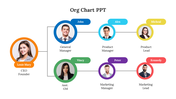
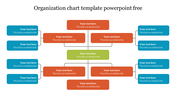
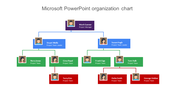
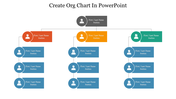
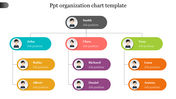
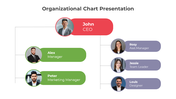
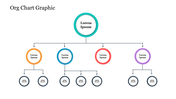

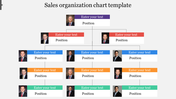
Organization Chart Presentation Template: Horizontal Layout
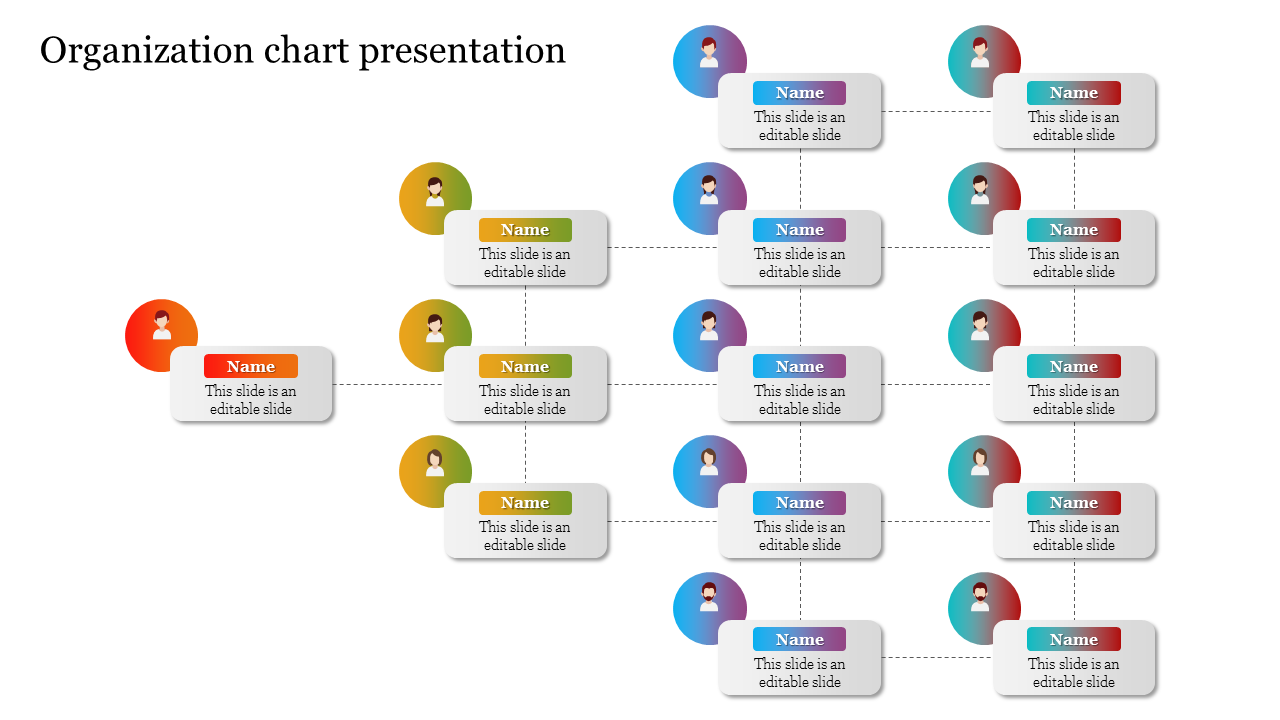
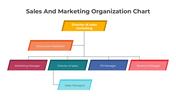
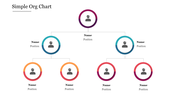
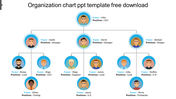
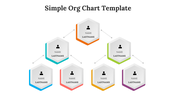
Most org charts run top to bottom, so a left-to-right layout is worth having on hand when your slide is wider than it is tall, or when you want a fresh visual break from the usual box tree. This template starts with one leader circle on the far left, branches into four managers, and then splits into two further groups of five reports each, 15 role nodes in total across three tiers, connected by clean dashed lines. Each tier uses its own two-tone gradient color, and every circle carries a name field plus a short description line, all placeholder-ready for your own team. It works well wherever slide width is generous, such as widescreen decks, digital signage, or a wall-mounted org chart display. A single slide, fully editable in PowerPoint, Google Slides, and Canva. Browse more organization chart templates for standard vertical layouts.
Features of this template:
- Compatible with PowerPoint, Google Slides, and Canva
- 100% editable shapes, colors, and text
- Widescreen 16:9 and standard 4:3 layouts
- Well-crafted template with an instant download facility
- Left-to-right horizontal tree layout
- 15 role nodes across 3 reporting tiers
- Two-tone gradient circle avatars
FAQs
1. How many roles does this chart show?
15, across three tiers: one leader, four managers, and ten further reports.
2. Why is this a horizontal layout instead of top-down?
It suits wide slide formats and gives visual variety from the standard vertical tree.
3. Which tools can I edit it in?
PowerPoint, Google Slides, and Canva.









You May Also Like These PowerPoint Templates














Showing20 of69,218 templates