Circular Org Chart Graphic PowerPoint Template


Org Chart Graphic Presentation Template: Multi-Level Teams
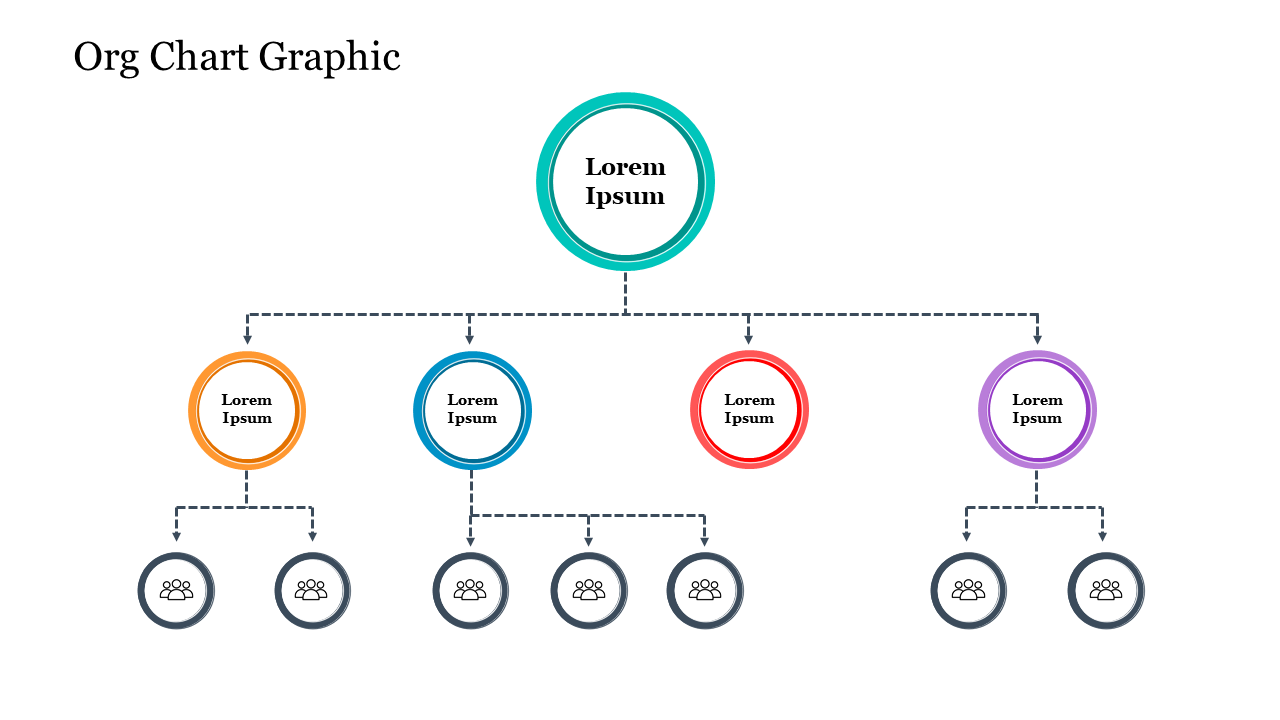
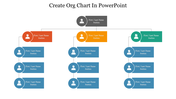
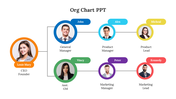
A circular node design reads less like a rigid org box chart and more like a connected network, which is exactly what this slide delivers. One top circle branches into four department-level circles, orange, blue, red, and purple, connected by dashed lines with directional arrows, and three of those four branch again into seven smaller team-icon circles at the base, 12 circles in total across three tiers. Every label currently reads placeholder text, so renaming departments and team members is a simple text swap, and each circle's outline color can be changed independently to match your branding. It works well for a network-style team overview, a small-to-mid-size department breakdown, or any slide where a softer, rounded visual fits better than square boxes. A single slide, editable in PowerPoint. Browse more organization chart templates for hierarchy-style layouts.
Features of this template:
- Compatible with PowerPoint
- 100% editable shapes, colors, and text
- Widescreen 16:9 and standard 4:3 layouts
- Well-crafted template with an instant download facility
- 12 circular nodes across 3 tiers
- Dashed connector lines with arrowheads
- 5 distinct accent colors per branch
FAQs
1. How many nodes does this chart actually have?
12 — one top circle, four branch circles, and seven team-icon circles.
2. Can I rename the placeholder text?
Yes, every "Lorem Ipsum" label is a simple text swap.









You May Also Like These PowerPoint Templates














Showing20 of69,218 templates