Functional Org Chart PowerPoint, Canva, And Google Slides
Free

Functional Org Chart Presentation Template: Department Mapping
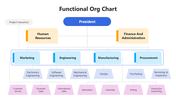
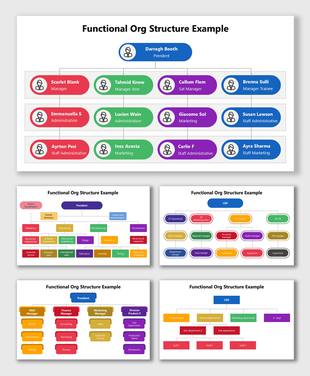
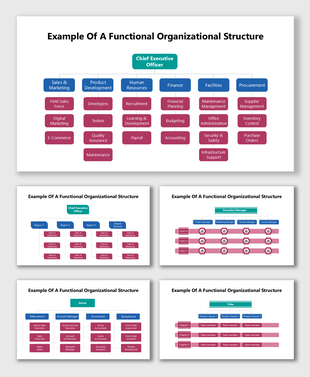
This free download includes five functional org chart layouts, and the slides cover icon libraries, which are useful extras. These chart slides give you real layout variety for showing how departments and reporting lines connect.
Five Layouts, Not One Repeated
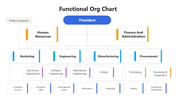
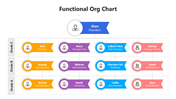
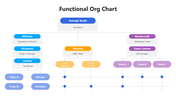
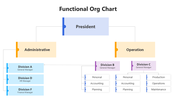
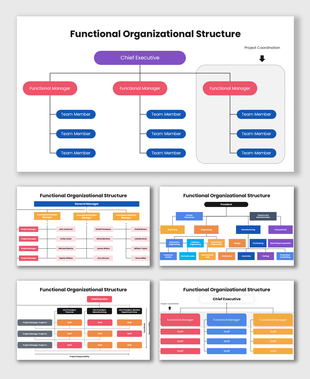
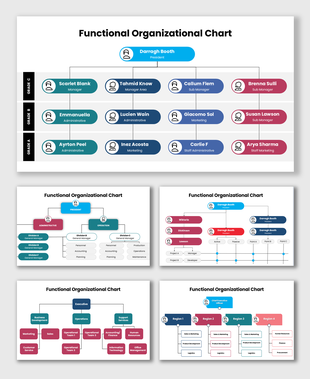
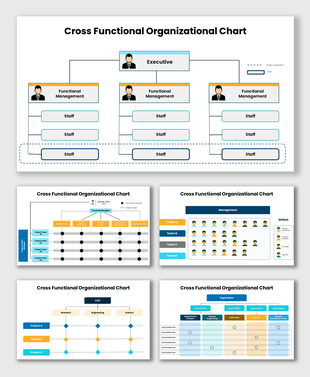
Two of the slides use a classic three-tier tree — a top leadership box branching into department heads, then into sub-teams — but with different example department sets, so you can pick whichever naming convention is closer to your own structure. A third slide groups team members horizontally by grade or tier instead of branching downward, useful when you want to show seniority levels side by side rather than a strict chain of command. A fourth combines a leadership box with a horizontal line of milestone-style markers beneath it. A fifth splits the organization into administrative and operational divisions before branching further into individual divisions.
Choosing the Right Layout for Your Structure
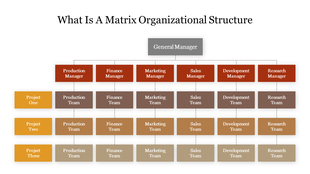
If your organization reports through a clear department hierarchy, the two tree-style slides will be the fastest to adapt. If you're presenting seniority levels or grades within a single team rather than separate departments, the grade-grouped layout fits better. And if your structure genuinely splits into administrative versus operational sides, the admin/operations layout does that split for you instead of forcing it into a single tree. For a closer look at how a functional structure plays out with named departments filled in, the functional org chart examples template walks through the same concept with example scenarios already built in.
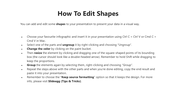
Every chart slide is fully editable — department names, colors, and connector lines can all be changed — and the whole pack works in PowerPoint (16:9 and 4:3), Google Slides, and Canva. For more layout options within the same category, SlideEgg's functional organizational structure templates collection has further variations to compare.
Features of this template:
- 5 distinct functional org chart layouts in one free download.
- Fully editable text, department labels, colors, and connector lines.
- Available in PowerPoint (16:9 and 4:3), Google Slides, and Canva.
- Includes supporting icon libraries (general, educational, medical, teamwork) for adding role or department icons without sourcing them separately.
- One layout groups team members by grade level instead of a hierarchy tree.
- One layout adds a horizontal milestone row beneath the leadership box.
- One layout splits the structure into administrative and operational sides before branching into divisions.
FAQs
1. Which layout should I use if my organization doesn't split cleanly into departments?
The grade-grouped layout works better than the tree-style slides if you're organizing by seniority level or team tier rather than by department, since it doesn't force a branching hierarchy.
2. Can I mix icons from the included icon sheets into the org chart slides themselves?
Yes — the icon slides are provided as a reference sheet you can copy individual icons from and paste into any of the five chart layouts.
3. Is this template really free, given one slide mentions "Premium Users"?
Yes, it's free — the Terms of Use section includes both free-user and premium-user text as standard boilerplate across SlideEgg's templates, but the download itself isn't gated behind a purchase.
More Collections for Functional Org Chart PowerPoint, Canva
Recommended based on this template.









Similar Templates to Functional Org Chart PowerPoint, Canva









Showing36 of69,218 templates