Organization Chart Template for PowerPoint Presentations

Organization Chart Presentation Template Pack: Compare 6 Layouts
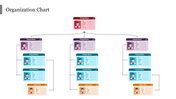
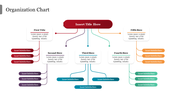
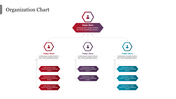
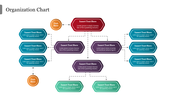
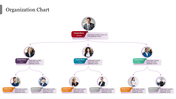
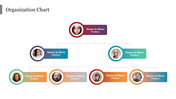
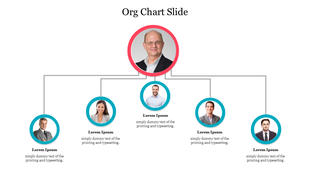
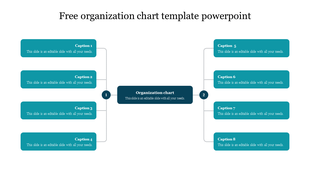
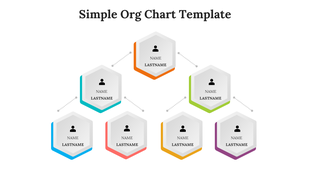
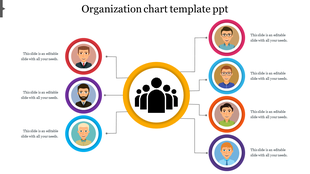
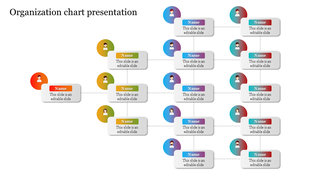
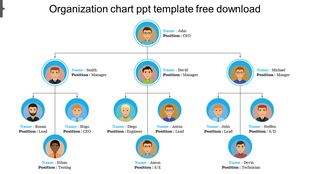
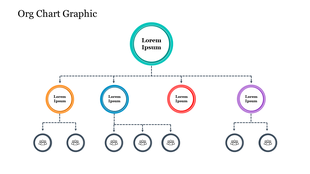
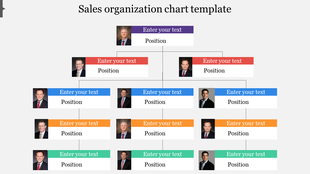
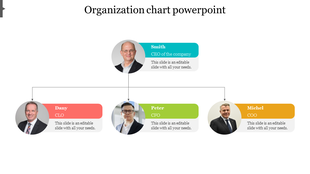
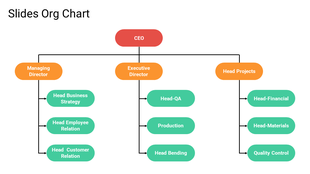
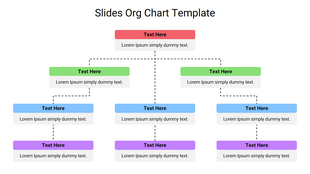
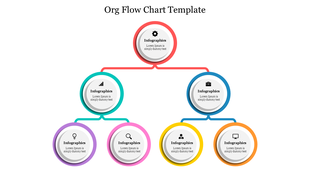
Picking the right org chart style usually means testing a few before one feels right, and this pack is built for that comparison. It bundles 8 slides in one download: a title cover, six distinct chart layouts, and a closing thank-you slide. The six options range from a contact-card hierarchy with photo and email fields, to a flowing infographic layout with curved connectors, a hexagon-icon tree, a dashed-line octagon hierarchy, and two circular photo trees in different color treatments. Rather than committing to a single fixed design, drop in whichever layout fits your team's size and tone, then delete the rest. Every name, title, photo placeholder, and connector line is editable, so branding the chart takes minutes. It's a practical starting point for HR decks or board presentations where you're not sure which layout will land best. Compatible with PowerPoint. Browse more organization chart templates if none of the six fit.
Features of this template:
- Compatible with PowerPoint
- 100% editable shapes, colors, and text
- Widescreen 16:9 and standard 4:3 layouts
- Well-crafted template with an instant download facility
- 6 distinct chart layouts in one pack
- Cover slide plus ready thank-you slide
- Photo-card, infographic, and hexagon designs
FAQs
1. How many chart layouts are actually in this pack?
Six chart layouts, plus a title cover and a closing thank-you slide — 8 slides total.
2. How do I pick the right layout?
Use the contact-card or photo-tree hierarchy for smaller teams where names and photos matter, and the hexagon or octagon layout for larger, multi-branch structures.









You May Also Like These PowerPoint Templates













Showing36 of69,218 templates