Org Chart in Teams PowerPoint Template and Google Slides

Org Chart in Teams Presentation Template: Team Meetings
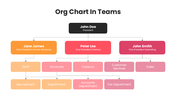
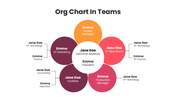
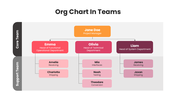
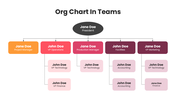
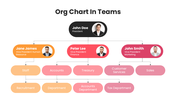
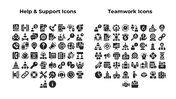
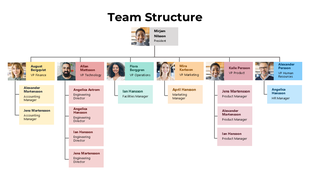
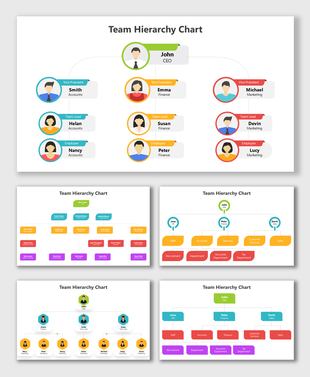
Give your team structure a bold, coordinated look with this 13-slide org chart in teams pack. Across the deck, you get several ready hierarchy layouts. A classic top-down chart running from President to VPs of HR, Finance, and Marketing and their departments, plus wider five-branch and multi-level variants are available. All tied together by a striking red-and-pink theme. A bonus slide of editable education and medical icons lets you tailor the charts to your industry. Swap in your names, roles, and reporting lines, recolor to your brand, and present. Every slide is fully editable in PowerPoint, Google Slides, and Canva. Explore more organization chart templates.
Features of this template:
- Compatible with PowerPoint, Google Slides, and Canva
- 100% editable shapes, colors, and text
- Widescreen 16:9 and standard 4:3 layouts
- Well-crafted template with an instant download facility
- 13 red-themed team org chart slides
- Multiple hierarchy layouts to choose from
- Includes an editable icon library
FAQs:
1. How many slides are included?
13 editable, red-themed org chart slides.
2. Can I edit it in Google Slides and Canva?
Yes, 100% editable in PowerPoint, Google Slides, and Canva.
3. Do I need to credit SlideEgg?
No, it's a premium template, so no attribution is required.
Explore Related Collections
Recommended based on this template.









You May Also Like These PowerPoint Templates







Showing36 of69,218 templates