Organization Chart PowerPoint Template and Google Slides
Nodes
Colors
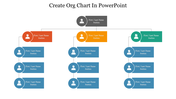



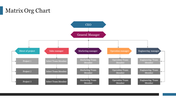

Organization Chart Presentation Template: Executive Team Overview
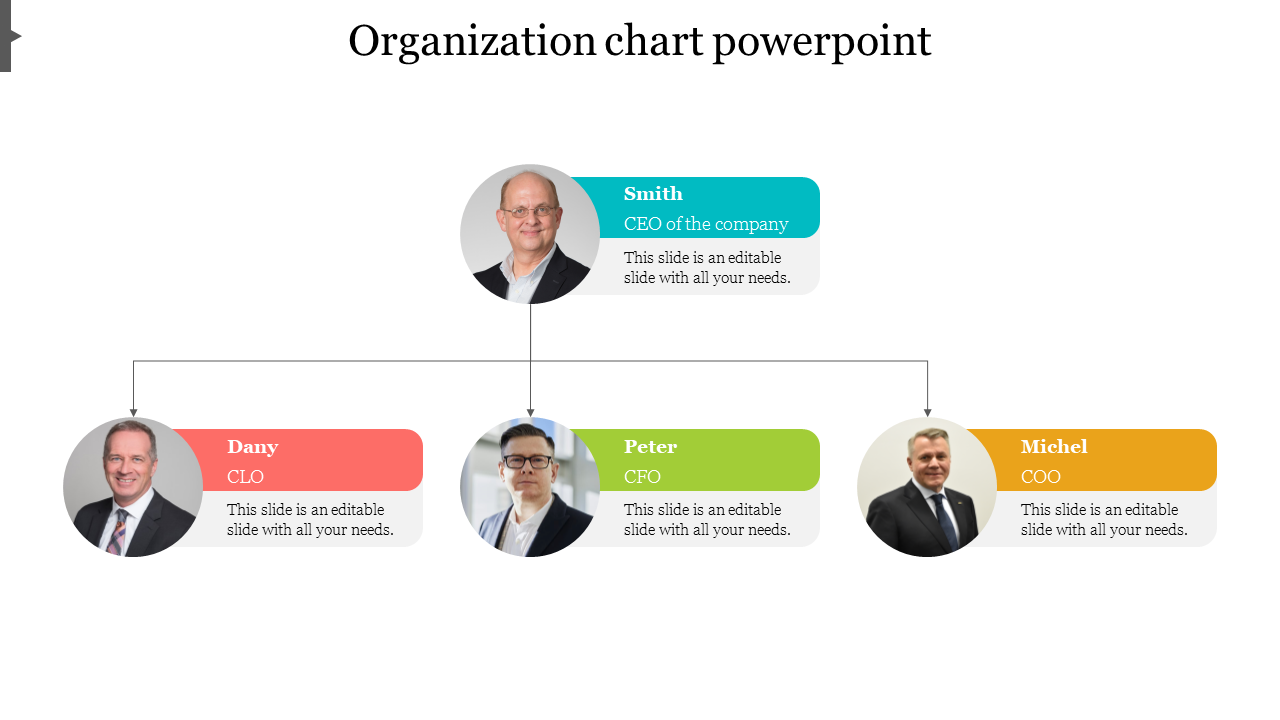
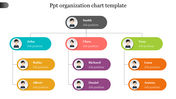
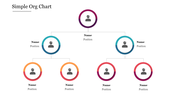
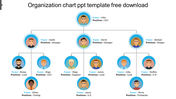
A leadership slide works best when the audience can put a face to each title, and that's the whole idea here. One CEO sits at the top with a photo circle and a short description line, connecting down to three direct reports: a CLO, a CFO, and a COO, each in a different accent color with their own photo and bio space. The layout keeps things simple on purpose, just one tier below the CEO, so it reads clearly in a board meeting or an investor deck without extra clutter. Photos, names, titles, and bio text are all placeholder-ready, so swapping in your own leadership team takes minutes. It suits company overviews, executive introductions, or the opening slide of a leadership-change announcement. A single slide, fully editable in PowerPoint, Google Slides, and Canva. Browse more organization chart templates for larger team structures.
Features of this template:
- Compatible with PowerPoint, Google Slides, and Canva
- 100% editable shapes, colors, and text
- Widescreen 16:9 and standard 4:3 layouts
- Well-crafted template with an instant download facility
- Photo circles for all four executives
- Short bio line under each role
- Direct-report arrows from one CEO
FAQs
1. How many roles does this chart show?
Four roles — a CEO plus a CLO, CFO, and COO, one tier deep.
2. Can I add more direct reports?
Yes, the layout is easy to extend by duplicating a role block.
3. Which tools can I edit it in?
PowerPoint, Google Slides, and Canva.
More Collections for Organization Chart PowerPoint Template
Recommended based on this template.









Similar Templates to Organization Chart PowerPoint Template














Showing20 of69,218 templates