Cross Functional Team Org Chart PPT And Google Slides
Free
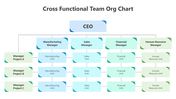
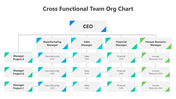
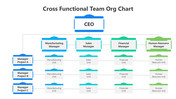
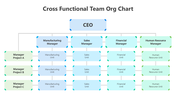

Cross-Functional Team Org Chart Presentation Template: Project Coordination
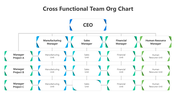
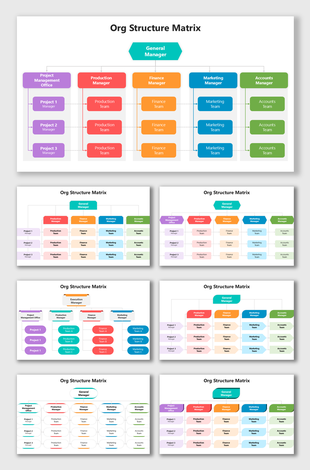
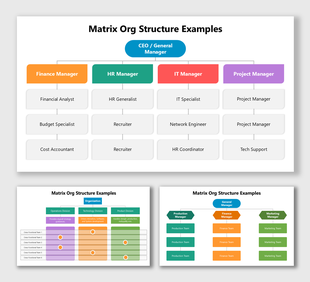
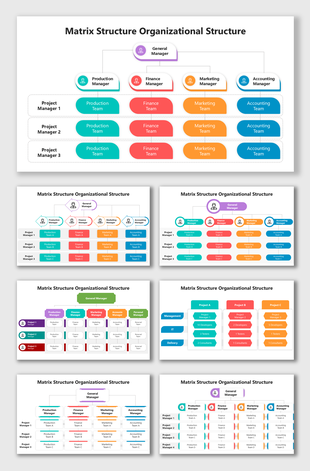
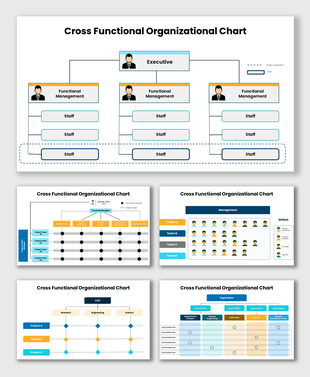
When a project team pulls people from manufacturing, sales, finance, and HR, a plain hierarchy box chart doesn't show who's actually coordinating with whom. This 13-slide pack solves that with a matrix layout: a CEO at the top, four department managers below, and three project rows, Manager Project A, B, and C, crossing every department's unit boxes so reporting lines and project assignments are visible in one view. Each slide offers the same clean structure in a different color treatment, from blue and teal to soft green, so you can pick the palette that fits your deck. Every box, label, and connector is editable, making it easy to rename roles, add your own project names, or extend the grid. It suits project kickoffs, resourcing reviews, and cross-departmental planning meetings. Free to download and editable in PowerPoint, Google Slides, and Canva. Explore more organization chart templates.
Features of this template:
- Free download with no watermark
- Compatible with PowerPoint, Google Slides, and Canva
- 100% editable shapes, colors, and text
- Widescreen 16:9 and standard 4:3 layouts
- Well-crafted template with an instant download facility
- 13 color-variant matrix designs in one pack
- CEO-to-department matrix with 4 managers
- 3-project row mapped across every unit
FAQs
- How many slides does this pack include? 13 fully editable slides, each a different color treatment of the same matrix.
- Is it free? Yes, free to download with no watermark, and editable in PowerPoint, Google Slides, and Canva.
More Collections for Cross Functional Team Org Chart PPT
Recommended based on this template.









Similar Templates to Cross Functional Team Org Chart PPT







Showing36 of69,218 templates