Create an Org Chart in PowerPoint Template and Google Slides
Nodes
Colors


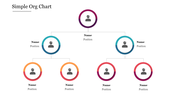
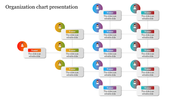
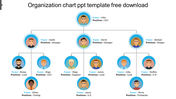
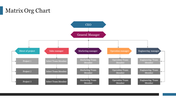
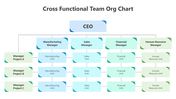
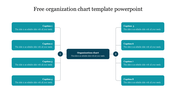
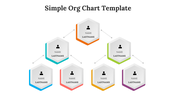
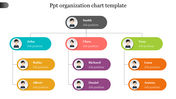
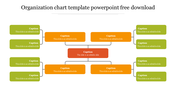
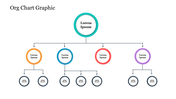
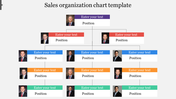
Org Chart Presentation Template: Build in PowerPoint
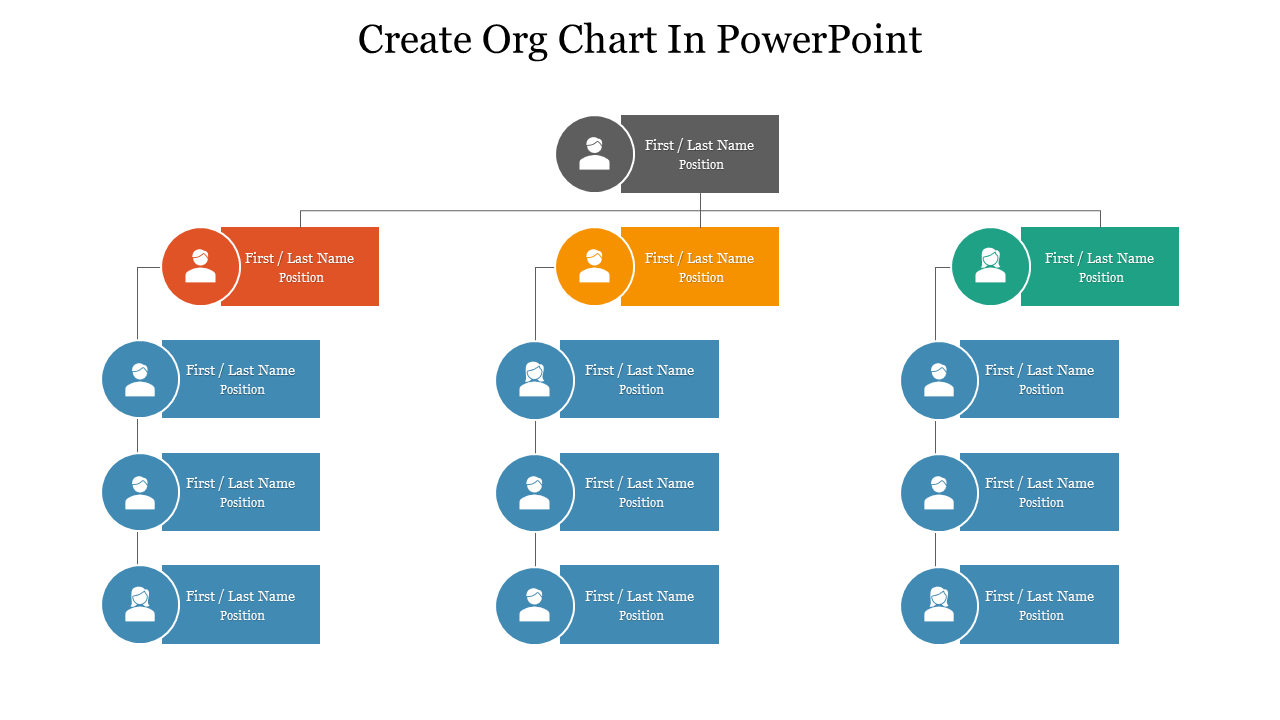
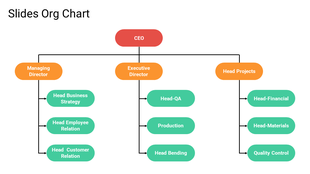
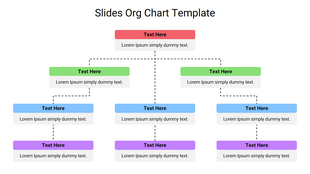
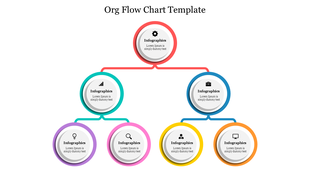
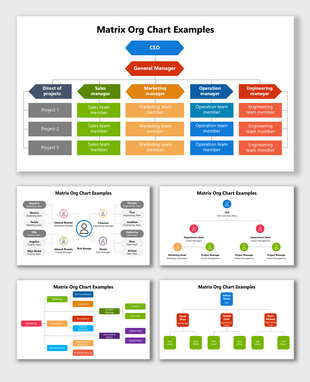
Building an org chart with SmartArt can be fiddly. This template skips that entirely. The chart is made of clean, editable shapes, so you replace the placeholder roles, move nodes, and reconnect lines without wrestling any menus. Built-in icons give each role a quick visual cue, and the whole thing stays yours to recolor and rearrange as the team changes. It suits company overviews, onboarding, and reviews, and updates in minutes rather than a redraw. See more organization chart templates, or try the Microsoft PowerPoint org chart for a classic corporate look.
Features of this template:
- 100% editable shapes, colors, and text
- Widescreen 16:9 and standard 4:3 layouts
- Well-crafted template with an instant download facility
- Editable shapes, no SmartArt needed
- Built-in icons for each role
- Reconnect lines with a click
More Collections for Create an Org Chart in PowerPoint Template
Recommended based on this template.









Similar Templates to Create an Org Chart in PowerPoint Template














Showing20 of69,218 templates