Simple Org Chart PowerPoint Template and Google Slides
 Canva
Canva



Simple Org Chart Presentation Template for Quick Overviews
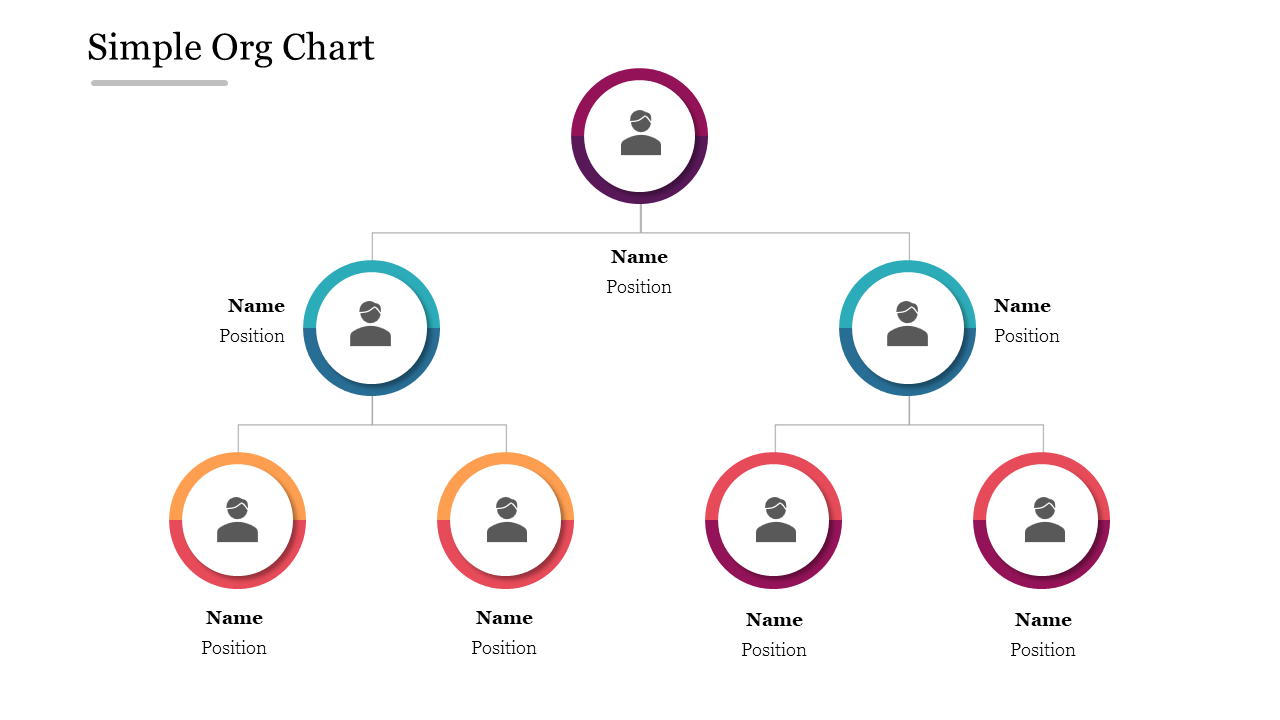
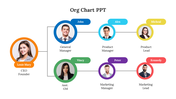
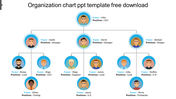
Sometimes the clearest org chart is the simplest one. This minimalist design maps your structure with seven circular nodes across three clean levels — one lead at the top, two managers below, and four team members beneath. Each ring is in its own color with room for a photo, name, and position. There are no heavy boxes to distract, which makes it an easy org chart to read at a glance in team intros, small-company overviews, and quick planning sessions. Swap in your names and roles, recolor the rings to your brand, and present in minutes. The slide is fully editable in PowerPoint, Google Slides, and Canva. Explore more organization chart templates, or grab a free option with the free simple org chart.
Features of this template:
- Compatible with PowerPoint, Google Slides, and Canva
- 100% editable shapes, colors, and text
- Widescreen 16:9 and standard 4:3 layouts
- Well-crafted template with an instant download facility
- Seven circular nodes over three levels
- Minimal, box-free clean design
- Color-ringed name and position labels
FAQs
- Is this a single slide? Yes, one fully editable org chart slide.
- Which tools can I edit it in? PowerPoint, Google Slides, and Canva.
- Can I add or remove nodes? Yes, every circle, color, and label is editable.









You May Also Like These PowerPoint Templates














Showing20 of69,218 templates