Org Chart PowerPoint Slide with Circular Photo Portraits
Nodes
Colors
Org Chart Presentation Template: Leadership Team View
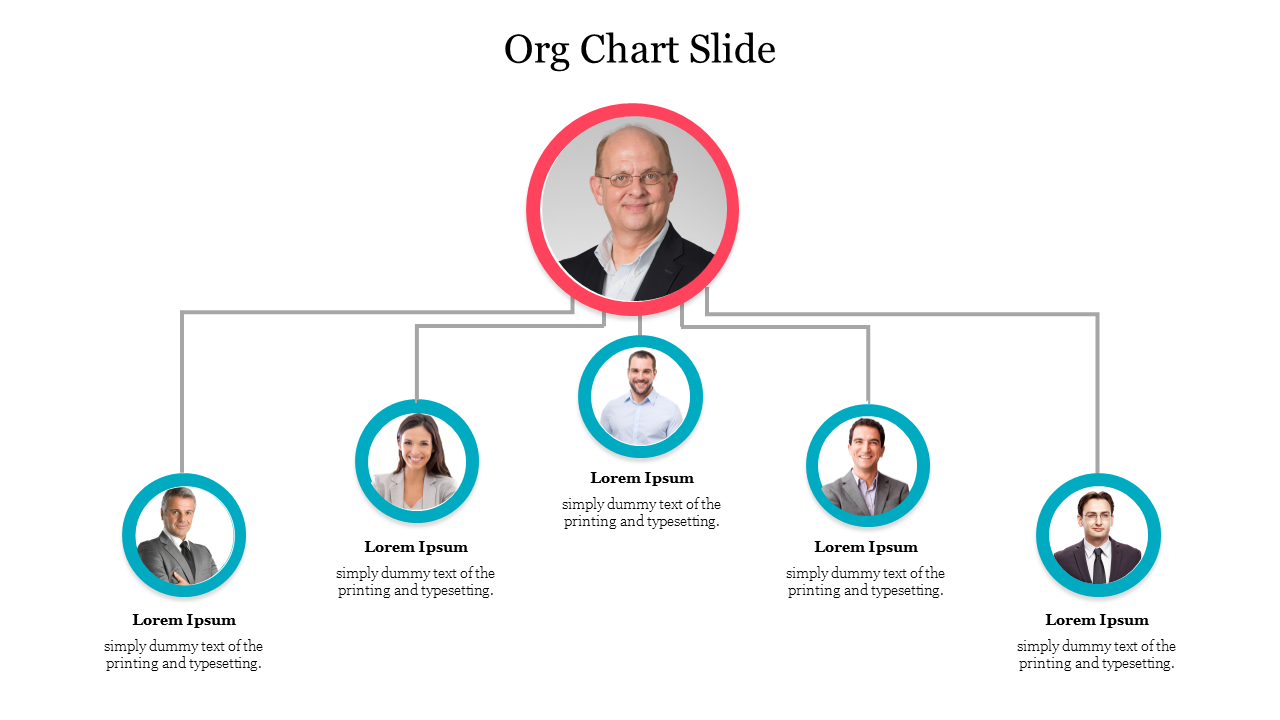
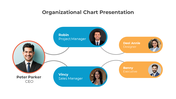
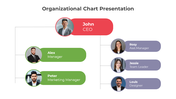
This org chart slide replaces the usual boxes and lines with real photo portraits, so a leadership team reads as faces first and job titles second. One leader sits at the top in a red-ringed circle, connected to five direct reports below in smaller teal-ringed circles.
Why the Five Reports Are Staggered, Not Lined Up
Instead of placing all five direct reports in one even row, the layout staggers them at different heights, creating a fan effect that widens out from the leader at the center. This keeps the eye moving naturally from the top circle outward, rather than reading like a static row of boxes, which is useful when you want the leadership introduction to feel more like a team photo than a formal chart.
One Tier, Not a Deep Hierarchy
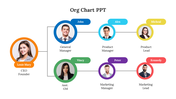
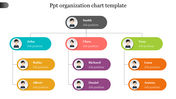
There's no further branching below the five direct reports, so this fits a flat leadership group or a small team where everyone reports to the same person, not a multi-level department structure. If your structure has more than two levels of reporting, a tiered layout will represent it more accurately. The organization chart design template uses the same photo-portrait style across three reporting levels instead of one, which is a closer fit if you need to show managers and their own teams underneath.
Every circle and text placeholder is editable, so you can swap in real photos, names, and short descriptions. It downloads as a PowerPoint file in 16:9 or 4:3, and fits naturally alongside other organization chart slides in a company-overview deck.
Features of this template:
- Every role shown as a circular photo portrait rather than a text box or icon.
- Available in 16:9 (widescreen) and 4:3 (standard) PowerPoint formats.
- Editable text placeholders under each portrait for name and role description.
- Color-coded rings distinguish the leader (red) from direct reports (teal).
- Staggers the five direct-report circles at different heights instead of one even row, creating a fan layout around the center.
- Uses real photo portraits in every circle, not icon avatars or blank captions.
- Single-tier structure built specifically for a flat leadership team, not a multi-level department chart.
FAQs
1. How many people can this chart show?
Six total — one leader and five direct reports. It isn't built for additional branching below the five reports.
2. Can I use my own team photos instead of the placeholder images?
Yes, each circle holds a placeholder photo you can replace with your own team's photos.
More Collections for Org Chart PowerPoint Slide
Recommended based on this template.









Similar Templates to Org Chart PowerPoint Slide














Showing20 of69,218 templates