Keynote Organization Chart PowerPoint And Google Slides
Nodes
Colors

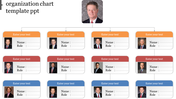

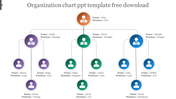
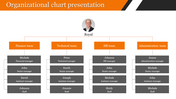
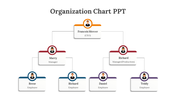
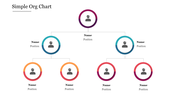
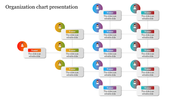
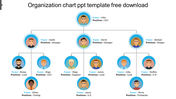
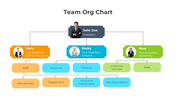
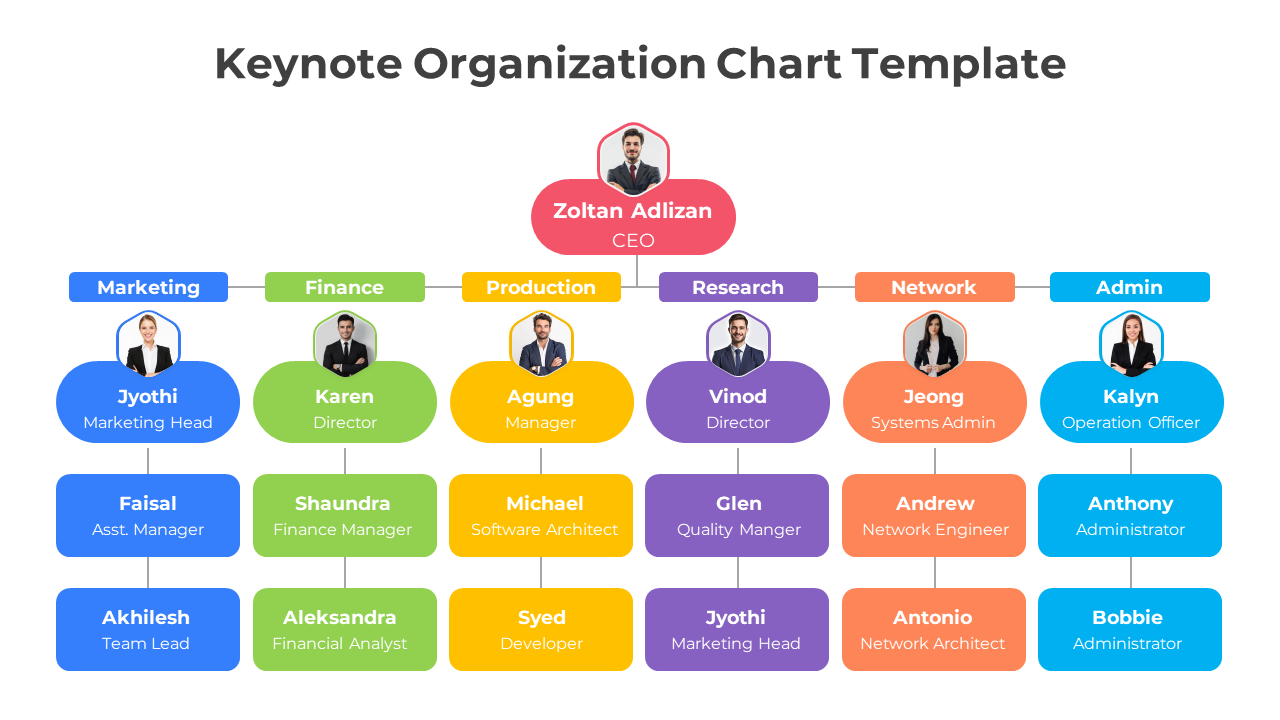
Keynote Organization Chart Template: Six-Department Structure
This organization chart template comes fully populated with a real six-department example, so you can see exactly how the structure reads before swapping in your own team. CEO sits at the top, branching into Marketing, Finance, Production, Research, Network, and Admin, each in its own color and carrying three named roles down to team-lead level, 19 people in total. Every name, title, and circular photo placeholder is pre-filled and editable, making it easy to relabel roles, recolor departments, or trim the tree to match your own company. It suits company-wide org reveals, board decks, or onboarding slides where showing real department heads side by side matters more than a blank hierarchy. Fully editable in PowerPoint and Google Slides. Browse more organization chart templates for other structures.
Features of this template:
- Compatible with PowerPoint and Google Slides
- 100% editable shapes, colors, and text
- Widescreen 16:9 and standard 4:3 layouts
- Well-crafted template with an instant download facility
- Six departments, each in its own color
- 19 pre-filled named roles across 4 tiers
- Circular photo avatars on every role
FAQs
1. How many roles does the chart show?
19, across a CEO and 6 color-coded departments, 4 tiers deep.
2. Can I remove departments I don't need?
Yes, each department column is a self-contained, deletable block.
More Collections for Keynote Organization Chart PowerPoint
Recommended based on this template.









Similar Templates to Keynote Organization Chart PowerPoint










Showing20 of69,218 templates