Amazing Comparison Chart Template PowerPoint-Two Node
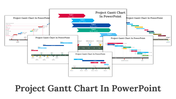
Comparison Chart PowerPoint Template
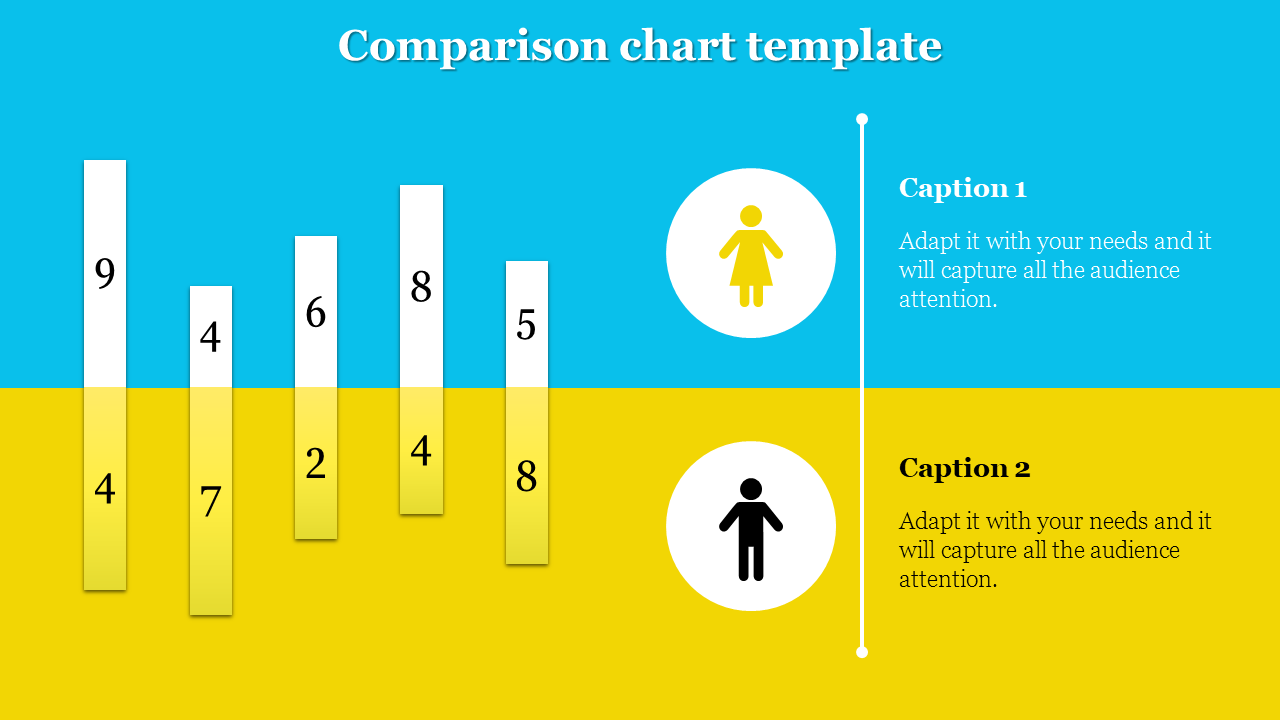
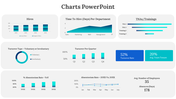
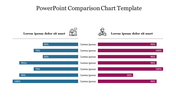
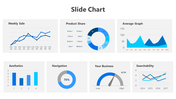
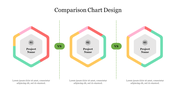
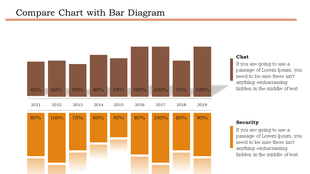
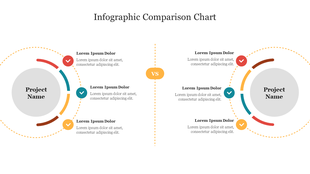
Our Comparison Chart PowerPoint Template helps you to provide better summary to the audience. The slide comes with two sections identified by distinct colors. Bars indicating numerical values can be seen in both the sections. Captions and descriptions can be customized.
Captions and brief descriptions are given with customization options. Perfect for analysts, business leaders, presenters. Suitable template for showcasing financial metrics, market trends, performance indicators. Download now to elevate your presentations effortlessly.
Features of the template
- 100% customizable slides and easy to download.
- Slides are available in different nodes & colors.
- The slide contains 16:9 and 4:3 formats.
- It is easy to change the colors of the slide quickly.
- Well-crafted template with an instant download facility.









You May Also Like These PowerPoint Templates





Showing20 of69,218 templates