
Posts by Arockia Mary Amutha
 Canva Tutorials
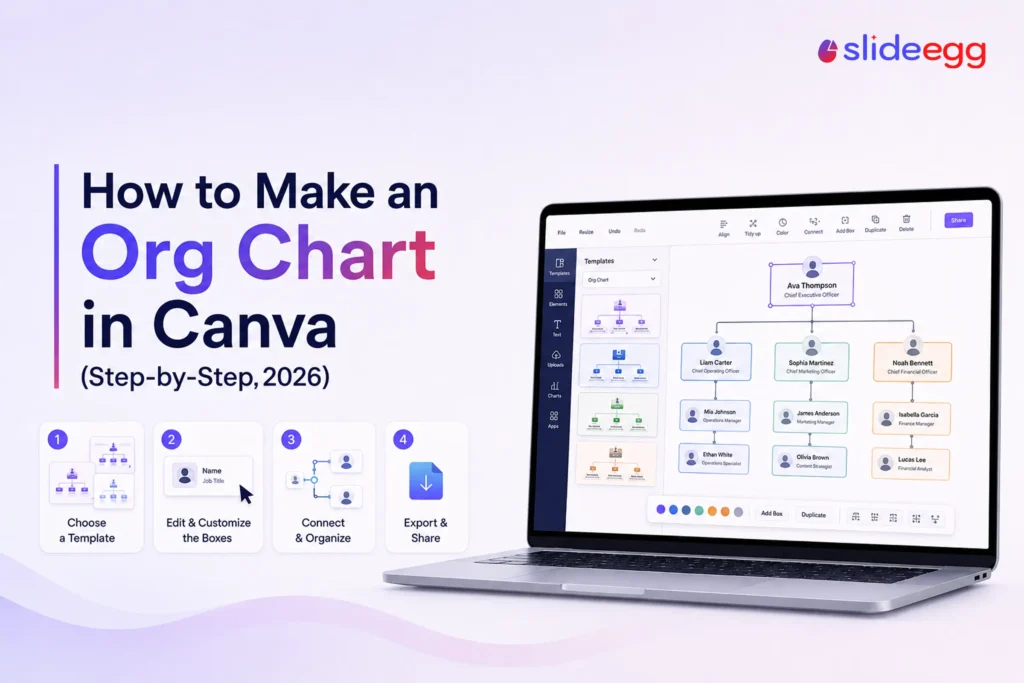
An organizational chart turns a tangle of who-reports-to-whom into a picture anyone can read in seconds. This is useful for onboarding a new hire, planning...
 Presentation Tips
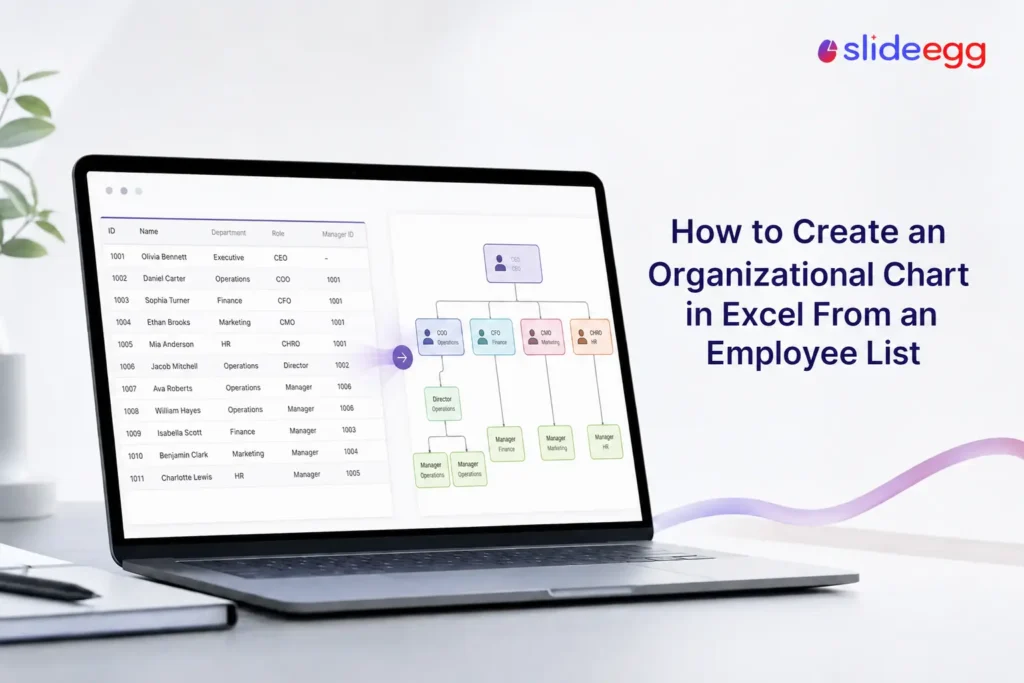
Already have your team in a spreadsheet? Then you’re halfway to an org chart. To turn an employee list into an org chart in Excel,...
 Presentation Tips
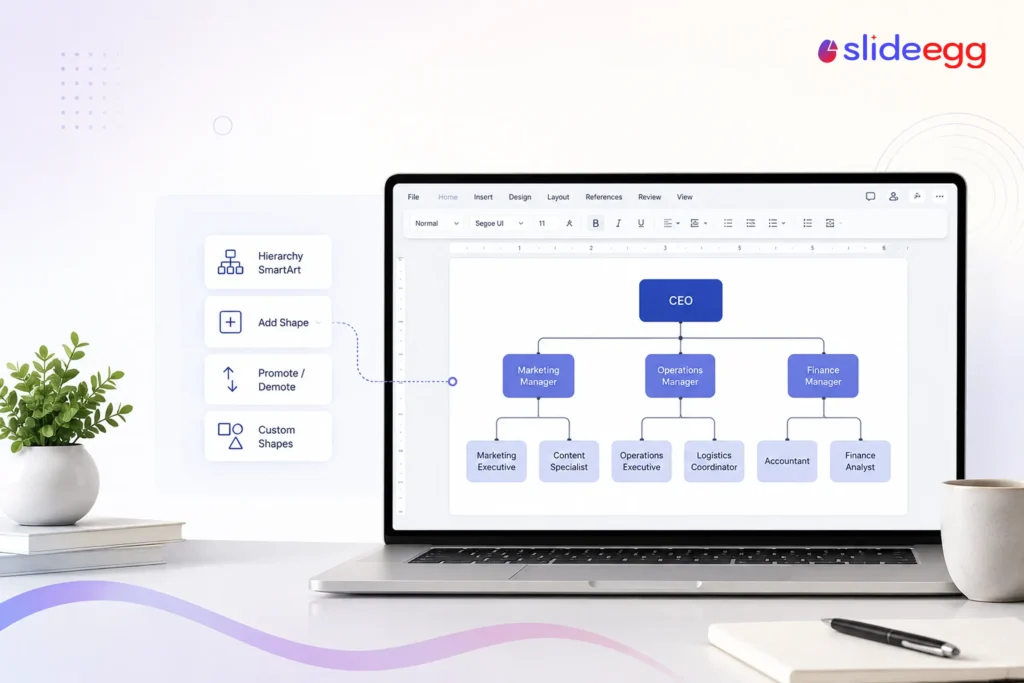
Need an org chart but don’t want to learn new software? Microsoft Word can build one in a few clicks using SmartArt — no drawing,...
 Presentation Tips
A pitch deck is a short set of slides — usually 10 to 14 — that shows investors what your business does, why the market...
 Google Slides Tutorials
Most people use only a fraction of what Google Slides can do. That’s where the wasted time hides. These 10 Google Slides tips are quick...
 Presentation Collections
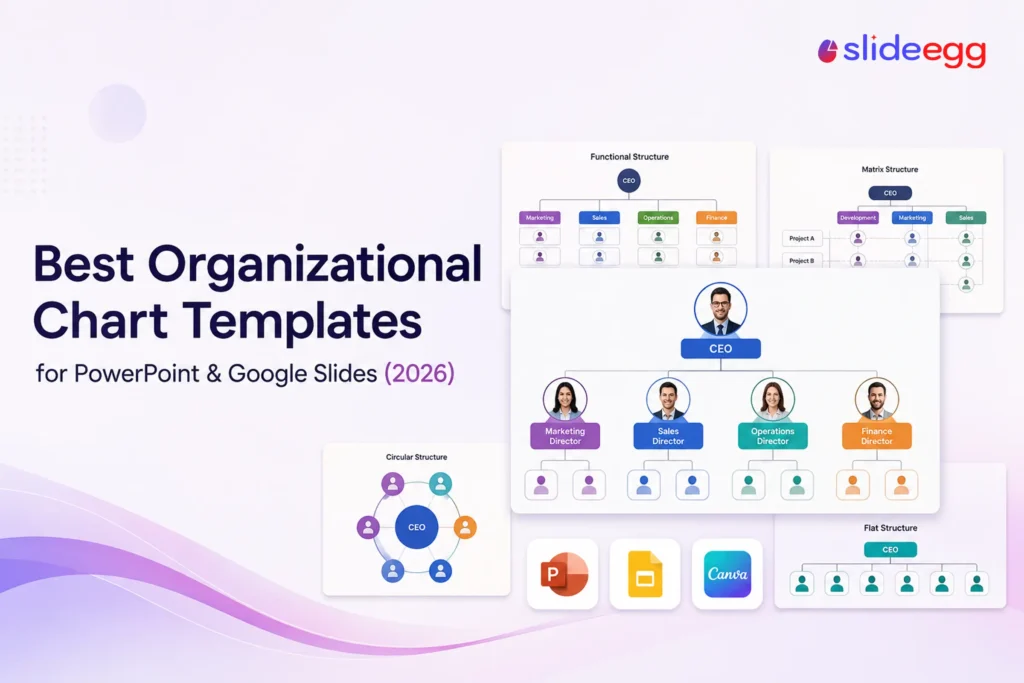
An organizational chart only works if it’s clear, and building a clean one from a blank slide takes longer than most people expect. A ready-made...
 Industry Information
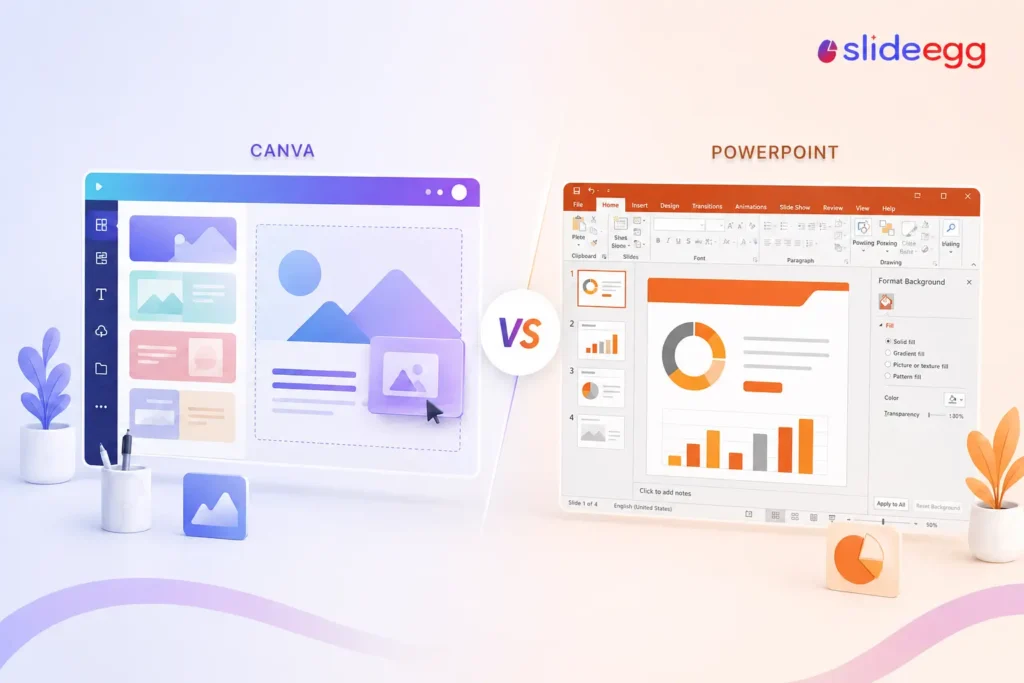
Quick Answer Choose Canva if you want great-looking slides fast with no design skills — its free plan is generous and the templates are polished....
 Industry Information
Three tools that all claim to make presentations with AI. One built for brand-controlled teams. One built for AI-first speed. One built for template volume...
 Industry Information
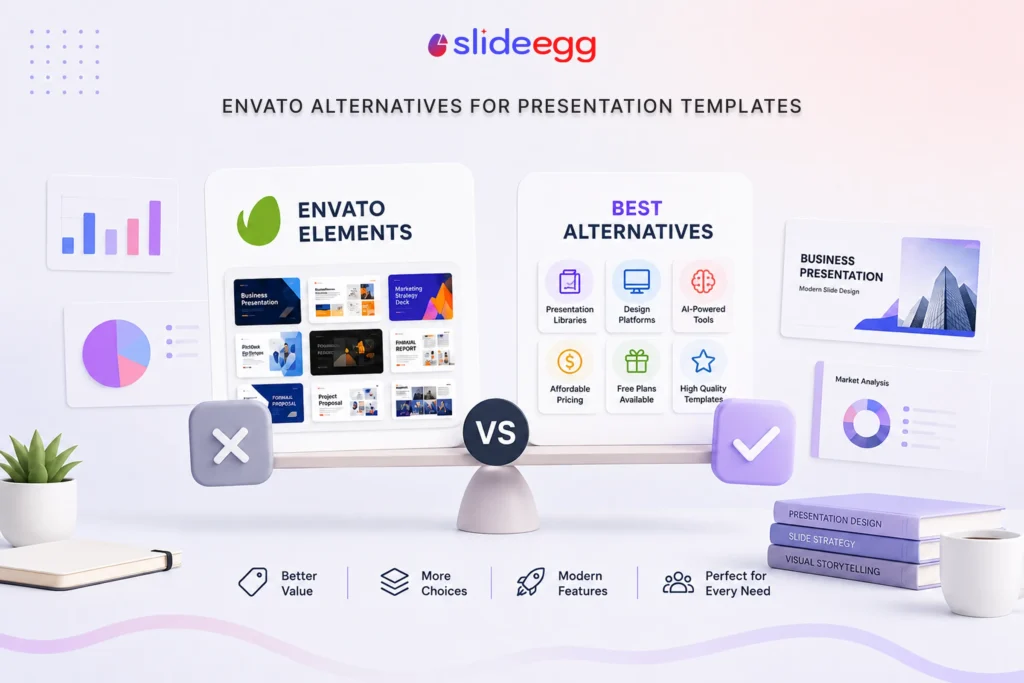
You’re paying $16.50/month for 28 million assets — but only need slides. Here’s what actually makes sense for presentation-only users. The honest math: If you...
 Industry Information
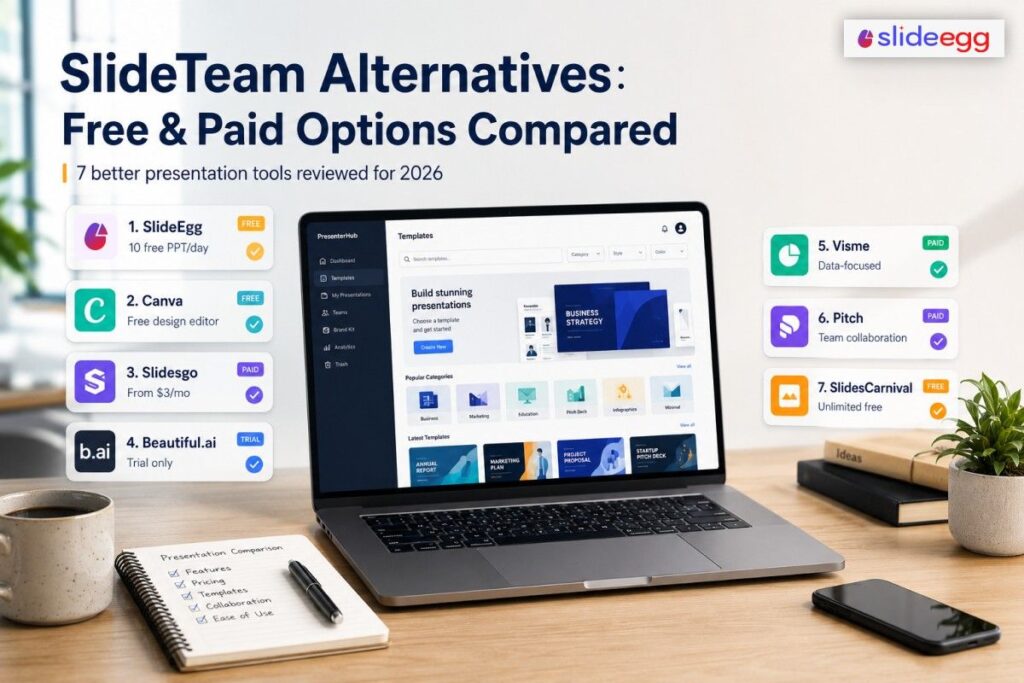
SlideTeam has no real free plan. We tested 7 alternatives that do — and compared every price, every limit, and every catch. ⚡ Quick Answer...
Recent Blogs

Have you ever tried to compare three competitors in a single, disorganized spreadsheet? By the time you get...

Gemini puts Google’s AI right inside the Slides editor, so you can draft, design, and polish a presentation...

Quick Take: SlideEgg’s Christmas collection holds 474+ templates across PowerPoint, Google Slides, and select Canva formats, Santa-and-nativity scenes...