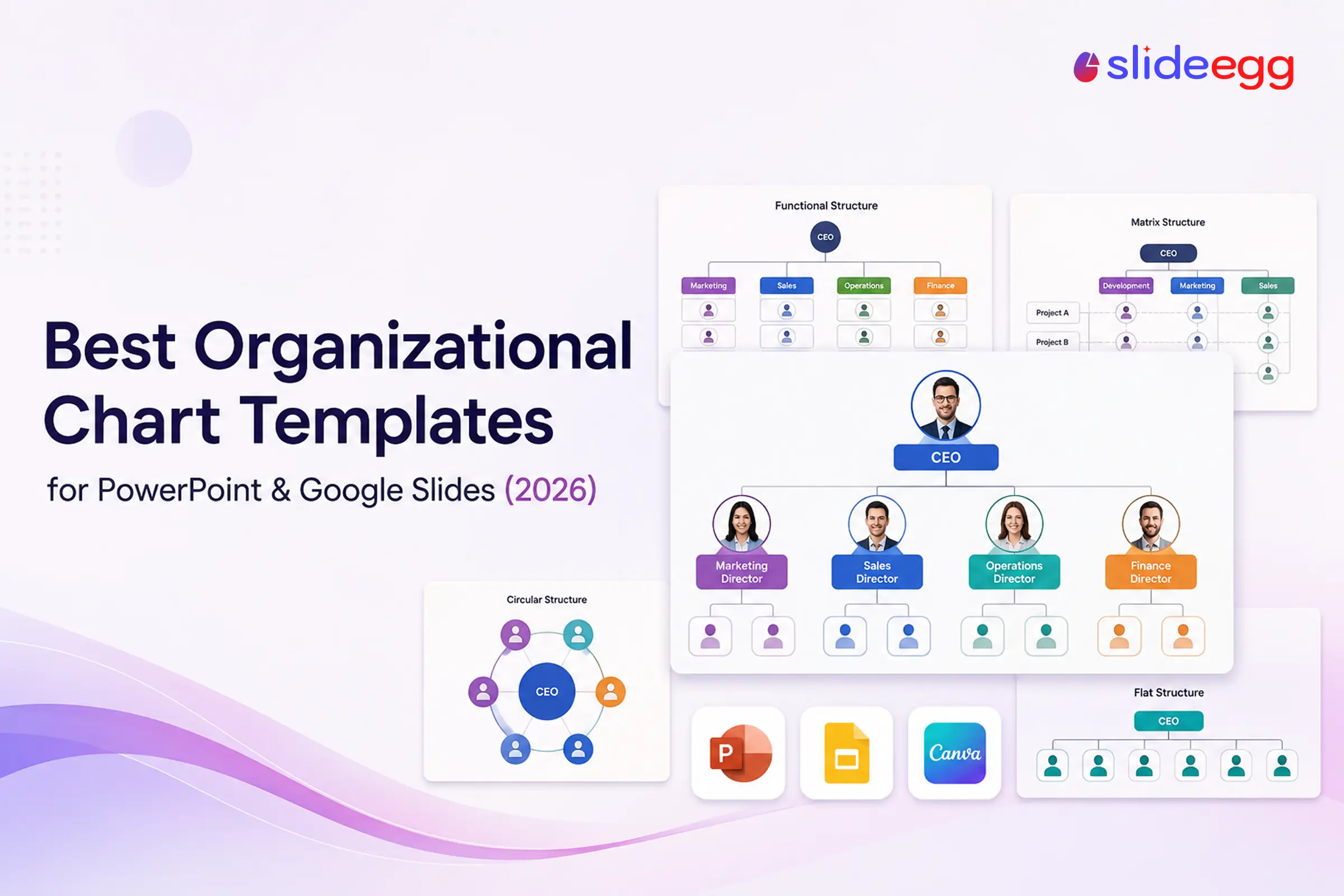
An organizational chart only works if it’s clear, and building a clean one from a blank slide takes longer than most people expect. A ready-made template skips the layout, spacing, and connector-line work so you can drop in your names and roles and be done. Below are 11 of the best organizational chart templates for PowerPoint, Google Slides, and Canva in 2026, chosen to cover the situations people actually build charts for: a quick free hierarchy, a photo-based team chart, a creative or circular design, and layouts matched to specific structure types like functional, flat, and matrix.
Every template here is fully editable and opens in PowerPoint, Google Slides, and Canva, so you can work wherever your team already does. Many are free to download.
What Makes a Good Org Chart Template?
Before the list, a quick checklist. The best org chart template is one that:
- Matches your structure. A functional team needs a different layout than a matrix or a flat startup.
- Is easy to edit. Boxes and connector lines should move and resize without breaking the design.
- Stays readable. Clean spacing, two or three colors, and consistent box sizes beat a busy design.
- Fits your tools. It should open cleanly in whatever you present with—PowerPoint, Google Slides, or Canva.
Best Free Org Chart Templates
Free Organizational Chart Template for PowerPoint
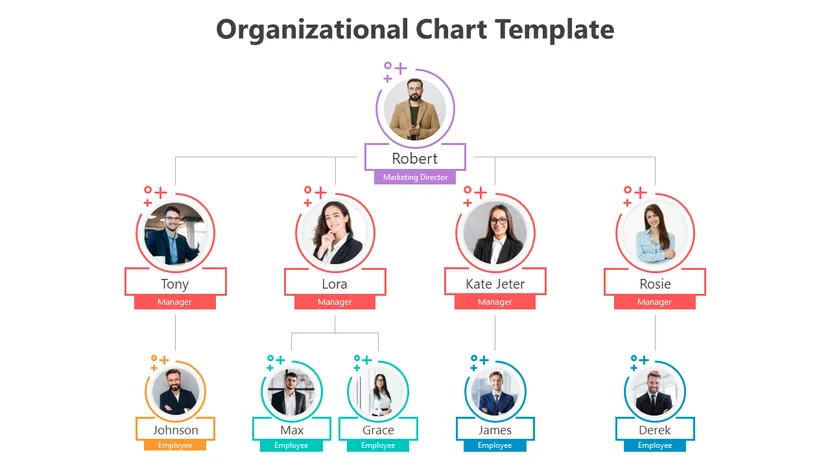
A clean, photo-friendly chart with circular headshot frames connected by simple lines. A strong default when you want a professional team chart without paying for it—ideal for onboarding decks and about-us slides.
Best for: a free, photo-based team chart.
Organization Chart PPT Template (Free Download)
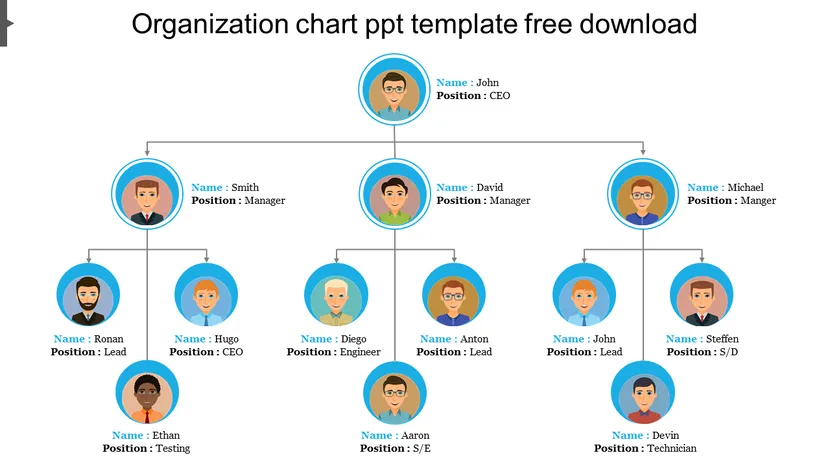
An avatar-based layout that maps managers, engineers, and project teams at a glance. The role-and-designation labels make it easy to adapt to a mid-sized department without restructuring the design.
Best for: a departmental chart with roles and avatars.
Free Organizational Chart Template
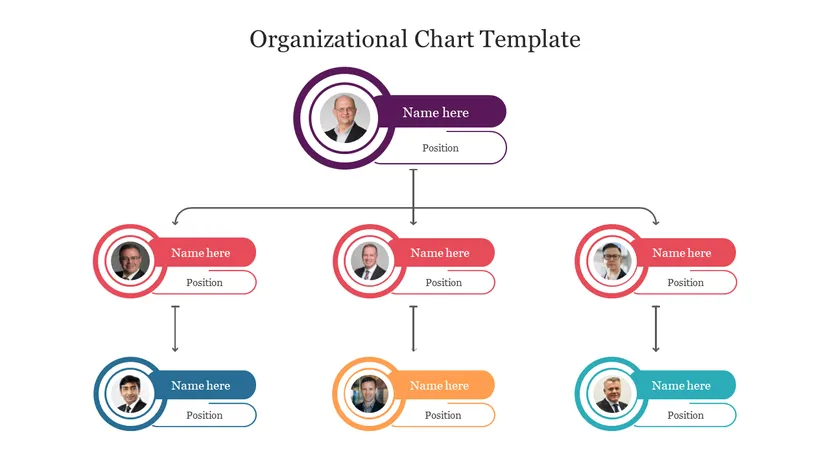
A straightforward hierarchy template with profile placeholders and tidy reporting lines. A safe, no-frills pick when you just need a clear top-down chart quickly.
Best for: a simple, fast top-down hierarchy.
Best Org Chart Templates by Design Style
Organization Chart PPT Template (Colorful)
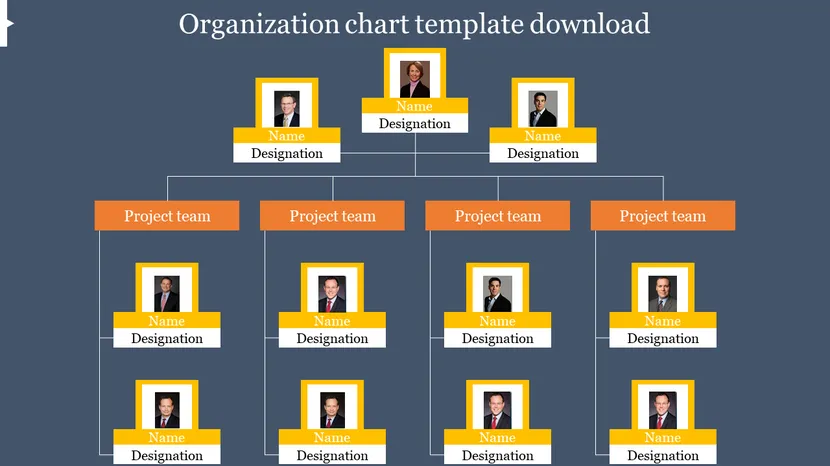
A vibrant layout that uses color blocks to separate teams while keeping the hierarchy clear. Good when you want the chart to feel branded rather than plain.
Best for: a colorful, brand-forward team chart.
Creative Organizational Chart Template
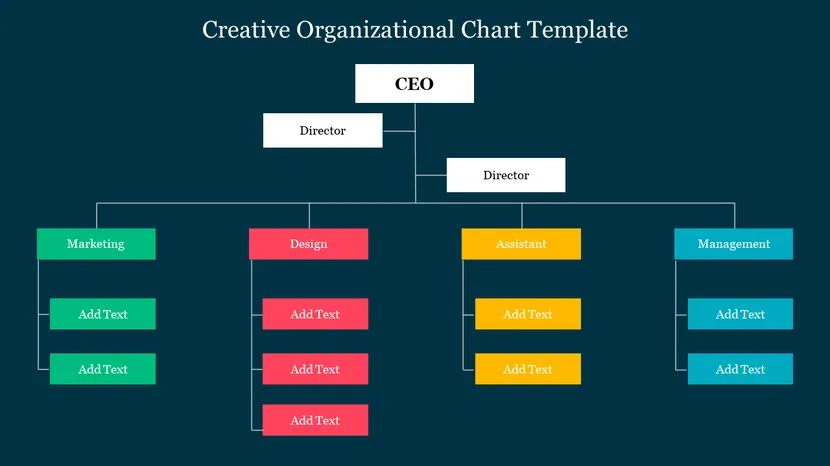
A design-led layout with colorful boxes and icons, for presentations where a standard tree would look too corporate. Keeps hierarchy readable while adding visual interest.
Best for: pitches and creative or agency decks.
Circular Org Chart Slide Template
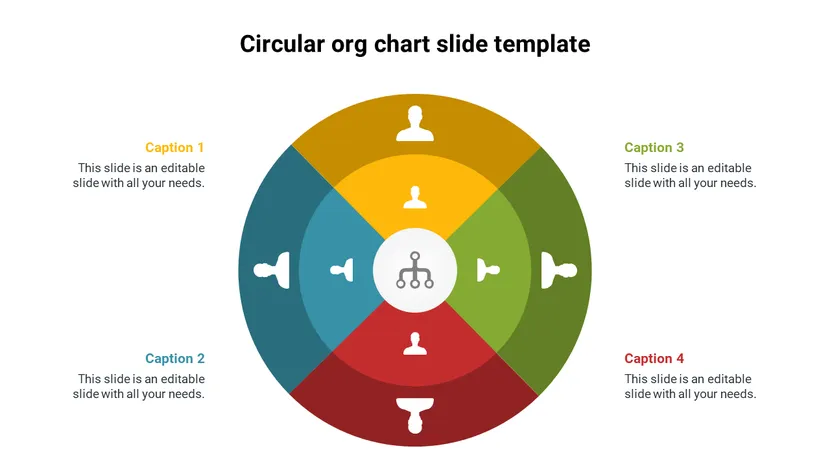
A radial layout with a central node and segments branching outward—useful for showing a cross-functional team or a structure that isn’t strictly top-down.
Best for: non-hierarchical or cross-functional teams.
Company Org Chart Template
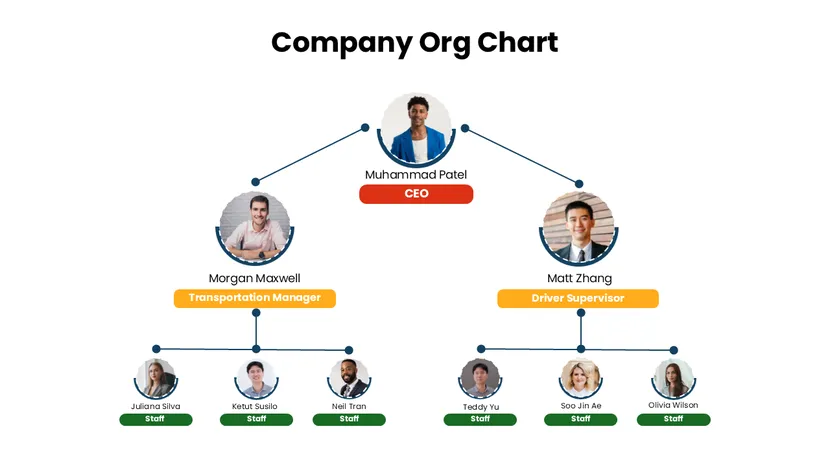
A full company layout running from the CEO down through managers to staff, with photo placeholders. A good starting point for a whole-company chart or an investor appendix slide.
Best for: a complete company-wide chart.
Best Templates by Structure Type
4 Types of Organizational Structure
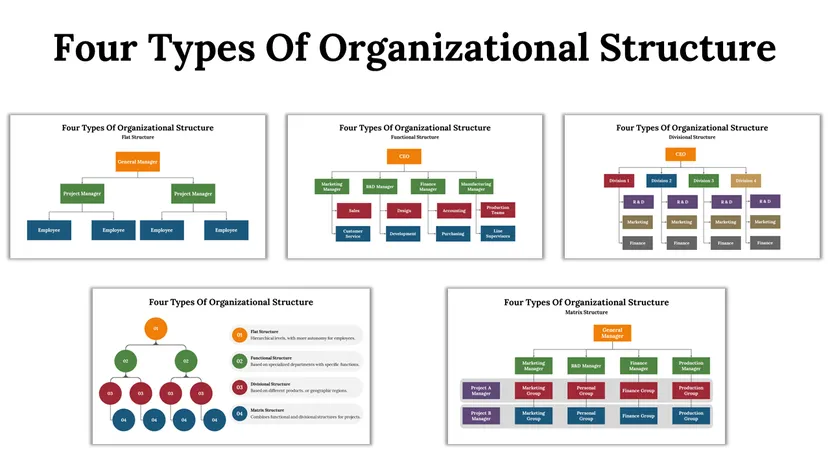
A multi-slide set covering the four core structures in one deck—handy for training, HR onboarding, or explaining a reorg to a team.
Best for: explaining or comparing structure types.
Functional Organizational Structure
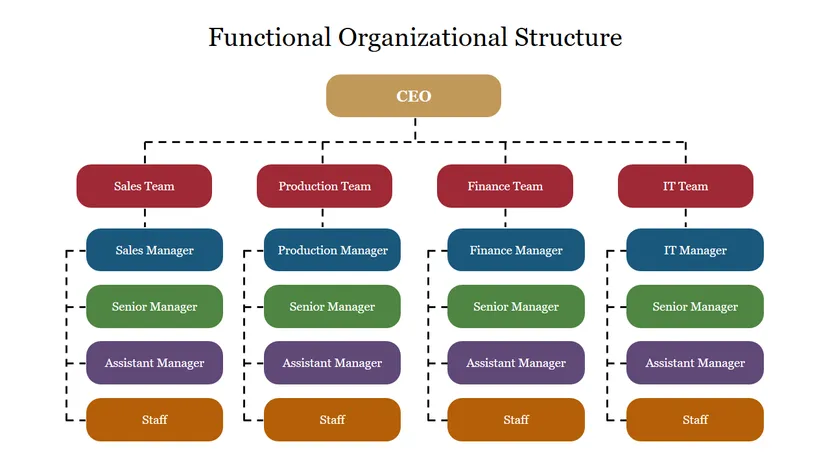
Groups the company by department—sales, production, finance—in the most common structure for small and mid-sized businesses.
Best for: department-based (functional) companies.
Flat Organizational Structure Example
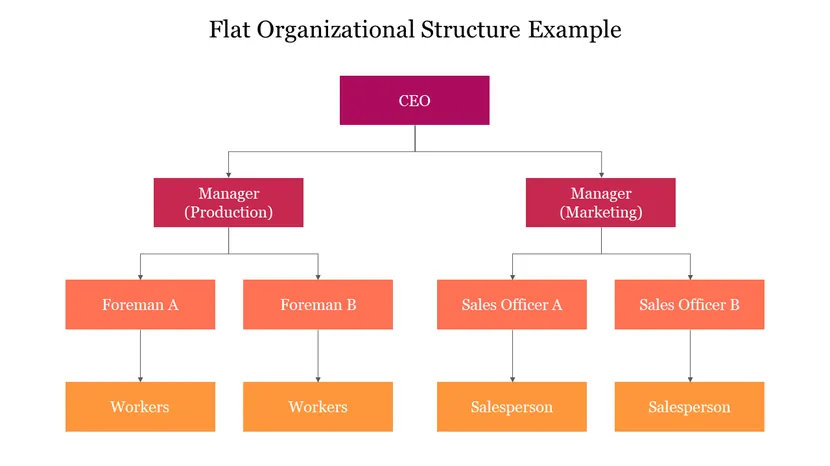
A minimal-layer layout that suits startups and small teams where reporting lines are short and decisions move fast.
Best for: startups and small, flat teams.
Matrix Organizational Structure
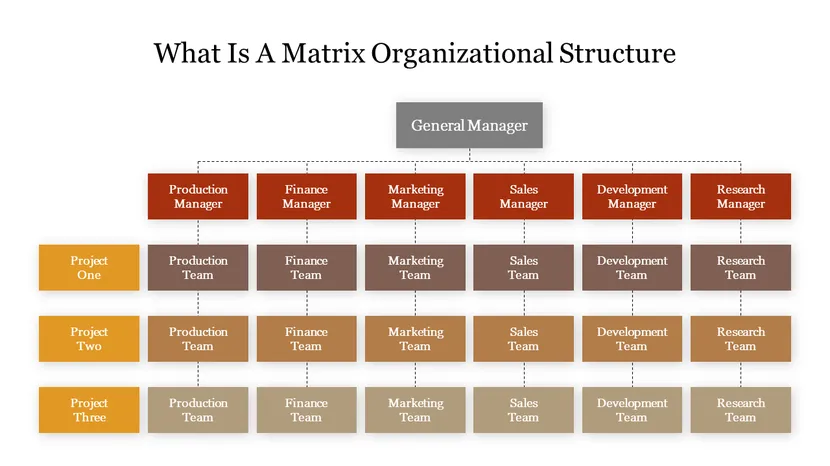
Shows dual reporting—where people answer to both a functional manager and a project lead—without the lines turning into a tangle.
Best for: project-based and matrix organizations.
Quick Comparison
| Template | Best for | Free? |
| Free Org Chart Template (PowerPoint) | Photo-based team chart | Yes |
| Organization Chart PPT (Free Download) | Departmental chart with avatars | Yes |
| Free Organizational Chart Template | Simple top-down hierarchy | Yes |
| Organization Chart PPT (Colorful) | Brand-forward team chart | Free & premium |
| Creative Organizational Chart | Creative / agency decks | Free & premium |
| Circular Org Chart Slide | Cross-functional teams | Free & premium |
| Company Org Chart Template | Whole-company chart | Free & premium |
| 4 Types of Organizational Structure | Training / comparison | Free & premium |
| Functional Structure | Department-based companies | Free & premium |
| Flat Structure Example | Startups and small teams | Free & premium |
| Matrix Structure | Project-based orgs | Free & premium |
See the full collection: These are highlights—there are hundreds more layouts, colors, and team sizes to choose from.
Browse All Org Chart Templates
How to Customize Your Template
Once you’ve picked one, editing is quick. Open it in your tool, replace the placeholder names and titles, add or remove boxes to match your team, and recolor to your brand. For a full walkthrough, see our step-by-step guides on building an org chart in PowerPoint or Google Slides. Prefer to work elsewhere? The same swap-in-your-names approach works in Word, Excel, and Canva. Keep the design simple—one idea per box, consistent sizing, and no more than two or three colors—and the chart will stay readable as your team grows.
Frequently Asked Questions
Are these organizational chart templates free?
Many are completely free to download, and the rest offer a free version alongside premium options. Each template’s page shows whether it’s free or premium before you download.
Do the templates work in both PowerPoint and Google Slides?
Yes. Every template downloads as a standard PowerPoint (.PPTX) file that also opens in Google Slides and Canva, so you can edit it in whichever tool you use.
Can I edit the boxes, colors, and photos?
Yes. The templates are fully editable—you can change text, add or remove boxes, recolor to your brand, and insert employee photos. Reporting lines adjust as you move boxes.
Which org chart template should I choose?
Match it to your structure: a functional template for department-based teams, a flat layout for startups, a matrix template for project-based reporting, and a circular design for cross-functional teams. For a simple company chart, any clean hierarchical template works.
What’s the difference between an org chart and an organogram?
They’re the same thing. “Organogram” (and “organigram”) are alternative names for an organizational chart—the diagram that shows a company’s roles and reporting relationships.
How do I download an organizational chart template?
Open the template’s page, click download, and choose PowerPoint—or open it directly in Google Slides or Canva. Then replace the placeholder content with your own team’s names and roles.
Conclusion
The best organizational chart template is the one that matches your structure and your tools. Start with a free hierarchy or photo chart for everyday needs, pick a creative or circular design when the presentation calls for it, and choose a functional, flat, or matrix layout when your structure is specific. Drop in your names, keep the design clean, and you’ll have a professional chart in minutes instead of an afternoon.