A New Year presentation covers more ground than it looks like at first. There’s the company-wide message that needs to feel upbeat without being silly, the family slideshow that’s really just an excuse to show a countdown and some fireworks, and the classroom or community deck marking the date with a bit more structure. SlideEgg’s New Year collection is built to cover all three, so there’s a real starting point whichever version of “New Year presentation” someone actually needs.
This is a template roundup for anyone who needs a deck ready to go, not a guide to running a New Year’s Eve get-together. Looking for party games and icebreaker ideas instead, our PowerPoint Night guide covers that angle. Reusing last year’s deck is usually the other option, but it tends to carry last year’s dates, numbers, and theme along with it, which is exactly what a quick template swap avoids.
What’s actually in SlideEgg’s New Year template collection?
It’s 163+ templates split roughly into a few recognizable styles: countdown, corporate, family-casual, and Chinese New Year.
| Metric | Value |
| New Year templates | 163+ |
| Formats | PowerPoint, Google Slides, select Canva |
| Styles | Countdown, corporate, family, Chinese New Year |
| Starting price | Free |
| SlideEgg templates (all categories) | 100,000+ |
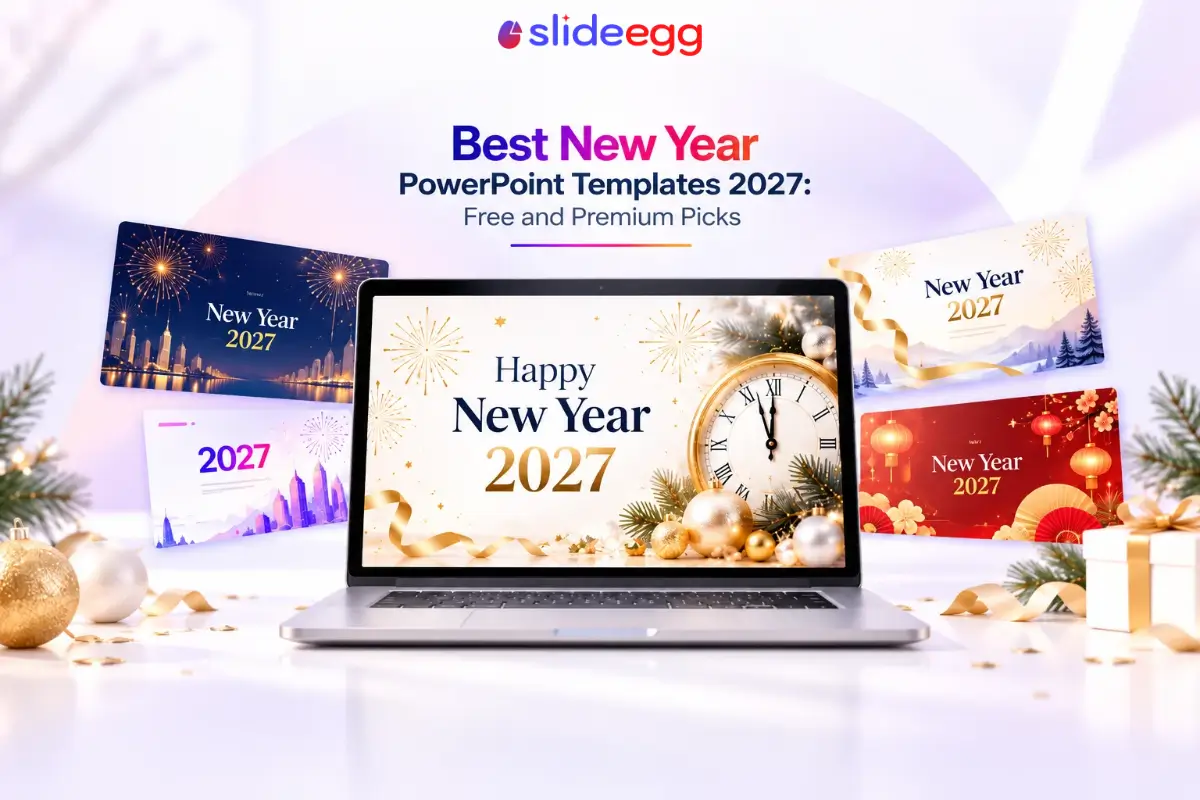
Countdown and celebration slides lean on fireworks, confetti, and the “202X” numerals in big, bold type, built for the moment-of-midnight feel. Corporate and business-leaning designs tone that down into something that still reads as festive but works for a company announcement or year-ahead presentation. Family and casual designs favor champagne glasses, party hats, and warmer, friendlier graphics. A separate run of Chinese New Year templates, dragon dances, red lanterns, and gold accents, covers celebrations that fall outside the January 1st calendar entirely.
Most templates in the collection are described as 100% customizable, with multiple color variants on the same layout, so the same design can shift from a dark, moody palette to something brighter without starting over. None of this requires picking the “correct” category first, either, since a countdown-style design can just as easily open a business update, and a calmer corporate layout works fine for a family slideshow if the tone fits better.
New Year sits inside SlideEgg’s wider festival template collection, alongside related categories like Diwali and Christmas, as well as the broader special days collection for occasions beyond the major festivals.
Which New Year templates should you start with?
These eight cover free and premium, corporate and casual, plus one Chinese New Year option. SlideEgg doesn’t sell individual templates for a per-template price, a “Premium” tag means that design needs a paid plan to download, with cost and template limits covered in our full pricing breakdown.


How do you customize a SlideEgg New Year template?
Download it, then edit the text, colors, and images directly in PowerPoint, Google Slides, or Canva, depending on which format the template offers.
- Pick a template from the collection above or the full category page, matching the tone you need, festive, corporate, or culturally specific.
- Download it in PowerPoint or Google Slides format, or open it directly in Canva for the select templates that offer it, from the template page.
- Swap the text for your own greeting, year-in-review points, or event details.
- Change the color variant if the default palette doesn’t match your brand or the mood you’re going for.
- Replace any placeholder images with your own photos if the layout includes an image slot.
- Export or present directly from PowerPoint, Google Slides, or Canva, no extra software required.
Frequently asked questions
Are SlideEgg’s New Year templates available for Google Slides too?
Yes. SlideEgg’s 163+ New Year templates are built for both PowerPoint and Google Slides, so the same design opens cleanly in either tool, and select templates also ship Canva-ready versions.
Are there free New Year PowerPoint templates on SlideEgg?
Yes, the New Year collection mixes free and premium templates, including a dedicated free collection alongside paid designs.
Does SlideEgg have templates for other new year celebrations, like Chinese New Year?
Yes, SlideEgg’s New Year category includes a separate run of Chinese New Year templates, such as dragon-dance and lantern designs, for celebrations outside the January 1st calendar.
Can I customize the colors on SlideEgg’s New Year templates?
Yes, the templates are listed as 100% customizable, with multiple color variants and easy-to-change slide colors.
What’s a good SlideEgg template for a corporate New Year message?
The Happy New Year Business Template uses a bolder, less party-themed look, dark background with fireworks and purple accents, that reads well for a company-wide message rather than a casual greeting.
Do I need design software to edit these templates?
No. Every template opens directly in PowerPoint or Google Slides, and select designs also open in Canva, so editing text, colors, and images only requires software most people already use.
Start the year with a deck that’s already done
Pick a template and make it yours.