
Posts by Arockia Mary Amutha
 Presentation Tips
You’ve already written the business plan, twenty, thirty, maybe forty pages of it. Now someone wants a presentation, and the instinct is to open the...
 Presentation Tips
You’ve got a blank deck open and a meeting on the calendar, and the honest question isn’t “how do I design this,” it’s “what actually...
 Presentation Tips
Someone asks you to “put together a business plan presentation,” and what you actually build is a slide deck about this quarter’s growth initiatives. It...
 Presentation Tips
Twenty-two KPIs in the dashboard. One slide before the meeting starts. That’s the actual problem — not “what is a KPI,” but which four or...
 Presentation Tips
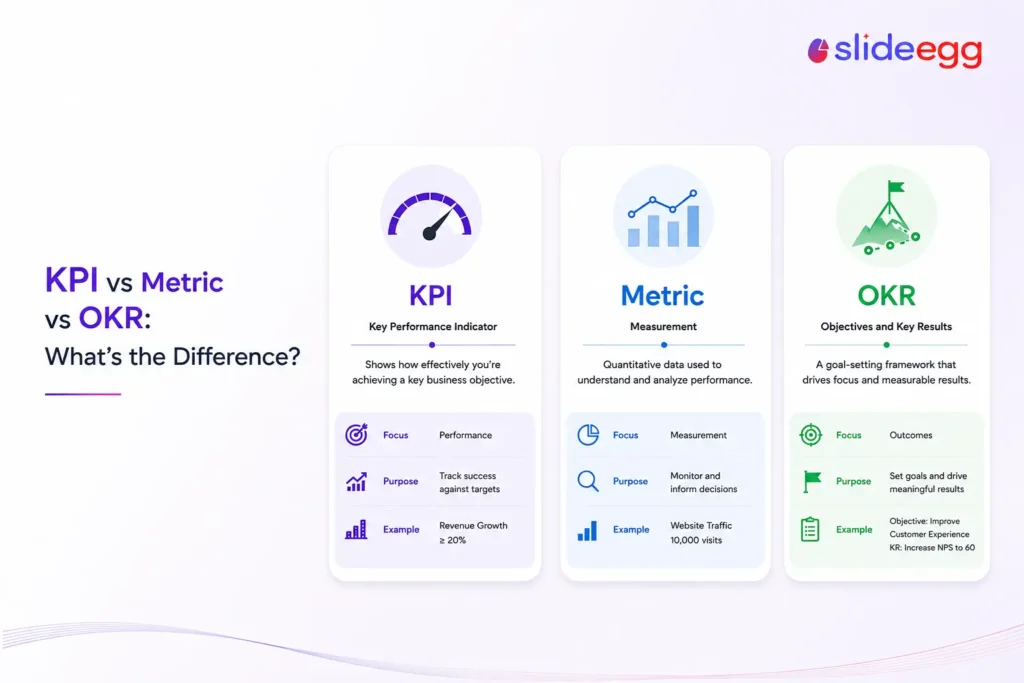
A metric is any number you measure. A KPI is a metric your organization considers important for judging performance against a goal. An OKR is...
 Powerpoint Tutorials
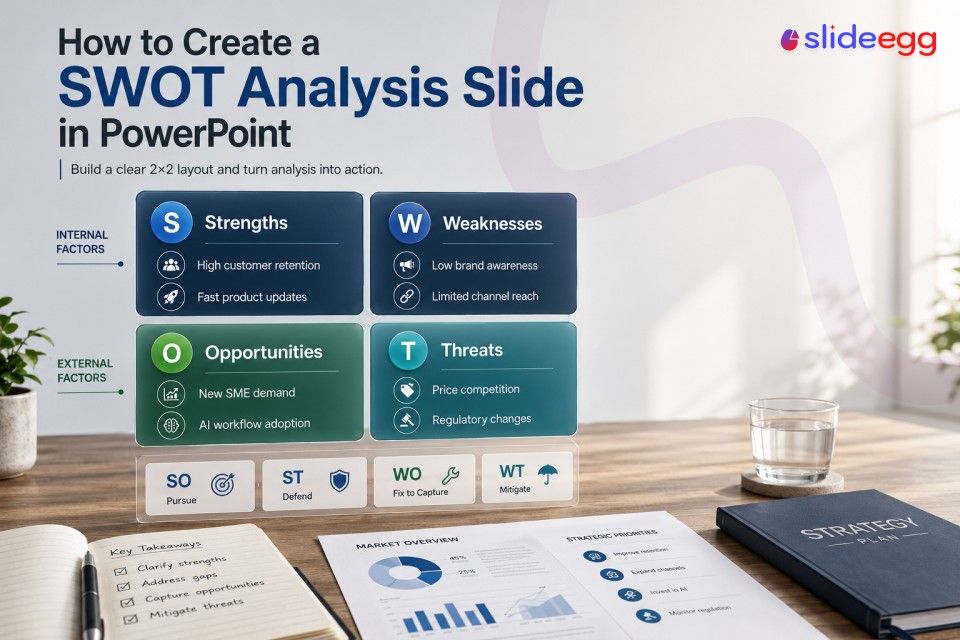
Most SWOT slides get filled with vague statements that no one acts on. This guide shows you how to write entries that hold up under...
 Presentation Tips
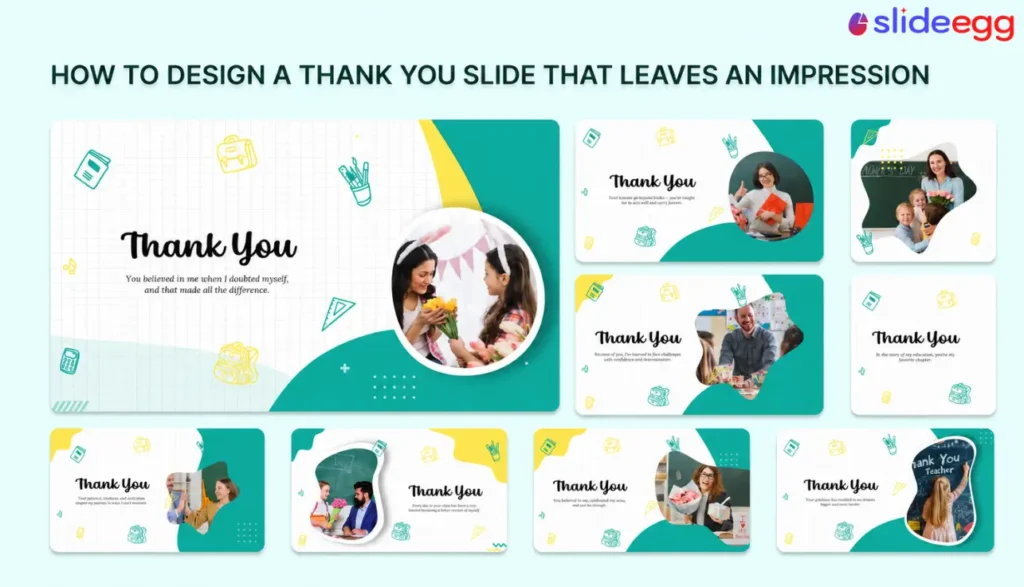
Most presenters design their thank you slide as an afterthought — big text, blank background, no contact information. They finish building their thirty slides, add...
 Canva Tutorials
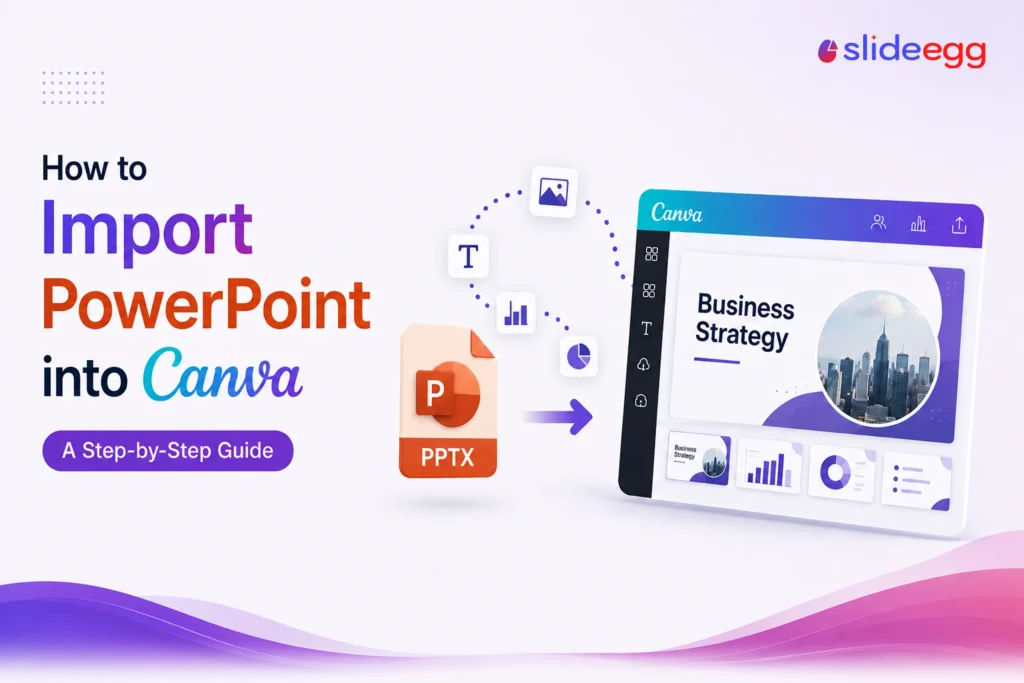
Yes — you can import a PowerPoint file into Canva. The process takes less than a minute, and it works on the desktop browser and...
 Google Slides Tutorials
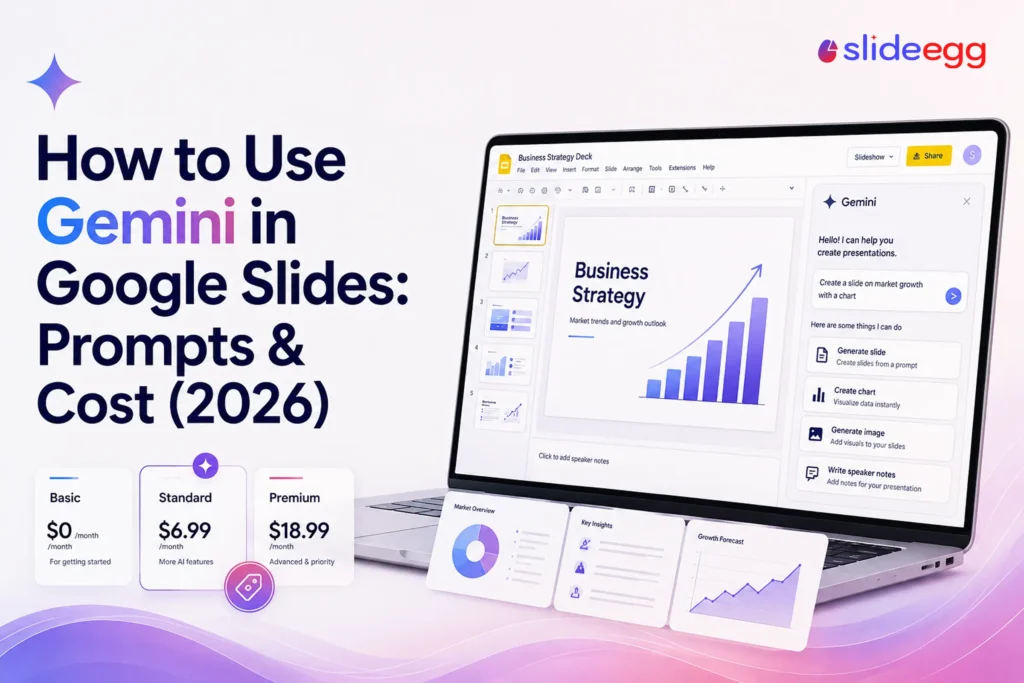
Gemini puts Google’s AI right inside the Slides editor, so you can draft, design, and polish a presentation without leaving the page. This guide walks...
 Powerpoint Tutorials
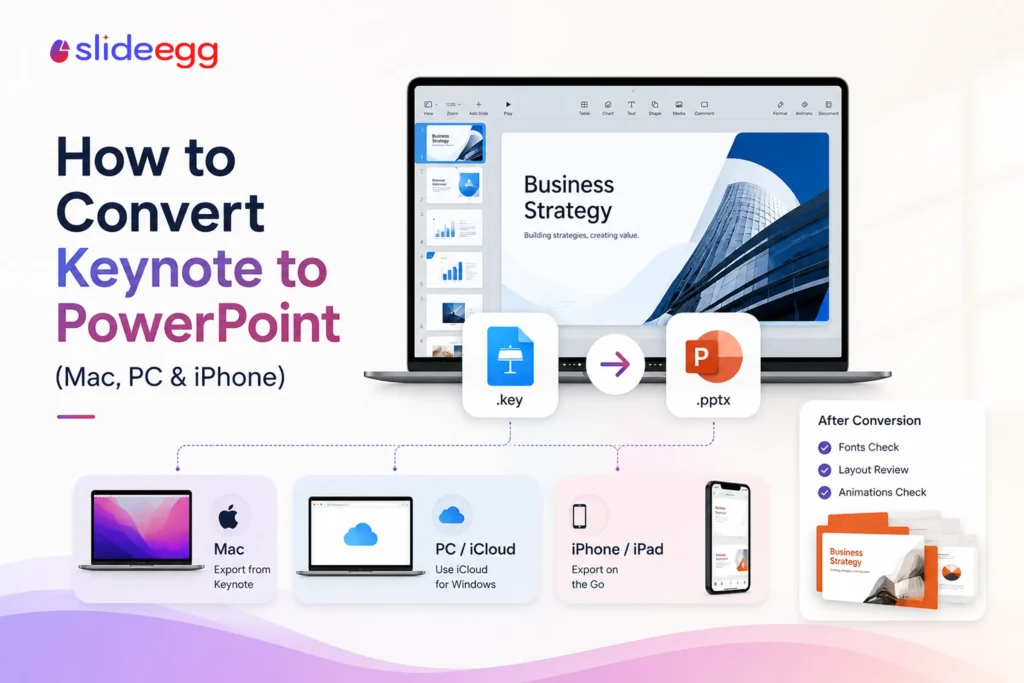
Keynote and PowerPoint don’t share a file type—a .key file won’t open in PowerPoint—so moving a deck across means exporting a .pptx copy. Keynote does...
Recent Blogs

Have you ever tried to compare three competitors in a single, disorganized spreadsheet? By the time you get...

Gemini puts Google’s AI right inside the Slides editor, so you can draft, design, and polish a presentation...

Quick Take: SlideEgg’s Christmas collection holds 474+ templates across PowerPoint, Google Slides, and select Canva formats, Santa-and-nativity scenes...