
Posts by Arockia Mary Amutha
 Presentation Tips
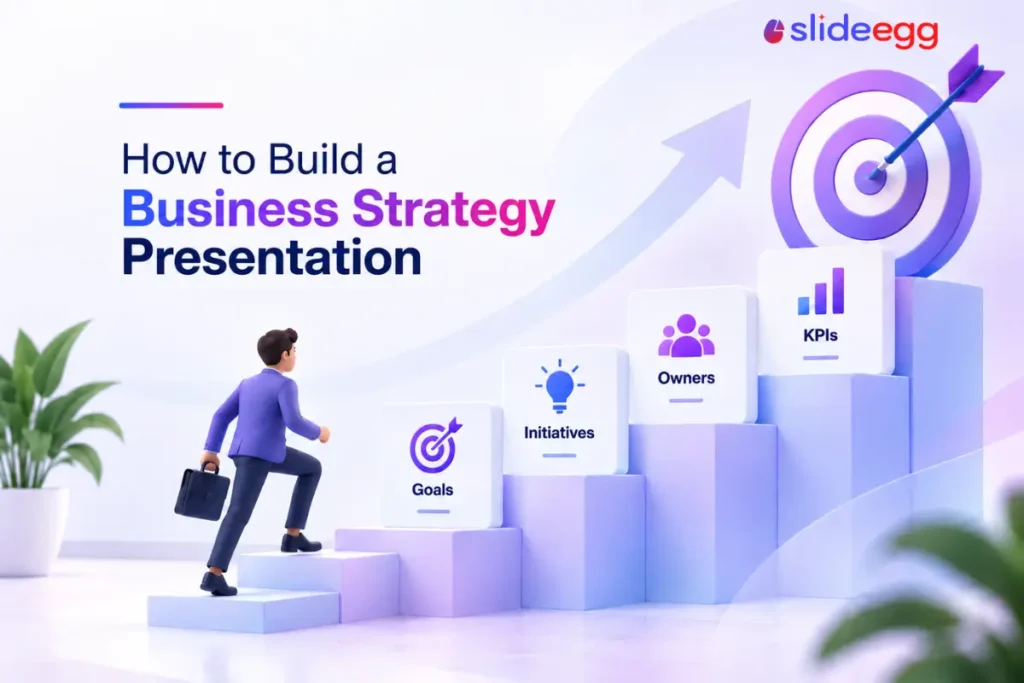
A strategy presentation and a strategy document usually contain the same four ideas: where the company is going, what it’s going to do to get...
 Presentation Tips
A comparison slide that shows you winning on every single row isn’t rare, it’s the default. Price, features, support, ease of use, integrations, green checkmark...
 Presentation Tips
Every business plan presentation eventually reaches a slide with numbers on it, and that’s usually where trust is won or lost. Not because the numbers...
 Presentation Tips
Open any AI presentation tool, type one sentence, and under a minute later you have a finished deck: title slide, section breaks, a matching palette....
 Presentation Tips
Most business plan presentations get proofread before they go out and almost never get checked for the things that actually sink a pitch: an unsupported...
 Presentation Tips
How you cite market research and statistics in a business plan presentation is what separates a claim from a fact in the eyes of whoever’s...
 Presentation Tips
There’s no single best business plan presentation template, only the one that fits your situation. Picking on looks alone is how people end up rebuilding...
 Presentation Tips
Good business plan presentation examples don’t all look alike, because they’re not written for the same reader. The facts in the plan stay identical across...
 Presentation Tips
Open a blank deck and the first question is rarely about content, it’s “how many slides is this supposed to be.” There’s no fixed rule,...
 Presentation Tips
A business plan presentation isn’t a moodboard. It’s an argument, built around a specific ask, usually reviewed by more than one person before anyone outside...
Recent Blogs

Have you ever tried to compare three competitors in a single, disorganized spreadsheet? By the time you get...

Gemini puts Google’s AI right inside the Slides editor, so you can draft, design, and polish a presentation...
Quick Take: SlideEgg’s Christmas collection holds 474+ templates across PowerPoint, Google Slides, and select Canva formats, Santa-and-nativity scenes...