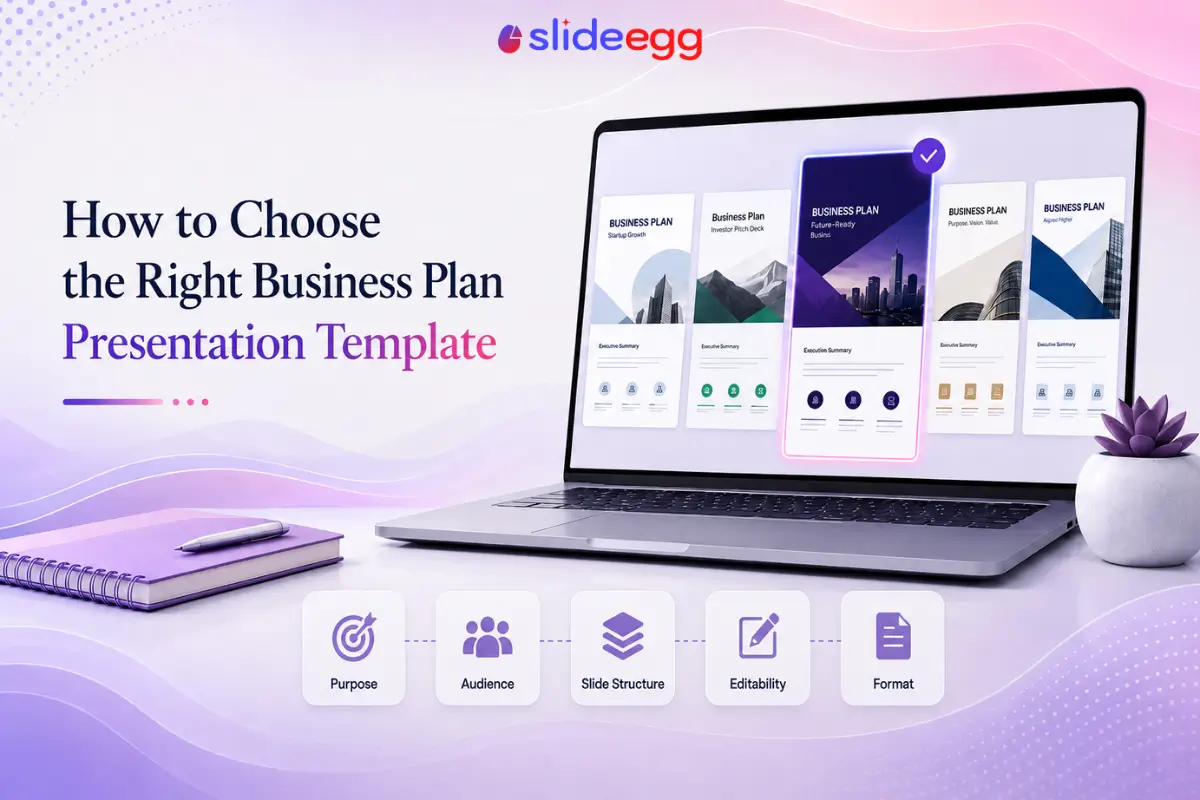
There’s no single best business plan presentation template, only the one that fits your situation. Picking on looks alone is how people end up rebuilding half a deck the night before a meeting. Five checks get you to the right one faster than any amount of browsing thumbnails.
Quick Answer
- Purpose: investor pitch, internal review, lender request, or academic assignment all need different structures.
- Audience: how much context they already have and how formal the review is.
- Slide count and structure: whether the built-in sections match what your content actually needs.
- Editability: whether you can only swap colors and text, or actually add, remove, and reorder sections.
- Format: a fixed downloadable deck, a flexible one-page framework, or an AI-generated first draft.
Get those five right and visual style becomes a preference, not a decision that costs rework later.
Why the right template choice matters
The wrong template doesn’t just look off, it creates real work. A template built for a quick internal update, dropped into an investor meeting, is missing the appendix slides, financial detail, and formal structure that audience expects. A dense, dozen-section template used for a five-minute internal check-in wastes everyone’s time getting through slides nobody needed. Picking style first and content second is how people end up rebuilding half a deck the night before a meeting.
If you haven’t nailed down which audience you’re presenting to yet, look at business plan presentation examples by audience before this one, since audience is the biggest factor in which template fits.
Step 1: Know what the presentation is for
Every template is built around an assumed purpose, even when that isn’t obvious from the preview image. A template heavy on market opportunity and growth charts is built for persuasion, an investor or lender audience. A template built around current status, ownership, and next steps is built for accountability, an internal leadership or board audience. Before you look at a single template, write down in one sentence what decision you need the room to make.
Worth confirming too: a business plan presentation and a business strategy presentation aren’t the same deliverable. If you’re not sure which one you’re building a template for, check the difference between a business plan and a business strategy presentation first.
Step 2: Confirm who’s actually reading it
Two templates can cover identical content and still be wrong for each other’s audience. An investor-style template that opens with market size will read as evasive to a lender who wants repayment capacity up front. A template built for a formal board review can feel over-produced for a fast internal sync where people just want the numbers. Match the template’s opening slides to what your reader needs to see first, not to what looks most impressive in the preview.
Step 3: Match the slide count and structure
Templates come with a fixed number of slides and a fixed order, and that’s rarely accidental, it reflects an assumption about how much content you have. A 10-slide template forces you to compress; an 18-slide template can leave gaps if your content is shorter. Get a rough sense of how many slides your situation calls for first. See how many slides a business plan presentation should have and what slides it should include before you commit to a template, not after you’ve already built content into it.
Step 4: Check how editable it really is
Editability isn’t a single property, it’s a range. Some templates are locked design objects where you can safely change text and color but not much else; move a chart and the layout breaks. Others are built from ungrouped, layered elements that let you add a slide, delete a section, or reorder the whole deck freely. If you know you’ll need to restructure, check editability before you pick a template, not after you’ve invested an hour customizing one that resists it.
Step 5: Pick a format, fixed, framework, or AI-generated
Most people default to a fixed slide deck without considering the alternatives, and both have real tradeoffs. A fixed template gives you a complete, presentation-ready structure immediately, at the cost of needing more editing if your content doesn’t match its assumptions. A one-page framework template, built around a business model canvas rather than a slide sequence, works well for an early plan that hasn’t settled into a fixed structure yet, but isn’t built for a formal, multi-slide investor or board presentation.
A third option skips the template search entirely: an AI presentation maker can take your business plan text and generate a first-draft deck from it, which you then edit rather than build from a blank template. This is useful when your content doesn’t map cleanly onto any template’s slide order, but it’s a starting point, not a finished deck. SlideEgg’s AI presentation maker works this way, turning a prompt or existing content into an editable slide deck.
A few real examples, by style
To make the five factors above concrete, here’s how they play out across five templates in SlideEgg’s catalog. Each image shows the template’s opening slide only, since that’s usually enough to judge style and structure.

The Minimalist Business Plan template is a fixed, presentation-ready deck aimed at startup pitches, more structure than a canvas, less customization flexibility than an ungrouped template built for heavy editing.

The Business Plan Canvas template is the framework option from Step 5, useful for an early plan that isn’t ready for a full multi-slide structure yet.

The Startup Business Plan Template is process-oriented, with more built-in slide variety than the minimalist option, a better fit once your plan needs a full presentation structure.

The 30-60-90 Day Business Plan is structured around action timelines rather than the standard investor sequence, worth a look if your presentation is about near-term execution.

The Creative Business Plan template leans further into visual design than the others, a reasonable choice when the room responds to polish, but check editability first if you expect to restructure it heavily.
Decision checklist
| Check | Ask Yourself |
|---|---|
| Purpose | What decision does this presentation need the room to make? |
| Audience | What does this specific reader need to see first? |
| Slide count | Does the template’s length match how much content I actually have? |
| Structure | Does the built-in slide order match what my audience needs to see, in order? |
| Editability | Can I restructure this template if my content doesn’t fit it exactly? |
| Format | Do I need a fixed deck, a flexible framework, or a faster AI-generated starting point? |
Common Questions
FAQ
What’s the first thing to check before picking a business plan template?
Purpose. A template built for an investor pitch, an internal planning review, and a classroom assignment are structured differently before you change a single word. Confirm what the presentation needs to accomplish before you evaluate how it looks.
Should I choose a template based on design or on structure?
Structure first, design second. A visually striking template with the wrong slide order or missing sections costs more time to fix than a plain template that already has the right structure. Check that the slides match what your audience needs to see before judging colors and layout.
What does editability actually mean when comparing templates?
It means how much you can change without breaking the design. Some templates only allow safe color and text swaps; others use grouped, layered objects that let you add, remove, or reorder sections freely. If your content doesn’t match the template’s slide count exactly, check editability before you commit to one.
Is a free template as good as a paid one for a business plan presentation?
It depends on what you need. A free template is usually fine for an internal review or a first draft. For an investor or lender audience, the gap tends to show up in slide variety and editability rather than visual polish.
What if none of the templates match my content exactly?
Pick the closest structural match and adapt it rather than searching for a perfect fit, one rarely exists. Alternatively, an AI presentation maker can generate a first-draft deck from your own business plan text, which you then edit.
Choose the fit, not the first one that looks good
Purpose, audience, slide count, editability, and format tell you more about fit than any thumbnail will. Check those five first, and the template you end up with will need a lot less rework later.