
Posts by Arockia Mary Amutha
 Powerpoint Tutorials
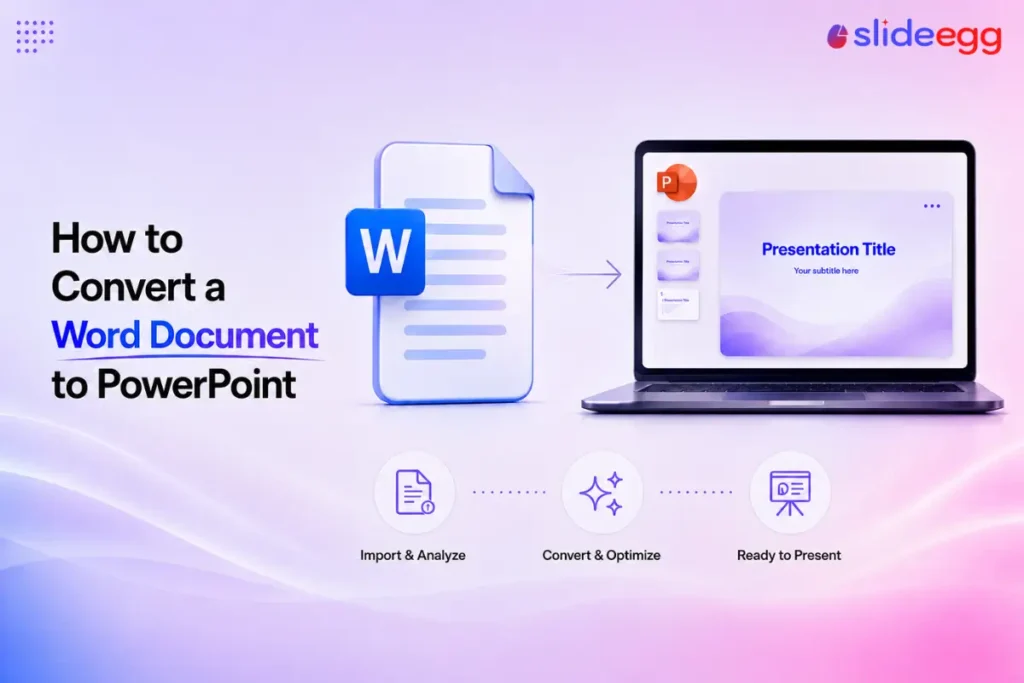
The most reliable way to convert a Word document to PowerPoint is to import it as an outline—PowerPoint reads the headings in your Word file...
 Powerpoint Tutorials
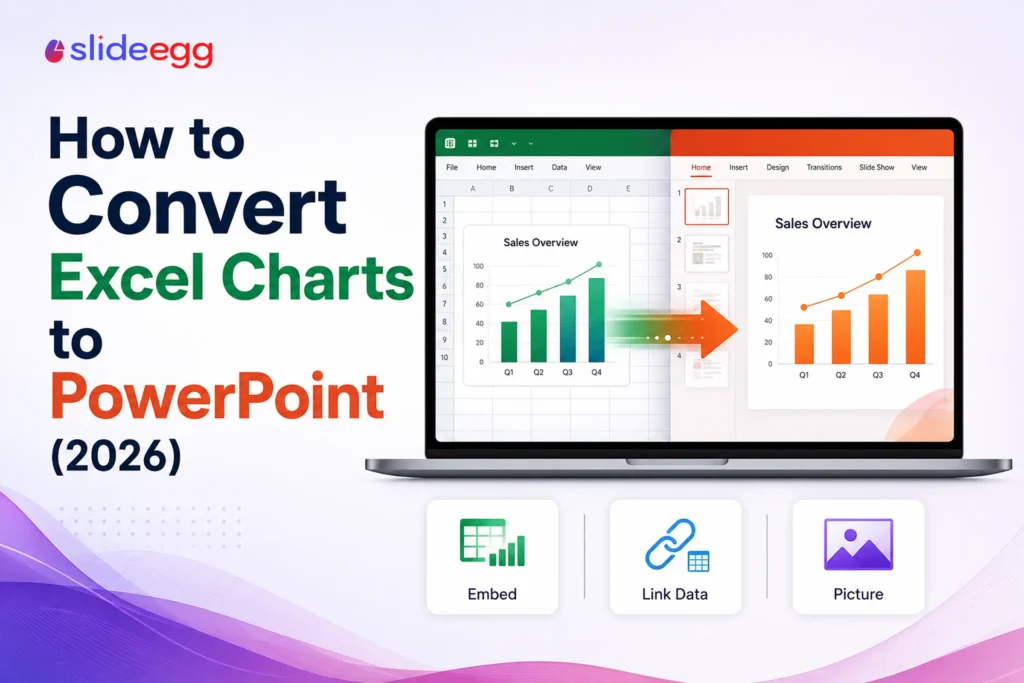
An Excel chart doesn’t really “convert” into PowerPoint—you copy it across, and the one decision that matters is whether it stays linked to your live...
 Presentation Collections
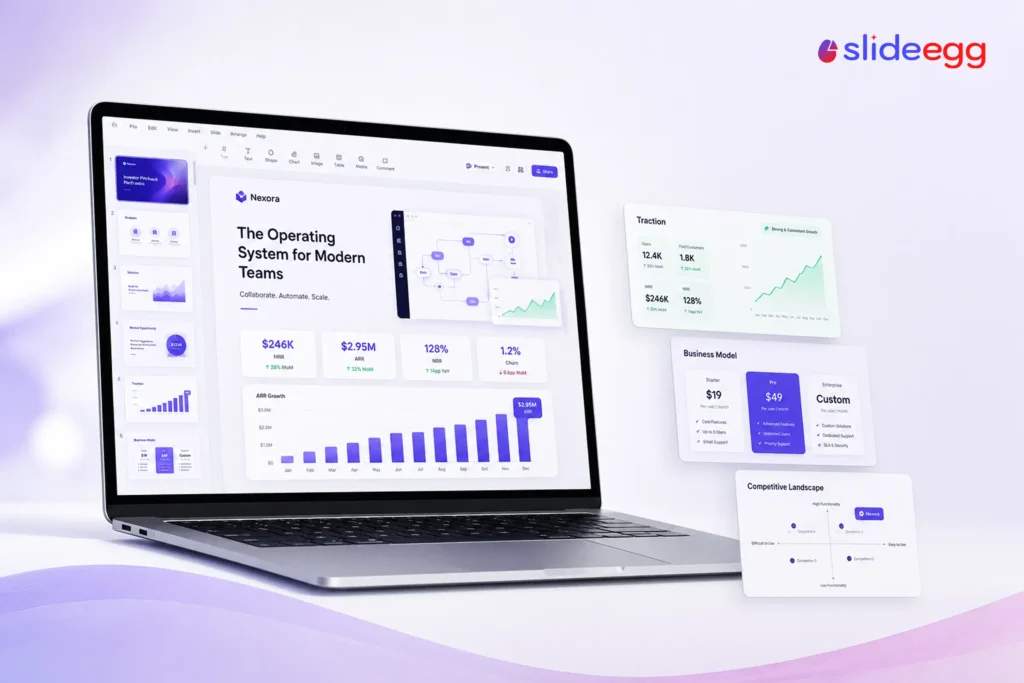
A SaaS pitch deck is a 10–15 slide presentation that proves a subscription software business can grow predictably—built around recurring-revenue metrics like MRR, ARR, churn,...
 Presentation Tips
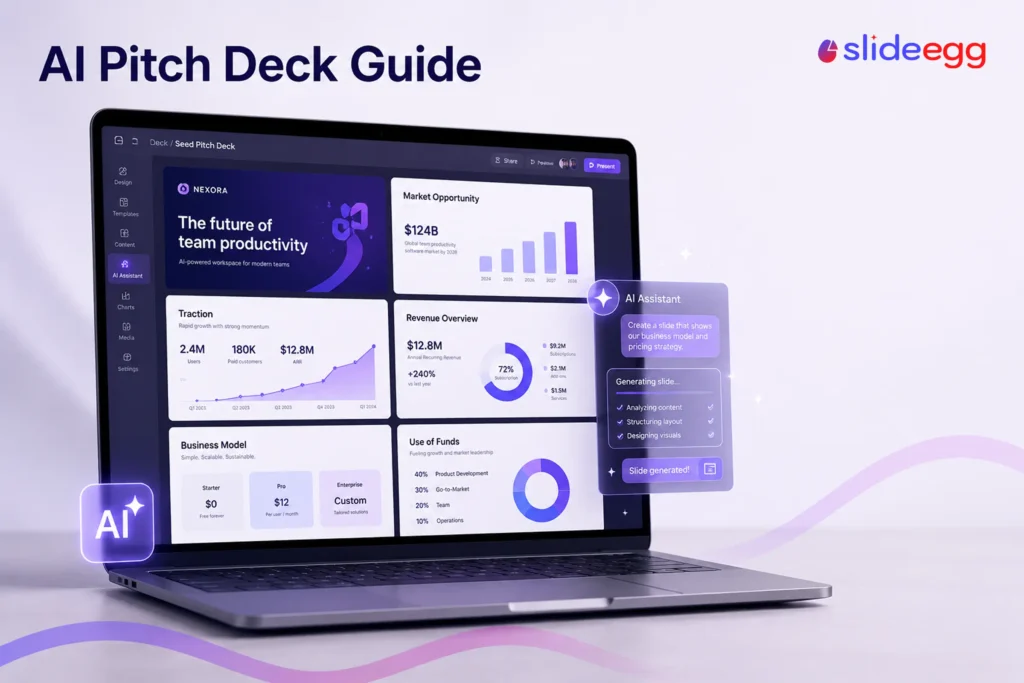
AI can take a pitch deck from a blank screen to a working draft in minutes, generating slides from a prompt, rewriting copy, and creating...
 Presentation Tips
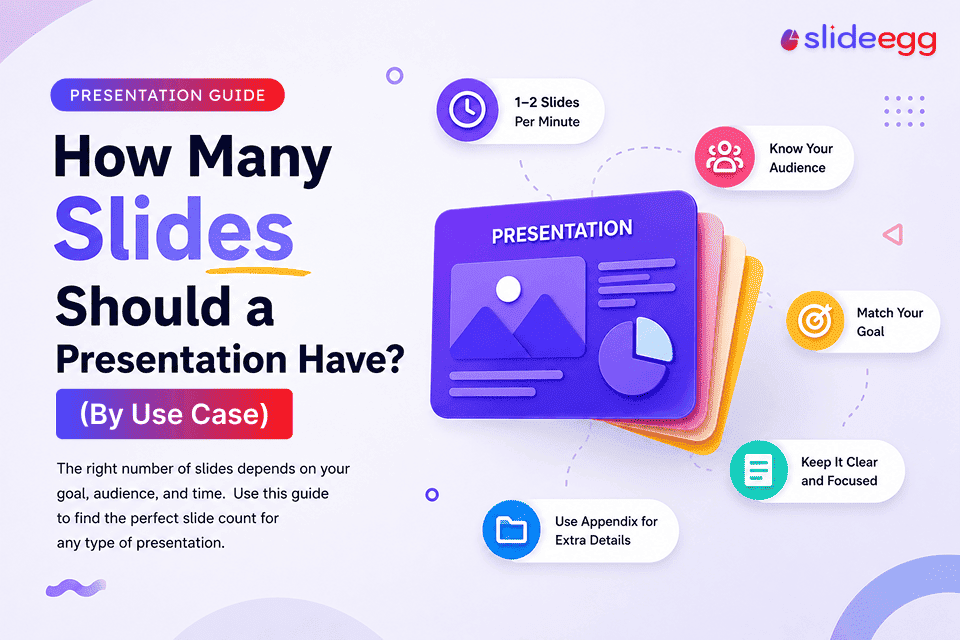
Quick Answer Use 1 to 2 slides per minute of speaking time. There is no single “right” number. The best slide count depends on your...
 Powerpoint Tutorials
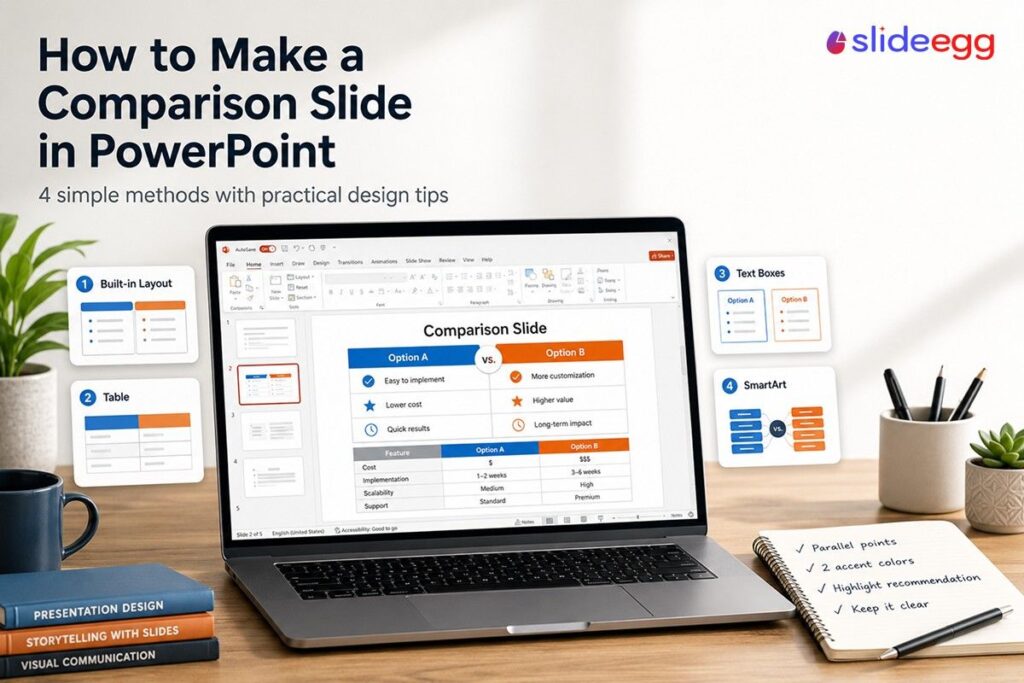
A comparison slide does one job: it helps your audience make a decision. Whether you’re pitching two vendors, showing a before-and-after, or breaking down a...
 Powerpoint Tutorials
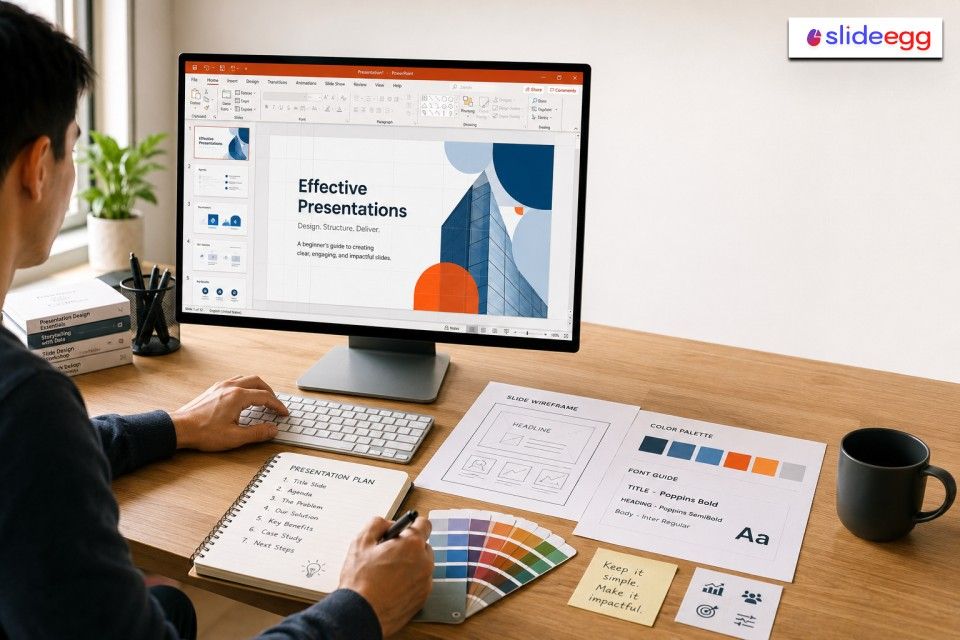
⚡ Quick Answer To design a PowerPoint presentation from scratch, follow these steps: The full step-by-step guide below covers each of these in detail. What...
 Presentation Tips
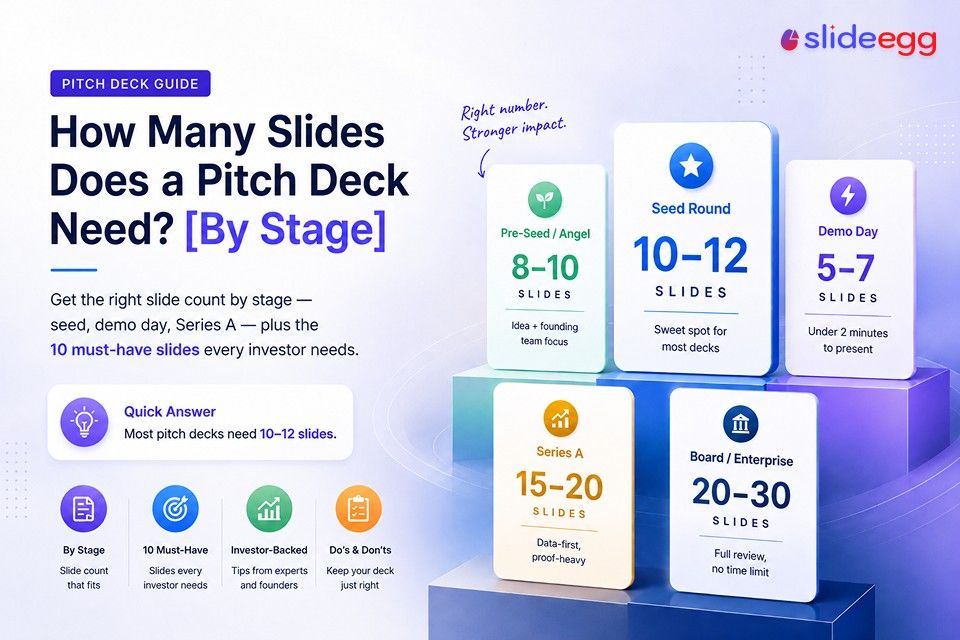
If you search for an answer to this question, you will find numbers ranging from 5 to 30. That range is not wrong — it...
 Presentation Tips
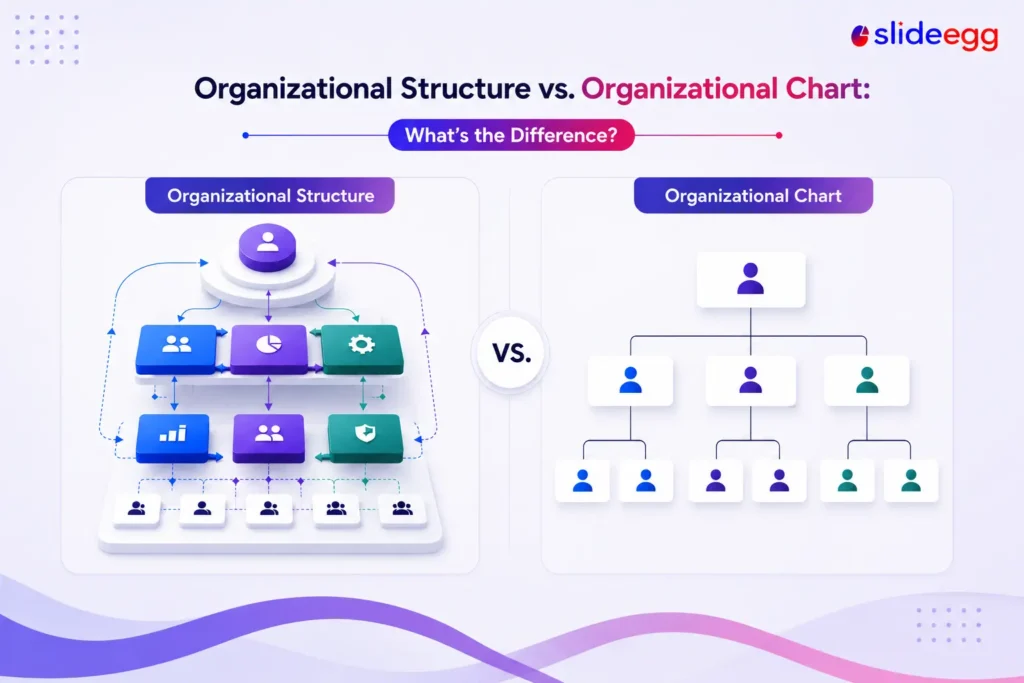
The two terms get used interchangeably, but they describe different things. Your organizational structure is the underlying system that decides how work, authority, and information...
 Industry Information
Open any marketing feed in 2026 and you’ll trip over another “best AI PPT generator” roundup. The reason is simple: making slides used to take...
Recent Blogs

Have you ever tried to compare three competitors in a single, disorganized spreadsheet? By the time you get...

Gemini puts Google’s AI right inside the Slides editor, so you can draft, design, and polish a presentation...

Quick Take: SlideEgg’s Christmas collection holds 474+ templates across PowerPoint, Google Slides, and select Canva formats, Santa-and-nativity scenes...