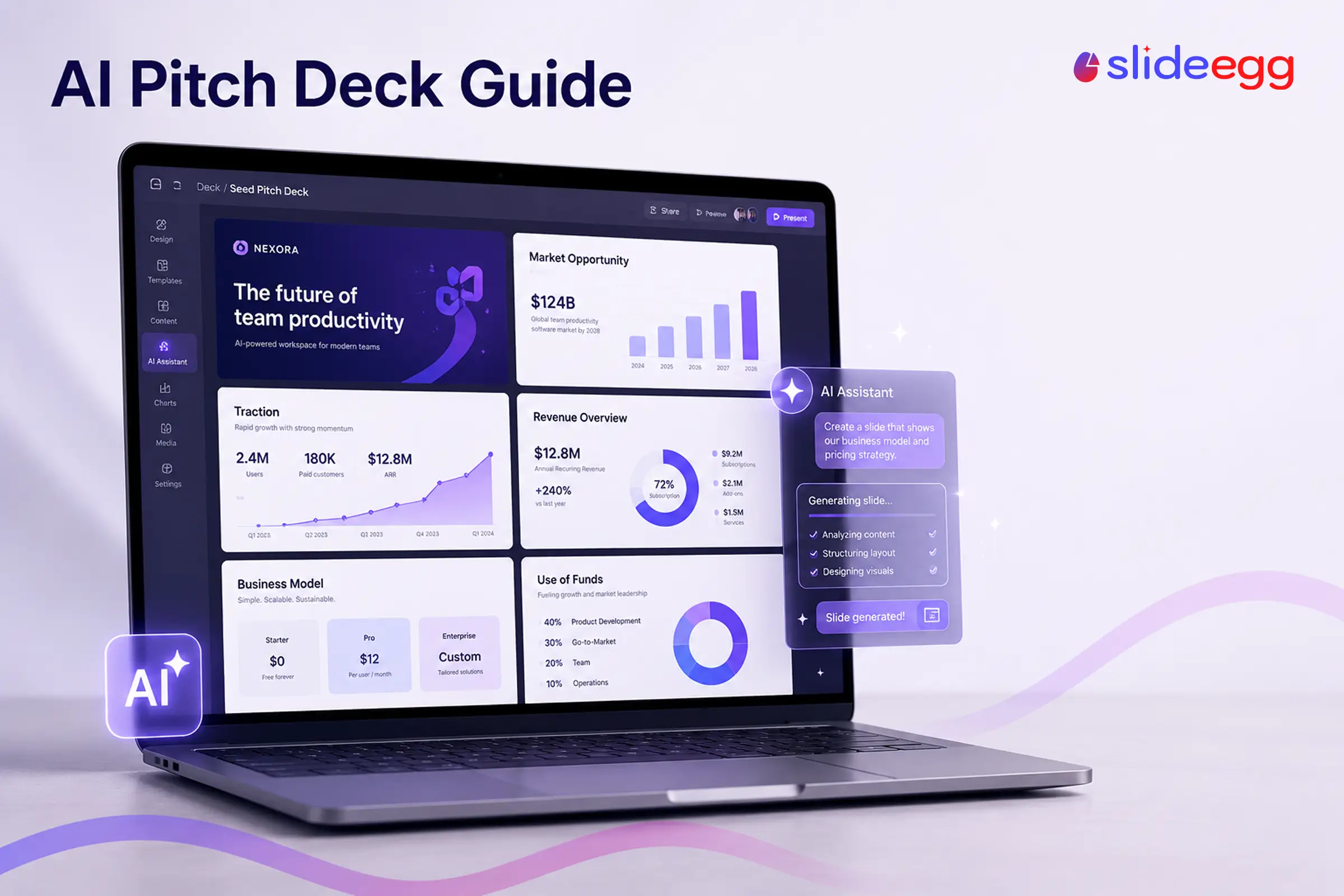
AI can take a pitch deck from a blank screen to a working draft in minutes, generating slides from a prompt, rewriting copy, and creating visuals. The catch: it handles the design and speed, but the story, the numbers, and the judgment are still yours. Used that way, AI is a fast first-draft partner, not an autopilot.
This guide walks through a practical workflow for designing a pitch deck with AI, the tools worth knowing (and their trade-offs), the prompts that work, and the mistakes that cost founders credibility in the room.

The AI Pitch Deck Workflow (Quick Version)
- Decide your story and structure first—AI arranges, you choose the thesis.
- Generate a first-draft deck from a prompt or your notes.
- Refine the copy—punchy, bottom-line-first, one point per slide.
- Create visuals—AI images, icons, and charts from your real data.
- Enforce consistent design with a template or brand settings.
- Fact-check every number before it reaches an investor.
What AI Can (and Can’t) Do for a Pitch Deck
Setting expectations up front saves hours of rework. Here’s the honest split.
| AI is good at | You must own |
|---|---|
| Drafting slides fast from a prompt or document | The core thesis and narrative arc |
| Rewriting copy to be shorter and clearer | The numbers—traction, unit economics, market size |
| Generating images, icons, and layout options | What this specific investor needs to see |
| Applying consistent formatting | The final design polish and story flow |
Step by Step: Designing a Pitch Deck With AI
1. Start with the story, not the software
The most common mistake is opening an AI tool before you know what you’re saying. Decide the narrative first—problem, solution, why now, traction, team, ask—and the slide count that fits your stage. If you’re unsure how long it should be, our comparison of a 10-slide vs 22-slide pitch deck covers when each format works. AI can suggest an outline, but the thesis is yours to set.
2. Generate a first-draft deck
Feed the AI your outline, notes, or an existing document and let it build the slides. In Gamma, a sentence or a few notes produces a full deck in under a minute. Copilot can build one inside PowerPoint from a Word file, and Gemini’s Canvas generates a full deck you can export to Google Slides. If you’d rather your draft land on a professional design from the start, SlideEgg’s own AI maker builds the deck on top of its template library, so the first draft already looks presentation-ready. Whichever tool you use, don’t polish yet—get the whole draft on screen first.
3. Refine the copy
First drafts are wordy. Ask the AI to tighten each slide: one clear headline, two or three supporting points, the bottom line first. Investors skim, so a slide that leads with its conclusion beats a paragraph that builds to it. Rewrite anything that sounds generic—AI defaults to safe, forgettable phrasing, and that’s exactly what you don’t want in a room full of decks.
4. Create and edit visuals
Use AI to generate hero images, backgrounds, icons, and diagrams so a data-heavy deck breathes. Most tools now include image generation; if you build in Google Slides, our guide on creating AI images in Google Slides shows the exact steps. For charts, let AI lay them out—but the underlying figures must be yours (more on that below).
5. Enforce a consistent design
AI-generated slides often drift—different fonts, spacing, and colors from slide to slide. Fix it by applying one template or brand system across the deck. Beautiful.ai enforces design automatically; alternatively, start from a branded template and let AI fill the content so the look stays consistent from the title slide to the ask.
6. Fact-check every number
This is the non-negotiable step. AI can state a market size, growth rate, or ARR figure with total confidence and be completely wrong. It’s a well-documented flaw in how these tools work, not a rare glitch—so treat every generated figure as unverified. On an investor deck, one invented number that gets caught in due diligence can sink the raise. Replace every metric with your real data and verify it before you present.
AI Pitch Deck Tools Worth Knowing (and Their Trade-offs)
No single tool wins for everyone. Choose for your workflow and, importantly, the export format you actually need.
| Tool | Best for | Watch out for |
|---|---|---|
| SlideEgg | A ready-made, investor-ready design to build on—professionally designed pitch deck templates plus AI presentation tools | You bring the story and the numbers; the design is done for you |
| Gamma | The fastest first draft from a prompt (now with a conversational AI agent) | Weak export to PowerPoint—test it early |
| Beautiful.ai | Enforced, consistent design; drafts an outline before it designs | Less freedom for fully custom layouts |
| Chronicle | Narrative control—its Storyline flow curbs AI “hallucination spirals” | Newer, with a smaller template range |
| Slidebean | Startup fundraising (deck + financial tools) | Opinionated, template-driven structure |
| Microsoft Copilot | Drafting inside PowerPoint from a document | Can hallucinate data—verify everything |
| Gemini (Google Slides / Canvas) | Drafting inside Google Slides; full decks via Canvas | Review copy and figures for accuracy |
Other options worth a look: Plus AI for teams that live in Google Slides, and Presentations.ai for brand-consistent decks with built-in engagement tracking. If you want a fuller side-by-side, our roundup of the best AI presentation makers in 2026 breaks down each tool’s pricing, export quality, and trade-offs. The pattern across all of them in 2026 is the same—faster drafting, stronger design guardrails, and more effort spent stopping the AI from inventing facts.
Prompts That Work for Pitch Decks
Specific prompts beat vague ones. Tell the AI the stage, audience, and length.
| Goal | Example prompt |
|---|---|
| Outline | “Create a 10-slide seed pitch deck outline for a B2B SaaS startup selling to HR teams.” |
| First draft | “Build a 12-slide pitch deck from this document, keeping our headings: [paste].” |
| Refine a slide | “Rewrite this slide as one headline and three bullets, bottom line first.” |
| Traction slide | “Turn these metrics into a clean traction slide with a growth chart: [paste real numbers].” |
| Visuals | “Generate a minimal, wide hero image representing supply-chain automation.” |
Common Mistakes to Avoid
| Mistake | Fix |
|---|---|
| Shipping the raw AI draft as final | Investors see hundreds of decks; customize heavily so yours doesn’t feel generic. |
| Letting AI supply the numbers | Use only your real data; verify every figure before the meeting. |
| Ignoring export fidelity | Test the PowerPoint/PDF export before you rely on it—some tools break formatting. |
| Letting AI choose the narrative | You set the story; AI arranges and formats it. |
| Inconsistent slide design | Apply one template or brand system across the whole deck. |
Give AI a Strong Starting Point

AI writes and arranges content well, but it’s most effective when it has a consistent design to work inside. Starting from a ready-made pitch deck template gives the AI a layout, color system, and slide order to fill—so you get speed and a polished, on-brand result instead of a patchwork.
For the fundamentals the AI can’t decide for you, our guides on designing a pitch deck that wins investors and matching your deck to your funding stage pair well with this workflow.
Frequently Asked Questions
Can AI build a full pitch deck?
Yes. Tools like Gamma, Microsoft Copilot, and Gemini’s Canvas can generate a full first-draft deck from a prompt or an existing document. Treat the result as a draft, not a final: refine the story, verify every number, and align the design before you present it to investors.
Is it safe to use AI for the financials in a pitch deck?
Use AI to format and visualize numbers, but never to generate them. AI can confidently invent figures like ARR, growth rates, or market size. Every metric on an investor deck must come from your own real data, and you should fact-check each one before the meeting.
Which AI tool is best for designing a pitch deck?
It depends on your workflow. Gamma is fast for a first draft, Beautiful.ai enforces consistent design, Slidebean is built for startup fundraising, and Copilot or Gemini let you work inside PowerPoint or Google Slides. Pick for your design needs and check the export format you actually need.
Will investors know I used AI to make my deck?
Investors care about your story, your numbers, and clarity—not the tool. What gives an AI deck away is a generic, templated feel and vague claims. Customize the draft heavily, ground it in real data, and it reads as a strong deck, not an AI one.
Can AI design the whole pitch deck so I don’t have to?
No. AI speeds up drafting, layout, and visuals, but the narrative, the data, and the judgment about what an investor needs are yours. The strongest decks are AI-assisted and human-owned—AI does the heavy lifting, you make the decisions.
How do I keep an AI-generated deck on brand?
Use a tool that enforces brand settings (fonts, colors, logo), or start from a branded template and let AI fill in the content. Applying one consistent template across every slide is the simplest way to stop an AI deck from looking like a patchwork.
Conclusion
AI has made the blank-deck problem almost disappear. It drafts, rewrites, and designs in minutes—so your time goes to the parts that actually win a raise: a sharp story, real numbers, and a clear ask.
Use AI for the first draft and the heavy lifting, start from a template so the design holds together, and own the narrative and the data yourself. That’s the deck that survives the room.