Open any marketing feed in 2026 and you’ll trip over another “best AI PPT generator” roundup. The reason is simple: making slides used to take an evening, and now a prompt turns into a full draft in under a minute. That shift is real, and it has genuinely changed how people build presentations. But speed and quality are not the same thing—and once the novelty wears off, a familiar problem shows up: a lot of AI-generated decks look alike. This guide compares three of the most talked-about tools—Canva, Gamma, and SlidesAI—then looks at why human-designed templates still hold the edge on quality and consistency.
Quick answer: Gamma is fastest for a first draft. Canva is the most flexible all-rounder with the best free tier. SlidesAI is the simplest way to turn existing text into slides inside Google Slides. All three trade some design quality for speed—which is exactly where starting from a human-designed template changes the result.
What Actually Changed in 2026
Three years ago, an “AI presentation tool” mostly meant auto-layout suggestions. In 2026, an AI presentation generator can take a sentence, an outline, or a whole document and return a structured deck with text, images, and a theme already applied. The blank-slide problem—the hardest part of starting—has mostly disappeared.
What hasn’t changed is what makes a presentation good: a clear story, real data, and a design that looks deliberate rather than templated. AI handles the first draft well. The last mile—making it look like yours and not like everyone else’s—is still human work. Understanding that split is the key to picking the right tool.
Canva (Magic Design): The Flexible All-Rounder
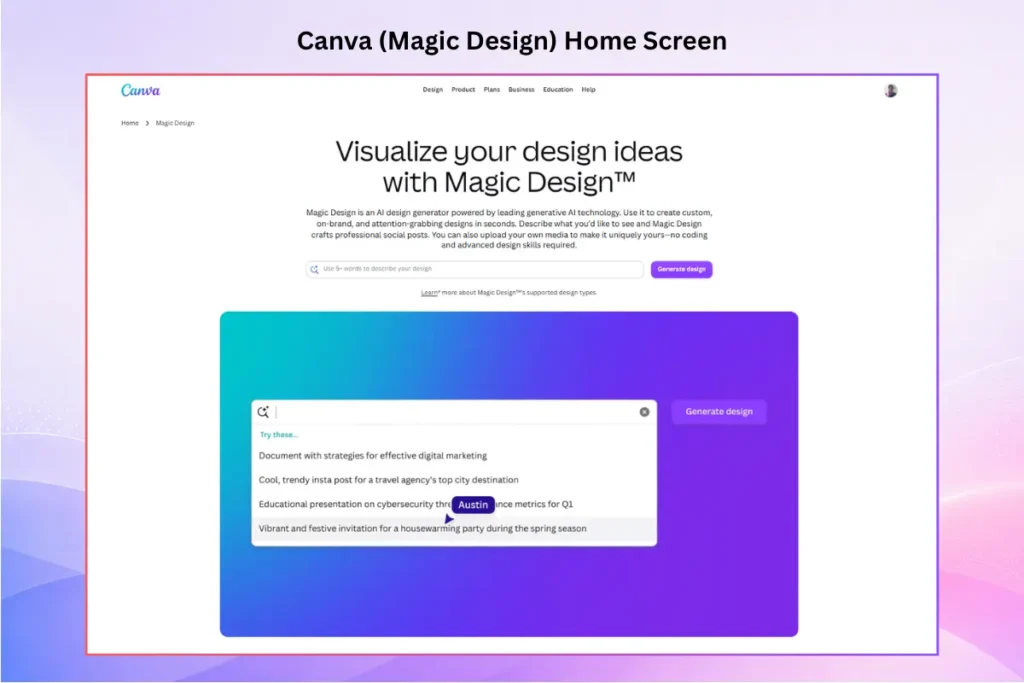
Canva’s Magic Design generates a full deck from a short prompt or an uploaded document, then hands you Canva’s enormous library of templates, stock images, and icons to refine it. For anyone already comfortable in Canva, there’s almost no learning curve.
Strengths: the broadest export options (PDF, PPTX, MP4, and more), a genuinely usable free tier, built-in translation, and Magic Charts for turning data into visuals.
Watch out for: a recognizable “Canva look” that experienced audiences spot quickly, a short prompt limit that caps how specific your brief can be, and AI depth that’s shallower than a dedicated generator.
Pricing (2026): free tier with a limited pool of AI credits; Canva Pro around $13/month adds premium templates, the brand kit, and full AI use.
Gamma: The Speed Champion
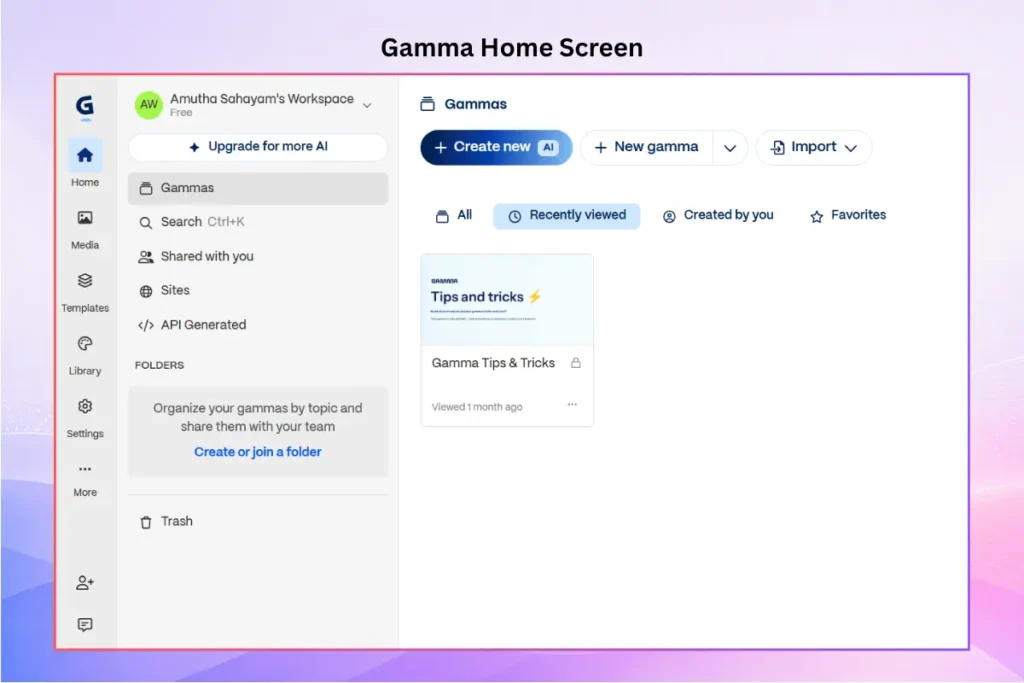
Gamma is the fastest way to get from a prompt to a complete deck—often around 30 seconds for a first draft. It also writes speaker notes and offers presenter analytics, and its browser-based sharing is clean.
Strengths: unmatched first-draft speed and a modern, card-based canvas.
Watch out for: PowerPoint export is its most common complaint—layouts and fonts can shift when you convert its web-native format to .pptx—and the generic phrasing needs rewriting for anything industry-specific.
Pricing (2026): a free tier with 400 one-time credits (not monthly—most users exhaust it in a session or two); Plus is around $10/month billed annually (1,000 monthly credits); Pro runs higher for more credits.
SlidesAI: Text Into Slides, Inside Google Slides
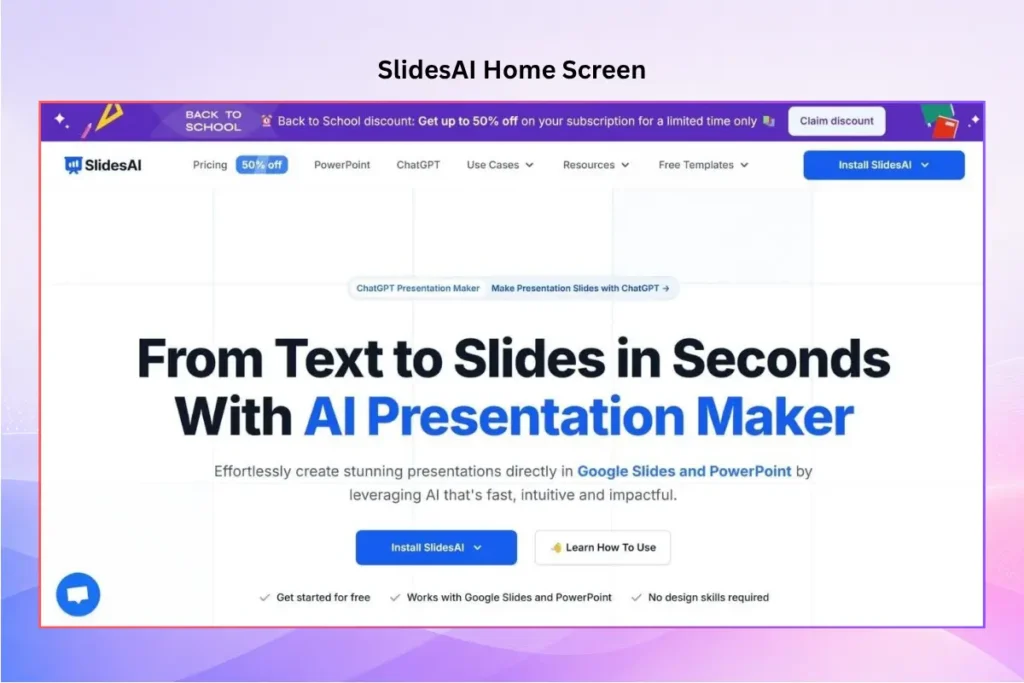
SlidesAI is an AI-powered presentation maker that lets you create presentations from existing content such as notes, essays, reports, or other text. Its standalone web app makes it easy to generate a structured deck from your content, while SlidesAI also works as an add-on for Google Slides and PowerPoint and integrates with ChatGPT.
Strengths: strong text-to-slides conversion, AI-generated speaker notes, translation, and flexibility to create presentations through the web app, Google Slides, PowerPoint, or ChatGPT.
Watch out for: the free plan is capped at 12 presentations per year, character limits per presentation can restrict longer documents, and the design range is narrower than Canva’s.
Pricing (2026): Free plan (12 presentations/year); Pro at $10/month (billed annually); Premium at about $20.83/month.
Canva vs. Gamma vs. SlidesAI: Side by Side
| Tool | Best for | Free tier | Starting price (2026) | PPTX export |
|---|---|---|---|---|
| Canva | Flexible all-round design | Yes (limited AI credits) | ~$13/mo (Pro) | Yes (clean) |
| Gamma | Fastest first draft | 400 one-time credits | ~$10/mo (Plus) | Yes (cleanup often needed) |
| SlidesAI | Turning text into slides | 12 presentations/year | $10/mo (Pro) | Native add-on |
Prices are current for 2026 and change often—check each vendor’s pricing page before you buy.
The Problem Every AI PPT Generator Shares
Test these tools back to back and a pattern appears. They draw from overlapping design patterns and the same stock-image libraries, so the output tends to look similar no matter which one you used. Three issues come up again and again:
- Generic look. AI defaults to safe, familiar layouts. In a room full of AI decks, “safe” is forgettable.
- Inconsistency. Fonts, spacing, and color can drift from slide to slide, so a deck ends up looking like several decks stapled together.
- Invented facts. AI can state a statistic or quote with full confidence and be wrong. Every number needs checking before it goes in front of an audience.
None of this makes AI generators bad. It means their output is a strong first draft, not a finished presentation. The quality gap is real—and it’s where the design foundation you start from matters most.
Why Human-Designed Templates Still Win on Quality and Consistency
Here’s the core idea: AI is good at writing and arranging content, but it’s most effective when it has a consistent design to work inside. Give it a blank canvas and it invents a look—often the same generic look everyone else gets. Give it a professionally designed template, and it fills a layout, color system, and slide order that a human designer already made coherent. It’s the trade-off at the heart of the wider AI presentation makers vs. templates debate.
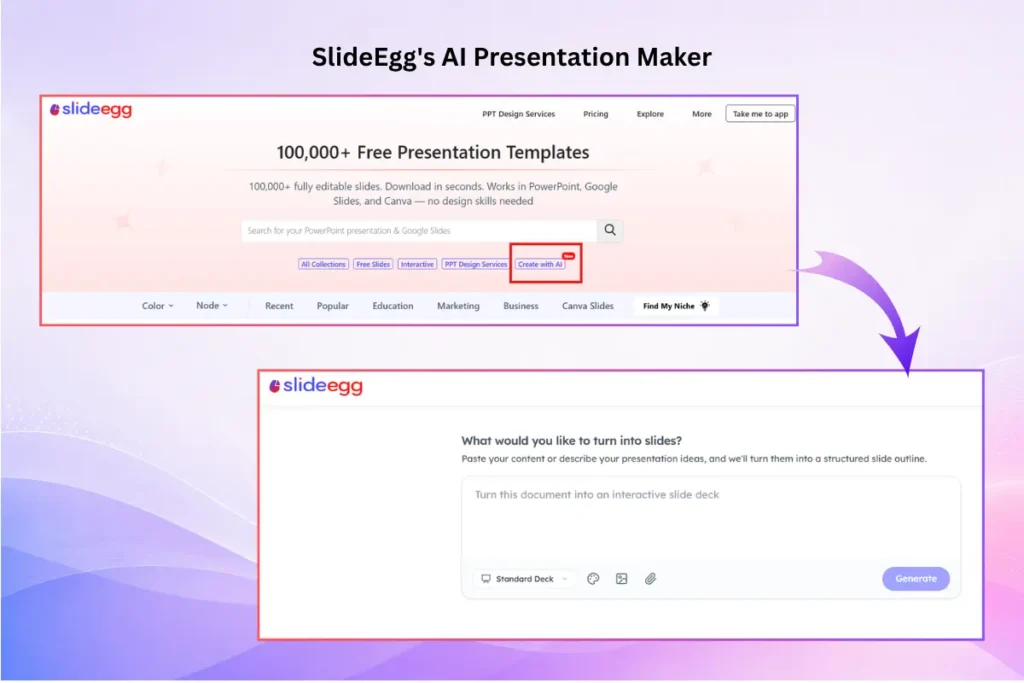
That’s the approach behind SlideEgg. Its AI presentation maker generates a structured outline first, so you can shape the flow before anything is designed, then builds the deck on top of a library of 100,000+ human-designed professional presentation templates. The result is AI speed with a stronger visual foundation—slides that stay consistent from the title to the close, because the design system underneath them was built by people, not assembled slide by slide.
The generator also sits alongside a wider set of AI tools—an image generator, slide summarizer, chart and mind-map builders, and a slide translator—so the pieces AI genuinely helps with are covered without forcing a generic template on the whole deck.
The takeaway: use AI for the first draft and the heavy lifting, but start from a human-designed template so the design holds together and the result looks like yours.
Which Tool Should You Use?
- You want the fastest possible first draft: Gamma—then budget time to fix the PowerPoint export.
- You already live in Canva and want flexibility: Canva Magic Design, with its strong free tier.
- You’re converting a document or notes into slides in Google Slides: SlidesAI.
- You want AI speed but a consistent, on-brand result: a template-backed generator like SlideEgg, so the design starts from a human-made foundation.
Frequently Asked Questions
What is the best AI PPT generator in 2026?
There’s no single winner. Gamma is best for fast first drafts, Canva is the most flexible with the strongest free tier, and SlidesAI is best for turning existing text into slides. If design consistency matters most, a template-backed generator, like SlideEgg that builds on human-designed layouts gives more reliable results than a blank-canvas tool.
Are AI-generated presentations good enough to present as-is?
Usually not. AI produces a useful first draft, but the output often looks generic, drifts in style between slides, and can contain invented statistics. Plan to rewrite key points in your voice, verify every figure, and apply your own design or template before presenting.
Why do AI presentations look generic?
Most AI PPT generators draw from overlapping design patterns and the same stock-image libraries, so their output looks similar regardless of the tool. Starting from a distinct, human-designed template and adding your own visuals is the most reliable fix.
Can AI presentation tools export to PowerPoint?
Most can. Canva exports clean .pptx files, SlidesAI works natively inside PowerPoint and Google Slides as an add-on, and SlideEgg exports to both. Gamma can export to PowerPoint, but its web-native format often needs formatting cleanup afterward.
Is a template better than an AI generator?
They work best together. A template gives you a consistent, professional design; AI fills it with structured content fast. Using AI on top of a human-designed template combines the speed of a generator with the quality of real design work.
Do these AI tools work for free?
All have free tiers, but the limits differ. Canva’s free tier is the most usable day to day, Gamma’s 400 credits are a one-time allocation, and SlidesAI caps the free plan at 12 presentations a year. Check current limits before relying on any of them.
Conclusion
AI has changed presentation design for good—the blank-slide problem is mostly solved, and a first draft is now minutes away. But the tools that generate from scratch all share the same weakness: output that’s fast, similar, and generic. In 2026, the smartest workflow isn’t AI or design—it’s AI plus a human-designed foundation. Let AI draft and arrange, start from a template built by real designers, verify your facts, and own the story. That’s the deck that stands out in a room full of AI slides.