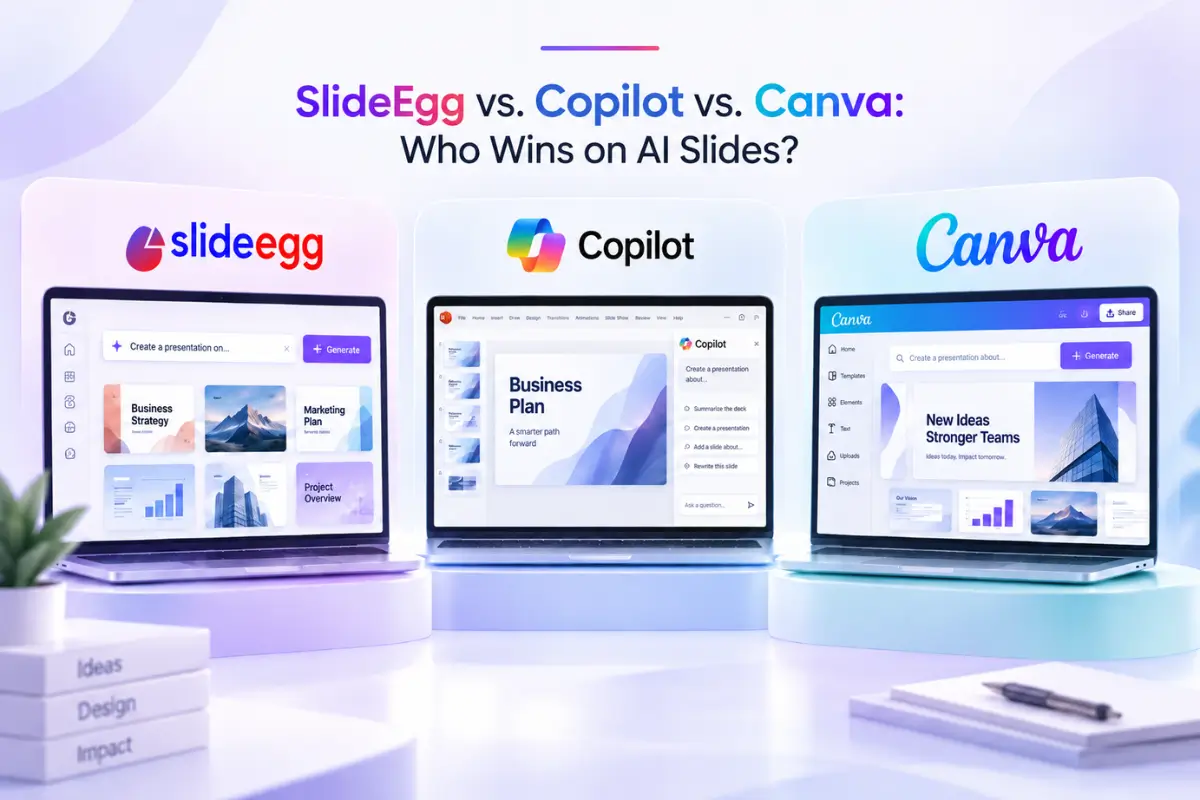
Copilot in PowerPoint, Canva, and SlideEgg all now generate a working deck from a typed description. That much is settled. What actually separates them shows up after the first draft appears, in whether a brand’s logo and colors carry through automatically, where the file can go once it’s built, and what it costs to get there.
This is a direct, feature-by-feature comparison of SlideEgg’s AI Presentation Maker against the two tools it’s most often measured against, based on what each product’s own documentation says today.
How Copilot’s Brand Kit and Skills Actually Work

Inside the Copilot panel, a user starting a new presentation can pick “Select brand” before typing a prompt, which tells Copilot which approved template, color palette, and asset library to pull from. An administrator sets up the Brand Kit once, at the organization or team level, and after that every deck generated under it inherits the same look without anyone touching a slide master. Stricter governance modes go further, keeping Copilot inside approved layouts rather than letting it improvise.
Skills sit next to that same menu. Microsoft ships a few prebuilt ones, “Prepare for Questions,” “Review Presentation,” and “Visualize Slide,” and organizations can publish their own for specialized, repeatable tasks. The practical effect is fewer re-typed prompts: instead of asking Copilot to “check this deck for unclear claims” every time, a user calls the Review Presentation skill and gets the same structured pass each time. Both features require a Microsoft 365 Copilot seat, which is licensed to organizations rather than sold as a standalone consumer add-on, so the governance benefit comes bundled with an enterprise price tag.
How Canva’s Magic Design Actually Works

Canva’s generator works from the same starting point as the other two, a typed prompt describing the presentation, but it leans harder on Canva’s existing design library once the draft exists. After generation, three tabs, Templates, Layouts, and Styles, let a user swap the entire look of the deck without re-prompting: Styles in particular can match an existing brand look, colors, fonts, and elements from another design, in one click. Applying a saved Brand Kit is a separate step, available on Canva Pro, that locks the generated draft to an organization’s actual logo and palette rather than a generic style match.
Because Canva’s generator sits on top of a design platform that predates AI generation by more than a decade, the draft it produces tends to look further along out of the gate, populated with real layout variety and stock media rather than placeholder shapes. The tradeoff is that the output stays inside Canva; there’s no equivalent to downloading straight into PowerPoint the way SlideEgg’s generator does.
How SlideEgg’s AI Presentation Maker Works Right Now

The starting point is a single prompt box on the homepage: describe the topic, audience, and purpose, and the generator builds a full deck from that description. There’s no file upload or outline field, so it doesn’t compete directly with tools built around importing existing documents. What it does have is a shortcut most competitors don’t: every one of SlideEgg’s 100,000+ templates carries a one-click AI customization option, so instead of generating from a blank prompt, a user can start from a template that’s already close and let the AI adjust it from there.
Once a deck is generated, it can be downloaded as a PowerPoint file or handed off for continued editing in Google Slides or Canva. That’s a wider export net than either competitor offers on its own generator: Copilot’s output stays inside PowerPoint, and Canva’s Magic Design output stays inside Canva.
Where Copilot Wins
Enterprise Brand Governance
Copilot’s Brand Kit lets an administrator lock every generated deck to an approved template, color palette, and asset library at the organization level, and stricter governance modes go further, keeping Copilot inside those approved layouts rather than letting it improvise. Neither SlideEgg nor Canva’s free tier matches that level of centralized control; Canva’s Brand Kit on Pro comes closest, but it’s applied per user rather than enforced org-wide the way Copilot’s governance modes are.
Reusable AI Skills
Skills turn a repeated prompt into a one-click action. Microsoft ships a few out of the box, “Prepare for Questions,” “Review Presentation,” and “Visualize Slide,” and organizations can publish their own for specialized, repeatable tasks. Neither SlideEgg nor Canva has a named equivalent, so a task a Copilot user runs as a saved Skill, a SlideEgg or Canva user has to re-describe in a fresh prompt every time.
A More Mature Generation Engine
Copilot’s generator benefits from years of Microsoft Designer work behind it. SlideEgg’s own team has described its AI generation as still maturing by comparison, a gap we looked at directly in our own comparison against Gamma, one of the other AI-first generators. In practice, that shows up as more layout variety and fewer generic-looking drafts from the first prompt.
Where Canva Wins
Brand Kit Without an Enterprise Contract
Canva’s Brand Kit lives on Canva Pro, an individual or team subscription rather than a seat license sold to organizations, so a small team can turn on the same saved-logo-and-color behavior Copilot offers without procurement approval. SlideEgg doesn’t have an equivalent yet, so keeping a deck on-brand there currently means choosing a template that already fits or adjusting colors by hand afterward. For a marketing team generating dozens of decks a month, that manual step adds up in a way it wouldn’t with Canva’s brand controls turned on.
A Design Platform Refined Over a Decade
Canva’s generator sits on top of a design platform that predates AI generation by more than ten years, so its drafts tend to look further along out of the gate, real layout variety and stock media rather than placeholder shapes. Three tabs, Templates, Layouts, and Styles, also let a user reshape the whole look after generation without re-prompting, in a one-click form that neither Copilot nor SlideEgg’s generator offers today.
A Native Live Audience Layer
Canva Live collects audience questions and reactions during a live presentation without leaving Canva. That’s closer to a tie with SlideEgg, whose own built-in live polls and Q&A cover similar ground, than a clean win over it; where Canva does pull ahead is on PowerPoint, which leans on Microsoft Forms or third-party add-ins rather than a built-in equivalent.
Where SlideEgg Wins
No Enterprise License Required
Copilot’s Brand Kit is tied to a Microsoft 365 Copilot license, which organizations buy per seat rather than individuals buying on their own. Canva’s equivalent, Brand Kit on Canva Pro, is closer to an individual purchase but still an added subscription layer on top of the free tier. SlideEgg’s AI features sit on individual plans, including a one-time lifetime option, so a solo trainer, teacher, or small team doesn’t need procurement approval, or a recurring subscription, to use them.
Export Wherever You Actually Work
A deck generated in SlideEgg isn’t locked to one ecosystem. Downloading to PowerPoint or continuing in Google Slides or Canva means the output fits into whatever workflow a team already has, rather than requiring everyone to adopt the tool that generated it. Copilot’s generation stays PowerPoint-native; Canva’s stays inside Canva until it’s manually exported and rebuilt elsewhere.
A Template Head Start
Generating from a completely blank prompt is where AI decks most often go wrong, mismatched layouts, generic stock imagery, inconsistent pacing. Starting from one of 100,000+ existing templates and letting the AI adjust it narrows that risk considerably compared with a pure text-to-deck generator, and it gives a user a concrete starting point to react to rather than a blank result to fix. For a walkthrough of combining a template with the AI customization option, see our guide to getting the most out of SlideEgg’s AI Presentation Maker.
Feature Snapshot
| Feature | SlideEgg AI | Copilot in PowerPoint | Canva |
|---|---|---|---|
| Generation input | Text prompt, or one-click AI customization on a template | Text prompt, org-approved templates via Brand Kit | Text prompt via Magic Design |
| Brand kit (logo, color, font) | Not available | Yes, GA September 2026 | Yes, on Canva Pro |
| Reusable AI workflows | Not available | Yes, via Skills | Not available as a named feature |
| Export destinations | PowerPoint, Google Slides, Canva | PowerPoint only | Canva only |
| Live audience features | Built-in live polls and Q&A | Present Live captions; polls via Forms or third-party add-ins | Canva Live built-in |
| Access model | Individual plans, one-time lifetime option | Microsoft 365 Copilot seat license | Free tier, Pro subscription for Brand Kit |
| Template library | 100,000+ ready-made templates | Org-approved templates only | Large in-app template library |
Which One Should You Actually Open Today?
If a company has already paid for Microsoft 365 Copilot and needs every deck to match a locked-down brand standard, Brand Kit is the reason to stay put, that governance layer isn’t something SlideEgg or Canva’s free tier replicates, and Skills add real time savings on repeated tasks like Q&A prep. If a team is already deep in Canva for other design work and only occasionally needs slides, Canva’s generator and Brand Kit keep everything in one place, and Styles gives a fast way to match an existing look without touching a Brand Kit setting.
SlideEgg’s angle is different: no seat license to request, a deck that isn’t locked into one editor afterward, and a template library large enough that most prompts start closer to finished than a blank generation would. It’s a stronger fit for individuals, educators, and small teams choosing a tool for the first time than for an enterprise with an existing Microsoft or Canva contract already governing how decks get made. If Copilot and Canva aren’t the only two alternatives worth weighing, our broader roundup of AI presentation makers in 2026 covers a wider field.
How this was checked: Feature claims for Copilot’s Brand Kit and Skills, and for Canva’s Magic Design and Brand Kit, were verified against each company’s own product pages and support documentation on September 17, 2026. SlideEgg’s own capabilities were confirmed against its live homepage and AI Presentation Maker on the same date. AI tools update quickly; confirm current plan requirements before making a purchasing decision.
Questions People Actually Ask
Does SlideEgg’s AI Presentation Maker have a brand kit like Copilot or Canva?
Not yet. Copilot’s Brand Kit and Canva’s Brand Kit both let an AI generator apply saved logos, fonts, and colors automatically. SlideEgg’s AI Presentation Maker doesn’t have an equivalent today, so brand consistency currently means picking a template that already matches your palette or adjusting colors manually after generation.
Can SlideEgg’s AI generate a deck from an uploaded PDF or outline?
No. The prompt box takes a typed description of your topic, audience, and purpose. It doesn’t accept a pasted outline or an uploaded file the way some AI-first tools do, though every template in SlideEgg’s library also has a one-click AI customization option as a starting point.
Where can I open a deck built with SlideEgg’s AI Presentation Maker?
You can download it as a PowerPoint file, or continue editing it directly in Google Slides or Canva. That three-way export is broader than Copilot, which stays inside PowerPoint, or Canva’s own generator, which stays inside Canva.
Do I need an enterprise license to use SlideEgg’s AI features, unlike Copilot’s Brand Kit?
No. Copilot’s Brand Kit requires a Microsoft 365 Copilot license, which is sold per seat to organizations. SlideEgg’s AI Presentation Maker is available on individual plans, including a one-time lifetime option, without requiring an enterprise agreement.
Is the viral “rebuilt my deck without PowerPoint or Canva” story about SlideEgg?
No. That piece was about a separate open-source tool called Open Design, which wraps coding-agent AI models to generate slide layouts from a natural-language description. It isn’t affiliated with SlideEgg, Copilot, or Canva, though it added to the same week’s conversation about how much of deck-building AI can now handle.
Want to see how far a single prompt gets you?
Try SlideEgg’s AI Presentation Maker on a topic you’re actually working on, no seat license, no brand-kit setup, just a deck in a few minutes.