
Posts by Arockia Mary Amutha
 Industry Information
Slidesgo is a solid starting point for presentation templates — but its 5-downloads-per-month cap, mandatory account creation, and required attribution slide leave many users hunting...
 Industry Information
Quick Answer: SlidesMania is the better pick for teachers. It is entirely free, has no download limit, and excels at interactive classroom formats — game...
 Industry Information
A direct look at two popular template platforms — one built for scale and AI tools, the other for bold, zero-cost creative designs. Quick Answer...
 Industry Information
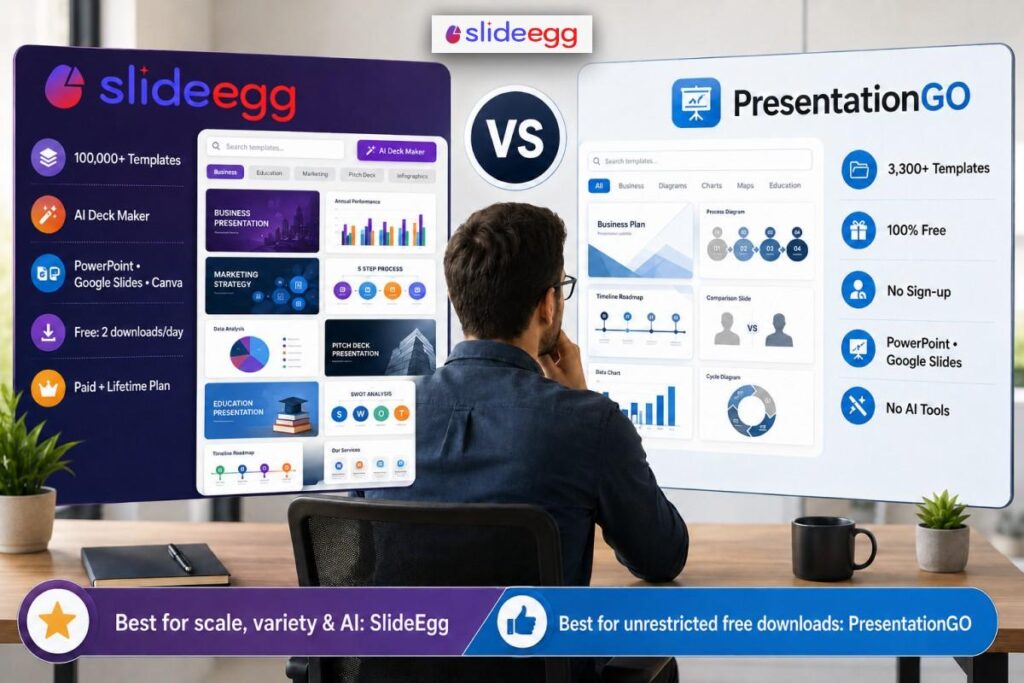
Quick Answer For occasional free downloads, PresentationGO works fine. It has 3,000+ templates, no sign-up, and zero cost. But for scale, variety, and AI tools,...
 Industry Information
Quick Answer For presentation templates, SlideEgg is the better choice. It has 100,000+ ready-made templates, a built-in AI presentation maker, and direct PowerPoint and Google...
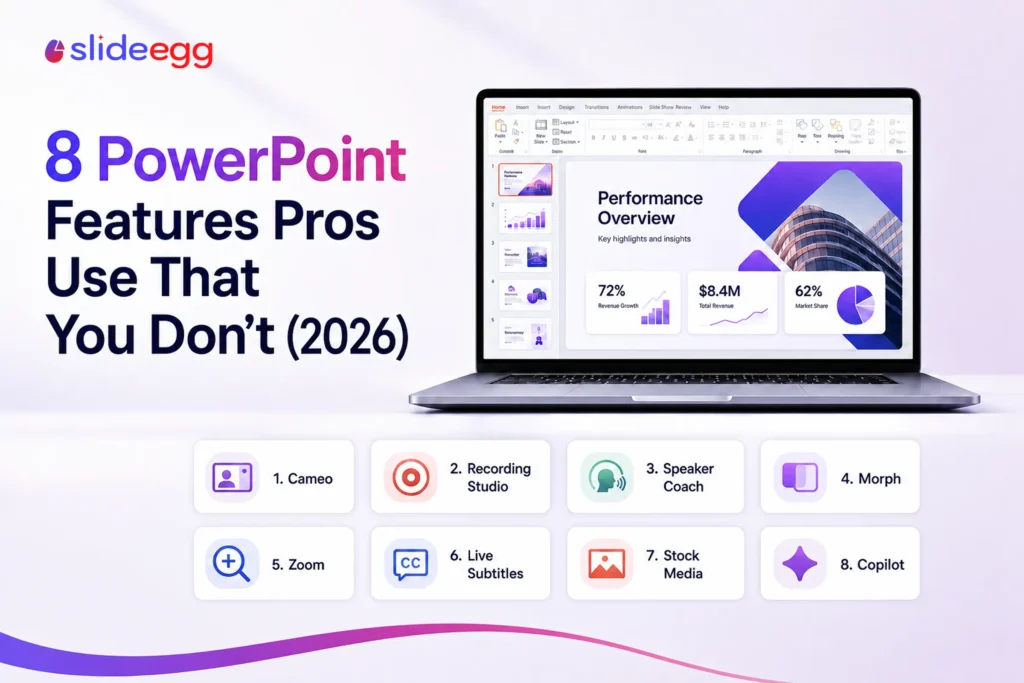 Powerpoint Tutorials
Most people use a sliver of what PowerPoint can do. These eight features aren’t secret—several have existed since PowerPoint 2019—but hardly anyone turns them on....
 Industry Information
Most people frame this as a fight between old and new. AI tools on one side, traditional templates on the other. The reality is less...
 Industry Information
If you’ve spent an afternoon Googling “best AI presentation maker” and ended up more confused than when you started, you’re not alone. The category is...
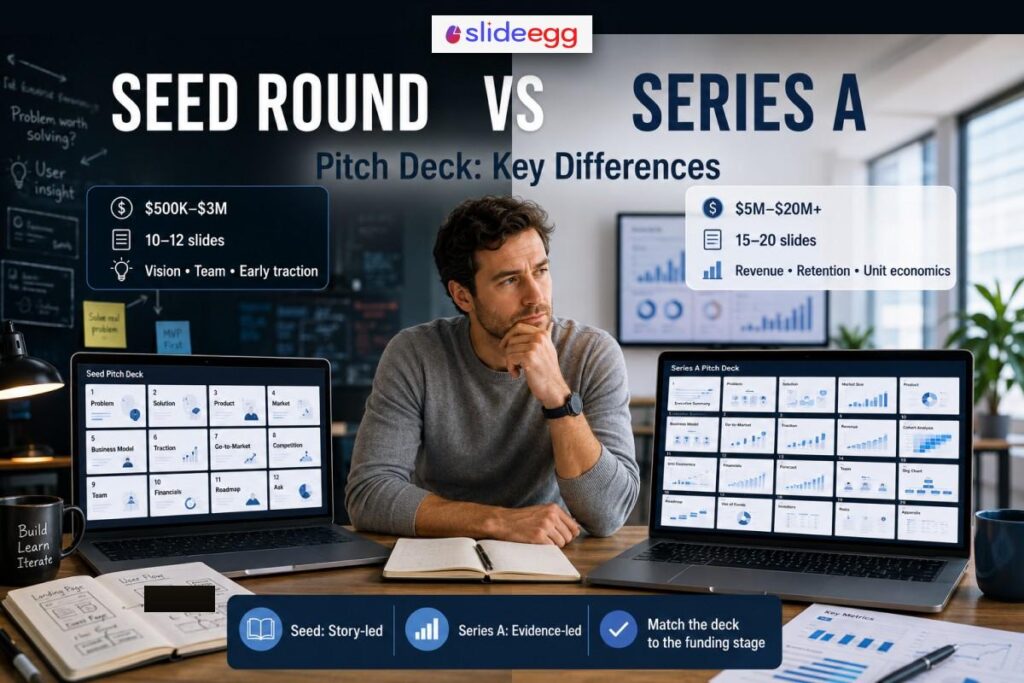 Industry Information
Many founders treat their pitch deck as a static document — something to update with new numbers but not fundamentally rethink. The result is a...
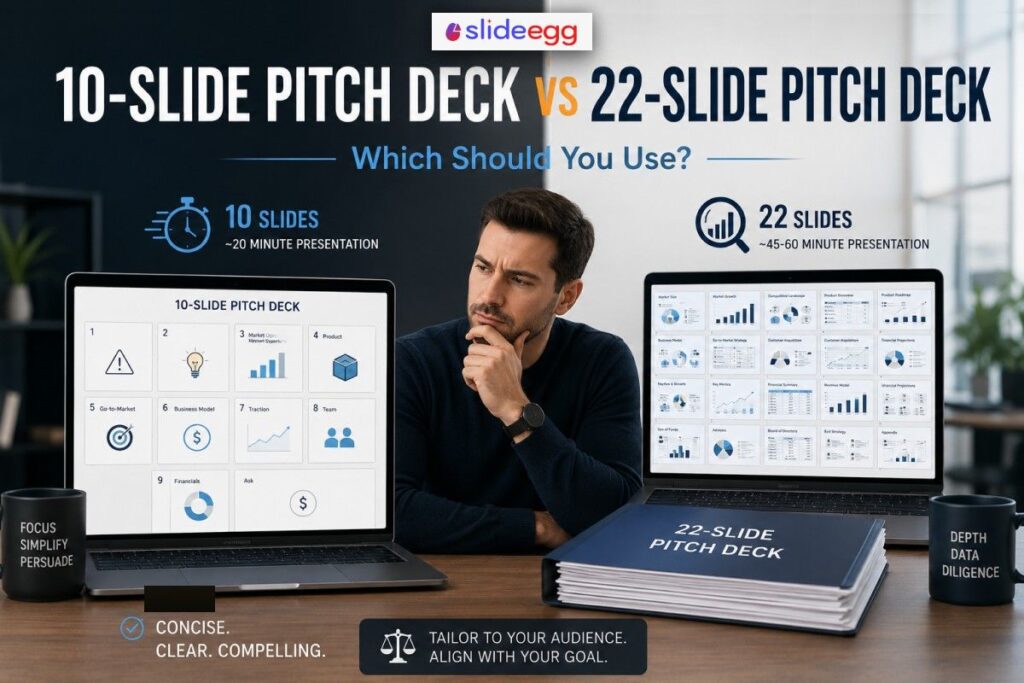 Presentation Tips
When you sit down to build a pitch deck, one of the first decisions you face is how long it should be. Too short, and...
Recent Blogs

Have you ever tried to compare three competitors in a single, disorganized spreadsheet? By the time you get...

Gemini puts Google’s AI right inside the Slides editor, so you can draft, design, and polish a presentation...

Quick Take: SlideEgg’s Christmas collection holds 474+ templates across PowerPoint, Google Slides, and select Canva formats, Santa-and-nativity scenes...