Quick Answer:
SlidesMania is the better pick for teachers. It is entirely free, has no download limit, and excels at interactive classroom formats — game templates, choice boards, and clickable timelines. SlideEgg is the better pick for everyone else. It has a larger library, a built-in AI deck maker, and paid plans for unlimited access. On platform support — PowerPoint, Google Slides, Canva — both are equal.
Introduction
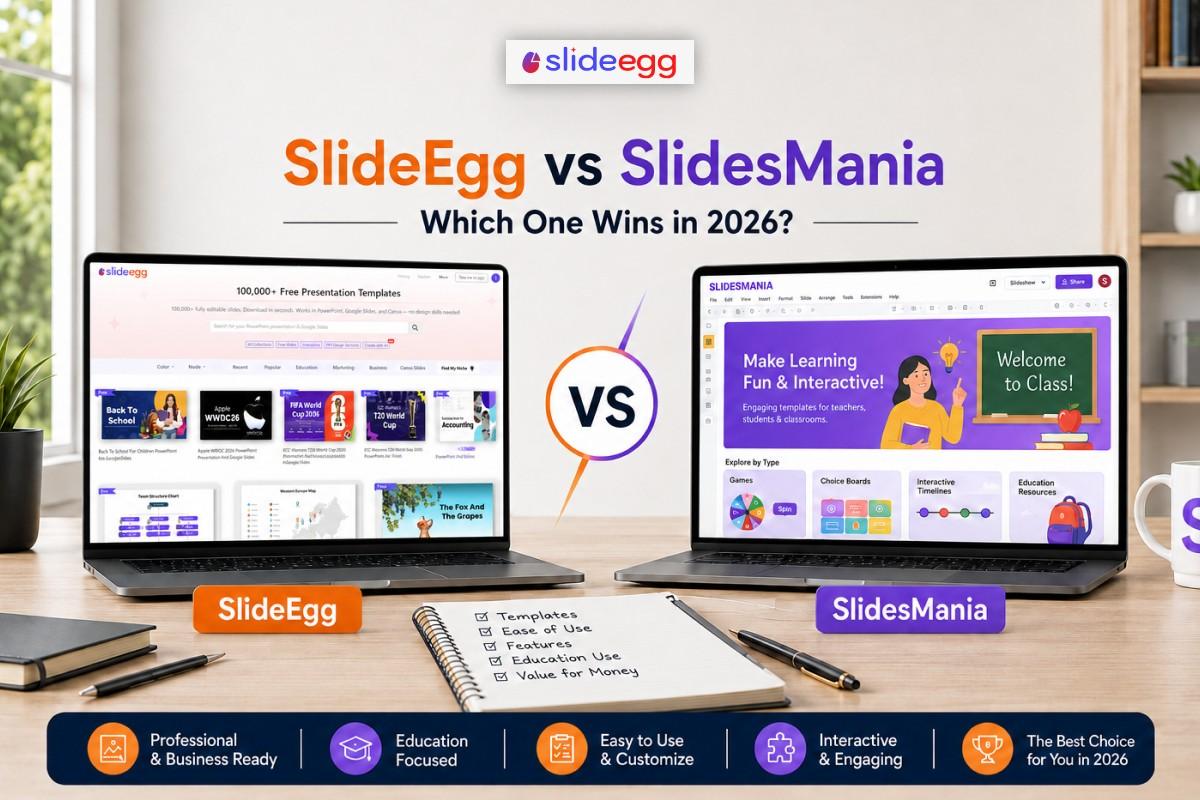
Not every presentation platform is built for the same person. SlidesMania was created for classroom use. SlideEgg was built for a much broader range of users. If you are deciding between the two, the right answer depends almost entirely on what you actually make slides for.
SlidesMania is a free template library with a clear niche. It focuses on interactive, educational formats — choice boards, clickable timelines, game-style layouts, and classroom activities. There is no paid plan, no sign-up, and no daily cap. It works with PowerPoint, Google Slides, and Canva. Outside the classroom, it has little to offer.
SlideEgg is a wider platform. It has over 100,000 templates covering business, marketing, education, healthcare, HR, finance, and more. It also has a built-in AI maker. You type a topic, choose a style, and get a full deck in seconds. The free tier gives 2 downloads per day. Paid plans go monthly, annual, or a one-time lifetime option.
This comparison looks at eight categories: library size, AI tools, education slides, free tier value, business templates, Canva support, pricing, and ease of use. Each score reflects actual strengths — not just which one is bigger or better known.
Platform Overview
SlideEgg
A broad presentation platform with 100,000+ templates and a built-in AI maker. Covers business, education, marketing, healthcare, and more. Free tier available; paid plans include a one-time lifetime option.
SlidesMania
A free template site built for teachers. Strong in interactive classroom formats — choice boards, game-style layouts, and clickable timelines. No paid plan, no sign-up required, and no download cap.
SlidesMania — What It Is
SlidesMania launched as a free template site with one clear focus: slides for the classroom. The library is built around formats teachers actually use — choice boards, interactive tabs, game-style layouts, escape room templates, and clickable timelines. You browse, pick a format, and download. No account, no payment screen, no daily cap. It supports PowerPoint, Google Slides, and Canva. Outside education, the library offers very little. That is a deliberate design choice, not a gap.
SlideEgg — What It Is
SlideEgg started as a template library and has grown into a full presentation platform. It has over 100,000 templates across hundreds of topics — business strategy, data charts, marketing, HR, healthcare, education, finance, and more. On top of templates, it has a built-in AI maker at slideegg.com/app/ai. Type a topic and get a complete, structured deck in seconds. The free tier gives 2 downloads per day with no watermark. Paid plans — monthly, annual, or a one-time lifetime deal — remove the daily limit. See full options at slideegg.com/pricing.
8-Category Head-to-Head
Each category rated out of 10. Winner based on value for the typical user.
Round 1: Template Library Size
| SlideEgg10 / 10 | Over 100,000 templates across business, marketing, education, healthcare, HR, finance, and more. New designs added regularly across hundreds of topics. |
| SlidesMania3 / 10 | A focused collection of classroom and educational formats. Deep within its niche, but very limited in topic breadth outside of teaching. |
▲ SlideEgg wins — far larger library with far more topic coverage
Round 2: AI Deck Generator
| SlideEgg8 / 10 | Built-in AI maker at slideegg.com/app/ai. Type a topic, choose a style, and get a full structured deck in seconds. No design skill needed. |
| SlidesMania0 / 10 | No AI tools of any kind. SlidesMania is a static template library. You browse, pick, and download — that is the complete workflow. |
▲ SlideEgg wins — only one platform has AI tools
Round 3: Education & Interactive Slides
| SlideEgg6 / 10 | Has educational templates, but they are general in format. No specialised interactive layouts — no game boards, choice panels, or clickable classroom activities. |
| SlidesMania9 / 10 | This is SlidesMania’s specialty. Game-style layouts, choice boards, clickable timelines, escape room templates, and interactive classroom activity slides are all here. |
▲ SlidesMania wins — built specifically for interactive classroom use
Round 4: Free Tier Value
| SlideEgg8 / 10 | 2 free downloads per day with no watermark. No sign-up needed. Strong for occasional use, but the daily cap becomes a constraint for heavier users. |
| SlidesMania8 / 10 | Unlimited free downloads with no account required. No daily cap at all. For users who only need classroom templates, this is as good as free gets. |
= Tie — different structures, equal value for their respective users
Round 5: Business & Professional Templates
| SlideEgg8 / 10 | Wide range covering pitch decks, data charts, timelines, org charts, marketing slides, project plans, and more. Meets most professional needs. |
| SlidesMania3 / 10 | Very limited business-style content. The site is built for classrooms. If you need a pitch deck or a data report, this is the wrong place to look. |
▲ SlideEgg wins — professional library built for office and client use
Round 6: Canva Support
| SlideEgg8 / 10 | Canva templates available alongside PowerPoint and Google Slides. Good selection across business and educational topics in a Canva-ready format. |
| SlidesMania8 / 10 | Also supports Canva alongside PowerPoint and Google Slides. Canva-friendly classroom templates are available throughout most of the library. |
= Tie — both support Canva equally well
Round 7: Pricing Options
| SlideEgg9 / 10 | Free tier plus monthly, annual, and one-time lifetime plans. 15-day trial on paid plans. 30-day money-back on unlimited options. Full details at slideegg.com/pricing. |
| SlidesMania4 / 10 | Free only. No paid plan exists. Works well if you need nothing beyond free classroom templates. Not an option if you want more features or heavier access. |
▲ SlideEgg wins — flexible plans to match different needs and budgets
Round 8: Ease of Use
| SlideEgg9 / 10 | Clean interface with search, filters, and topic categories. Easy to find what you need across a large library. The AI maker is also beginner-friendly — type and go. |
| SlidesMania8 / 10 | Simple site — browse, preview, and download. Less filtering than SlideEgg, but the library is focused enough to navigate without deep search tools. |
▲ SlideEgg edges ahead — better search and filter tools for a much larger library
SlideEgg wins 5 of 8 categories. SlidesMania wins 1 — education and interactive slides — which matters a lot if you are a teacher. The 2 ties are Canva support and free tier value. Outside the classroom, SlideEgg leads in every area.
Features at a Glance
| Feature | SlideEgg | SlidesMania |
| Free downloads | 2 per day, no watermark | Unlimited, always free |
| Sign-up required | No | No |
| AI presentation maker | ✔ Try it here | ✖ |
| PowerPoint (.pptx) | ✔ | ✔ |
| Google Slides | ✔ | ✔ |
| Canva templates | ✔ | ✔ |
| Interactive / game templates | Limited | ✔ Specialty |
| Business & corporate slides | ✔ Wide range | Limited |
| Paid / unlimited plan | ✔ Monthly, annual, lifetime | ✖ Free only |
| Commercial use licence | ✔ | ✔ |
Both support Canva. Most free template sites skip it entirely. On platform format, neither has an advantage. The real difference is template type and topic depth — not which app you work in.
Which Platform Is Right for You?
Best for: Choose SlideEgg if you…
- Work in business, marketing, HR, or finance
- Want an AI maker that builds a deck from a text prompt
- Need more than 2 downloads per day on a regular basis
- Want a lifetime plan — pay once, no recurring fee
- Need templates across dozens of specific topics
Best for: Choose SlidesMania if you…
- Are a teacher who needs classroom-ready slide formats
- Need interactive layouts — game boards, choice panels, timelines
- Want unlimited free access with no sign-up required
- Work mainly in Google Slides or Canva for school
Pricing Comparison
SlidesMania: Always Free
No tiers, no limits, no upgrades needed. Every template is free.
✔ Unlimited downloads
✔ No sign-up required
✔ PowerPoint, Google Slides, Canva
✔ Commercial use allowed
SlideEgg: Free + Paid Plans
2 free downloads per day. Paid plans remove the daily limit entirely.
✔ Free: 2 downloads/day, no watermark
✔ Monthly and annual subscriptions
✔ One-time lifetime plan available
✔ 15-day trial · 30-day money-back guarantee
→ Full details at slideegg.com/pricing
SlidesMania wins on price for users who only need classroom templates and have no need for AI or a large library. SlideEgg’s free tier covers light use well. For anyone using slides often — multiple decks a week, across many topics — the daily cap makes paid plans the more practical route. The lifetime plan is the best value case for regular users: pay once, no ongoing fees.
Final Verdict
SlideEgg leads in 5 categories. SlidesMania wins where it matters most — for teachers.
SlidesMania for classroom educators: If interactive classroom slides are your main need, SlidesMania is the right choice. It is entirely free, has no download limit, and its interactive formats — choice boards, game templates, escape rooms, clickable timelines — are more specialised than what SlideEgg offers in that space. For this use case, it is hard to beat.
SlideEgg for business and general use: For professional, business, or mixed-use presentations, SlideEgg is the more complete platform. Larger library, AI tools, broader topic range, and pricing options that fit different budgets. The free tier works for light use. The paid plans are fairly priced. The lifetime option makes long-term cost a non-issue.
If you need both: If there is any chance you need slides beyond the classroom — client work, school admin, workshops — SlideEgg covers both needs. SlidesMania covers only classroom use. When in doubt, SlideEgg is the safer long-term pick.
Start free with SlideEgg
No card needed. 2 downloads per day with commercial use included. Or use the AI maker to generate a full deck in seconds.
Frequently Asked Questions
Is SlideEgg or SlidesMania better?
It depends on what you make slides for. SlidesMania is the better choice for teachers who need interactive classroom formats — game boards, choice panels, and timelines. SlideEgg is the better fit for business, professional, or general use. It has 100,000+ templates, an AI deck maker, and paid plans for users who need more than a free static library.
Is SlidesMania free?
Yes. SlidesMania is completely free. There is no paid plan, no sign-up required, and no download limit. Templates are available for PowerPoint, Google Slides, and Canva. The library focuses on educational and interactive slide designs. If you need AI tools or a large broad-topic library, SlideEgg is the platform to look at.
Does SlidesMania have an AI presentation maker?
No. SlidesMania is a static template library — there are no AI features. SlideEgg’s AI maker lets you type a topic and get a full, structured deck in seconds. If you want AI-assisted slide generation, SlideEgg is the only option between the two.
Does SlidesMania support Canva?
Yes. SlidesMania supports PowerPoint, Google Slides, and Canva — all free. SlideEgg also supports all three. On Canva support, both are equal. The difference is in template type: SlidesMania leans toward classroom formats, while SlideEgg covers business and professional topics more broadly.
What is SlidesMania best used for?
SlidesMania is best for educational content. Its specialty is interactive slides: clickable timelines, game-style layouts, choice boards, and classroom activity templates. Teachers who want engaging visual formats get strong results. For business or professional slides, SlideEgg has the more relevant library and more features overall.