Quick Answer
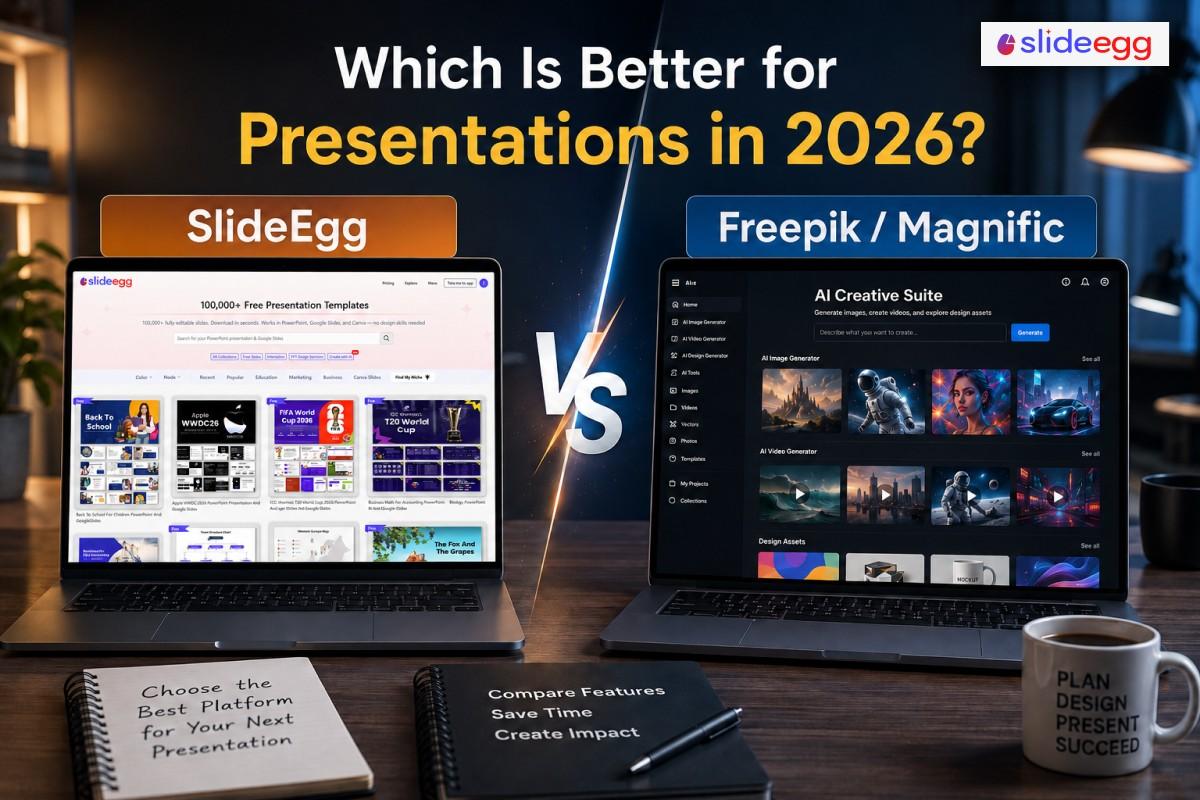
For presentation templates, SlideEgg is the better choice. It has 100,000+ ready-made templates, a built-in AI presentation maker, and direct PowerPoint and Google Slides downloads — all organised by topic and industry. Freepik (now Magnific) is a broad AI creative suite built around image, video, and audio work. It’s strong for visual asset creation, but not structured as a presentation tool.
If you’re searching “SlideEgg vs Freepik” — or even “Freepik vs SlideEgg” — you’re likely choosing a tool for presentation work. Both platforms have large, active user bases. But by 2026, they serve very different purposes, and the gap between them has widened significantly. SlideEgg focuses on slide templates and deck creation tools. Freepik — now rebranded as Magnific — has moved decisively into AI-generated images, video, and audio. The overlap between them is smaller than it looks.
Freepik rebranded to Magnific on April 28, 2026. The platform merged its stock library with AI image, video, and audio tools. It now runs on 30+ AI models and positions itself as a broad creative suite. Presentation templates are part of the Freepik legacy library, but slides were never the platform’s core product. That’s a key point for anyone who needs slides first. (Source: Freepik is now Magnific — Official Announcement)
SlideEgg is purpose-built for presentations. It has over 100,000 templates for PowerPoint, Google Slides, and Canva, sorted by topic, industry, and slide type. The platform added an AI deck maker in 2024 — type a topic, get a full deck. The free tier gives 2 downloads per day with no watermark and no credit card. Paid plans include a one-time lifetime option.
This comparison covers eight areas: library size, platform support, AI tools, pricing, ease of use, use-case fit, free tier quality, and overall value. If you need slides specifically, the answer becomes clear early. Here’s the full breakdown.
At a Glance
SlideEgg: Presentation Template Platform
Presentation template platform with 100,000+ slides for PowerPoint, Google Slides, and Canva. Includes a built-in AI presentation maker and a strong free tier. Every template is organised by topic, industry, and use case — so you can go from search to finished slide in minutes. Designed specifically for users who build decks regularly.
Freepik (Magnific): AI Creative Suite
AI creative suite for images, video, and audio. Has a stock library including some slide assets, but slide templates are not its primary focus or core product. Following the April 2026 rebrand to Magnific, the platform now operates 30+ AI models across creative formats. Best suited for designers, marketers, and content creators who need multi-format asset generation.
Feature Scoring: Presentation Use
Each score is out of 10, based on slide-specific performance only.
| Category | SlideEgg | Freepik (Magnific) |
| Presentation template library | 9 / 10 | 4 / 10 |
| Google Slides support | 9 / 10 | 3 / 10 |
| AI presentation maker | 8 / 10 | 3 / 10 |
| Free tier quality | 8 / 10 | 5 / 10 |
| Template variety (categories) | 9 / 10 | 5 / 10 |
| AI image & visual asset generation | 5 / 10 | 9 / 10 |
| Value for money | 9 / 10 | 6 / 10 |
| Ease of use for slides | 9 / 10 | 5 / 10 |
Note: Feature scores above reflect SlideEgg’s assessment of each platform’s presentation-specific capabilities, based on hands-on testing in May 2026. Freepik (Magnific) scores significantly higher in AI visual creation categories not shown above.
Where Each Platform Wins
✅ SlideEgg Wins Here
• 📊 Slide-ready templates: 100,000+ templates organised by topic, industry, and slide type — all formatted for direct presentation use.
• 🤖 AI presentation maker: Type a topic and get a complete deck in seconds. No Freepik equivalent exists for slides. Try the AI maker →
• 🆓 Free tier: 2 downloads per day with no watermark and a commercial licence — no credit card needed.
• 💰 Lifetime plan: One-time payment with no recurring fees — a unique option in this category.
• 📂 File organisation: Templates are sorted by use case (business, education, medical, marketing) for fast browsing.
SlideEgg’s 100,000+ template library is the core differentiator. Every template downloads as a native .pptx or is directly importable to Google Slides — no conversion, no third-party export required. The built-in AI deck generator means users don’t need to start from a blank slide even for unique or niche topics. And the free tier’s 2 full downloads per day with commercial licensing is one of the most generous free plans in the slide template category. For teams or individuals who build presentations regularly, the lifetime plan eliminates recurring subscription costs entirely.
✅ Freepik (Magnific) Wins Here
• 🖼️ AI image generation: Access to 30+ AI image models including best-in-class tools for creative visual work.
• 🎬 AI video & audio: Generate video clips and voice audio — no comparable feature in SlideEgg.
• 📦 Broader asset library: Vectors, icons, photos, and illustrations in one subscription alongside presentation assets.
• 🔀 Multi-format output: Generate assets for social media, web, and print — not just presentations.
Freepik’s transformation into Magnific represents a significant platform pivot. The suite now aggregates 30+ AI models — covering image generation, video synthesis, and voice audio — into a single subscription. For creative professionals producing social media content, marketing assets, web graphics, and multimedia simultaneously, Magnific’s breadth is genuinely useful. The trade-off is that the presentation-specific experience is secondary to the broader creative toolset. Users who primarily need slides will find Magnific’s slide library under-organised compared to a dedicated template platform.
Pricing Comparison
| Plan | SlideEgg | Freepik (Magnific) |
| Free | 2 downloads/day, no watermark, commercial use | Limited credits, watermarked assets |
| Entry paid | Monthly subscription (see slideegg.com/pricing) | Premium ~$14.50/mo (annual) |
| Mid tier | Pro — unlimited downloads | Premium+ ~$33.75/mo (annual) |
| Lifetime option | Yes — one-time payment | No lifetime option |
| Free trial | 15-day free trial on paid plans | Limited free tier only |
SlideEgg’s lifetime plan is a standout. Freepik runs on a recurring subscription with no lifetime option. For users who make slides regularly, the one-time deal saves considerably more over time. SlideEgg’s free plan is also more immediately useful — 2 full template downloads per day with no watermark vs. Freepik’s credit-restricted free tier where most premium assets require an upgrade.
Who Should Use Which?
Choose SlideEgg if you…
• Need slide-ready templates fast: Download, open, replace text. No design experience required.
• Use PowerPoint or Google Slides regularly: Native file formats, one-click Google Slides import, no third-party tools needed.
• Want an AI deck generator: Type a topic. Get a full deck. Edit from there.
• Want a lifetime deal: Pay once, use forever. No subscription renewals. No price hikes.
• Have a specific use case: Business, education, medical, marketing — templates are sorted by category for fast discovery.
Choose Freepik (Magnific) if you…
• Need AI image or video generation: 30+ AI models for creative visual work across formats beyond slides.
• Need a full creative asset library: Icons, vectors, photos, and videos all in one subscription.
• Work across multiple content formats: Social media, web, print, and video — not just presentations.
• Already use Freepik for stock assets: The Magnific transition preserves the legacy library alongside the new AI tools.
Final Verdict: SlideEgg vs Freepik in 2026
For presentations specifically, SlideEgg is the clearer choice in 2026. Its entire platform is structured around slide-ready templates, native file formats, and deck workflow — from blank canvas to finished presentation. Every feature — the template library, AI maker, file organisation, and pricing model — is optimised for users who build decks.
Freepik (now Magnific) is a strong platform, but presentations are not its core product. Following the 2026 rebrand, the platform has doubled down on AI image, video, and audio — moving further away from presentation-focused features. If your primary goal is to create professional presentations quickly and affordably, SlideEgg offers better organisation, more purpose-built tools, and a more accessible price point including a lifetime plan.
If you need both AI visual assets and presentation templates, you may find yourself using both tools for different tasks. But for anyone whose primary need is slides, SlideEgg is the better-specialised presentation tool in 2026.
Start free with SlideEgg — 3 downloads per day, no card, no watermarks.
Or browse 100,000+ templates right now!
Frequently Asked Questions
Is SlideEgg better than Freepik for presentations?
For presentations specifically, SlideEgg is better organised and more purpose-built. It has 100,000+ slide-ready templates, a built-in AI presentation maker, and direct PowerPoint and Google Slides downloads. Freepik (now Magnific) is an AI creative suite. It’s strong for images and video but not structured as a slide tool.
What happened to Freepik in 2026?
Freepik rebranded to Magnific on April 28, 2026, merging its stock asset library with its AI image, video, and audio tools. The freepik.com URL now redirects to magnific.com. The platform now positions itself as a full AI creative suite rather than a stock asset library. (Source: Official Magnific announcement)
Is Freepik free to use for presentations?
Freepik has a free tier, but most premium presentation assets and AI tools require a paid plan starting at around $14.50 per month. SlideEgg’s free plan offers 2 full template downloads per day with no watermark, which is more useful for regular presentation work without a subscription.
Does SlideEgg have a free plan?
Yes. SlideEgg’s free plan gives you 2 template downloads per day — no watermark, no credit card required, and a commercial use licence included. Paid plans and a lifetime option are available at slideegg.com/pricing for unlimited access.
Can I use Freepik templates in PowerPoint?
Freepik has some PowerPoint-compatible assets, but the library isn’t organised around slide templates the way SlideEgg is. Most Freepik assets are vector graphics, images, or Canva-based files. SlideEgg templates download as native .pptx files ready to open and edit in PowerPoint directly.
What is Magnific AI?
Magnific AI is the new brand name for Freepik, following the April 28, 2026 rebrand. The platform combines Freepik’s legacy stock asset library with a suite of 30+ AI models for image generation, video creation, and audio synthesis. It positions itself as a broad AI creative suite, with freepik.com now redirecting to magnific.com.