
Posts by Arockia Mary Amutha
 Presentation Collections
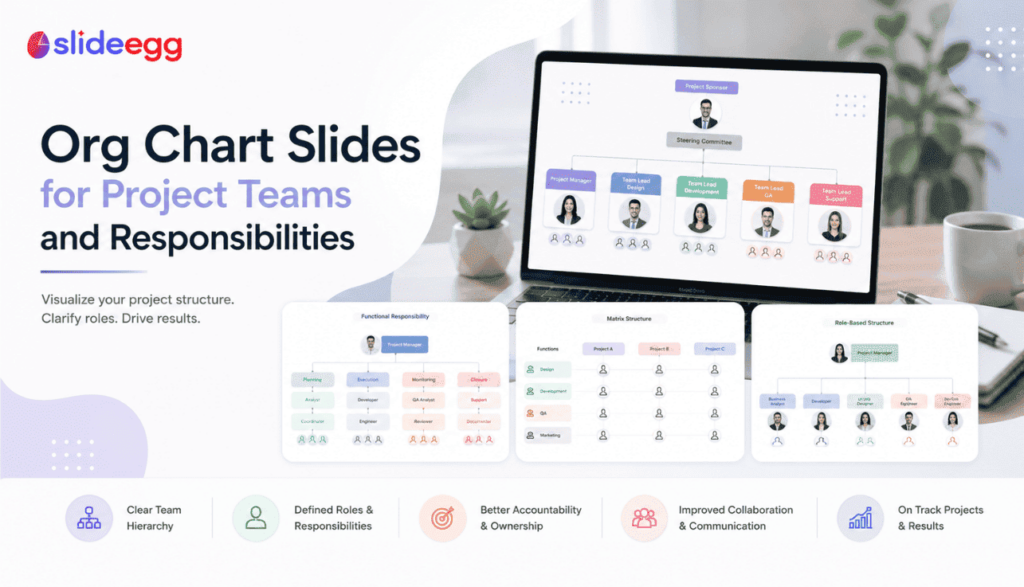
A project team can fail even when talented people are involved. The reason is usually not skill. It is confusion. An org chart slide helps...
 Presentation Tips
An org chart should make team structure easier to understand. But when it is crowded, badly aligned, or unclear, it does the opposite. These common...
 Presentation Tips
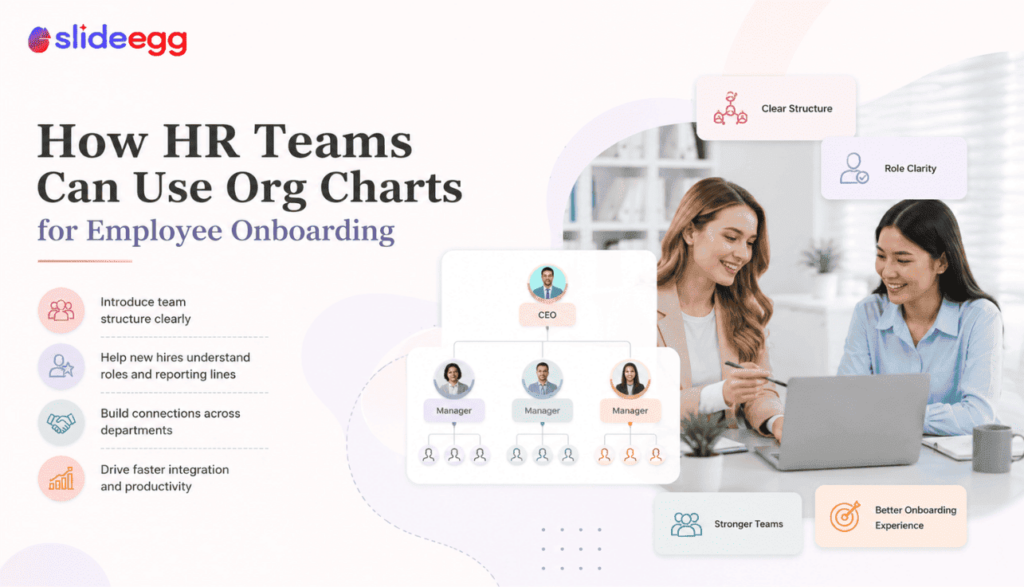
New employees do not just need policies, login details, and welcome messages. They need to understand people. A clear org chart helps them see who...
 Presentation Tips
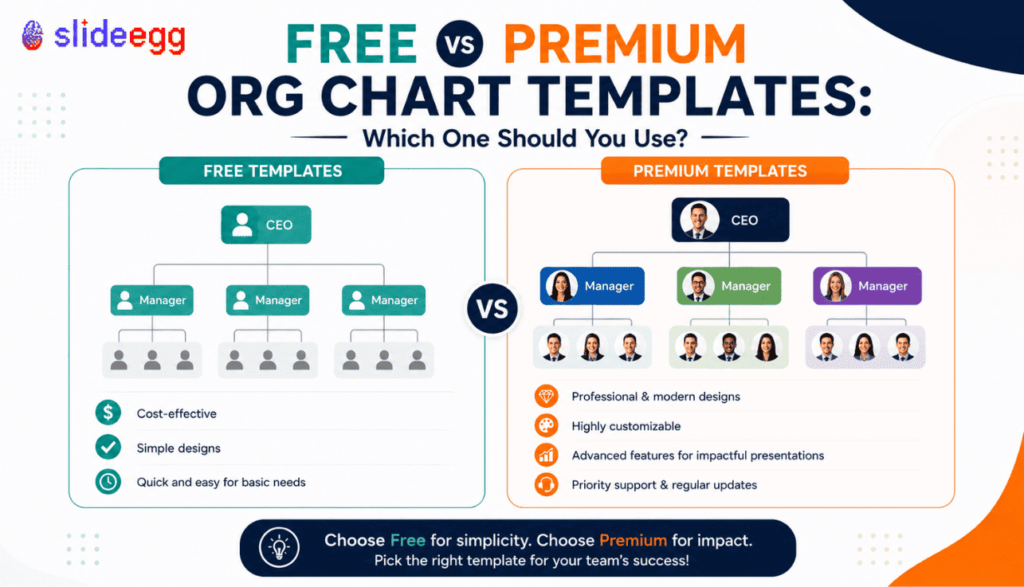
Free org chart templates are useful when you need a simple structure quickly. Premium templates are better when the chart needs to look polished, handle...
 Presentation Collections
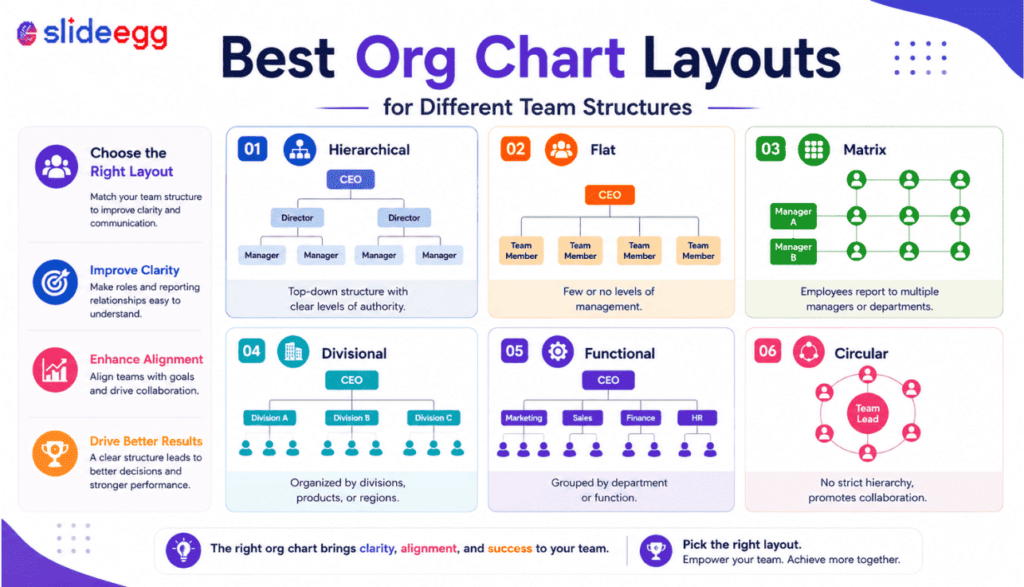
The wrong org chart layout can make even a simple team look confusing. The right one helps your audience understand roles, reporting lines, departments, and...
 Presentation Collections
The best way to build a stronger proposal is to see how winning ones are structured — by industry, by use case, by the specific...
 Presentation Tips
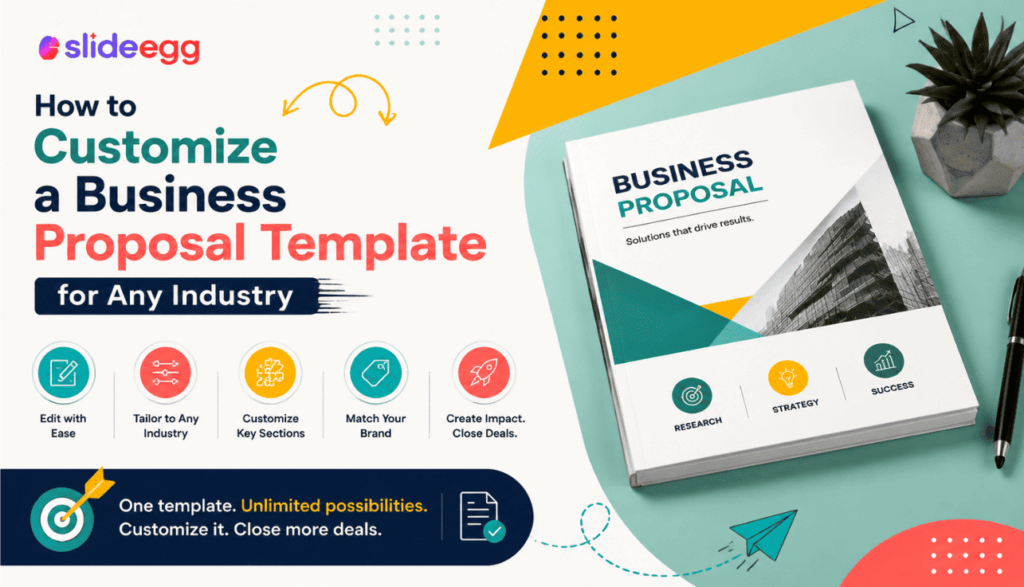
A business proposal template is only as good as the customization behind it. The same deck that wins a consulting engagement will fall flat as...
 Presentation Tips
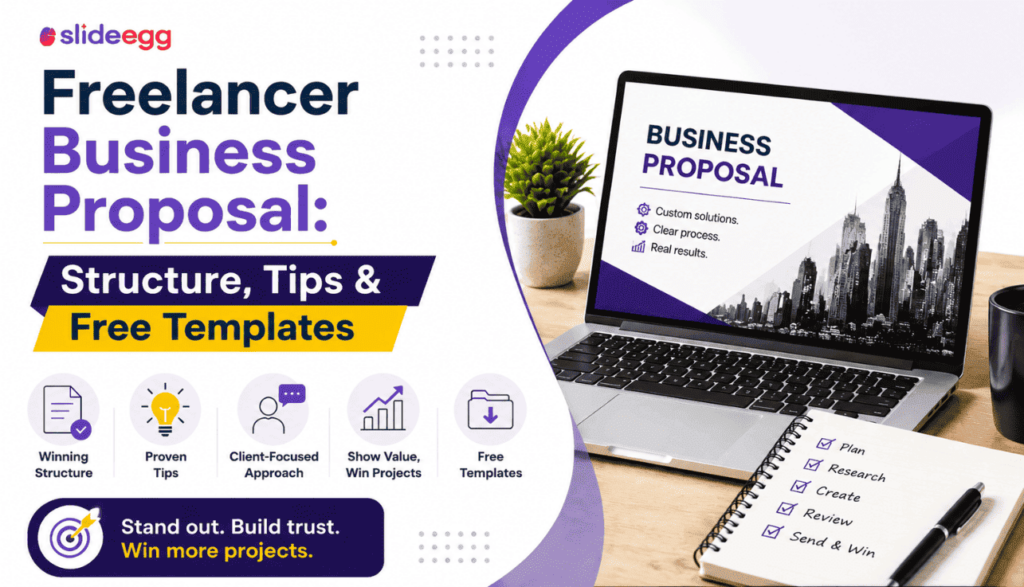
Freelancers lose clients not because their work is weak — but because their proposal looks uncertain. A scattered brief, undefined scope, and a rate buried...
 Presentation Tips
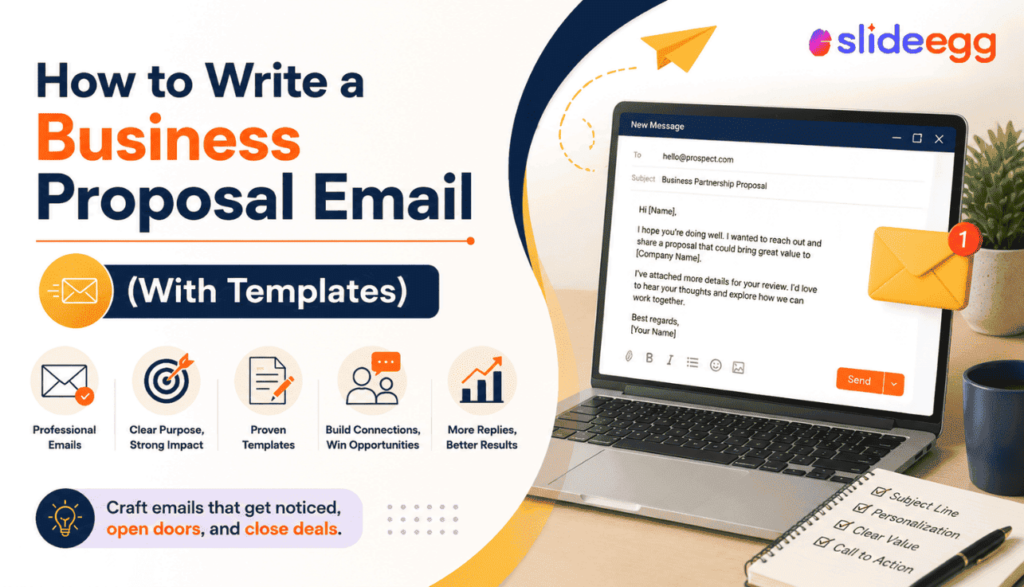
Your proposal deck is only as effective as the email delivering it. A strong pitch buried in a weak email gets ignored. Here’s how to...
 Presentation Tips
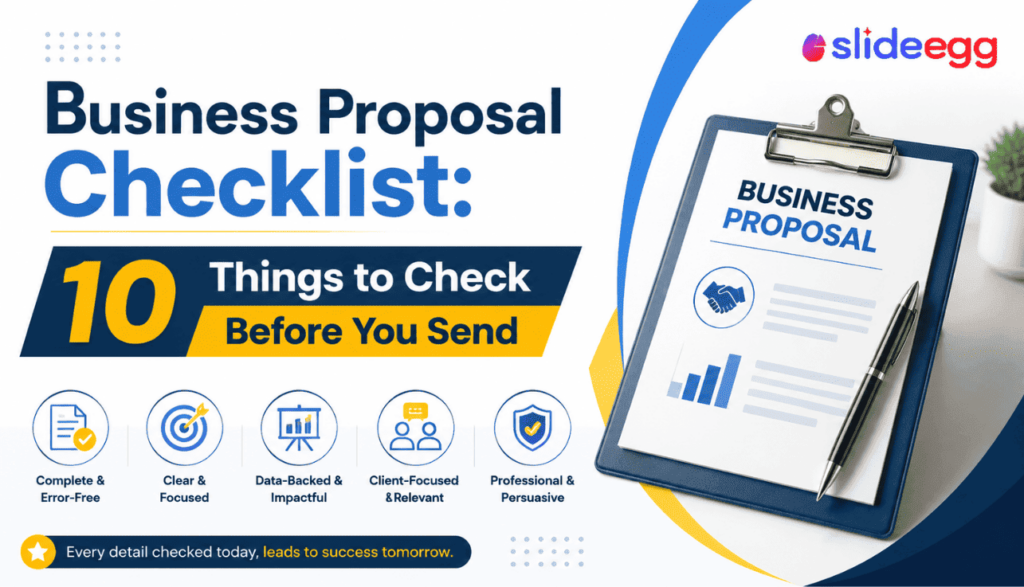
Most proposals don’t lose on price or quality — they lose on gaps. A missed slide, a vague scope statement, or a broken link is...
Recent Blogs

Have you ever tried to compare three competitors in a single, disorganized spreadsheet? By the time you get...

Gemini puts Google’s AI right inside the Slides editor, so you can draft, design, and polish a presentation...

Quick Take: SlideEgg’s Christmas collection holds 474+ templates across PowerPoint, Google Slides, and select Canva formats, Santa-and-nativity scenes...