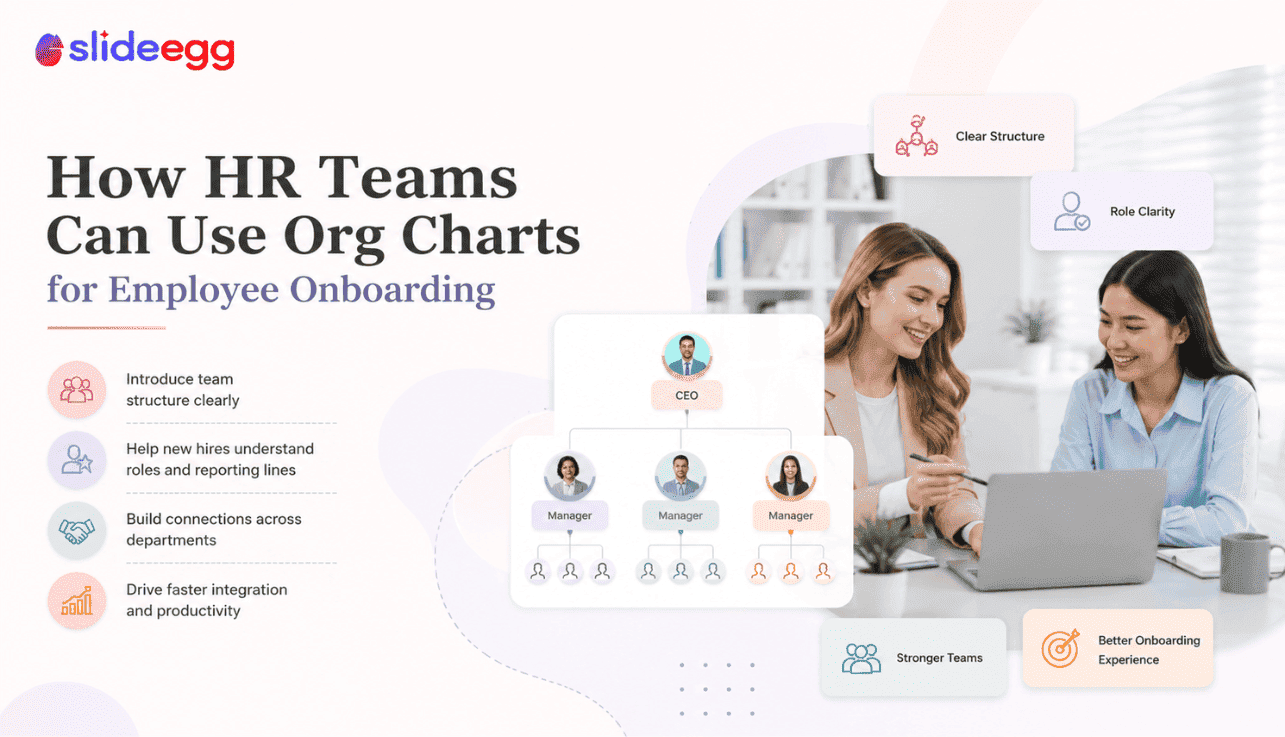
New employees do not just need policies, login details, and welcome messages. They need to understand people. A clear org chart helps them see who leads each team, where departments connect, and who to contact when they need help.
Why Org Charts Matter in Employee Onboarding
Employee onboarding can feel overwhelming. A new hire joins the company, meets several people, hears many names, and tries to understand how the organization works. Without a clear structure, this becomes confusing fast.
An org chart gives new employees a visual map of the company. It shows managers, departments, team members, reporting lines, and key contacts in one place. Instead of guessing who handles what, the employee can see how the team is organized.
For HR teams, this is more than a nice slide. It reduces repeated questions, improves role clarity, and helps new employees settle faster. It also helps managers explain team structure consistently across onboarding sessions.
If you need the basic definition first, this guide explains what an organizational chart is and how it works. This blog focuses on how HR teams can use org charts specifically during onboarding.
What an Onboarding Org Chart Should Do
An onboarding org chart should answer practical questions. It should not be a decorative company diagram or a crowded employee directory. It should help a new employee understand how people and departments connect.
A good onboarding org chart should show:
- Who the employee reports to
- Who leads each department
- Who manages daily work
- Who handles HR, payroll, IT, and admin support
- How teams are connected
- Where the employee fits in the structure
- Who to contact for common needs
The goal is not to show every detail in the company. The goal is to reduce confusion during the first few days and weeks.
7 Ways HR Teams Can Use Org Charts in Onboarding
01. Introduce the Company Structure
Help new hires understand how the business is organized
The first use of an onboarding org chart is to explain the overall company structure. New employees need to know which departments exist and how they connect.
For example, the chart may show leadership at the top, followed by departments such as Sales, Marketing, HR, Finance, Operations, Product, and Customer Support. This gives the employee a clear starting point.
Best Practice:
Start with a high-level company chart before showing department-specific charts. This prevents new employees from getting lost in too much detail too early.
02. Show the New Hire’s Place in the Team
Make role position and reporting lines clear from day one
One of the first things a new employee wants to understand is where they fit. Who is their manager? Which team are they part of? Who are their peers? Which departments will they work with?
A simple team-level org chart answers these questions clearly. It places the new hire inside the structure instead of showing the company from a distance.
Quick Tip:
Highlight the new hire’s role in the chart with a subtle accent color or marker. This helps them immediately see where they belong.
03. Clarify Reporting Lines
Avoid confusion about managers, leads, and approval paths
Reporting confusion is common during onboarding. A new employee may not know who approves leave, who reviews work, who assigns tasks, or who handles escalations.
An org chart can make these relationships clear. Direct reporting lines should be shown with clean connectors. If there are dotted-line relationships, they should be explained briefly.
Example
A content writer may report to the Content Manager but also work with the SEO Lead on keyword-focused tasks. A chart can show both relationships without confusion.
04. Help Employees Know Who to Contact
Reduce repeated HR, IT, payroll, and admin questions
New employees often ask the same basic questions. Who handles ID cards? Who gives software access? Who approves timesheets? Who should they contact for payroll issues?
A support-contact org chart can make this easier. It does not need to show the full company hierarchy. It can simply show key contact points for HR, IT, admin, payroll, reporting manager, and team lead.
Quick Tip:
Do not overload this chart with every employee. Focus only on people the new hire is likely to contact during the first 30 days.
05. Introduce Department Heads and Team Leads
Make leadership and department ownership easier to remember
During onboarding, new employees may meet many leaders in a short time. A department-head chart helps them remember who manages each function.
This type of chart can include department names, head names, role titles, and optional photos. It is especially useful in medium and large companies where new employees may not directly interact with every leader immediately.
Best Practice:
Use this chart as a reference slide in the onboarding deck and also share it as a PDF after the session.
06. Support Remote and Hybrid Onboarding
Help employees understand people without meeting everyone in person
Remote and hybrid employees may not meet their coworkers face-to-face during the first week. This makes structure and relationship clarity even more important.
A photo-based org chart can help remote employees connect names with faces. It can also show which team members are in the same region, department, or project group.
Quick Tip:
For remote teams, include time zone or location only if it helps collaboration. Do not add unnecessary details that make the chart crowded.
07. Explain Cross-Functional Working Relationships
Show how employees work with teams outside their department
Many roles do not work inside one department alone. Marketing may work with sales, product, design, and customer success. HR may work with finance, admin, and department heads. Product teams may work with engineering, support, and business teams.
A simple hierarchy may not show these working relationships. For cross-functional roles, HR teams can use a matrix-style chart or collaboration map to explain who the employee will work with regularly.
Best Practice:
Keep cross-functional charts focused on working relationships, not every formal reporting line in the company.
What to Include in an HR Onboarding Org Chart
An onboarding org chart should be practical. New employees need information they can use immediately. Do not include details that make the chart harder to read.
| Element | Include It? | Why It Matters |
| Employee Name | Yes | Helps new hires identify people clearly. |
| Job Title | Yes | Shows each person’s role in the company. |
| Department | Yes | Helps new employees understand where people belong. |
| Reporting Line | Yes | Clarifies manager and approval paths. |
| Photo | Optional | Useful for onboarding, remote teams, and introductions. |
| Email / Contact | Optional | Useful for support-contact charts, but not always needed. |
| Long Responsibilities | No | Too much text makes the chart hard to scan. |
Best Org Chart Types for Onboarding
Company Overview Chart
This chart shows the full company structure at a high level. It is useful at the beginning of onboarding because it helps the employee understand the organization before zooming into their own team.
Department-Level Chart
This chart focuses on one department. It shows the manager, team leads, team members, and reporting lines inside that department. It is useful for role-specific onboarding.
Photo Org Chart
This chart includes employee photos. It helps new hires connect names with faces, especially in remote or hybrid teams.
Support Contact Chart
This chart shows who to contact for HR, IT, payroll, admin, tools, and day-to-day work questions. It is practical for the first 30 days.
Cross-Functional Chart
This chart shows teams the new employee will work with outside their direct department. It is useful for roles that involve collaboration across functions.
Where to Add Org Charts in an Onboarding Deck
An org chart should not be thrown into the deck randomly. Place it where it supports the onboarding flow.
| Deck Section | Best Org Chart to Use | Purpose |
| Company Introduction | Company overview chart | Shows the full structure at a high level. |
| Meet the Team | Photo org chart | Helps employees recognize people. |
| Your Role | Department-level chart | Shows where the new hire fits. |
| Who to Contact | Support contact chart | Reduces confusion during the first month. |
| How We Work | Cross-functional chart | Explains collaboration across teams. |
How to Keep Onboarding Org Charts Clear
Onboarding charts should be simple because the employee is already absorbing a lot of new information. Keep the design clean and the structure easy to follow.
- Use short role labels.
- Show only relevant people.
- Keep connector lines clean.
- Use consistent photo sizes if photos are included.
- Highlight the new hire’s role if needed.
- Split large structures into separate slides.
- Update the chart before every onboarding cycle.
- Share the chart after the session as a reference file.
A clear onboarding chart helps employees understand structure faster. A crowded chart creates extra confusion at the exact moment HR should be reducing it.
When HR Should Use Templates Instead of Building From Scratch
HR teams often need to update org charts regularly. New employees join, managers change, departments grow, and reporting lines shift. Building every chart from scratch each time is not practical.
A clear onboarding chart helps new employees understand who manages each team, where departments connect, and whom to contact first. To create one faster, use editable organization chart templates that let you update roles, names, photos, and reporting lines without starting from scratch.
Templates are especially useful when you need different versions of the same structure: one for HR onboarding, one for team introductions, one for leadership, and one for department-specific sessions.
Common HR Onboarding Org Chart Mistakes
Showing the Entire Company Too Early
A large company chart can overwhelm new employees. Start with a simple overview and then move to the department or team they need most.
Not Highlighting the New Hire’s Team
If the employee cannot quickly see where they fit, the chart is not doing enough. Use a marker, color, or separate slide for their team.
Using Outdated Reporting Lines
Wrong reporting lines create confusion and reduce trust. Always confirm the structure before each onboarding session.
Adding Too Many Contact Details
Do not add every email, phone number, and note inside the chart. Use only essential contact points or provide a separate contact sheet.
Using Poor-Quality Photos
Photo charts help only when the images are clean and consistent. If photos are uneven, use initials or simple icons instead.
Create Better Onboarding Org Charts
Use editable org chart templates for PowerPoint, Google Slides, and Canva. Customize names, roles, departments, photos, colors, and reporting lines for your HR onboarding deck.
Frequently Asked Questions
Why are org charts useful for employee onboarding?
Org charts help new employees understand managers, teams, departments, reporting lines, and contact points. This reduces confusion during the first few days and weeks.
What should HR include in an onboarding org chart?
HR should include employee names, roles, departments, reporting lines, key managers, and important contact points. Photos can be added if they help new employees recognize people faster.
Should onboarding org charts include every employee?
Not always. Include only the people relevant to the onboarding purpose. For large companies, split charts by department, leadership, or support function.
Are photo org charts useful for onboarding?
Yes. Photo org charts are useful because they help new employees connect faces with names, roles, and departments. They are especially helpful for remote and hybrid teams.
How often should HR update onboarding org charts?
HR should update onboarding org charts whenever roles, managers, departments, or reporting lines change. At minimum, review them before every onboarding cycle.
Can org charts help remote employees?
Yes. Remote employees may not meet everyone in person, so org charts help them understand team structure, contact points, and collaboration paths faster.
Conclusion
Org charts make onboarding easier when they are used with purpose. They help new employees understand where they fit, who manages each team, how departments connect, and who to contact for support.
For HR teams, the best onboarding org chart is not the biggest one. It is the clearest one. Start with a high-level company view, then show the employee’s department, key contacts, and working relationships. Use photos only when they improve understanding, and keep the layout readable.
When done well, an org chart turns company structure into something new employees can understand quickly. That makes onboarding smoother, cleaner, and more useful from day one.



