
Posts by Arockia Mary Amutha
 Presentation Collections
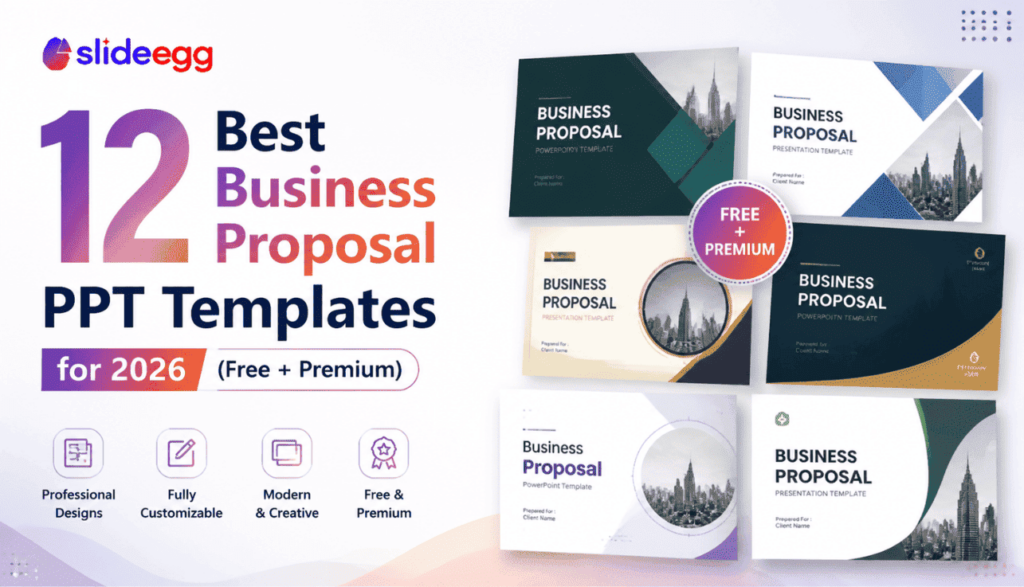
Not all business proposal templates are built the same. Some are generic placeholders — others are structured around real proposal workflows with slides for scope,...
 Presentation Tips
Selling software isn’t like selling a product you can hold. SaaS proposals need to address subscription economics, integration concerns, onboarding timelines, and long-term ROI —...
 Presentation Tips
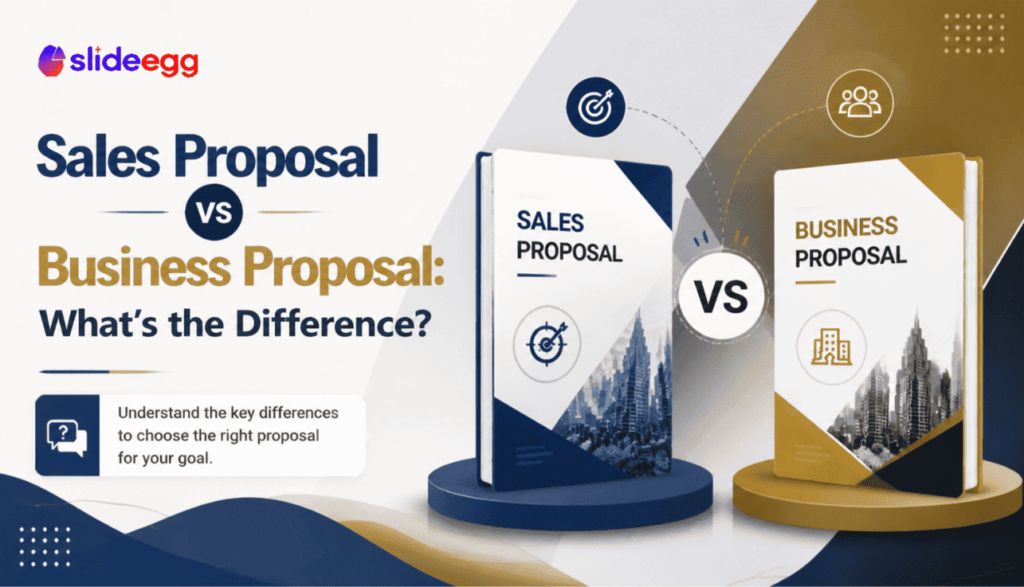
The terms “sales proposal” and “business proposal” are often used interchangeably. But they mean different things, serve different purposes, and should be structured differently. Mixing...
 Presentation Tips
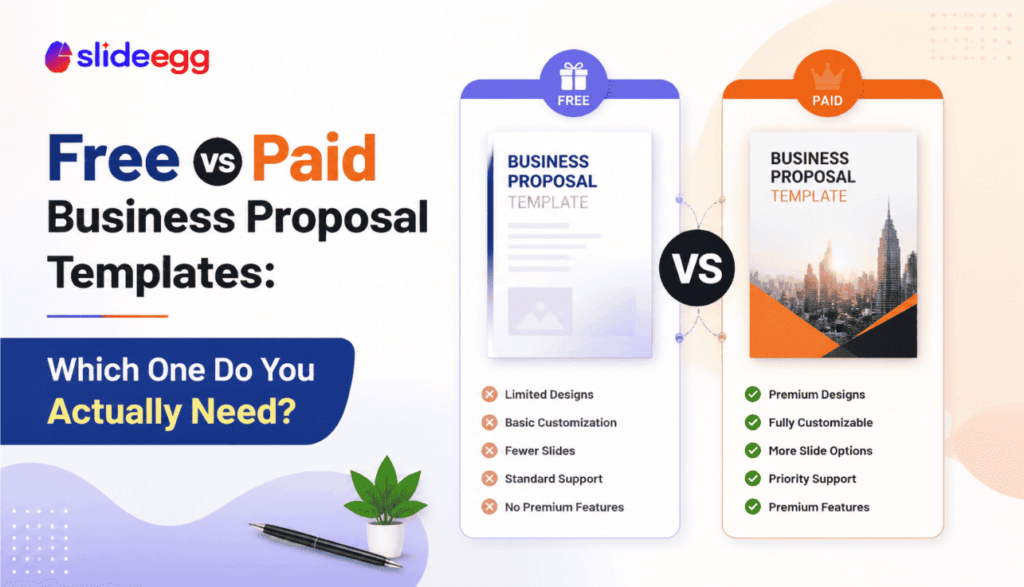
The internet is full of business proposal templates — free ones, premium ones, and everything in between. But the real question isn’t which costs less....
 Presentation Tips
Most business proposals lose the room before slide six. Not because the offer was wrong, but because the slide order was. The buyer wanted to...
 Presentation Tips
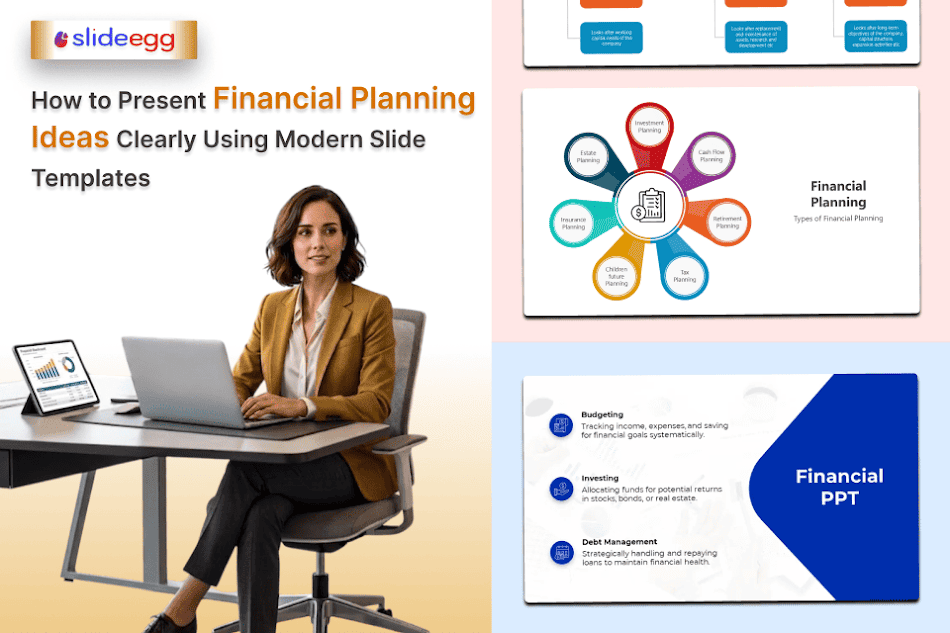
Talking to clients is a normal process for any business, especially if you’re a financial planner or work in the loan industry. You need to...
 Presentation Tips
Clear product presentation builds trust and drives sales. Static slides often fail to hold attention for long. Many viewers skim slides and miss key details....
 Presentation Collections
A technology slide deck is not judged by how “futuristic” it looks. It’s judged by whether people understand the problem, trust the solution, and can...
 Presentation Tips
Complex technology presentations fail for predictable reasons: too many concepts, unclear logic, and slides that look like documentation instead of a decision narrative. Your job...
 Presentation Tips
In the current venture landscape, the “vaporware” era is over. Investors and enterprise partners are no longer moved by high-level promises of what your AI...
Recent Blogs

Have you ever tried to compare three competitors in a single, disorganized spreadsheet? By the time you get...

Gemini puts Google’s AI right inside the Slides editor, so you can draft, design, and polish a presentation...

Quick Take: SlideEgg’s Christmas collection holds 474+ templates across PowerPoint, Google Slides, and select Canva formats, Santa-and-nativity scenes...