
You’ve already written the business plan, twenty, thirty, maybe forty pages of it. Now someone wants a presentation, and the instinct is to open the document, select the highlights, and paste them onto slides. That’s usually where it goes wrong. A written plan is built to be read at your own pace; a presentation is built to be scanned in seconds while you talk over it. Moving between the two isn’t a copy-paste job, it’s a different kind of editing.
Here’s how to actually do that conversion, sorted into four piles: what survives as-is, what gets cut, what turns into a chart, and what gets quietly moved to an appendix instead of disappearing entirely.
The Quick Answer
- Keep the decisions and claims your plan makes: the problem, the market, the model, the ask.
- Cut the reasoning trail that justifies each one, a live audience will ask if they want it explained further.
- Visualize anything numeric or sequential, market sizing, financial projections, milestones, instead of writing it as a paragraph.
- Appendix the detailed backup material rather than leaving it out of the deliverable altogether.
Start With the Structure, Not the Text
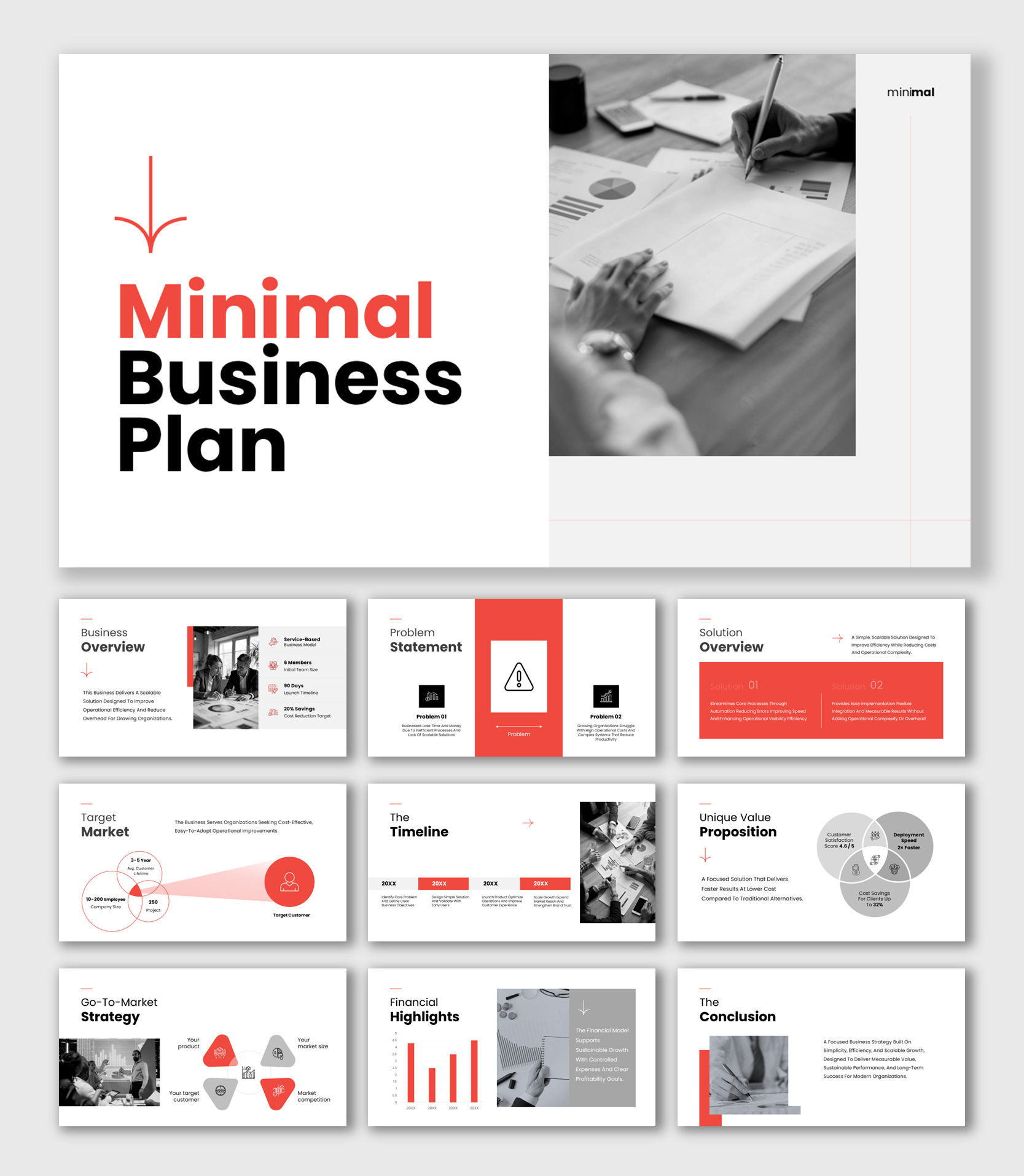
Don’t convert your written plan section by section in the order it was written. Written plans are often organized around headings a lender or accountant expects, not around how a room actually wants to hear the argument. Instead, extract the content first. Then place each piece into the standard slide order for a business plan presentation: executive summary, problem, solution, market size, business model, go-to-market, competitive landscape, financials, team, and the ask. It doesn’t matter where that content originally sat in the document.
If you’re not yet sure a presentation is even what you need instead of just condensing the document itself, our guide on the difference between a written business plan and a business plan presentation covers that decision first.
What to Keep
Keep
Keep the actual decisions and claims the plan makes, stated as plainly as they’d be said out loud: the problem you’re solving, who has it, what you built, how the business makes money, what the market looks like, and exactly what you’re asking for. These are the load-bearing sentences in the document, usually one or two per section. They translate almost directly onto a slide title or headline stat.
What to Cut
Cut
Cut the reasoning trail that supports each claim: the paragraph explaining why the market is growing, the three examples proving the problem is real, the background on how the industry got here. A written plan needs that reasoning because the reader can’t ask a follow-up question. A live audience can, and will, if they want to go deeper, so the slide only needs the conclusion, not the argument that produced it.
Also cut anything that exists to pad length rather than inform a decision: generic industry history, mission-statement language that doesn’t say what the business does, and team biography detail beyond what’s relevant to this specific business.
What to Turn Into a Visual
Visualize
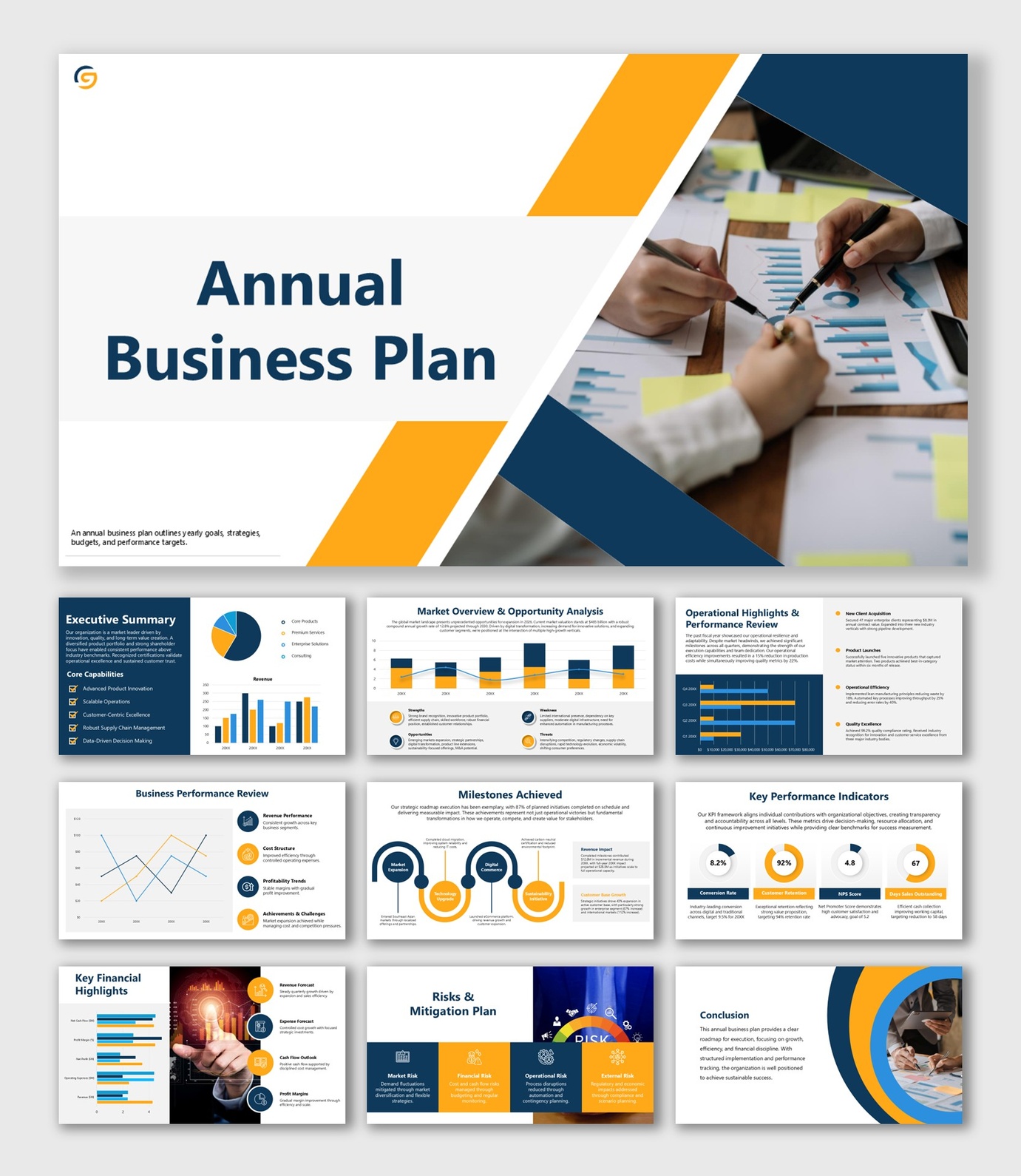
Anything numeric, sequential, or comparative reads faster as a visual than as a sentence. Market sizing becomes a simple TAM/SAM/SOM breakdown instead of a paragraph of estimates. Financial projections become a chart with the headline trend visible at a glance, not a table of every line item. Milestones and timelines become a simple roadmap graphic instead of a list of dates. Team structure becomes a small org chart instead of a paragraph naming each hire and their background.
What Belongs in an Appendix
Appendix
An appendix is where detail goes to stay available without slowing down the core narrative. That includes the full financial model: monthly breakdowns, sensitivity scenarios, and every line item behind the headline numbers on your financial projections slide. It includes exhaustive competitor research beyond the two or three names that matter most. It includes citations, sources, and methodology notes behind any market-size claim. And it includes extended team bios beyond the one relevant line each person gets in the core deck.
None of this content should simply disappear when you convert the document. It moves to the back of the deck, ready if someone asks, instead of sitting in the middle of your narrative slowing it down.
A Practical Conversion Workflow
Read the plan once for shape, not detail.
Note which section makes which core claim, without trying to extract exact wording yet.
Draft an outline against the standard slide order, not your document’s section order.
Assign each core claim to the slide it belongs on. Starting from a business plan presentation template already built around that order is faster than laying it out from a blank outline.
Write each slide as a new, short sentence stating the claim.
Rather than shrinking the original paragraph’s font to fit.
Convert anything numeric or sequential into a visual
Before you consider the slide finished.
Move everything you cut into an appendix section
Rather than deleting it, so it’s still available if the room asks.
Mistakes People Make When Converting
Treating the slide deck as a shorter version of the document
It isn’t shorter prose. It’s a different format entirely, built to be spoken over rather than read alone.
Shrinking the font instead of cutting the content
If a slide needs 10-point text to fit everything, the problem is what’s on the slide, not the font size.
Losing the ask in the compression
The specific funding amount or approval you’re requesting sometimes gets vague on the way from document to deck. It should stay exactly as concrete as it was in writing.
Deleting cut material instead of appendicizing it
Content that gets fully removed can’t be produced later if someone asks a question the core deck no longer answers.
Common Questions
FAQ
Can I just copy and paste sections of my written plan onto slides?
Not without editing. A written plan is meant to be read at your own pace, with full paragraphs building an argument. A slide is meant to be scanned in seconds while someone talks over it. Pasted-in paragraphs read as a wall of text and usually get skipped, not read.
How long should the resulting presentation be?
Most business plan presentations run 10 to 12 slides, regardless of how long the source document was. A 40-page plan and a 15-page plan should both compress to roughly the same slide count. The difference shows up in the appendix, not the core deck.
What if my written plan doesn’t follow the standard slide order?
That’s normal, written plans are often organized by section headings a lawyer or accountant expects, not by presentation logic. Don’t convert section by section in the original order. Extract the content first, then place each piece into the standard slide order regardless of where it originally appeared.
Should I remove financial detail entirely from the slides?
No. Keep the headline numbers and the assumptions behind them on the financial projections slide itself, since that’s often the most scrutinized slide in the deck. What moves to the appendix is the full model: monthly breakdowns, sensitivity tables, and detailed line items nobody reads slide-side.
Do I need to keep the executive summary from the written plan?
Keep the substance, not the paragraph. The written executive summary is usually half a page of prose; the slide version compresses that same information into a few lines under headings like problem, market, and ask. Write it as a new, shorter slide rather than shrinking the font on the original.
Same Business, Different Format
Converting a written plan into a presentation isn’t about losing detail. It’s about relocating it. The decisions and numbers that matter most move to the front, in a form built for a room to absorb quickly; everything else moves to an appendix instead of the recycling bin.
Once the content is sorted this way, the actual slide-building goes faster, because you’re filling in a known structure instead of deciding what to include as you go.
Ready to build the deck?
Browse Business Plan & Strategy Templates →