You’re paying $16.50/month for 28 million assets — but only need slides. Here’s what actually makes sense for presentation-only users.
The honest math: If you download 4 presentation templates a month from Envato Elements, you’re paying ~$4.13 per template at the Core plan price. If presentations are all you need, Envato’s breadth is a cost, not a benefit.
In This Guide
- The honest Envato assessment
- Quick comparison table
- SlideModel — best direct replacement
- Slidesgo — cheapest paid plan
- SlideEgg — best free daily access
- SlidesCarnival — zero-friction free
- Canva — design-first alternative
- Beautiful.ai — AI layout engine
- Pitch — collaboration-first
- When Envato is still the right choice
- How to decide
- FAQ
Disclosure: SlideEgg publishes this blog and appears as one of the tools reviewed below. It is assessed by the same criteria as every other tool — not treated differently. Pricing confirmed from official websites, June 2026.
What Envato Elements Actually Is and Isn’t
An honest look before we compare anything else.
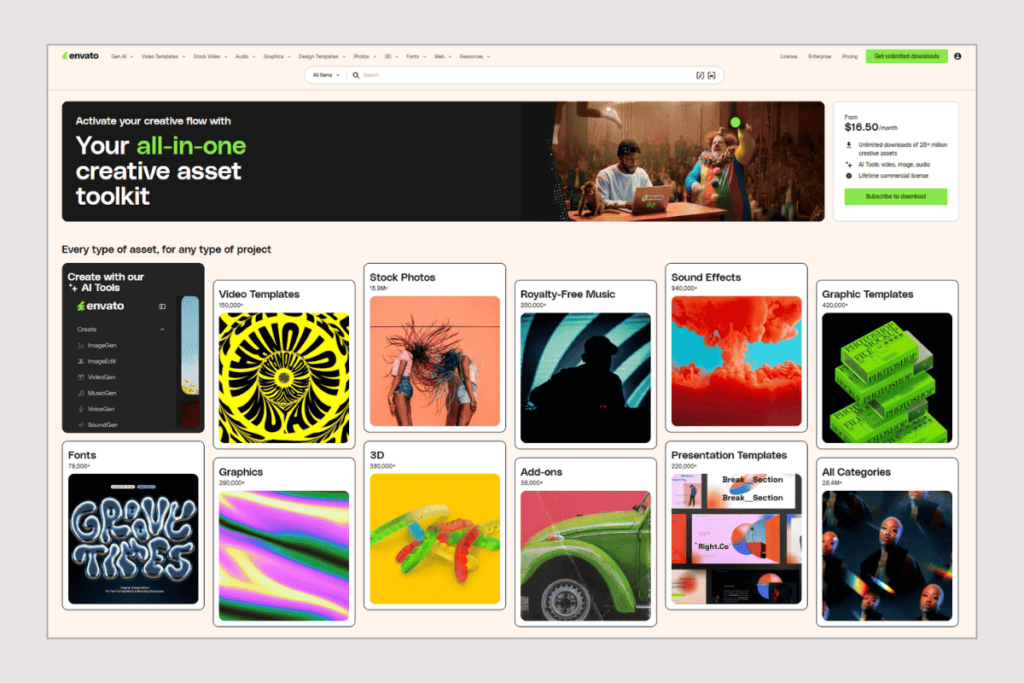
Envato Elements is a creative asset subscription. One monthly fee unlocks unlimited downloads across video footage, stock photos, music, sound effects, fonts, graphic templates, 3D models, animations — and yes, presentation templates. The library has over 28 million items. It is, genuinely, one of the most comprehensive creative subscriptions available.
But that breadth is exactly the problem for presentation-only users. You’re not paying for a presentation library. You’re paying for a creative mega-platform and getting presentation templates as one small part of it.
“If you use Envato for video templates, motion graphics, fonts, and stock photos alongside presentations — it’s excellent value. If you only need slides, you’re paying for things you’ll never open.”
The Core plan costs $16.50/month billed annually (or a steep $39/month if billed monthly). There is no free plan and no free trial. If you cancel, there are no refunds — you keep access until the end of your billing period. Licensing is also project-based: licenses you create during your subscription stay valid for those specific projects forever, but you cannot use downloaded assets on new projects after you cancel.
Envato Elements — Honest Scorecard
Core: $16.50/mo annual · $39/mo monthly
Where Envato Wins
- 28+ million assets — widest creative breadth
- Unlimited downloads with no cap (Fair Use applies)
- Single commercial license covers all downloads
- Excellent for multi-asset creators (video + design + audio)
- AI tools included (image, video, voice generation)
- Constantly updated library
Where Envato Struggles for Slide Users
- No free plan — not even a trial
- No refunds on cancellation
- Project-based license: can’t reuse for new work post-cancel
- Presentation templates are a small fraction of the library
- Fair Use Policy limits bulk or automated downloads
- Monthly billing ($39/mo) makes casual use expensive
The maths: Downloading 5 presentation templates/month at $16.50/mo = $3.30 per template. At 3 templates/month, that’s $5.50 each. Dedicated presentation libraries often cost the same or less — and everything you pay for is slides.
Quick Comparison Table
All pricing verified from official pages, June 2026.
| Tool | Free Tier | Paid From | PPTX Export | Focus | Sign-Up? |
| Envato Elements | None — no trial | $16.50/mo (annual) | ✔ All plans | All creative assets | Yes |
| SlideModel | None | $24.90 (1-day pass) | ✔ All plans | Presentation library | Yes |
| Slidesgo | 3 downloads/mo | $3/mo (annual) | ✔ All plans | Presentation library | Yes |
| SlideEgg | 10 PPT/day | $6/user/mo (annual) | ✔ All plans | Presentation library | Yes |
| SlidesCarnival | Unlimited | No paid plan | ✔ Free | Presentation library | No |
| Canva | Yes (unlimited*) | ~$18/mo* | ✔ All plans | Design tool | Yes |
| Beautiful.ai | No — CC required trial | $12/mo (annual) | ✔ Paid plans | AI design tool | Yes + CC |
| Pitch | Free (5 members) | $13/mo annual (Plus) | ✗ Paid only | Collaboration | Yes |
Dedicated Presentation Libraries
SlideModel
The closest true replacement for Envato’s presentation library — presentation-only, subscription-based, business-grade
No free plan, 1-Day Pass: $24.90 (5 downloads), Annual Basic: $99.90/yr (200/mo), Annual Unlimited: $199.90/yr, Team (3 seats): $299.90/yr
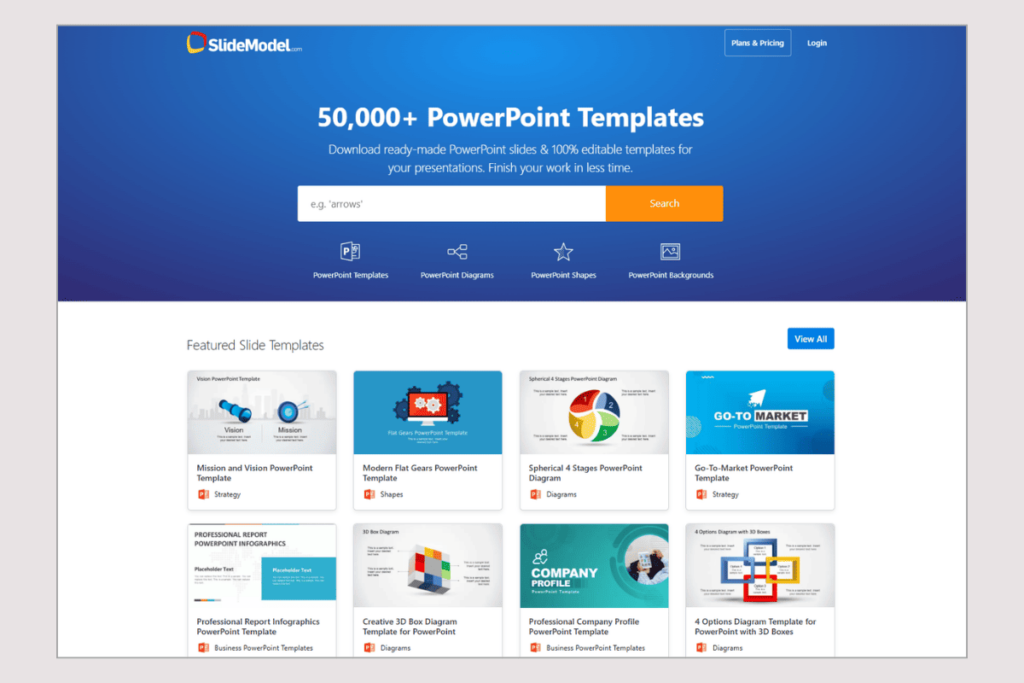
If you’re on Envato primarily for presentation templates, SlideModel is the most honest swap. It is a presentation-only subscription library — no stock footage, no music, no fonts competing for your attention. Every plan you pay for goes directly to slide templates.
The library focuses on business presentations: pitch decks, strategy slides, org charts, process diagrams, timelines, and data visualisation frameworks. Templates are 100% editable in PowerPoint and compatible with Google Slides. The Annual Unlimited plan at $199.90/year (~$16.67/month) hits almost exactly the same monthly price as Envato’s Core plan — but every asset is a presentation.
The 1-Day Access pass ($24.90 for 5 downloads) is a useful option if you have a one-time urgent need and don’t want a subscription. A money-back guarantee applies if you’re not satisfied.
Pros
- 100% presentation-focused — no filler assets
- Strong business and corporate template library
- 1-Day pass for one-off needs ($24.90)
- Annual Unlimited matches Envato’s price point
- Money-back guarantee
- Google Slides + PowerPoint compatible
Cons
- No free plan at all
- 1-Day pass ($24.90) is expensive for casual use
- Smaller total library than Envato
- Not ideal for creative/design templates
- No real-time editor — download and edit in PowerPoint
Bottom line: The cleanest Envato replacement if you genuinely only need presentation templates and want a comparable subscription price with a narrower, better-curated library.
Slidesgo
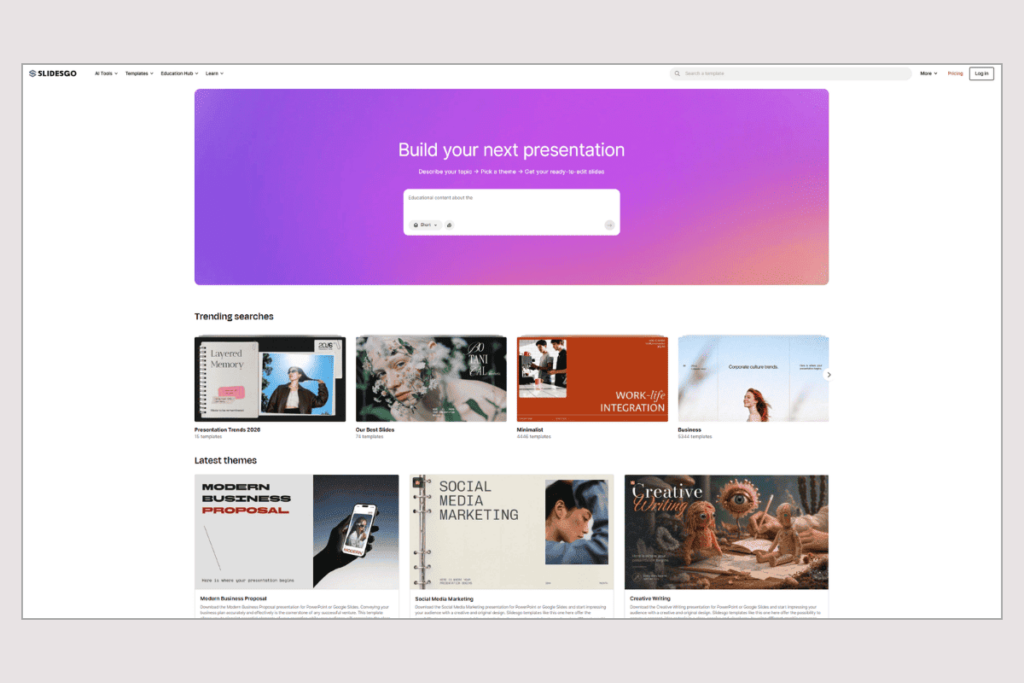
Creative, visually driven templates — the cheapest paid subscription on this list by a wide margin
Free: 3 downloads/month, Free requires attribution, Premium: $3/mo annual ($35.99/yr), Premium: $5.99/mo monthly, 150 downloads/month on Premium
Slidesgo has one of the largest free presentation libraries — over 30,000 templates covering PowerPoint and Google Slides. Its templates skew creative and educational. You’ll find polished, design-forward decks for marketing, education, pitches, and general business use. They’re less suited to dense corporate topic packs (where Envato or SlideModel are stronger), but for visual impact, Slidesgo holds its own.
The free tier gives you 3 template downloads per month and 3 AI-generated presentations. You must keep Slidesgo’s attribution credit in the presentation on the free tier. The Premium plan at $3/month (annual billing, $35.99/year) is the cheapest paid presentation subscription available anywhere. It gives you 150 downloads per month — enough for most individual users — and removes attribution and ads.
Compared to Envato: Slidesgo costs 81% less than Envato’s Core plan annually. That’s not a small difference. If creative-style templates serve your needs, it is very hard to justify Envato’s price over Slidesgo’s.
Pros
- $3/month annual — lowest paid price on this list
- 30,000+ templates for PPTX and Google Slides
- 150 downloads/month on Premium
- AI presentation generator included
- Free tier available (3/month)
Cons
- Free tier: attribution required in every deck
- Only 3 downloads/month on free
- Fewer niche corporate topic bundles than Envato or SlideModel
- 150/month cap may frustrate heavy downloaders
- Sign-up required even for free downloads
Bottom line: If cost is the priority and you need creative-style templates, Slidesgo at $3/month annual is genuinely hard to beat. Most individual users won’t outgrow 150 downloads per month.
SlideEgg
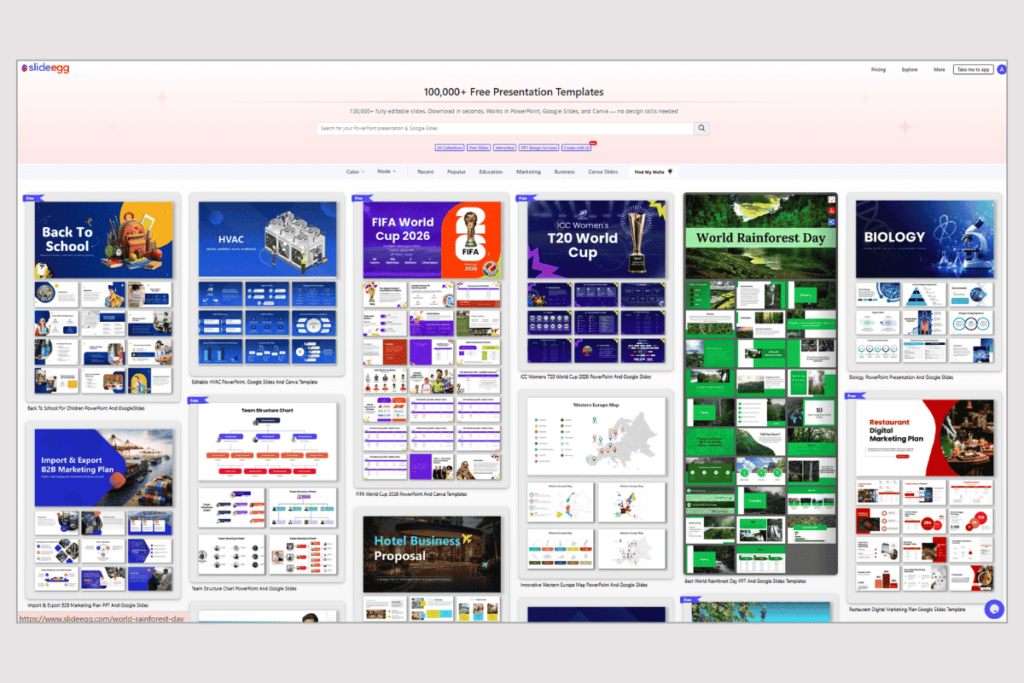
Free PowerPoint library with 10 daily downloads — no credit card, no subscription needed to start
Free: 10 PPT downloads/day, Basic: $6/user/mo (annual), Pro: $10/user/mo (annual), Teams: $16/user/mo (annual), 15-day trial on paid plans · Lifetime: $299
SlideEgg is a PowerPoint-first template library. The free plan lets you download up to 10 .pptx templates per day after creating a free account — no credit card needed. That’s a meaningful daily allowance. If you’re comparing to Envato’s zero-free-plan stance, the difference is significant.
Templates cover business, healthcare, education, marketing, and general use. Every file is a native PowerPoint format — not an image export, not a PDF. You open it directly in PowerPoint, Google Slides, or Canva and edit from there.
Paid plans start at $6/user/month (Basic, annual). Pro is $10/month and Teams is $16/month. All paid plans include a 15-day free trial. A Lifetime plan is available at $299 (one-time) — a rare option that removes any recurring cost permanently. To be honest: SlideTeam’s corporate-topic library is deeper, and Envato has a broader design variety. But for daily practical use, SlideEgg’s free tier is the most functional free access among all template libraries reviewed here.
Pros
- 10 free PPTX downloads per day — best free daily allowance
- No credit card to start
- Native .pptx on all plans (incl. free)
- Lifetime plan at $299 — no recurring fee ever
- 15-day trial on all paid plans
- Editable in PowerPoint, Google Slides, and Canva
Cons
- Smaller library than Envato or SlideModel
- No in-browser design editor
- Sign-up required even for free access
- Fewer niche corporate topic bundles
Bottom line: The best free daily PowerPoint access among all options here. If you don’t want to pay anything — and you want PPTX files — start here.
SlidesCarnival
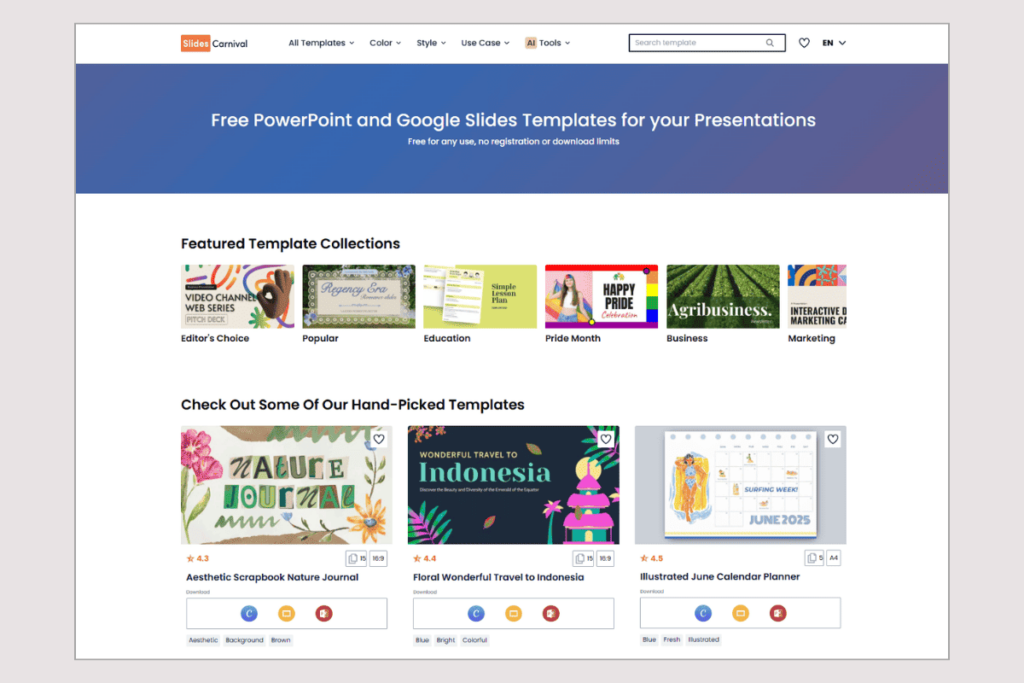
Zero friction free — no account, no limits, no paid plan. Attribution is always required, no exceptions.
100% Free — Unlimited Downloads, No Sign-Up, CC Attribution 4.0 — Cannot Be Removed, No Paid Plan
SlidesCarnival is the simplest tool on this list: open the website, pick a template, download the .pptx file, done. No account. No payment. No download cap. It works in PowerPoint, Google Slides, and Canva.
The library grows by 15–20 new templates per week. Templates are creative and versatile — good for education, marketing, startups, and general presentations. They’re not the dense corporate topic packs you’d find on Envato or SlideModel. But if your need is “get a quality PPTX template right now at zero cost,” SlidesCarnival is the fastest path.
The permanent condition: SlidesCarnival templates use Creative Commons Attribution 4.0 (CC BY 4.0) licensing. You must credit SlidesCarnival somewhere in your presentation — typically a small link on the final slide is acceptable. There is no paid plan to remove this. It is a permanent feature of SlidesCarnival’s model. If you cannot show attribution in your presentation (client work, professional settings), this is not the right tool.
Pros
- Completely free — no account, no limits
- No credit card, ever
- PPTX, Google Slides, and Canva formats
- New templates added weekly
- Instant download — zero friction
Cons
- Attribution is always required — no way to remove it
- No paid plan exists
- Smaller, general-purpose library
- No in-browser editor
- Not suitable where branding must stay clean
Bottom line: The absolute zero-effort free option. Unbeatable speed and simplicity. Only works if attribution is acceptable in your context.
Design Tools with Presentation Templates
Canva
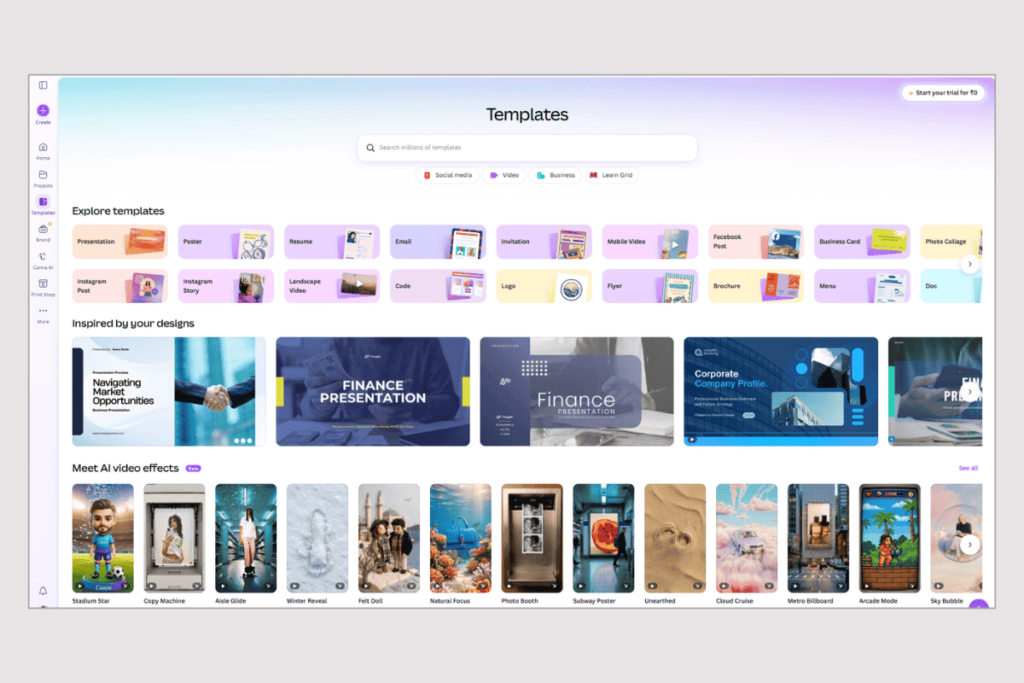
A design platform with thousands of presentation templates — pick a template, then customise everything inside the browser
Free Plan — Unlimited presentations, Pro: ~$18/mo*, Teams: ~$25/user/mo*
Canva sits in a different category from the template libraries above. You don’t download a .pptx file and open it in PowerPoint. Instead, you pick a template inside Canva’s browser editor and customize it there — swapping text, images, colours, and layout — then export when done.
The free tier is generous: thousands of presentation templates, unlimited projects, drag-and-drop editing, and PowerPoint export at no cost. There is no download cap. If you’ve been on Envato purely for presentation templates and don’t mind switching from a PowerPoint-first workflow to a browser-first one, Canva’s free tier likely covers most needs.
The paid plans unlock premium templates, brand kits, AI design tools, and a large stock library. In October 2025, Canva launched a new “Canva Business” plan. Their plan structure may have changed since our last confirmed pricing — Verify current pricing directly before purchasing.
Pros
- Generous free tier — no download cap
- Full design editor in browser
- PPTX export on all plans incl. free
- Real-time collaboration on all tiers
- Large media library (photos, icons, video)
Cons
- Pricing unverified — must check canva.com/pricing
- Browser-first: PPTX export may lose fidelity
- Fewer dense corporate topic bundles
- Sign-up required
Bottom line: Strong free option if you’re comfortable designing in the browser. For PowerPoint-native users who prefer .pptx files to edit locally, the template libraries above may suit better.
Beautiful.ai
AI auto-layout for building original decks — not a template library; a smarter design tool
No Free Plan, 14-Day Trial — Credit Card Required, Pro: $12/mo (annual) · $45/mo (monthly), Team: $40/user/mo (annual) · $50/mo (monthly)
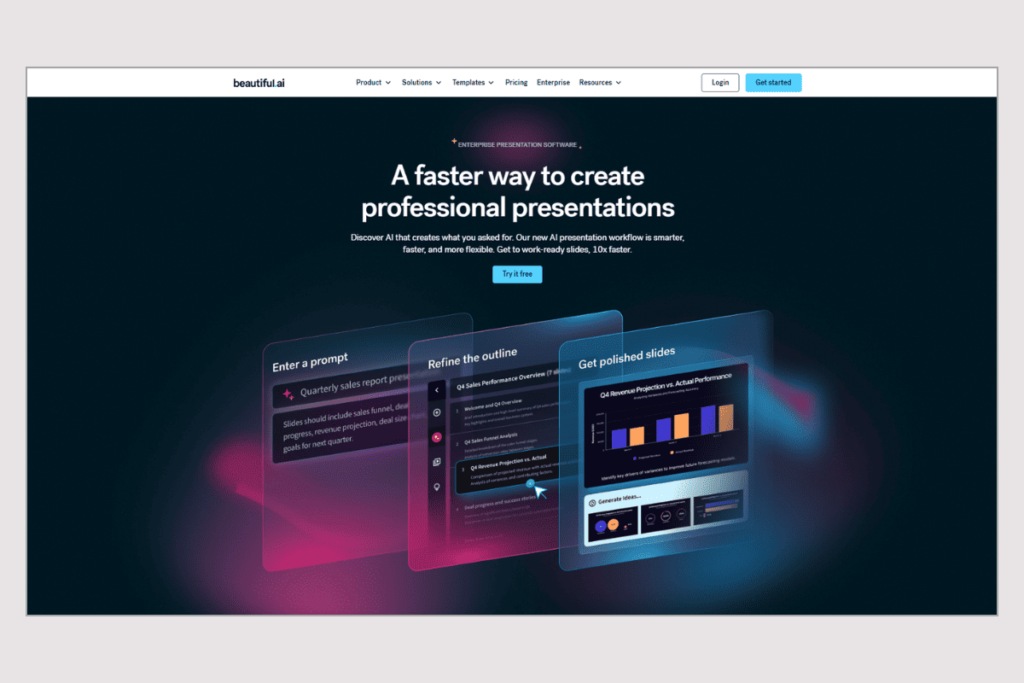
Beautiful.ai is not a template download library. You won’t find a catalogue of 10,000 pre-built deck themes to browse. It’s a presentation creation tool where AI handles layout automatically. You add content — a headline, bullet points, an image, a chart — and the slide adjusts itself to keep everything balanced and visually clean. You’re building a deck, not downloading one.
The closest comparison to Envato is this: Envato gives you a finished product to modify. Beautiful.ai gives you an intelligent tool to build something original faster. They solve different problems.
There is no free plan. The 14-day trial requires a credit card — you’ll be charged automatically if you don’t cancel first. After trial, Pro costs $12/month (annual) or $45/month if billed monthly. Team is $40/user/month (annual) or $50/month monthly.
⚠️ Trial warning: Beautiful.ai’s 14-day trial requires a credit card. You will be billed automatically when the trial ends if you do not cancel. Set a reminder.
Pros
- AI Smart Slides keep layouts clean automatically
- Pro at $12/month is fair for solo users
- Great for building original, professional decks
- Clean, modern output without design effort
Cons
- No free plan — trial needs a credit card
- Auto-billed if you forget to cancel trial
- Team plan ($40/user/mo annual) is expensive at scale
- Not a template library — different use case
- PPTX export limited to paid plans
Bottom line: Choose this if you’re leaving Envato because pre-built templates feel generic and you want to build cleaner, original decks faster. Not a like-for-like replacement for a template library.
Pitch
Real-time team collaboration on presentations — free for up to 5 members; PPTX export requires a paid plan
Free: Unlimited decks · Up to 5 members, Free exports carry Pitch branding, Plus: $13/mo annual · $15/mo monthly (1 user), Team: $19/seat/mo annual · $23/mo monthly, Business: $25/seat/mo annual · $30/mo monthly
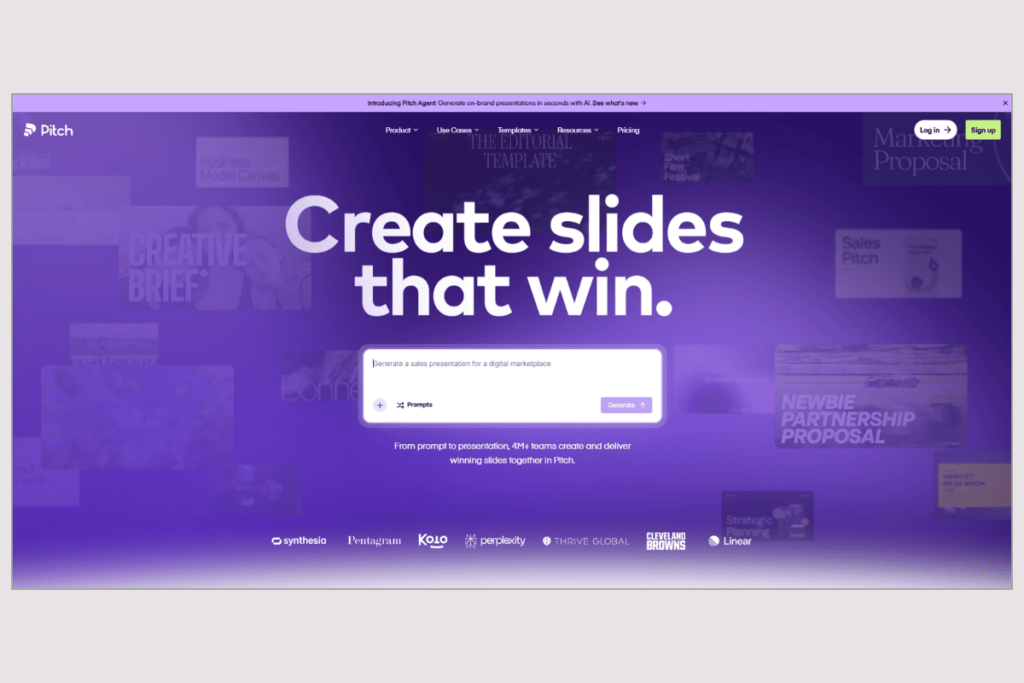
Pitch solves a different problem from Envato. Where Envato is an asset library, Pitch is a real-time collaboration environment for teams building presentations together. Multiple people can edit the same deck simultaneously, leave comments, track changes, and share analytics on who viewed the presentation and for how long.
The free plan is practical: up to 5 team members, unlimited presentations, and no time limit. Free exports carry Pitch branding. To get unbranded exports and PowerPoint (.pptx) files, you need a paid plan — Plus at $13/month (annual) for individual use, or Team at $19/seat/month (annual) for groups. Pricing confirmed directly from pitch.com/pricing, June 2026.
Pitch is not a template download library. If you’re leaving Envato because your team needs to collaborate on presentations in real time and Envato’s individual-license model doesn’t fit, Pitch is the answer on this list.
Pros
- Best real-time co-editing among all options here
- Free plan for up to 5 team members — no time limit
- Presentation analytics (slide views, time spent)
- Plus plan at $13/month is reasonable for solo users
- 100+ professional templates included
Cons
- PPTX export requires a paid plan
- Free exports carry Pitch branding
- Not a template download library
- Team plan ($19/seat annual) adds up at scale
- Sign-up required
Bottom line: If your primary need from Envato was a shared place for your team to create and iterate on presentations — Pitch is the strongest answer here. If you just need templates to download, look elsewhere.
When Envato Elements Is Still the Right Choice
Don’t switch if any of these describe you
Most alternative blogs skip this section. We won’t. Envato Elements is genuinely excellent for the right user — and switching away would be a mistake in these situations:
- You use multiple asset types regularly. If you regularly download stock video, music, fonts, and motion graphics alongside presentations, the Core plan at $16.50/month is exceptional value. The breadth justifies the price the moment you use more than one asset category.
- You need a commercial license that covers everything. Envato’s single license model is clean and comprehensive. One subscription, one license type for all assets and projects. If legal clarity matters and you work across many asset types, this simplicity has real value.
- You need niche or highly polished corporate presentation bundles. Envato’s marketplace has a long tail of highly specialised presentation packs — specific industry decks, animation-heavy templates, custom infographic sets — that smaller libraries haven’t replicated. If you search Envato for “pharmaceutical pitch deck” or “supply chain PowerPoint,” you’ll find options that other tools don’t have.
- You’re already subscribed and actively using non-presentation assets. Cancelling to save on presentation templates and then paying separately for stock photos or video would likely cost more, not less.
How to Decide
Match your situation to the right tool.
I only need presentations — not other creative assets
- Look at SlideModel (unlimited at $199.90/yr) or Slidesgo ($3/mo annual). Both cost the same or less and focus entirely on slides.
I want free access without a credit card
- SlideEgg gives 10 free PPTX downloads per day. SlidesCarnival gives unlimited downloads with no sign-up at all (attribution required).
I want the cheapest paid subscription
- Slidesgo Premium at $3/month annual is the lowest recurring price on this list — 150 downloads/month included.
My team collaborates on presentations together
- Pitch. Free for up to 5 people. Real-time co-editing. PPTX export on paid plans from $13/month annual.
I want to design slides, not just download them
- Canva has a generous free tier with a full browser-based design editor and no download cap. Check current pricing at canva.com/pricing.
I want AI to handle the layout automatically
- Beautiful.ai at $12/month annual — but the 14-day trial requires a credit card. Cancel before it ends or you’ll be charged.
I use video, fonts, and photos alongside presentations
- Stay on Envato Elements. The breadth justifies the cost if you’re genuinely using multiple asset categories.
Frequently Asked Questions
Does Envato Elements have a free plan or free trial?
No. Envato Elements has no free plan and no free trial. The cheapest plan is Core at $16.50/month billed annually ($39/month billed monthly). If you cancel, there are no refunds — you retain access until the end of your billing period.
What is the best free alternative to Envato Elements for presentation templates?
SlidesCarnival is the most frictionless free option — no sign-up, no download cap, unlimited .pptx templates (Creative Commons attribution required). SlideEgg gives 10 free PowerPoint downloads per day with a free account and no credit card. Slidesgo offers 3 free downloads per month. None of them require payment to start.
Is Envato Elements worth it if I only need presentation templates?
Probably not. At $16.50/month, you’re paying for 28+ million assets — but if presentations are all you need, you’re paying for things you’ll never use. SlideModel’s Annual Unlimited plan costs $199.90/year (~$16.67/month) and gives the same price point with unlimited presentation downloads only. Slidesgo at $3/month annually and are significantly cheaper. SlideEgg’s free plan offers 10 PowerPoint Templates / day. Consider switching unless you actively use Envato’s video, audio, or photo assets too.
What happens to my Envato licenses when I cancel?
Licenses for completed projects remain valid after cancellation — your past work stays covered. However, you cannot use any downloaded assets for new projects once your subscription ends. Envato does not offer refunds on cancelled subscriptions. You retain access until the end of your current billing period.
What is the cheapest paid presentation template subscription?
Slidesgo Premium at $3/month billed annually ($35.99/year). It includes 150 template downloads per month, PowerPoint and Google Slides formats, and removes attribution requirements. That’s the lowest recurring paid price among all major presentation template services reviewed here.
Can I get PPTX files from all these tools?
SlideEgg, Slidesgo, SlidesCarnival, and Canva all provide .pptx files at no cost. Pitch’s free plan does not include PPTX export (paid plans from $13/month annual required). Beautiful.ai has no free plan and PPTX export requires a paid subscription. Envato provides PPTX on all paid plans.
Is Beautiful.ai’s trial actually free?
Not exactly. Beautiful.ai offers a 14-day trial but requires a credit card to start. If you don’t cancel before the trial ends, you will be automatically charged. After the trial, Pro costs $12/month (billed annually) or $45/month if billed monthly. Set a calendar reminder before starting the trial.
Final Verdict at a Glance
Pricing verified June 2026. Always confirm before purchasing.
| Tool | Best At | Key Limitation | Free Tier? | Lowest Paid Price | Choose If… |
| Envato Elements | 28M+ asset breadth across all creative types | No free plan, no refunds, project-based license | No | $16.50/mo annual | You use video, fonts, photos AND slides regularly |
| SlideModel | Business-grade, presentation-only library | No free plan; 1-day pass is $24.90 | No | $99.90/yr (Annual Basic) | You want Envato-level quality but only for slides |
| Slidesgo | Cheapest paid plan — $3/month annual | Free requires attribution; 3/month cap | Yes (3/mo) | $3/mo annual | Cost is the priority and creative templates are fine |
| SlideEgg | Best free daily PPT access (10/day) | Smaller library; no design editor | Yes (10/day) | $6/user/mo annual | You want free PPTX downloads every day, no payment |
| SlidesCarnival | Zero friction free — no account, no cap | Attribution always required; no paid plan | Yes (unlimited) | No paid plan | You need a template instantly with no strings |
| Canva | Free browser-based design + no download cap | Pricing unverified; export fidelity varies | Yes | ~$18/mo* (verify) | You want to design slides in a browser, not download them |
| Beautiful.ai | AI auto-layout for original deck building | No free plan; CC required for trial | No | $12/mo annual | You want to build original decks with smart AI layout |
| Pitch | Real-time team co-editing, free for 5 members | PPTX export requires paid plan | Yes (5 members) | $13/mo annual (Plus) | Your team needs to collaborate live on presentations |
Try SlideEgg Free — No Credit Card
Create a free account and download up to 10 PowerPoint templates per day. No subscription, no payment details.
Free account · 10 PPTX downloads/day · No credit card required