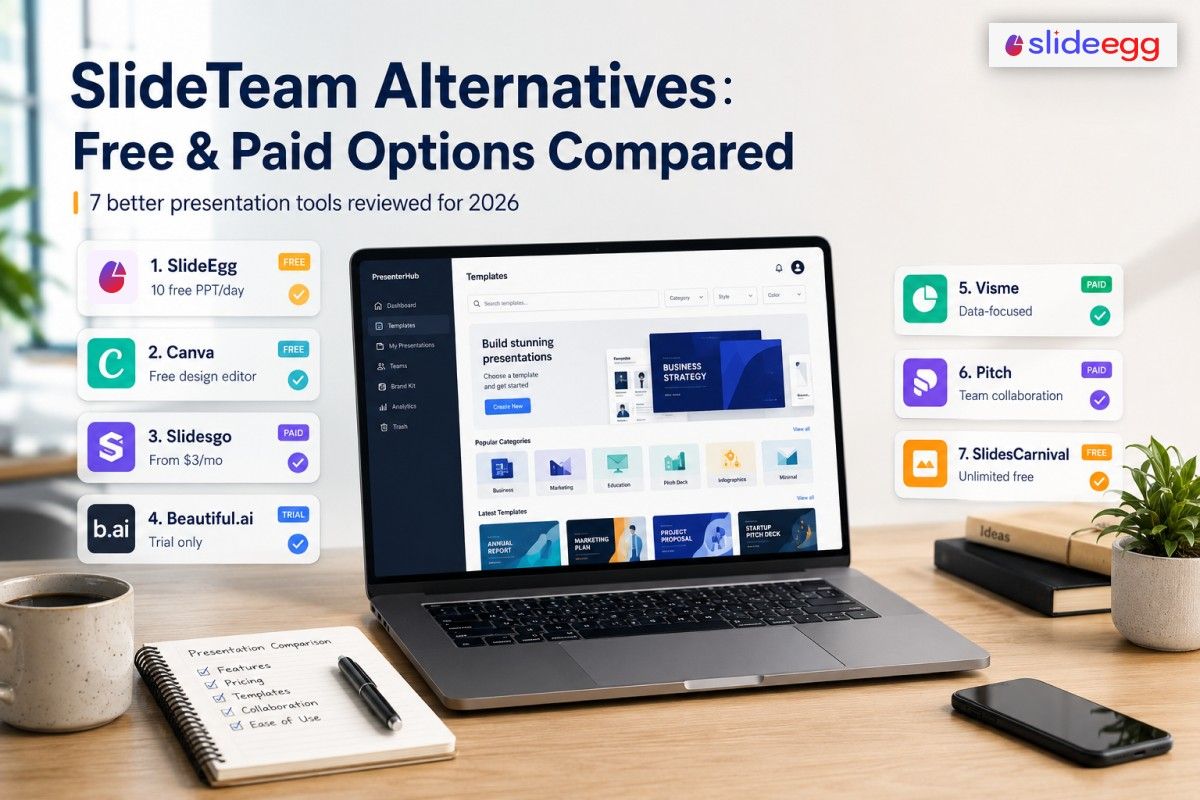
SlideTeam has no real free plan. We tested 7 alternatives that do — and compared every price, every limit, and every catch.
⚡ Quick Answer
SlideTeam’s guest access caps at 3 sample slides — and its cheapest plan costs €37.99/month for just 10 downloads. If you want a real free option, try SlideEgg (10 free PowerPoint downloads daily) or SlidesCarnival (unlimited downloads, no sign-up). For team collaboration, Pitch is free for up to 5 people. For the lowest paid price, Slidesgo costs $3/month billed annually.
Disclosure: SlideEgg publishes this blog and is one of the 7 tools reviewed below. It is evaluated by the same criteria as every other tool. Pricing was scraped from official websites in June 2026.
What is inside?
- Why look for alternatives?
- Quick comparison table
- SlideEgg
- Canva
- Slidesgo
- Beautiful.ai
- Visme
- Pitch
- SlidesCarnival
- How to choose
- FAQ
- Final verdict
Why Are People Leaving SlideTeam?
SlideTeam has one of the largest PowerPoint libraries on the web. But a few real limitations push users away.
Here is what we found on their official pricing page in June 2026.
❌ No free plan: Guests get 3 sample downloads — total. That’s it. Everything else needs a paid subscription.
🔒Monthly plan caps at 10 downloads: €37.99/month buys you only 10 pre-designed presentations. Unlimited access needs a semi-annual or annual plan.
🖥️Download-only, no editor: SlideTeam is a library — not a design tool. You download slides and edit them in PowerPoint or Google Slides.
👥No live team collaboration: Team plans exist, but there’s no real-time co-editing inside SlideTeam itself.
📱3-device limit per account: SlideTeam tracks login devices via IP and browser fingerprinting. You’re limited to 3 devices.
If any of these are your issue, read on. The tools below solve each one.
Quick Comparison Table
All figures confirmed from official pricing pages, June 2026.
| Tool | Free Plan? | Paid From | PPTX Export | Sign-Up? | Free Download Limit |
| SlideEgg | Yes | $6/user/mo (annual) | ✔ All plans | Yes | 10 PPT/day |
| Canva | Yes | $18/mo* | ✔ All plans | Yes | Unlimited (free tier) |
| Slidesgo | Yes | $3/mo (annual) | ✔ All plans | Yes | 3 downloads/month |
| Beautiful.ai | No (trial only) | $12/mo (annual) | ✔ Paid plans | Yes + credit card | None — CC required for trial |
| Visme | Yes (limited) | $12.25/mo (annual) | ✗ Pro only ($24.75/mo) | Yes | Limited; branding on outputs |
| Pitch | Yes | $13/mo (annual) | ✗ Paid plans only | Yes | Unlimited (Pitch-branded exports) |
| SlidesCarnival | Yes (unlimited) | No paid plan | ✔ Free | No | Unlimited (attribution required) |
01. SlideEgg
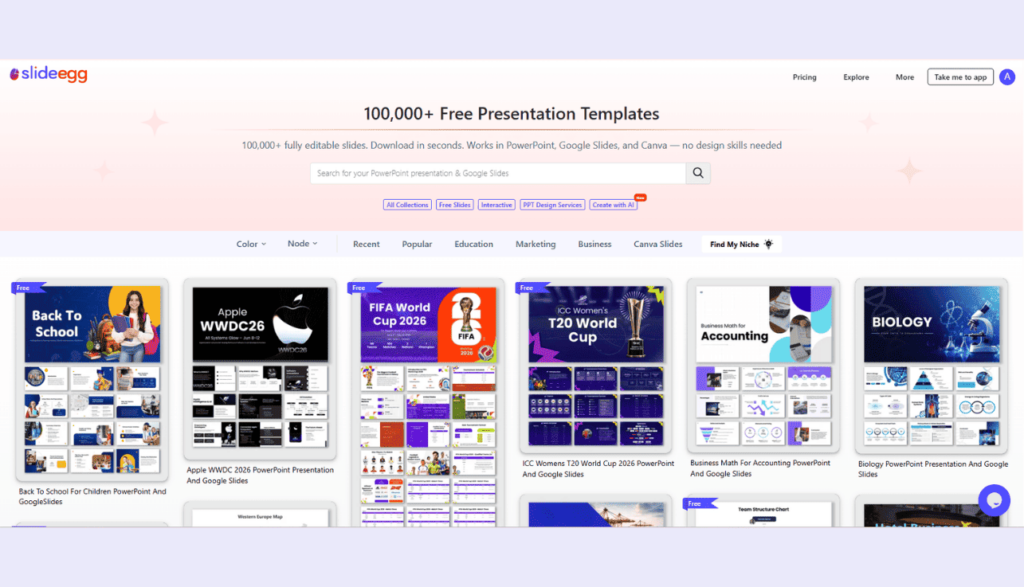
Large free PowerPoint library — 10 free downloads per day, no subscription needed
At a glance: Free, 10 PPT/day, Large PPT Library, Basic: $6/user/mo (annual), PPTX Export — All Plans, Sign-Up Required
SlideEgg is a PowerPoint-first template library. The free plan lets you download up to 10 PowerPoint templates per day after creating a free account. That’s a meaningful daily allowance — far more than SlideTeam’s 3-sample guest limit.
Templates cover business, education, healthcare, marketing, and more. Every download is a native .pptx file. You can open it in PowerPoint, Google Slides, or Keynote without any conversion steps.
Paid plans start at $6/user/month (Basic, billed annually). Pro costs $10/user/month and Teams costs $16/user/month — all annual. All paid plans come with a 15-day free trial; no credit card is needed for the free plan. A one-time Lifetime plan is available at $299 for users who prefer not to pay monthly. PPTX is included on every plan.
The honest tradeoff: SlideTeam’s library is much larger — 5 million+ slides versus SlideEgg’s library. If you need a hyper-specific business deck on a niche corporate topic, SlideTeam may have it and SlideEgg may not. But for daily practical use, SlideEgg’s free tier gives you meaningful access without spending anything.
Pros
- 10 free PPT downloads per day
- Native .pptx format on all plans
- No credit card to sign up
- Paid plans from $6/user/month
- Works in PowerPoint, Google Slides, Keynote
Cons
- Smaller library than SlideTeam
- Sign-up required even for free downloads
- No in-browser design editor
- Fewer niche business topic bundles
Best for: Users who want regular free PowerPoint downloads without a monthly subscription commitment
02. Canva
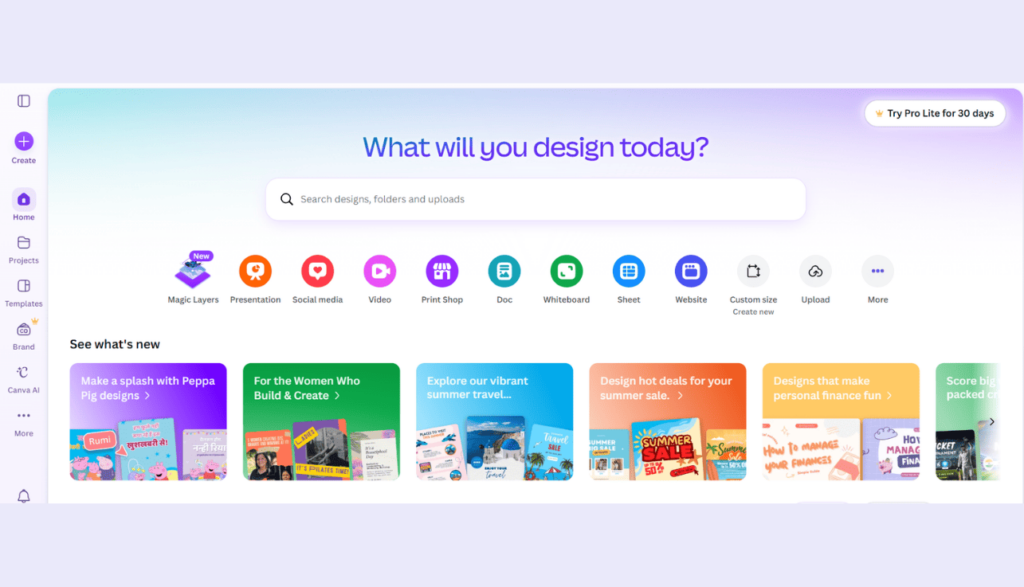
Browser-based design tool with a generous free tier — design from scratch or pick a template
At a glance: Free Plan Available, Drag-and-Drop Editor, Pro: $18/mo · Teams: $25/user/mo, PPTX Export — All Plans, Sign-Up Required
Canva is a different kind of tool. Instead of downloading a finished slide to edit in PowerPoint, you design everything inside Canva’s browser editor. It’s faster if your workflow involves tweaking layout, swapping images, or building something original.
The free tier is genuinely generous. You get thousands of templates, unlimited projects, and PPTX export at no cost. There’s no download cap.
The Pro plan costs $18/month. It adds premium templates, AI design tools, brand kits, and a large library of premium stock photos and icons. Teams costs $25/user/month (billed annually, minimum 3 users) and adds shared brand controls.
The main gap compared to SlideTeam: Canva templates lean creative and general-purpose. If you need a dense corporate deck with 40 pre-built slides on a niche business topic, Canva’s template library probably won’t match it. But for most presentations, Canva’s free tier is more than enough.
Pros
- No download cap on the free plan
- Full design editor in the browser
- PPTX export free on all plans
- Real-time collaboration on all tiers
- Large media library (photos, icons, video)
Cons
- Pro at $18/month is pricier than competitors
- Fewer ready-made corporate business bundles
- PPTX export may lose some layout fidelity
- Sign-up required
Best for: Users who want to design presentations visually — not just pick and download a finished deck
03. Slidesgo
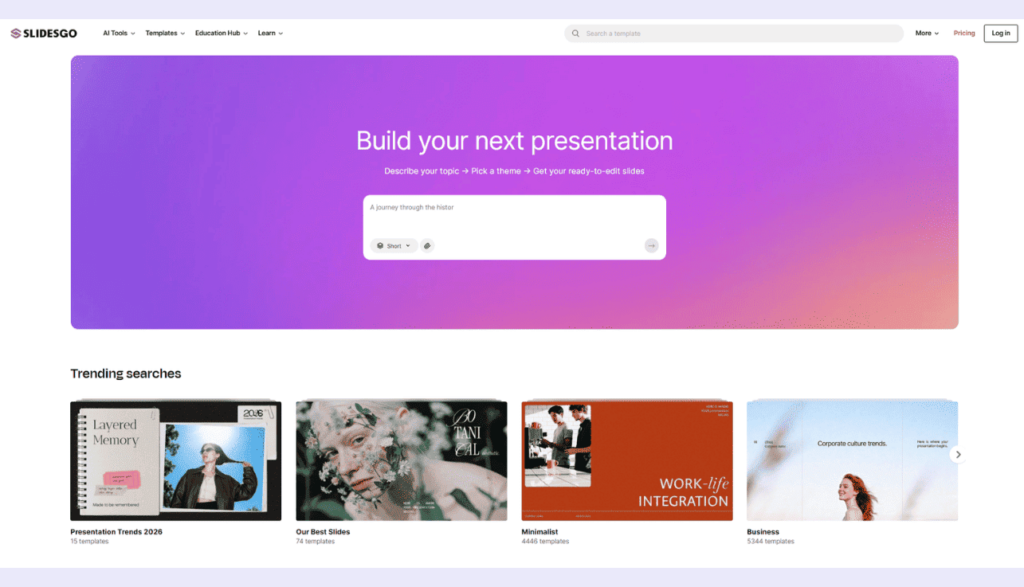
Creative templates for PowerPoint and Google Slides — cheapest paid plan on this list
At a glance: Free: 3 downloads/month, 30,000+ Templates, Premium: $3/mo annual ($35.99/yr), Attribution Required on Free, Sign-Up Required
Slidesgo offers 30,000+ designer-made templates in both PowerPoint and Google Slides format. The free plan gives you 3 template downloads per month and 3 AI presentations per month. You must keep Slidesgo’s attribution credit in your presentation on the free plan.
The Premium plan is among the most affordable here. It costs $5.99/month billed monthly, or just $3/month billed annually ($35.99/year). That buys you up to 150 downloads per month, no attribution requirement, no ads, and access to the full library. Teams can be added with multi-user discounts.
Slidesgo’s templates are creative and visually polished. They work well for education, marketing, and general business. They don’t replace SlideTeam if you need dense, topic-specific corporate slide bundles — but for most presentation needs, $3/month is a hard price to argue with.
Pros
- $3/month annual — lowest paid price here
- Both PPTX and Google Slides formats
- AI presentation generator included
- 150 downloads/month on Premium
- Team support with discounts
Cons
- Free plan: only 3 downloads/month
- Free plan requires attribution in the deck
- Sign-up required to download
- 150/month cap — may frustrate heavy users
Best for: Users who want stylish, affordable templates and don’t need a massive corporate slide bundle library
04. Beautiful.ai
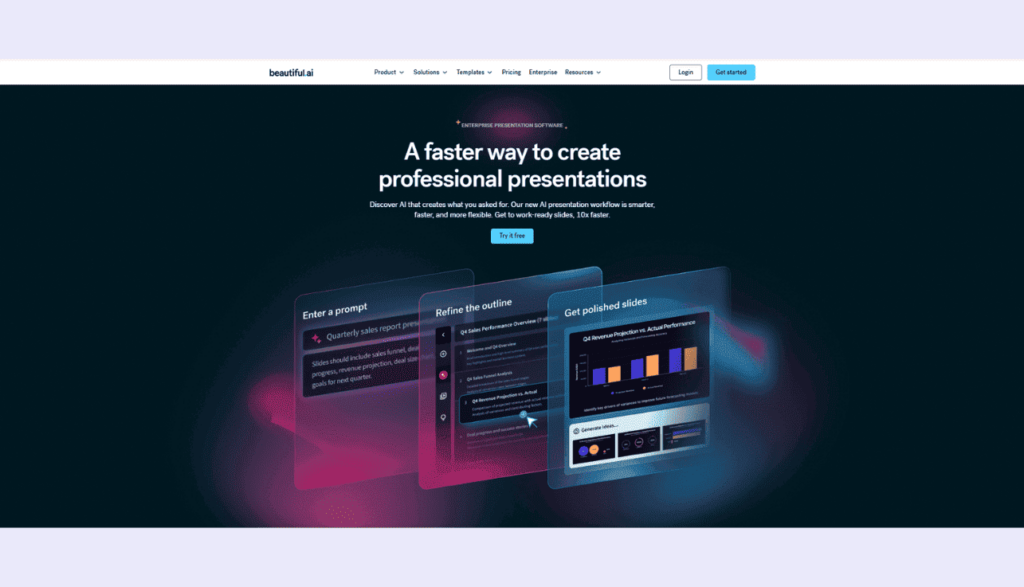
AI auto-layout for original decks — no free plan; trial needs a credit card
At a glance: No Free Plan, 14-Day Trial — Credit Card Required, Pro: $12/mo (annual) · Team: $40/user/mo, PPTX Export — Paid Plans, Sign-Up Required
Beautiful.ai is built around an AI-assisted layout. You add content — a headline, bullet points, an image — and the slide automatically adjusts its layout to fit. You don’t wrestle with positioning; the tool handles it for you.
There is no free plan. Beautiful.ai offers a 14-day trial, but you must provide a credit card to start it. If you don’t cancel before the trial ends, you’ll be charged automatically.
After the trial, paid plans are Pro at $12/month (annual) — or $45/month if you pay monthly. Team at $40/user/month (annual) or $50/user/month monthly. PPTX export is available on paid plans.
Beautiful.ai is not a template download library. It’s a tool for building original presentations with smarter design automation. If you’re leaving SlideTeam because its templates feel stiff and corporate, Beautiful.ai gives you more creative control — but you’ll pay for it, and the Team plan cost ($40/user/month) adds up fast.
⚠️ Trial warning: The 14-day trial requires a credit card. You will be billed automatically when the trial ends if you do not cancel first.
Pros
- AI Smart Slides auto-adjust layouts for you
- Pro at $12/month is fair for solo users
- Clean, professional-looking output
- Great for original presentations, not templates
Cons
- No free plan — trial needs a credit card
- Auto-billed if you forget to cancel
- Team plan: $40/user/month is expensive
- PPTX export locked to paid plans
- Not a bulk template download service
Best for: Professionals who want to build original, AI-assisted presentations — not download pre-built slides
05. Visme
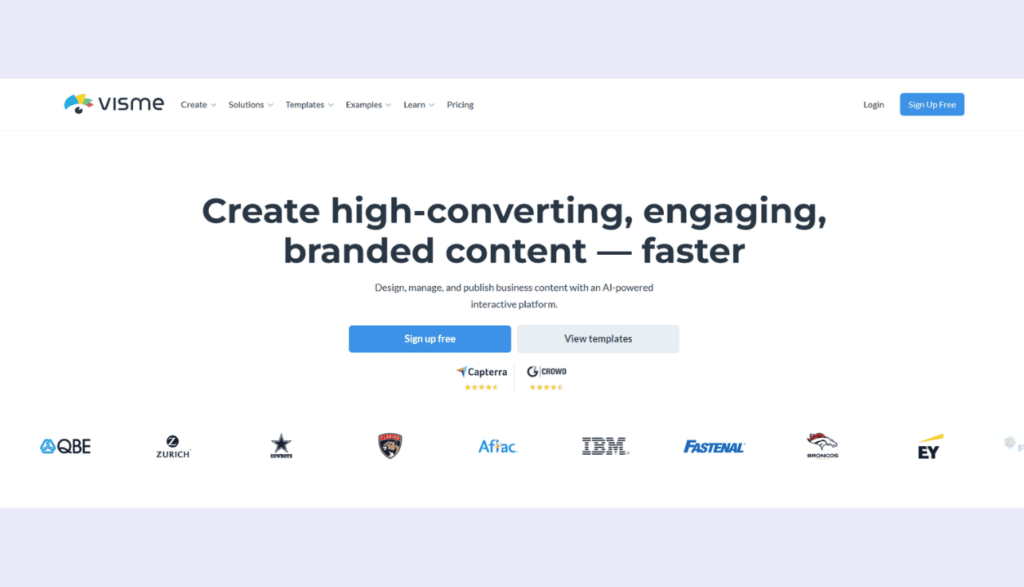
Presentations, infographics, and data viz in one tool — PPTX export is Pro-only
At a glance: Free Plan Available, Presentations + Infographics + Data Viz, Starter: $12.25/mo · Pro: $24.75/mo (annual), PPTX Export: Pro Only ($24.75/mo), Visme Branding on ALL Free Outputs, Sign-Up Required
Visme covers more ground than SlideTeam. Beyond slide decks, it handles infographics, interactive reports, charts, and social graphics — all inside one browser-based editor. It’s a good fit if your work involves both presentations and data-heavy content.
The free plan exists but carries a real limitation: Visme branding appears on all outputs — every download, every export. There’s no way around it on the free tier. The Starter plan ($12.25/month annual) removes most restrictions but still doesn’t include PPTX export.
PPTX export requires the Pro plan at $24.75/month (annual). On Basic and Starter plans, you can export JPG, PNG, or PDF only. If you need PowerPoint files, that’s your entry price.
Pros
- Covers presentations, infographics, data viz
- Strong chart and visualization tools
- Free plan available
- Starter at $12.25/month is reasonable
- Large template library
Cons
- Visme branding on all free outputs
- PPTX export: Pro only ($24.75/mo annual)
- Starter exports only JPG, PNG, PDF — no PPTX
- High entry cost if PPTX is your priority
- Sign-up required
Best for: Marketers who need presentations and infographics — and can work with PDF export unless they pay for Pro
06. Pitch
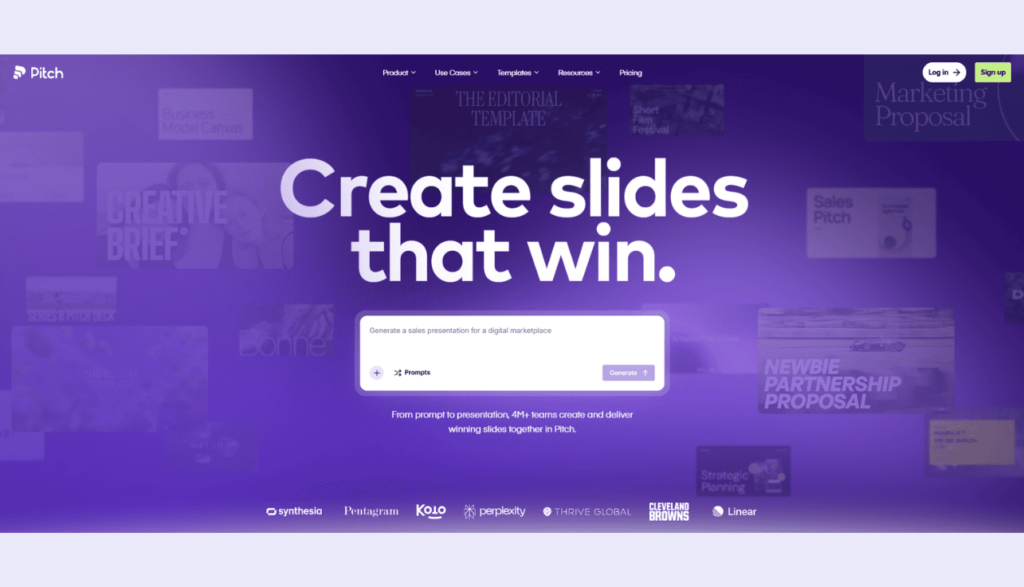
Built for teams — free plan for up to 5 members, real-time co-editing, PPTX on paid plans only
At a glance: Free: Up to 5 Team Members, Real-Time Collaboration, Plus: $13/mo annual · Team: $19/seat/mo annual · Business: $25/seat/mo annual, PPTX Export: Paid Plans Only, Pitch Branding on Free Exports, Sign-Up Required
Pitch is for teams. Multiple people can edit the same deck at once, leave comments, assign slides to specific team members, and track changes — all in real time. SlideTeam doesn’t offer anything like this.
The free plan is practical: up to 5 team members, unlimited presentations, and no time limit. The catch is that free exports carry Pitch branding. And if you need a PowerPoint (.pptx) export, you’ll need a paid plan. Confirmed from pitch.com/pricing in June 2026: Plus costs $13/month (annual) or $15/month (monthly) for solo use. Team is $19/seat/month (annual) for up to 25 members. Business is $25/seat/month (annual) for up to 200 members.
Pitch is not a template library. You build original decks using its editor. If you’re replacing SlideTeam specifically because you want better team collaboration, Pitch is the strongest answer on this list.
Pros
- Live co-editing for teams — best in class
- Free plan for up to 5 members
- Plus at $13/month annual ($15/mo monthly)
- Clean, modern presentation editor
- Version history on paid plans
Cons
- PPTX export: paid plans only
- Free exports carry Pitch branding
- Not a bulk slide download library
- Sign-up required
- Team plan ($19/seat/mo annual) gets expensive at scale
Best for: Small teams (up to 5) who need real-time collaborative presentation editing at no cost
07. SlidesCarnival
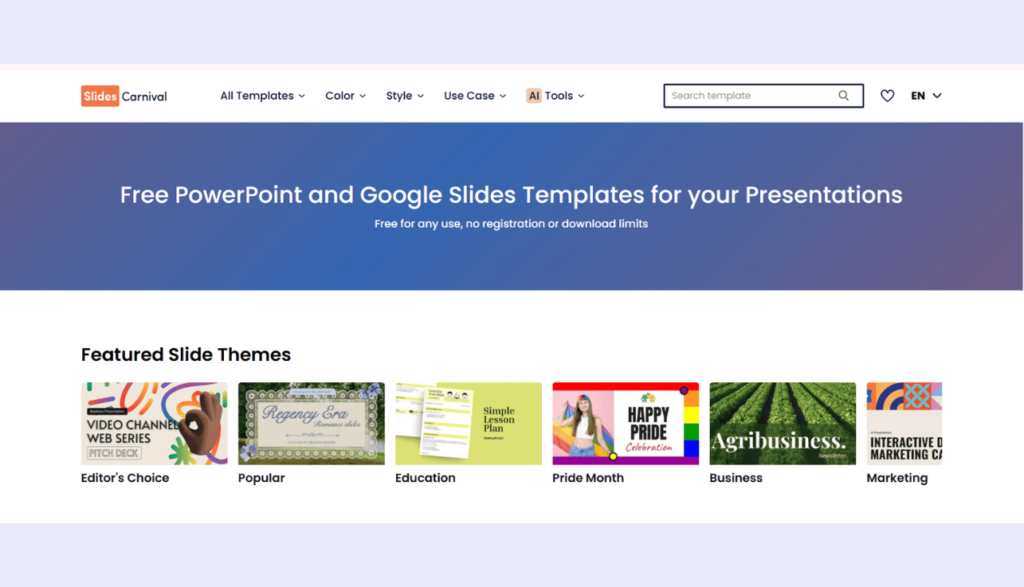
100% free PPTX templates — no account needed, no download limits, attribution always required
At a glance:100% Free, No Sign-Up Needed, Unlimited Downloads, PowerPoint + Google Slides + Canva, CC Attribution 4.0 — Always Required, No Paid Plan — Credit Cannot Be Removed
SlidesCarnival is the simplest tool on this list. It’s free — completely, with no tiers, no subscriptions, and no sign-up needed. You open the website, pick a template, and download the .pptx file. That’s it.
Templates are available for PowerPoint, Google Slides, and Canva. There are no download limits. The library grows by 15–20 new templates per week.
The only requirement is attribution. SlidesCarnival templates are licensed under Creative Commons Attribution 4.0 (CC BY 4.0). You must keep SlidesCarnival’s credit somewhere in your presentation — a small link on the last slide is acceptable. There is no paid plan to remove it. This is a permanent part of SlidesCarnival’s model.
The library leans creative and versatile. It doesn’t have the niche corporate topic bundles that SlideTeam specialises in. But if you need quality free templates with zero friction, SlidesCarnival is the easiest answer.
Pros
- Completely free — no account, no limits
- PPTX, Google Slides, and Canva formats
- 15–20 new templates per week
- No credit card, ever
- Keynote-compatible via PPTX import
Cons
- Attribution is always required — no way to remove it
- No paid plan exists
- Fewer niche corporate business bundles
- No in-browser editor
Best for: Anyone who needs free, quality PPTX templates right now — and is comfortable keeping SlidesCarnival’s credit in the deck
How to Choose the Right Tool
Match your situation to the right pick.
I need free downloads every day without paying:
- Use SlideEgg. 10 free PPT downloads per day. Sign-up needed, no credit card.
I don’t want to sign up for anything
- Use SlidesCarnival. No account. No limit. Just keep their attribution credit in your deck.
I want to design slides, not just download them
- Use Canva. Free tier, drag-and-drop editor, PPTX export included.
I want the cheapest possible paid plan
- Use Slidesgo at $3/month annual ($35.99/year). 150 downloads/month included.
My team needs to edit presentations together
- Use Pitch. Real-time co-editing, free for up to 5 members. PPTX export needs a paid plan.
I need presentations and infographics in one place
- Use Visme — but note PPTX export requires Pro ($24.75/mo). Starter gives PDF export only.
I want AI to help lay out my slides automatically
- Use Beautiful.ai — but the 14-day trial needs a credit card. Cancel before it ends or you’ll be charged.
Frequently Asked Questions
Does SlideTeam have a free plan?
SlideTeam has no recurring free plan. You can download up to 3 sample slides as a guest without an account. That’s the only free access. Everything else requires a paid subscription. The Monthly plan starts at €37.99/month (prices shown in Euros as of June 2026; check slideteam.net/pricing for current rates in your region).
What is the best free alternative to SlideTeam?
SlidesCarnival gives you unlimited free PPTX downloads with no sign-up at all. SlideEgg offers 10 free PowerPoint downloads per day with a free account. Slidesgo gives 3 free downloads per month. All three are far more generous than SlideTeam’s 3-sample guest limit.
Can I use SlideTeam without paying?
You can download up to 3 sample slides from SlideTeam’s Free PPTs page without creating an account. That is the only free access. Beyond those 3 samples, you need a paid subscription. The Monthly plan (€37.99/month) limits you to 10 pre-designed presentation downloads. Unlimited downloads require a Semi-Annual or Annual subscription.
What is the difference between SlideTeam and SlideEgg?
SlideTeam is subscription-only — €37.99/month for 10 downloads, or €129.99/year for unlimited access. SlideEgg has a free plan with up to 10 PowerPoint downloads per day. Paid SlideEgg plans start at $6/user/month (annual). SlideTeam’s library is much larger (5 million+ slides), but SlideEgg’s daily free tier is more practical for casual or occasional users.
Which alternative has no sign-up and no download limit?
SlidesCarnival. No account needed. No download cap. PPTX files download for free. You must keep SlidesCarnival’s attribution credit in your presentation — a small link on the final slide is acceptable. There is no paid plan and no way to remove the credit.
Is Beautiful.ai free to try?
Beautiful.ai offers a 14-day trial, but it requires a credit card to start. If you don’t cancel before the trial ends, you will be charged automatically. There is no free plan. After the trial, the Pro plan costs $12/month (billed annually) and the Team plan costs $40/user/month.
Which tools let you export to PowerPoint (.pptx) on a free plan?
SlideEgg, Canva, Slidesgo, and SlidesCarnival all offer .pptx export at no cost. Visme’s free plan exports JPG, PNG, or PDF only — PPTX requires the Pro plan ($24.75/month annual). Pitch’s free plan does not include PPTX export. Beautiful.ai has no free plan.
Final Verdict
All pricing verified June 2026. Check each tool’s website before purchasing.
| Tool | Strongest Feature | Key Limitation | Free Tier | Lowest Paid Price | Best Pick If… |
| SlideEgg | 10 free PPT downloads/day | 1,00,000+ templates | Yes | $6/user/mo (annual) | You want daily free PPT downloads without paying |
| Canva | Drag-and-drop editor + no download cap | Fewer corporate business bundles | Yes | $18/mo | You want to design slides, not just download them |
| Slidesgo | $3/month annual — cheapest paid plan | Free: only 3/month + attribution | Yes (3/mo) | $3/mo annual | You want creative templates at a very low price |
| Beautiful.ai | AI auto-layout for original decks | No free plan; CC required for trial | No | $12/mo (annual) | You want AI-assisted layout design |
| Visme | Presentations + infographics + data viz | PPTX: Pro only ($24.75/mo); branding on all free outputs | Yes (limited) | $12.25/mo (annual) | You need infographics and data viz as well as slides |
| Pitch | Real-time team co-editing (free, 5 members) | PPTX and unbranded exports: paid only | Yes (5 members) | $13/mo annual (Plus) | Your team needs live collaborative editing |
| SlidesCarnival | No sign-up, unlimited free PPTX downloads | Attribution always required; no paid plan | Yes (unlimited) | No paid plan | You want free templates with zero friction |
Start with SlideEgg’s Free Plan
No credit card. No subscription. Just create a free account and get up to 10 PowerPoint templates per day.