Simple Bar Chart Layout PowerPoint Presentation
Nodes
Colors
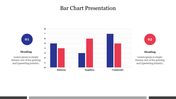
Eleven Nodded Bar Chart PPT Slide
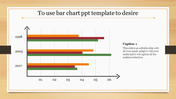
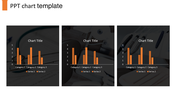
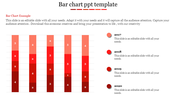
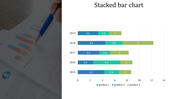
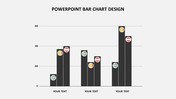
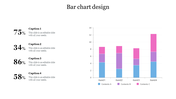
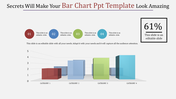
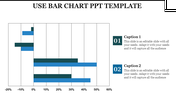
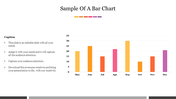
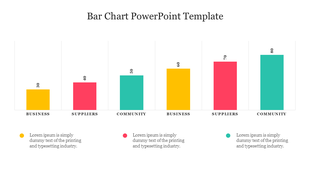
Download this creative eleven nodded Bar Chart Layout PowerPoint Template to present your business data more professionally. The elegant graphical elements of this slide will grab your audience's eyes on your presentation. It is the best tool to analyze your business performance. It is also 100% customizable.
About the template:
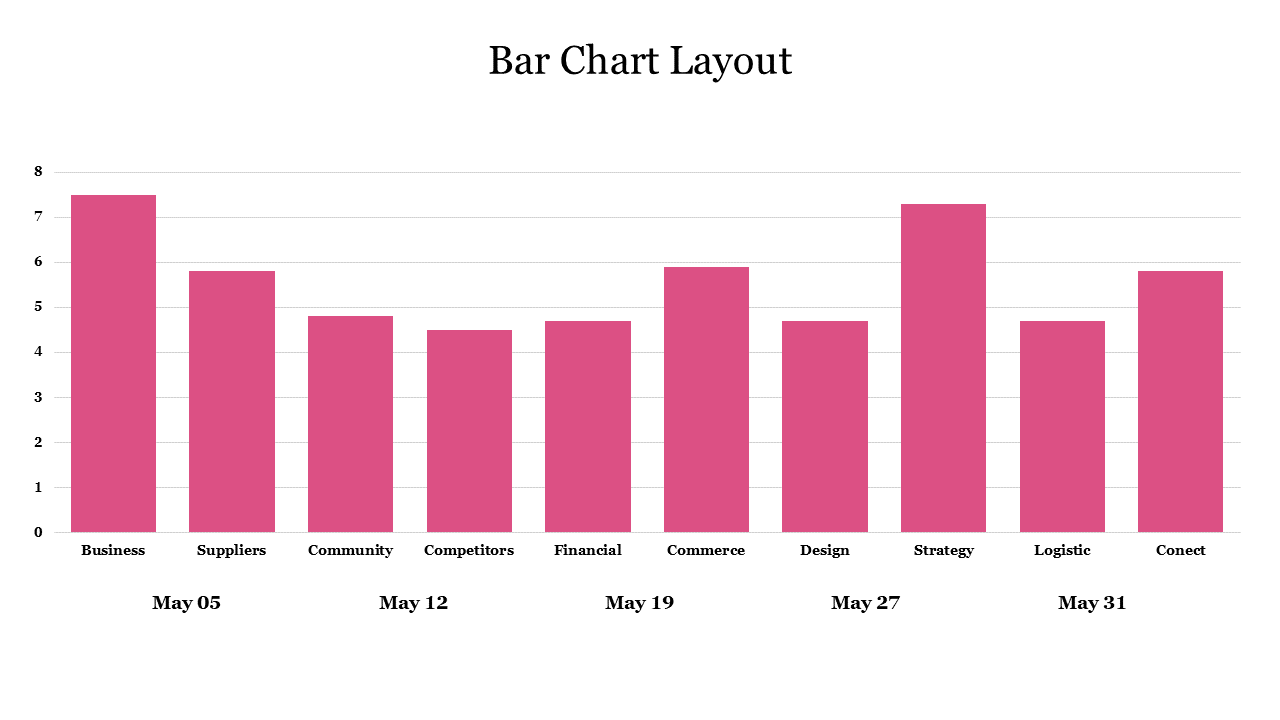
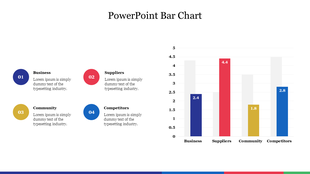
The Bar Chart Layout PowerPoint Template includes an attractive bar chart. This chart will help to analyze the monthly data. It helps to present the data of your business, suppliers, community, competitors, financial, commerce, design, strategy, logistic, and connect. The clean and organized layout will give a professional look to your infographic chart presentations. Try today!
Features of this template:
1. 100% customizable slides and easy to download.
2. Slides available in different nodes & colors.
3. The slide contained 16:9 and 4:3 format.
4. Easy to change the slide colors quickly.
5. Well-crafted template with instant download facility.
6. It has an attractive pink bar chart.
Explore Related Collections
Recommended based on this template.









You May Also Like These PowerPoint Templates





Showing20 of69,218 templates