Awesome Kilometre PowerPoint And Google Slides Template




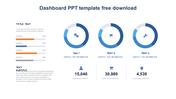
Awesome Kilometer PowerPoint Template
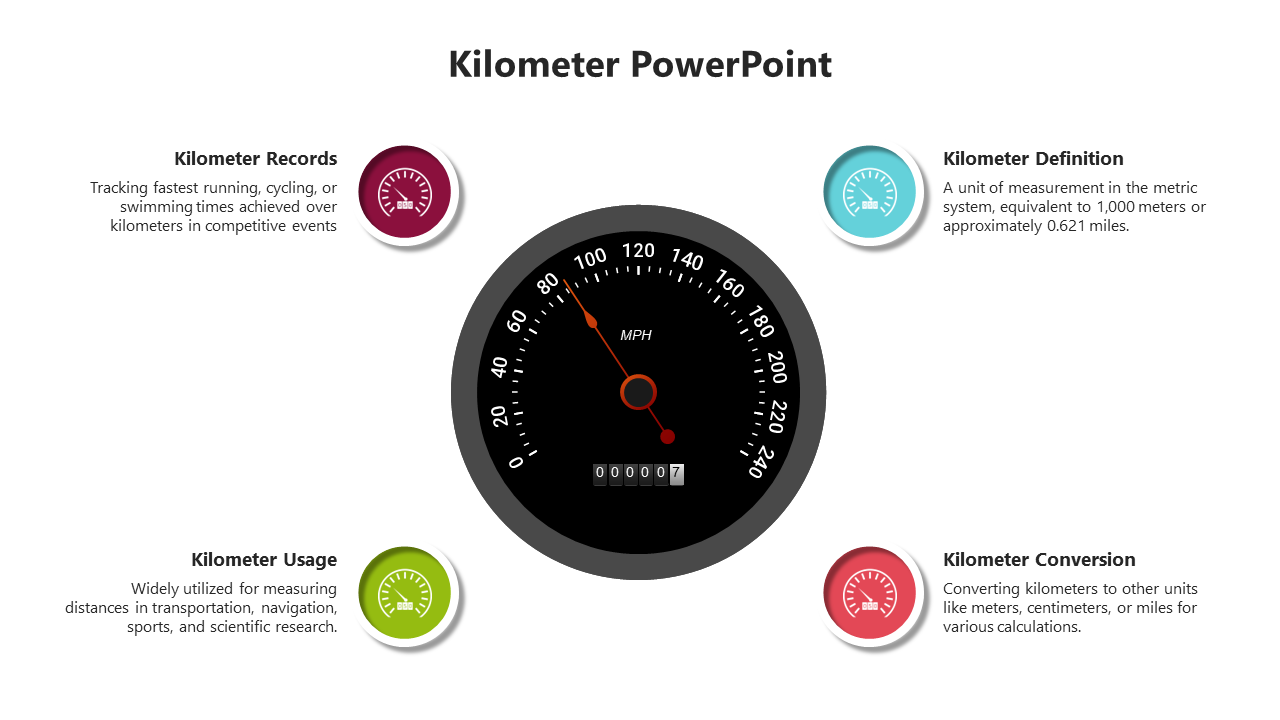
A kilometer, often abbreviated as km, is a unit of length or distance equal to 1,000 meters, commonly used in the metric system to measure long distances such as roads, mountain heights, or city-to-city distances. It provides a standardized way of expressing distance, facilitating communication across regions. Professionals, educators, travelers, event organizers, and people involved in projects that require distance measurements can use this template to create informative presentations in kilometers. A customizable slide deck with graphics, maps, and text layouts related to kilometers, distances, transitions, and practical applications facilitates effective communication. With fully editable slides, presenters can adapt the template to their specific content needs and slide goals, ensuring engagement and clarity. This resource is valuable for teaching distance concepts, planning travel routes, illustrating geographic features, or providing project milestones. By using this template, users can enhance slide, engage audiences, and promote understanding of the importance of distance measurements in various contexts.
Feature of this Template
- 100% customizable slides and easy to download.
- The slide contains 16:9 and 4:3 formats.
- Easy to change the colors of the slide quickly.
- Highly compatible with PowerPoint and Google Slides.



You May Also Like These PowerPoint Templates



Showing20 of69,218 templates