Free - Impressive PowerPoint Chart Template And Google Slides
Free
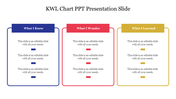
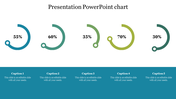
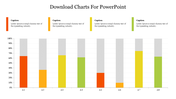
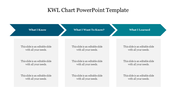
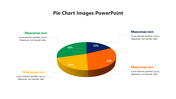
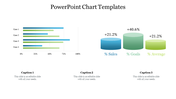
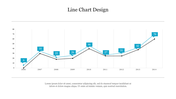
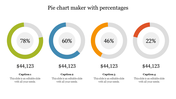
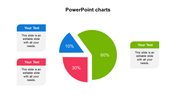
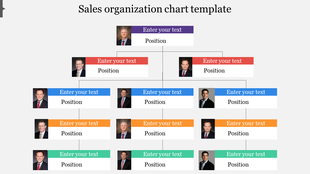
Dynamic PowerPoint Chart Template Presentation
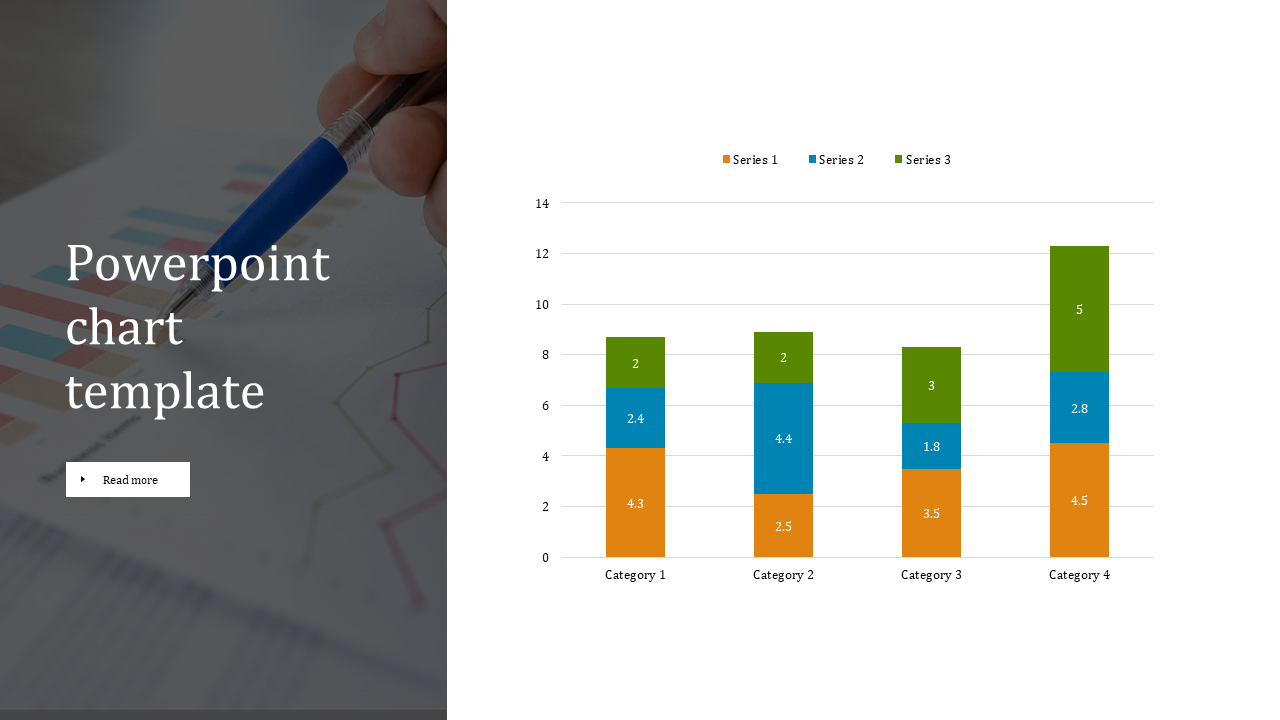
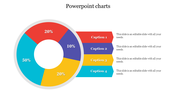
You're presenting, but yawns erupt from the audience. Their eyes glaze over at the same old charts. Break the cycle with this dynamic PowerPoint chart template!
Three color-coded sections make your data sing. Imagine using one color for growth, another for challenges, and a third for key takeaways. It's storytelling with a bar chart! Plus, add background images to truly set the scene.
This isn't just for fancy business meetings. Educators, you can liven up lectures! Students, make project presentations pop! This template is your secret weapon for clear, memorable presentations.
Stop wasting time formatting. This template is ready to go. Simply plug in your data, tweak the colors, and you're ready to shine. No design skills are needed. So leave the dull charts and grab attention with this color-coded beauty!
Features of the template
- 100% customizable slides and easy to download.
- The slides contain 16:9 and 4:3 formats.
- Easy to change the colors quickly.
- It is a well-crafted template with an instant download facility.
- It is a 100% pre-designed slide.
- The slide holds vibrant colors.









You May Also Like These PowerPoint Templates




Showing20 of69,218 templates