Incredible Chart Presentation PowerPoint Slides Template
Free
Nodes
Colors
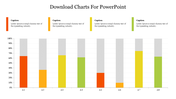
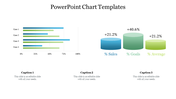
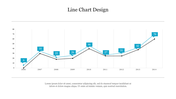
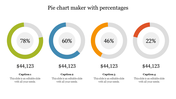
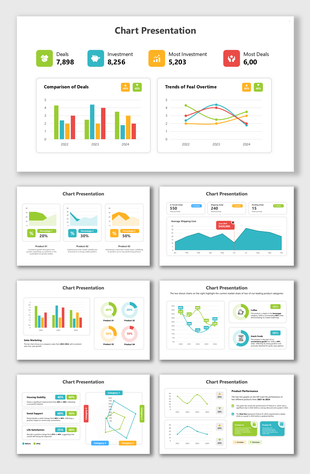
Three-Noded Chart PowerPoint Template
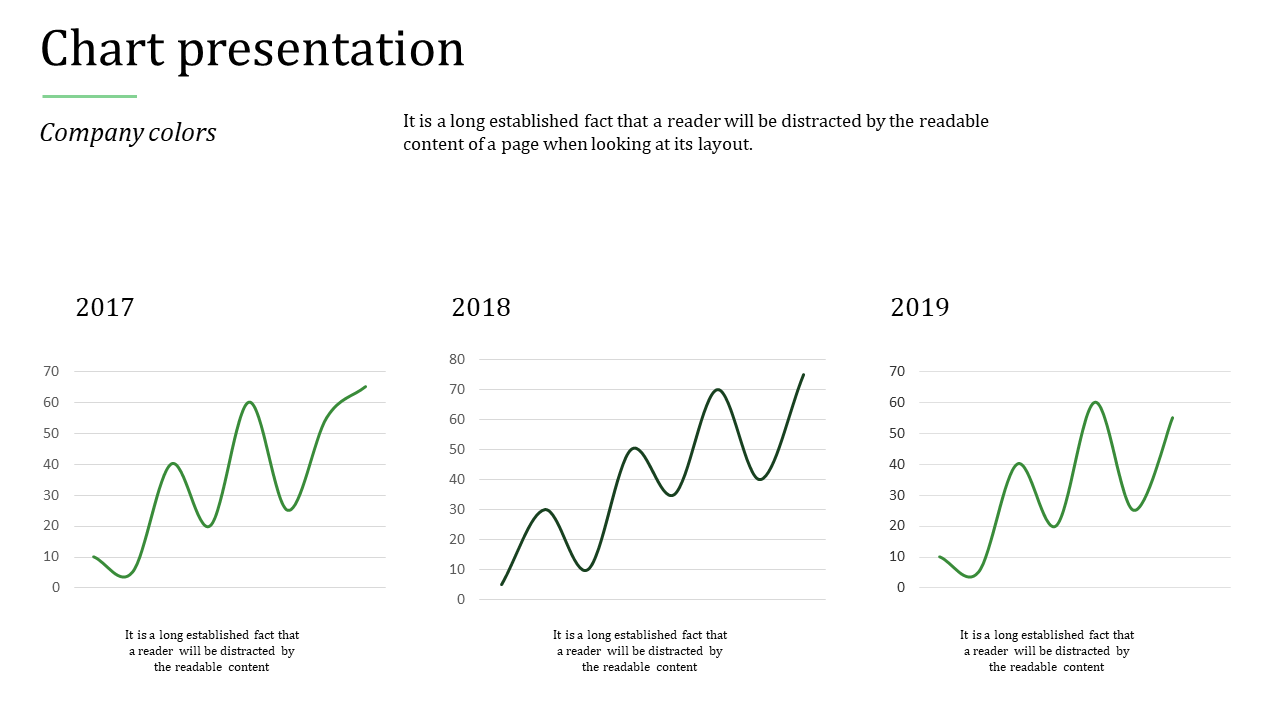
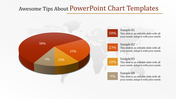
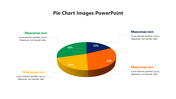
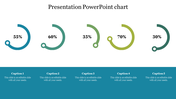
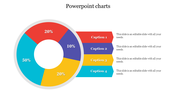
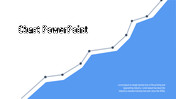
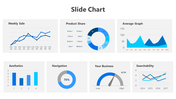
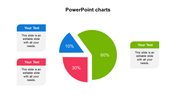
Download our Incredible Chart Presentation PowerPoint Slides Template to present your data in a visually appealing manner. It is easy to use and follow and very effective when increasing a company's sales. If you want to make a professional presentation, you must not hesitate to use this template because it is quite effective and can easily attract customers.
About the template:
The incredible Chart PowerPoint Slides Template comes three charts which represent three years. It helps to visualize the growth more clearly and effectively. You can also modify the font style, background, nodes, colors, etc., if necessary. It is also possible to include more graphics, charts, textboxes, company's logo, etc.
Features of this template:
1. 100% customizable slides and easy to download.
2. Slides available in different nodes & colors.
3. The slide contained 16:9 and 4:3 format.
4. Easy to change the slide colors quickly.
5. Well-crafted template with instant download facility.
6. The best chart slide.
Explore Related Collections
Recommended based on this template.









You May Also Like These PowerPoint Templates







Showing20 of69,218 templates