Chart Presentation Template for Effective Data Visualization

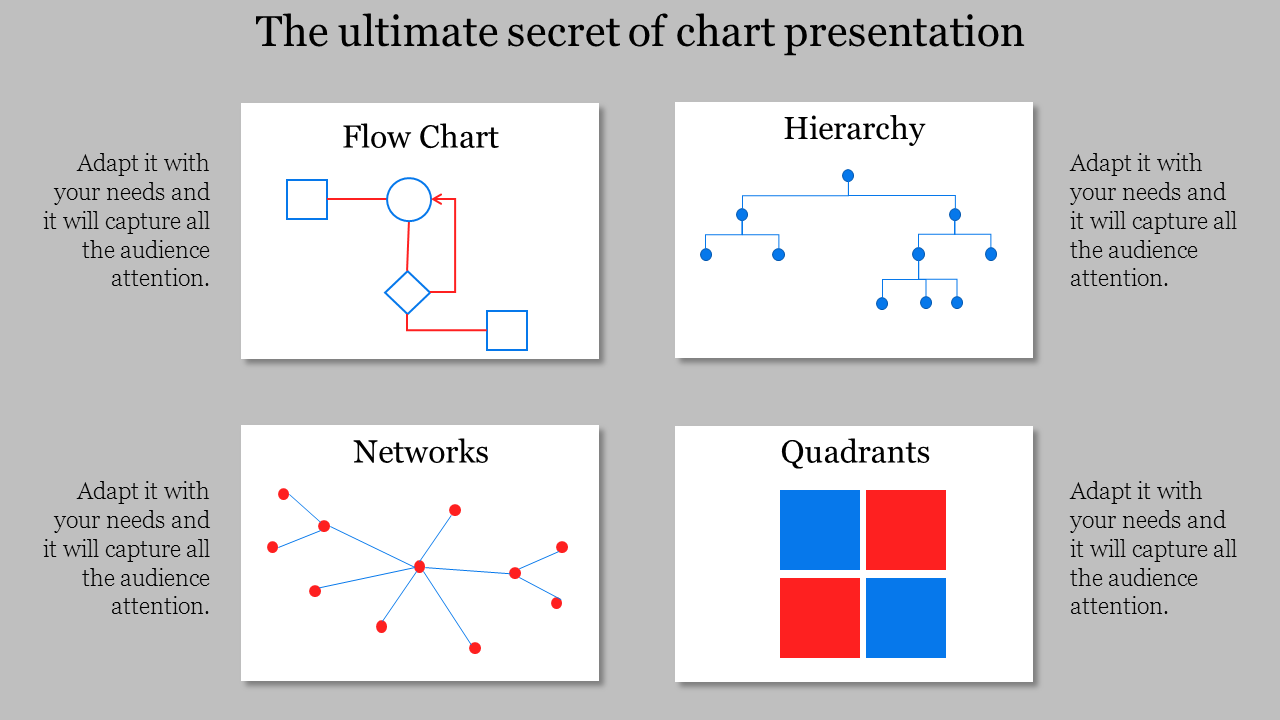
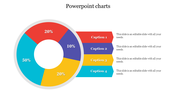
Slide featuring flow chart, hierarchy diagram, network graph with red points, and quadrant grid with blue and red blocks.
P.ID : 9249
    209 views
    4 Downloads
    Designer
    Kavitha
    Get Custom Slides by Experts
    Enhance Your Presentations with Add-ins
    Google Slides Add-in
    Access templates directly in Google Slides
    Microsoft PowerPoint Add-in
    Access templates directly in PowerPoint
    GPT Add-on
    AI-powered presentation assistance

    Editable Chart Presentation Template


    Create impactful presentations with our variety of chart templates. Turn complex data into engaging stories that resonate with your audience.

    This slide showcases four distinct charts: a hierarchy, flow, network, and quadrant, all against a simple backdrop. The clean design ensures your content shines, while the charts offer clarity to your message. Impress your audience with a professional presentation that conveys your ideas effectively.

    Our templates cater to professionals, students, and anyone seeking visual impact. Download our editable chart templates today and enhance your next presentation.


    Features of the template:

    • Easy to change the slide colors.
    • 100 % customizable slides and easy to download.
    • Well-crafted template with instant download.

    Advertisement

    You May Also Like These PowerPoint Templates
    Free
    Add to Wishlist
    Download
    Edit
    Gantt chart slide with monthly timeline across three teams, using blue, orange, and green bars to indicate priority items.
    Free
    Add to Wishlist
    Download
    Edit
    Project dashboard slide for electricity data with bar graphs showing units and amounts for different categories and months.
    Free
    Add to Wishlist
    Download
    Edit
    KPI dashboard with percentage stats, bar charts, and flow diagrams in red, blue, and orange representing data trends.
    Free
    Add to Wishlist
    Download
    Edit
    Project plan Gantt chart template with timeline, color coded tasks descriptions, and milestones spanning from 2017 to 2019.