Creative Chart Infographics For PowerPoint Slides Design
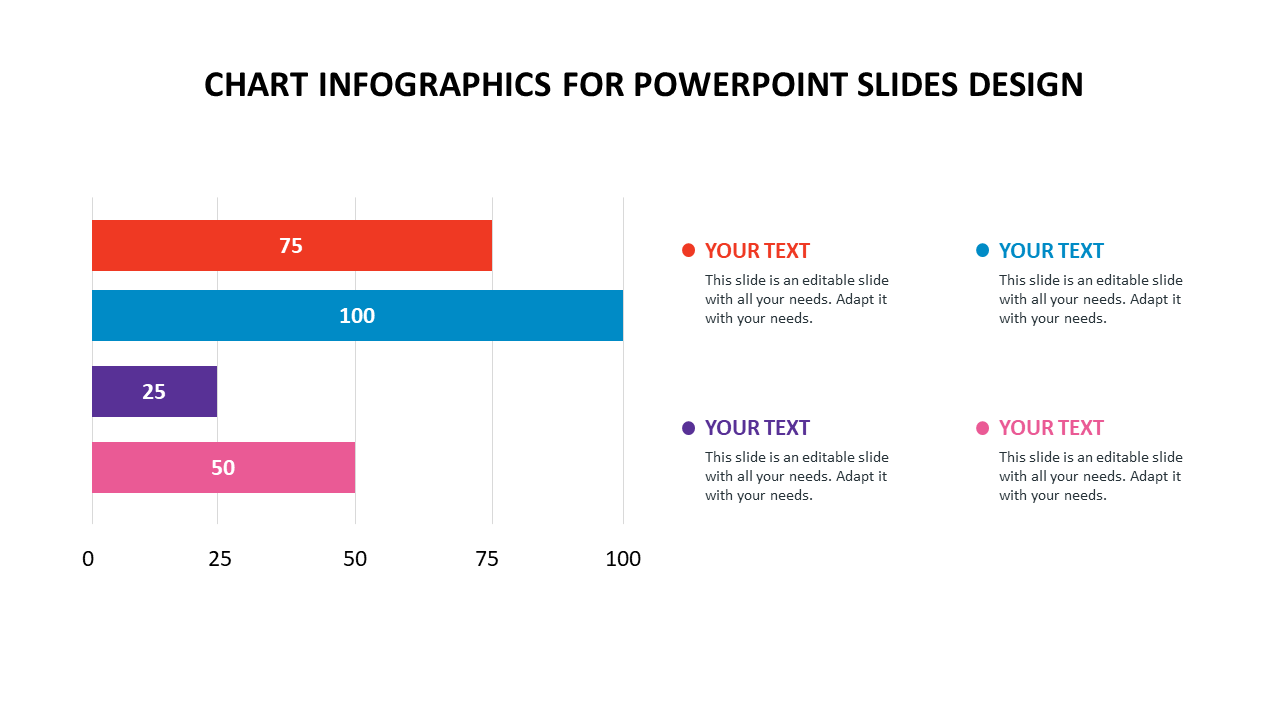
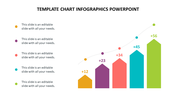
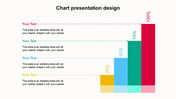
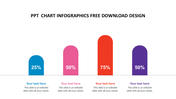
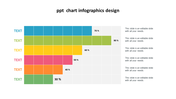
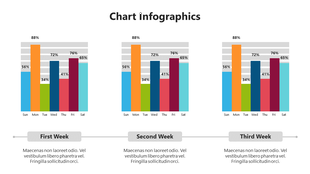
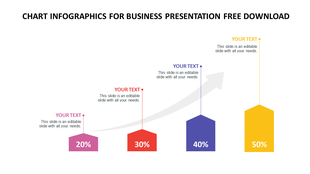
Horizontal bar chart with four colored bars in red, blue, purple, and pink, each labeled with a numerical value.
P.ID : 50012
    221 views
    23 Downloads
    Designer
    Kavitha
    Get Custom Slides by Experts
    Enhance Your Presentations with Add-ins
    Google Slides Add-in
    Access templates directly in Google Slides
    Microsoft PowerPoint Add-in
    Access templates directly in PowerPoint
    GPT Add-on
    AI-powered presentation assistance

    Neat Infographics Template

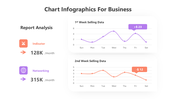
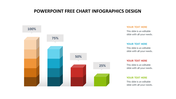
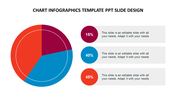
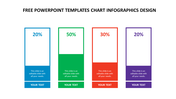
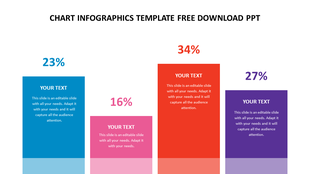
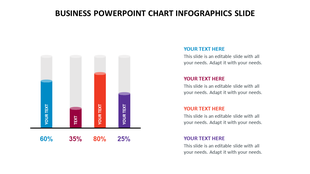
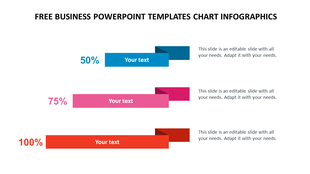
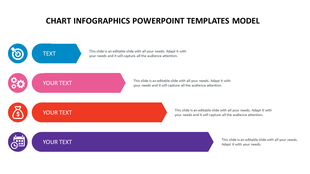
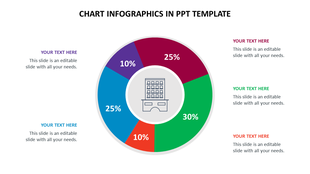
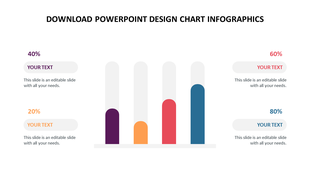
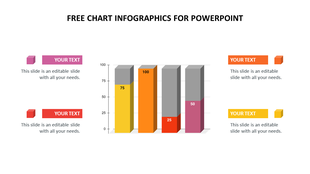
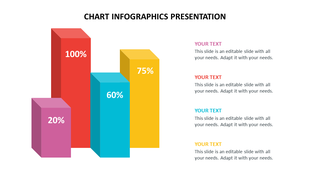
    The chart design is the best way to show an infographic presentation. Infographics play an essential role in the presentation. This template is impressive, with four nodes that can make the topic creative as per the use of the template. Infographics are the best way to show new ideas and make them acceptable to the audience. So try out this template and make it enjoyable. Download now!

    Features of the Template:

    • 100% customizable slides and easy to download.
    • The slide contains 16:9 and 4:3 formats. 
    • Slides are available in different nodes & colors.
    • Easy to change the colors of the slide quickly.
    • Well-crafted template with an instant download facility.
    • Four nodes with graph design.
    Advertisement

    You May Also Like These PowerPoint Templates

    Free
    Add to Wishlist Download Edit
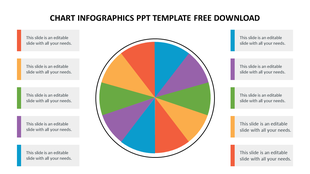
    Circular chart divided into ten multicolor wedges, with aligned legends sides featuring color bars and caption areas.
    Free
    Add to Wishlist Download Edit
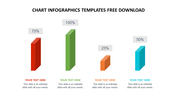
    Infographic chart with four colorful blocks, each displaying a percentage, connected by a gray upward arrow.
    Free
    Add to Wishlist Download Edit
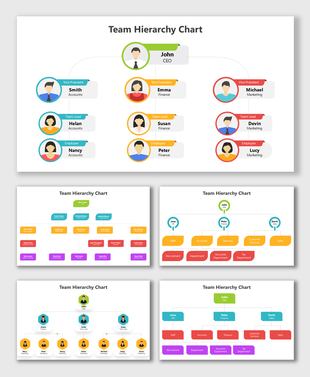
    Organizational structure PPT slide with a hierarchical diagram, featuring 9 sections with captions and photos of individuals.
    Free
    Add to Wishlist Download Edit
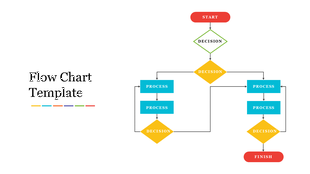
    Colorful flow chart template showing a sequence of processes and decisions from start to finish.

    Showing20 of69,218 templates