Ishikawa Template PowerPoint For Google Slides Presentation
Nodes

Colors


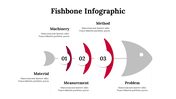

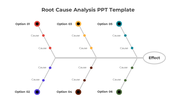

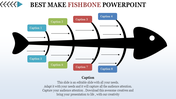
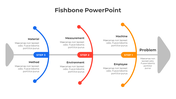
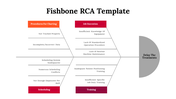
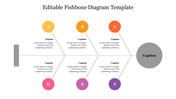
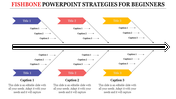
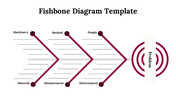
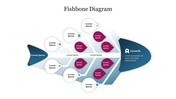
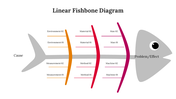
Twelve Noded Ishikawa PowerPoint Slide
Get started with this creative Ishikawa Template PowerPoint Slide! This template allows you to create an attractive and professional-looking fish bone diagram presentation. It is well-designed with good quality font size, color, and text boxes. It also comes with 100% editable features, which allow you to edit the background, colors, nodes, etc.
About the template:
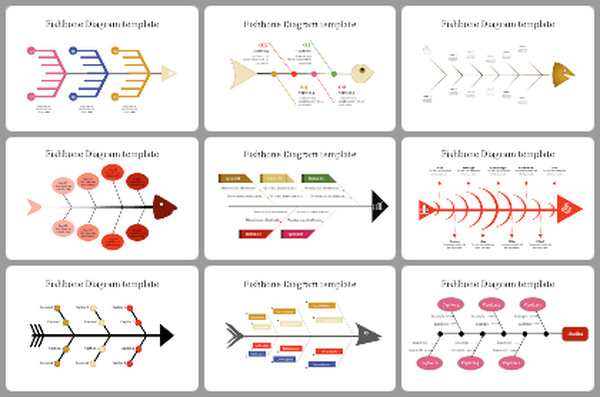
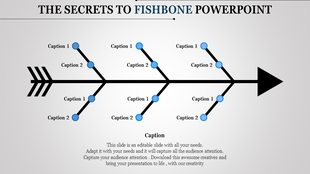
The Ishikawa Template PowerPoint Slide includes a simple fish bone diagram with twelve nodes. Each node has a text holder to present your root cause analysis. The neat and simple diagram will make your presentation more professional. It allows the user to understand your presentation clearly. Find more Ishikawa Diagram PPT Templates from Slide Egg!
Features of this template:
1. 100% customizable slides and easy to download.
2. Slides available in different nodes & colors.
3. The slide contained 16:9 and 4:3 formats.
4. Easy to change the slide colors quickly.
5. Well-crafted template with instant download facility.
6. It has a simple fish bone diagram.
More Collections for Ishikawa Template PowerPoint
Recommended based on this template.
Similar Templates to Ishikawa Template PowerPoint


Showing20 of69,218 templates