Ishikawa Diagram Template PPT For Presentation Slide
Nodes
Colors
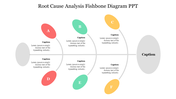
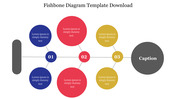
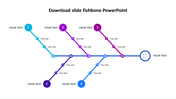
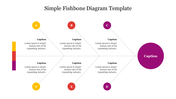
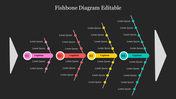
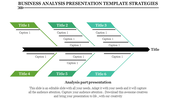
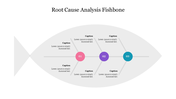
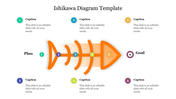
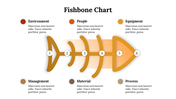
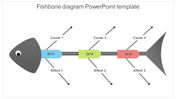
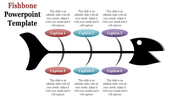
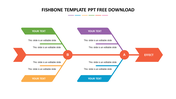
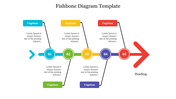
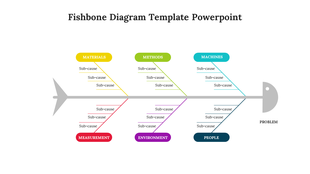
Six Noded Ishikawa Diagram PowerPoint Slide
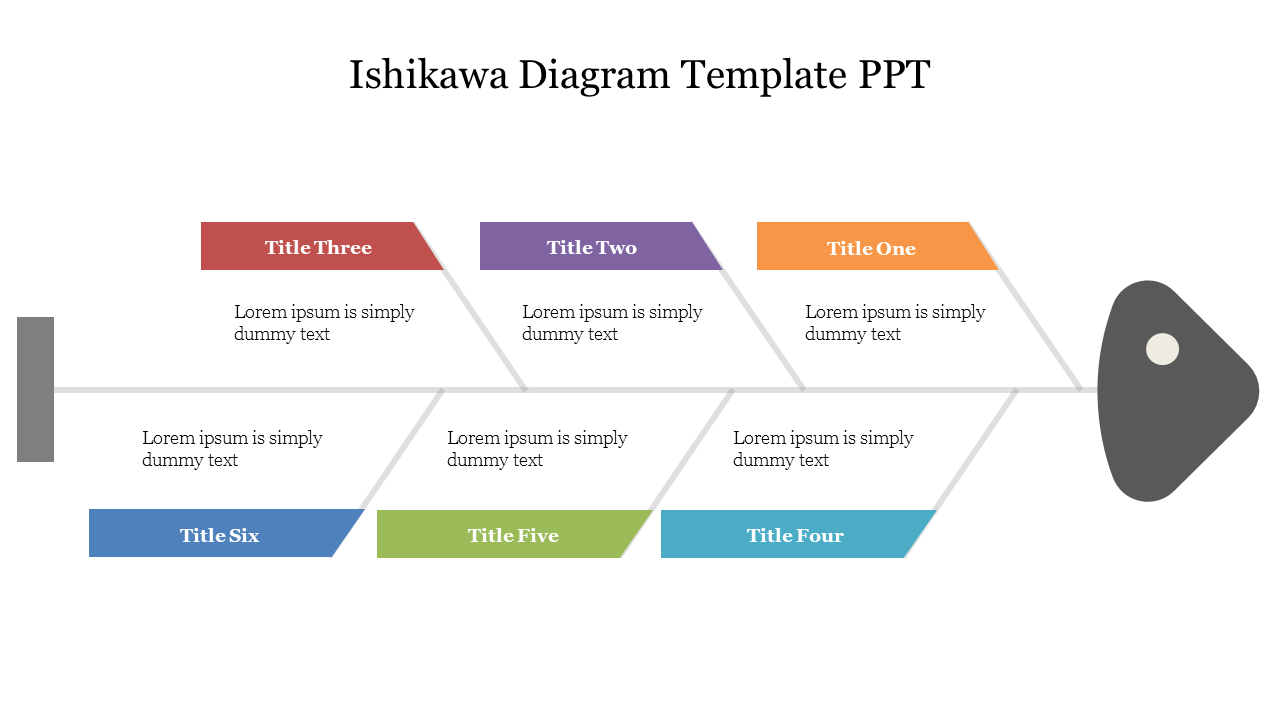
Download this creative Ishikawa Diagram Template PPT Slide and make an impressive business presentation. You can use this highly versatile template that can be easily fit with any kind of presentation. It has an eye-grabbing fishbone diagram, which will captivate your audience's attention. It is an entirely editable slide that allows you to customize it if required.
About the template:
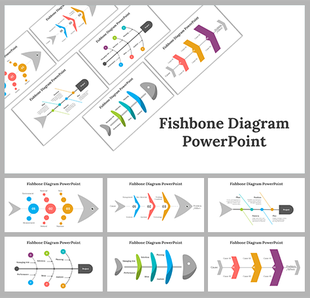
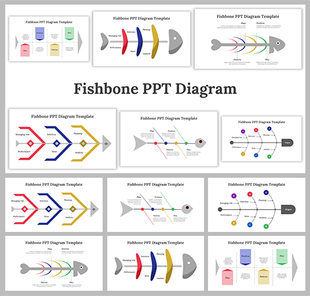
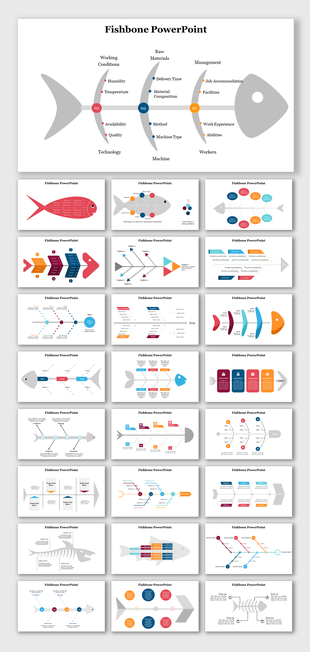
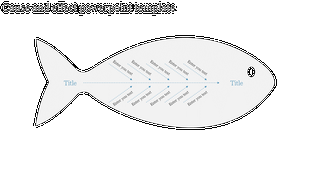
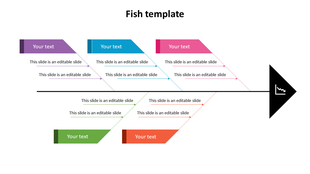
The Ishikawa Diagram Slide has a well-designed fishbone presentation diagram with six nodes. It includes text holders to present your root cause analysis. It also has multicolor boxes to present the titles. It is beautifully designed with innovative graphics. It has clear typography, which is easily readable. We also provide you with Free Ishikawa Diagram PowerPoint Templates. Hurry to grab!
Features of this template:
1. 100% customizable slides and easy to download.
2. Slides available in different nodes & colors.
3. The slide contained 16:9 and 4:3 formats.
4. Easy to change the slide colors quickly.
5. Well-crafted template with instant download facility.
6. It has a multicolor fishbone diagram.
More Collections for Ishikawa Diagram Template PPT
Recommended based on this template.










Similar Templates to Ishikawa Diagram Template PPT

Showing20 of69,218 templates