Implementing New Technology PPT And Google Slides Themes

Plan Technology Adoption Before Buying the Tool
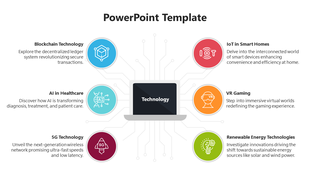
Implementing new technology is not simply an installation task. The organisation must identify the problem, test whether the proposed solution fits, prepare the people affected by it, and decide how success will be measured. This presentation provides four visual models for organising that conversation.
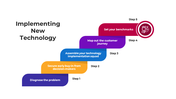
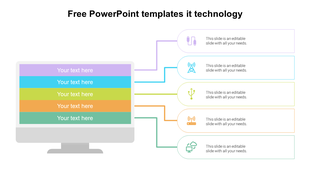
The first model presents five management checkpoints:
Diagnose the problem
Secure early support from decision-makers
Assemble the implementation team
Map the customer journey
Set measurable benchmarks
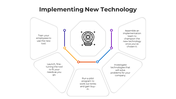
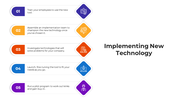
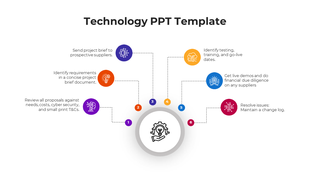
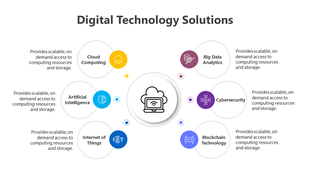
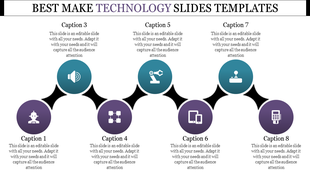
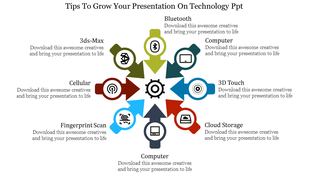
The next two layouts provide alternative ways to display activities such as investigating possible technologies, training employees, running a pilot, and refining the chosen tool. Use one visual model rather than repeating the same activities across all three slides.
Correct the Sequence Before Presenting It
One sample layout places the full launch before the pilot programme. For most implementations, that order should be reversed. A safer general sequence is:
Define the operational or customer problem.
Record the current baseline.
Document technical, security, and user requirements.
Compare possible solutions.
Assign an implementation owner and supporting team.
Test the technology with a limited pilot group.
Review failures, feedback, and unexpected effects.
Train the affected users.
Roll out the solution in controlled stages.
Measure the result against the original baseline.
The correct order can vary by project, but testing should normally happen before organisation-wide deployment.
Make the Project Brief Specific
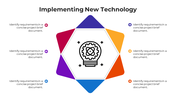
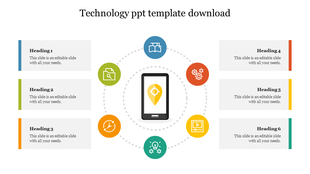
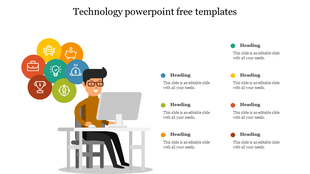
Slide 4 contains six editable spaces with repeated placeholder text about identifying requirements. Replace them with distinct implementation questions:
What problem must be solved?
Who will use or be affected by the system?
Which existing tools must it connect with?
What data will it collect, store, or share?
What training and support will users need?
Which metric will determine whether the implementation succeeded?
Include the owner, deadline, and evidence source for every important requirement. “Improve efficiency” is too vague; “reduce average processing time from 20 minutes to 12 minutes within eight weeks” gives the team something testable.
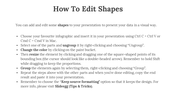
Only slides 1–4 contain implementation diagrams. Slides 5 and 6 provide icon libraries, slide 7 explains shape editing, slides 8 and 9 contain usage terms, and slide 10 closes the presentation. The steps, labels, icons, shapes, and colours can be adapted in PowerPoint or Google Slides.
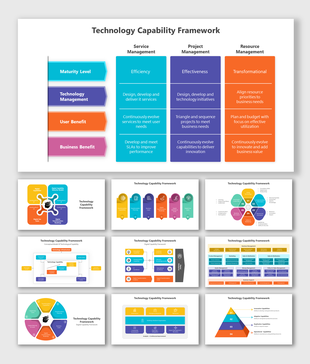
If the organisation still needs to assess its people, processes, and technical readiness, begin with the Technology Capability Framework presentation before building the rollout plan. Other technology-specific planning and communication layouts are available in the Technology PowerPoint templates.










You May Also Like These PowerPoint Templates
















Showing36 of69,218 templates