Creative Technology Template Slide For Presentation
Nodes
Colors









Turn One Technology Visual Into Three Clear Takeaways
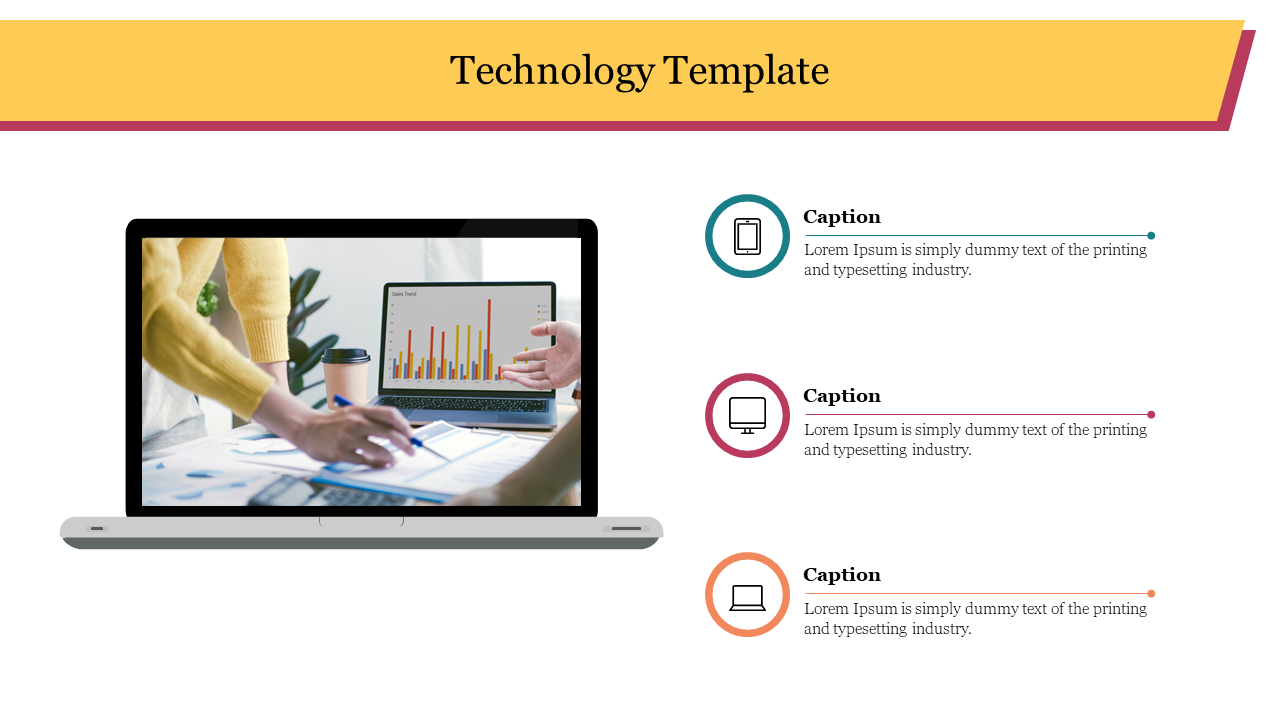
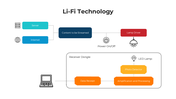
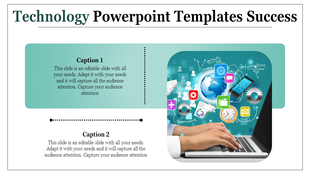
This single-slide layout pairs a large laptop photograph with three short caption areas. It works best when one technology screenshot, dashboard or result needs a concise explanation without adding another full section to the presentation.
The design contains:
A wide title bar for naming the technology, product or outcome
One prominent laptop image showing a chart
Three device icons representing mobile, desktop and laptop contexts
Three colour-coded spaces for short supporting points
A Practical Way to Fill the Three Captions
Give each row a distinct job rather than writing three similar features:
What changed? Identify the technology, update or result visible in the image.
Why does it matter? Explain the effect on users, operations or performance.
What happens next? State the decision, recommendation or next action.
For a software demonstration, replace the stock photograph with the actual interface and use the captions for the user problem, key function and measurable benefit. For a performance report, the same spaces can hold the metric, interpretation and response.
Keep each caption brief; this layout is intended for scanning, not detailed explanation. Replace the placeholder icons when the three points represent something other than device types. The title, photograph, icons, colours and text can be changed in PowerPoint or through SlideEgg’s Edit option.
When the subject needs evidence, timelines or several connected ideas, this one-slide summary will be too limited. Choose a more detailed structure from the Technology PowerPoint templates rather than reducing complex information to three crowded captions.
More Collections for Creative Technology Template Slide
Recommended based on this template.










Similar Templates to Creative Technology Template Slide















Showing20 of69,218 templates