Stunning Technology PPT Template Download
Nodes
Colors


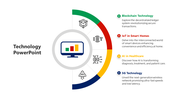


Connect Six Technology Ideas to One Central Focus
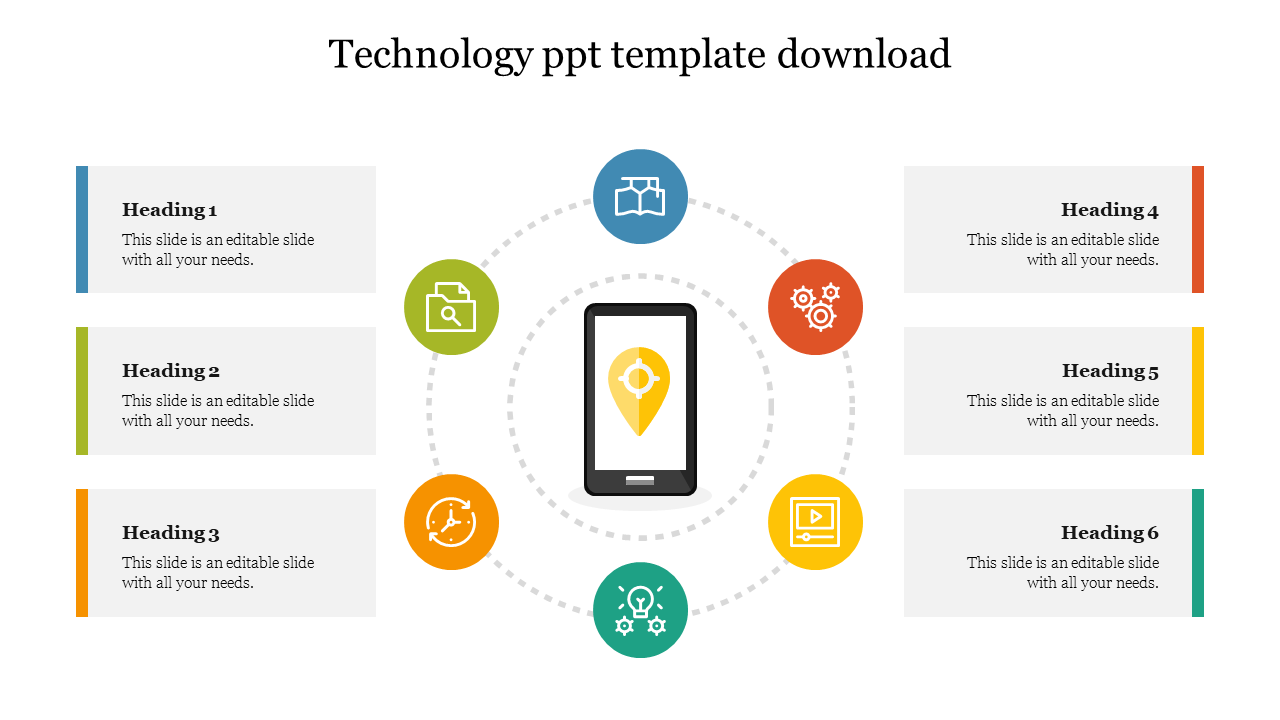
This single-slide technology PPT layout places a smartphone at the centre and surrounds it with six illustrated nodes. Use it when several parts of a digital product, service or project need to be understood together—not as six disconnected bullet points.
The central phone should identify the subject the audience is examining. Depending on the presentation, this could be:
A mobile application
A digital service
A technology project
A customer-facing platform
A proposed innovation
A connected-workplace initiative
Give Every Node a Separate Responsibility
The existing icons suggest areas such as location, document search, automation, digital media, innovation and continuous exchange. You can retain these meanings when they match the subject or replace the icons with ones that accurately represent your six points.
For a mobile-product overview, the headings could become:
User needs
Core function
Required data
System integrations
Security controls
Success measure
For a technology implementation discussion, use 'objective', 'stakeholders', 'infrastructure', 'workflow', 'adoption' and 'risk' instead.
Keep the central subject specific. A label such as “Technology” is too broad to explain why the six surrounding ideas belong together. Naming the actual product, system or intended outcome will make the relationship immediately clearer.
This circular arrangement does not naturally show a sequence. If the points must be followed in order, number the nodes prominently or select a process-based layout. Otherwise, let the audience read them as connected components with equal importance.
The slide provides:
One central smartphone and location-pin visual
Six colour-coded icon nodes
Six editable heading and description areas
Dotted circular connectors showing one connected system
Layouts suitable for both widescreen and standard presentations
Use short headings and one supporting sentence per node so the circular relationship remains visible. The labels, icons, colours and central visual can be changed in PowerPoint or through the page’s Edit option.
For other technology structures, explore the Technology PPT Templates. If your six points are specifically about a mobile device or application, the Technology Presentation Ideas Slide provides another phone-centred arrangement.
More Collections for Stunning Technology PPT Template Download
Recommended based on this template.










Similar Templates to Stunning Technology PPT Template Download







Showing20 of69,218 templates